
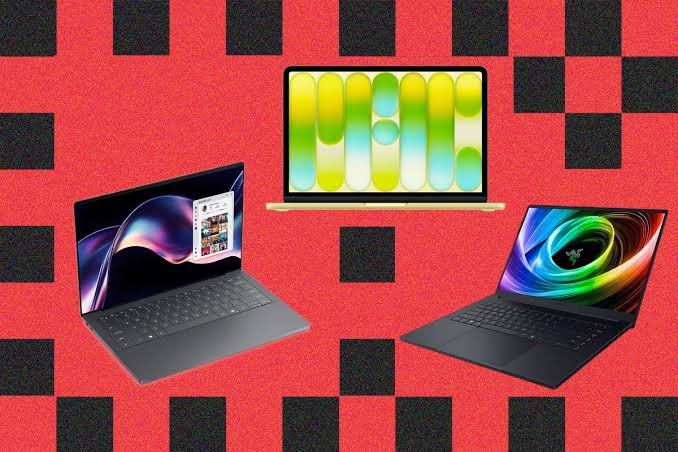
How to Choose the Right Laptop for Work, School, or Gaming. Leave a comment
Choosing a laptop isn’t as simple as picking the latest model or the one with the biggest discount. Whether you’re working remotely, attending classes, creating content, or enjoying the latest games, the right laptop should match your specific needs and budget.
With countless brands, specifications, and features available today, making the right decision can feel overwhelming.The secret to finding the perfect laptop is to start with one simple question: What will you primarily use it for?
The best laptop for a student is very different from the best laptop for a graphic designer or a gamer. This guide will help you understand what matters most so you can invest in a laptop that delivers the best value and performance.
Step 1: Define Your Primary Use Case
Before you even look at a processor or RAM, identify your main use case. This will be the foundation of your entire decision-making process.
For General Use, Home, or School.
If your daily tasks are web browsing, streaming, using office applications (Word, Excel), and email, you don’t need a top-of-the-line machine. Look for a laptop that is reliable, portable, and has good battery life.
A lightweight device is especially important if you’ll be carrying it to classes or between meetings
For Professional Work.
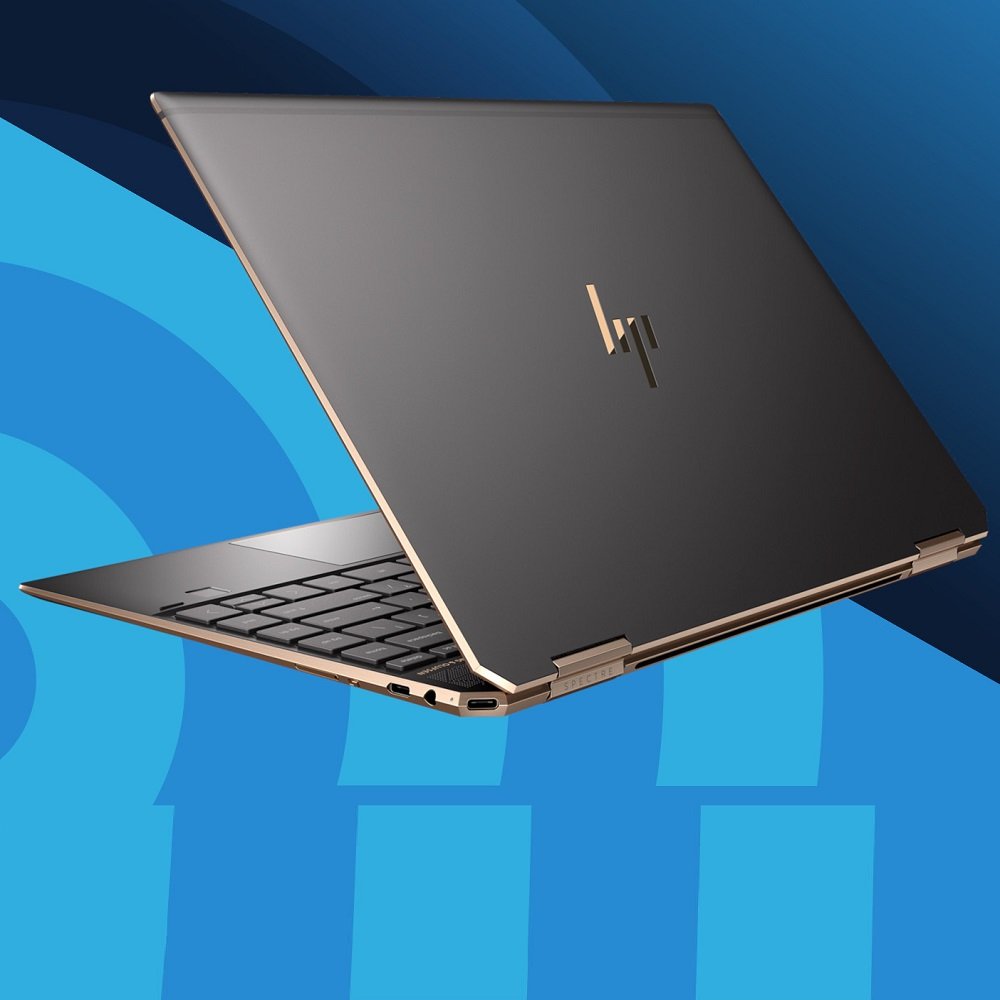
If your work involves data analysis, software development, graphic design, or video editing, you need more power. A fast processor, plenty of RAM, and a high-quality display are non-negotiable for smooth multitasking and efficient workflows.
For Gaming.
Gamers need laptops that can handle demanding titles. This means a powerful processor, a dedicated graphics card (GPU), and a high-refresh-rate display for smooth, responsive gameplay. Effective cooling is also a critical feature to prevent performance throttling.
Step 2: Understand Key Specifications.
Once you know your primary use, you can translate those needs into technical specs. Here are the most important ones to understand.
The Processor (CPU): The Brain of Your Laptop.
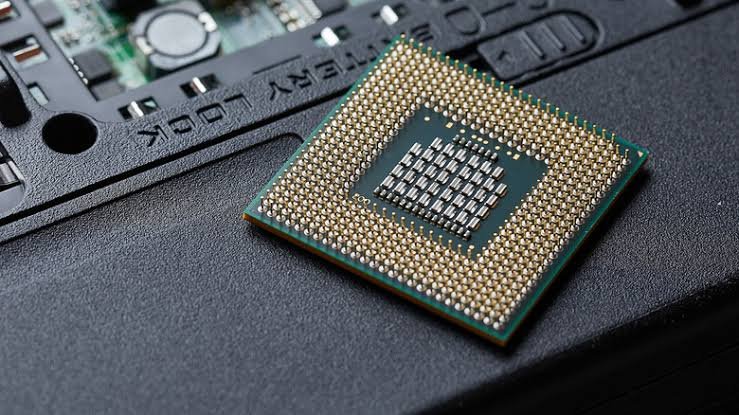
The processor is the engine of your laptop. The two main brands are Intel and AMD.
- Intel Core: Intel’s lineup includes Core i3, i5, i7, and i9 (and the new Core Ultra series). For everyday tasks, a Core i5 or Core Ultra 5 is a great balance of performance and efficiency.For demanding gaming or creative work, a Core i7, Core Ultra 7, or higher is recommended.
- AMD Ryzen: AMD’s Ryzen 3, 5, 7, and 9 processors offer excellent competition. Ryzen 5 is a fantastic all-around choice for work and school, while Ryzen 7 and 9 are ideal for multitasking and demanding applications.
- Apple Silicon: MacBooks use Apple’s own M-series chips (M1, M2, M3, M4), which are known for their exceptional performance and outstanding battery life.The latest generation offers a fantastic user experience for creative professionals in the Apple ecosystem.
Memory (RAM): The Laptop’s Workspace.
RAM is your laptop’s short-term memory. It determines how many applications you can run smoothly at once.
- 8GB: This is the practical minimum for basic tasks like web browsing and document editing.
- 16GB: This is the new sweet spot for most users. It provides smooth multitasking for work, school, and even light creative work.
- 32GB and Beyond: This is for heavy-duty professionals editing 4K video, working with large datasets, or running complex 3D models.
Storage: SSD vs. HDD
Today, a Solid-State Drive (SSD) is essential. It’s much faster than an old Hard Disk Drive (HDD), meaning your laptop will boot up in seconds and applications will load almost instantly.Look for an SSD, preferably with an NVMe connection for the fastest speeds. A 256GB SSD is a good starting point, while 512GB or 1TB is better if you plan to store many large files.
Graphics Card (GPU): For Visuals and Gaming
- Integrated Graphics: These are built into the processor and are perfect for general use, streaming, and even some light gaming. They are also more power-efficient.
- Dedicated Graphics Card (Discrete GPU): This is a separate, powerful chip from NVIDIA or AMD. It’s a must-have for serious gaming, video editing, and 3D rendering.For gamers, an NVIDIA RTX 40 or 50 series card is the benchmark for high-end performance.
Display: What You Look at All Day.
Size: 13-14 inches is excellent for portability, 15-16 inches offers a good balance of screen space and portability, and 17+ inches is a true desktop replacement.
Resolution: Full HD (1920 x 1080) is the standard and is perfectly clear. Higher resolutions like 4K offer sharper images but can drain battery life faster.
Refresh Rate: For gamers, a refresh rate of 120Hz or higher provides much smoother motion, which is a huge advantage in fast-paced games.This is a feature also found in high-end devices like the Microsoft Surface Laptop Studio
Step 3: Consider Operating System and Other Features
Which OS is Right for You?
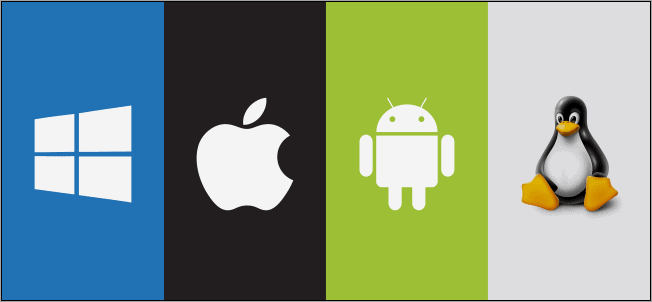
Your operating system dictates your user experience.
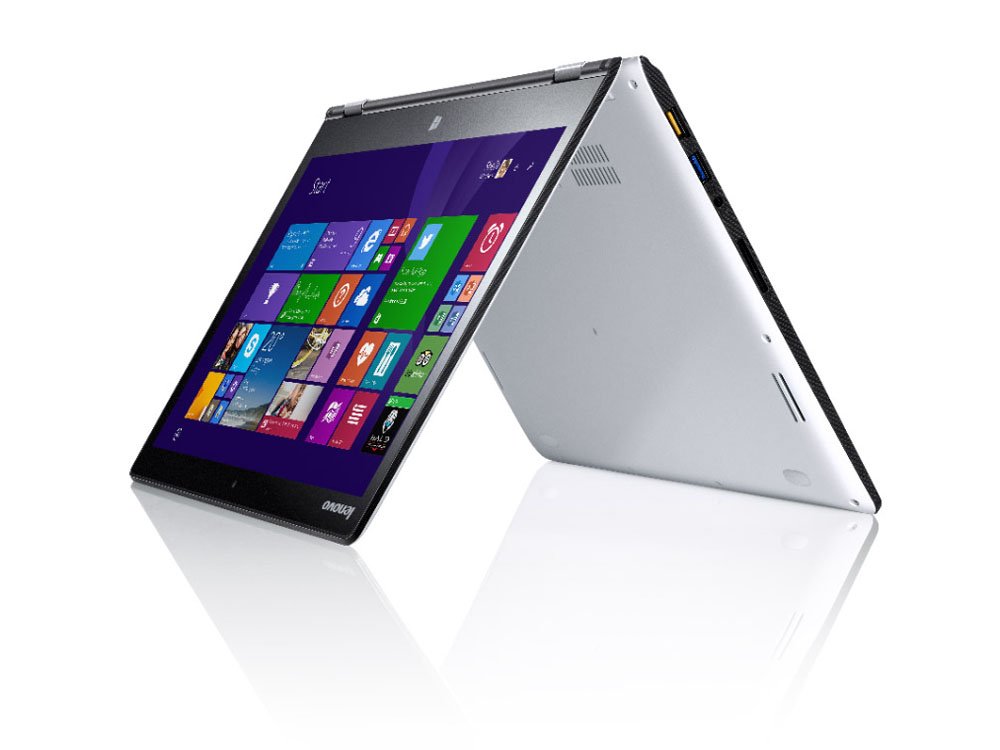
- Windows: The most versatile, compatible with the widest range of software and hardware.
- macOS: Known for its intuitive interface and seamless integration with other Apple devices. It’s a favorite among creative professional.
- Chrome OS: A lightweight, web-focused OS. Chromebooks are simple, secure, and very affordable.
Ports and Connectivity.
Ensure your laptop includes the ports you’ll need.
Useful ports include:
- USB-C /USB-A
- HDMI
- SD card reader
- Ethernet (optional)
- Headphone jack
Modern laptops should also support:
- Wi-Fi 6 or Wi-Fi 7
- Bluetooth 5.2 or newer
Battery Life.
Battery life is especially important for mobile professionals and students.
Recommended battery life:
- Students: 8–10 hours
- Business users: 10–15 hours
- Gamers: Battery life is less critical since gaming typically requires charging for optimal performance.
Final Thoughts
The right laptop is one that aligns with your daily workload, performance requirements, and budget. Students benefit most from lightweight, affordable devices with dependable battery life, professionals should prioritise processing power and reliability, while gamers and creative professionals require dedicated graphics, faster processors, and higher memory.
Before making a purchase, compare specifications, consider future upgrade needs, and choose a trusted supplier that offers genuine products and warranty support. Taking the time to evaluate your needs will help ensure your investment delivers excellent performance for years to come.
If you’re looking for quality laptops for business, education, or gaming, Compvate offers a wide range of reliable options to suit every requirement and budget.
Frequently Asked Questions (FAQs).
Is 8GB RAM enough for students?
Yes. For web browsing, assignments, online classes, and Microsoft Office applications, 8GB RAM is generally sufficient. Students running demanding software may benefit from 16GB.
What is the best laptop for office work?
A laptop with an Intel Core i5 or AMD Ryzen 5 processor, 16GB RAM, and a 512GB SSD provides excellent performance for most business applications.
Do I need a dedicated graphics card?
Only if you plan to play modern games, edit videos, create 3D models, or use professional design software. Everyday users can comfortably rely on integrated graphics.
Should I choose an SSD or HDD?
An SSD is recommended because it offers faster performance, quicker boot times, improved durability, and a better overall user experience.
How long should a good laptop last?
A quality laptop can typically last between five and seven years with proper care, depending on usage and hardware specifications.











