
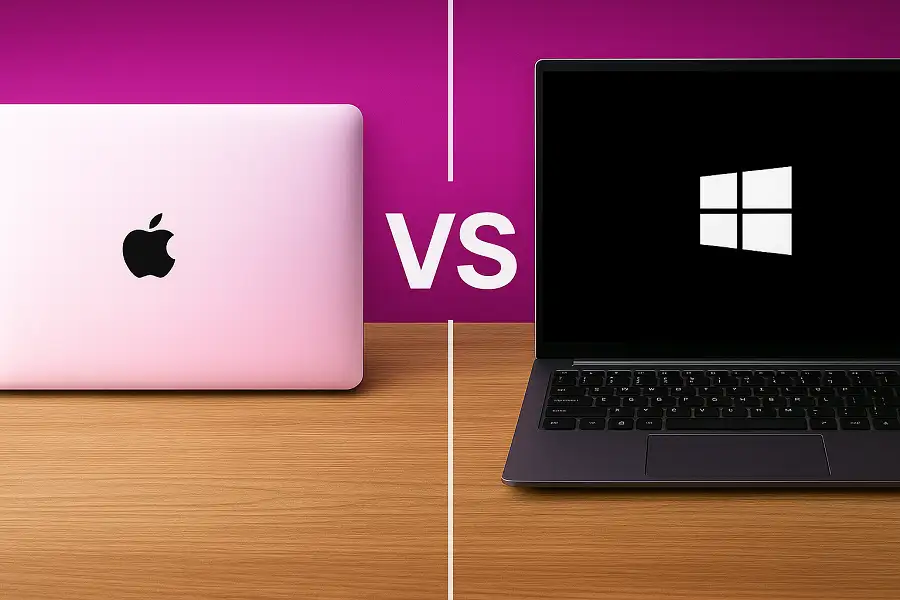
MacBook vs. Windows: Which Laptop Fits Your Professional Workload Best? Leave a comment
The debate is as old as laptops themselves: Mac or Windows? Walk into any café in Nairobi, and you’ll see a mix of glowing Apple logos and sleek Windows machines. Walk into any office, and you’ll find the same divide. But here’s the truth—there is no single “best” laptop. There is only the laptop that best fits your specific professional workload.
Whether you’re a creative professional, a software developer, an accountant, or a business executive, your choice of operating system and hardware dramatically impacts your productivity, workflow, and even your daily frustration levels. This guide cuts through the fanboy debates and marketing hype to give you a practical, side-by-side comparison to help you make the right decision for your career.
The Core Philosophies: Understanding the Mindset
Before comparing specs, it helps to understand what each platform prioritises.
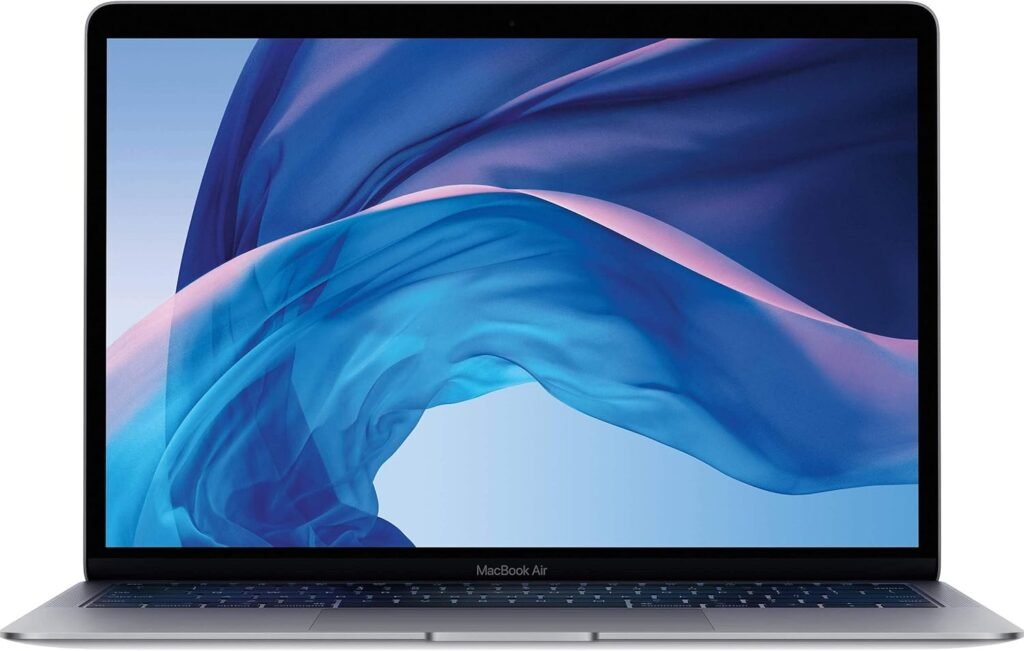
MacBooks (macOS).
Apple’s philosophy is built on integration and simplicity. They control both the hardware and software, creating a tightly integrated ecosystem.
This results in a polished, intuitive user experience where everything just seems to work together seamlessly. It’s designed for users who want to focus on their work without tinkering with the system itself.
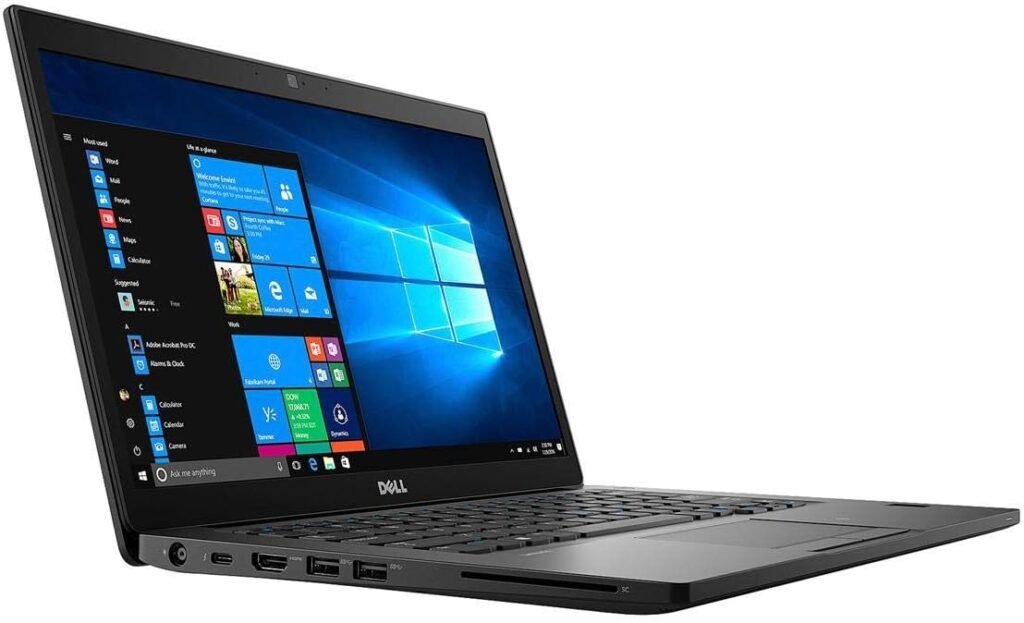
Windows Laptops.
The Windows ecosystem is all about flexibility and choice. Microsoft partners with dozens of manufacturers, from Dell and HP to Lenovo and Asus, offering an incredible range of hardware configurations, form factors, and price points.
It’s designed for users who want the freedom to customise, upgrade, and choose exactly what they need.
Head-to-Head Comparison: Key Factors for Professionals
1. Performance: Raw Power vs. Optimised Efficiency
MacBooks: Powered by Apple’s own M-series chips (M2, M3, M4), MacBooks offer exceptional performance per watt. They are incredibly power-efficient, delivering impressive speed while maintaining outstanding battery life. The unified memory architecture allows the CPU and GPU to access the same pool of memory, making them exceptionally fast for creative workloads like video editing, 3D rendering, and music production.
Windows Laptops: Powered by Intel Core (Ultra series) and AMD Ryzen processors, Windows laptops offer a wider performance spectrum. You can find entry-level machines for basic tasks all the way up to absolute powerhouse workstations with dedicated NVIDIA or AMD graphics cards that surpass even the most powerful MacBooks in raw rendering and gaming performance.
Verdict: For creative professionals, MacBooks offer an incredible balance of power and efficiency. For professionals who need maximum raw performance and upgradability, high-end Windows workstations take the crown.
2. Software Compatibility: The Deciding Factor
This is often the single most important consideration and can make or break your decision.
MacBooks: Macs excel in creative software. Applications like Final Cut Pro, Logic Pro, and the entire Adobe Creative Suite run beautifully. However, some industry-specific or enterprise software may not be available on macOS or may have feature limitations compared to their Windows counterparts.
Windows Laptops:
Windows is the undisputed king of software compatibility. It runs virtually every business, engineering, and enterprise application.
From AutoCAD and SolidWorks to specialised accounting, healthcare, and banking software, Windows is the default platform for countless industries. If your job requires software that only runs on Windows, the decision is already made for you.
Someone in a Windows-centric industry like engineering, finance, or enterprise IT?, a Windows laptop is non-negotiable. If you’re a creative professional, macOS offers an exceptional, optimised environment.
3. Ecosystem Integration: The Apple Advantage
MacBooks: If you already own an iPhone, iPad, or Apple Watch, a MacBook becomes incredibly compelling. Features like AirDrop, Handoff, Universal Clipboard, and iCloud sync create a seamless workflow across all your devices. You can start an email on your iPhone and finish it on your Mac, copy on one device and paste on another, and even use your iPad as a second display.
Windows Laptops: While Windows integrates with Android and iOS through apps like Phone Link, the experience is not as deep or seamless as Apple’s ecosystem. However, if you use Microsoft’s services like Office 365 and OneDrive, the integration across Windows and other platforms is solid.
The Apple ecosystem is a powerful lock-in. If you’re deeply invested in Apple’s world, a MacBook is the most natural choice.
4. Hardware Quality and Design
MacBooks: Apple’s hardware is renowned for its premium build quality. The unibody aluminium construction, precise trackpads, high-resolution Liquid Retina displays with True Tone, and excellent speakers are industry-leading. They are sleek, minimalist, and a joy to use.
Windows Laptops.
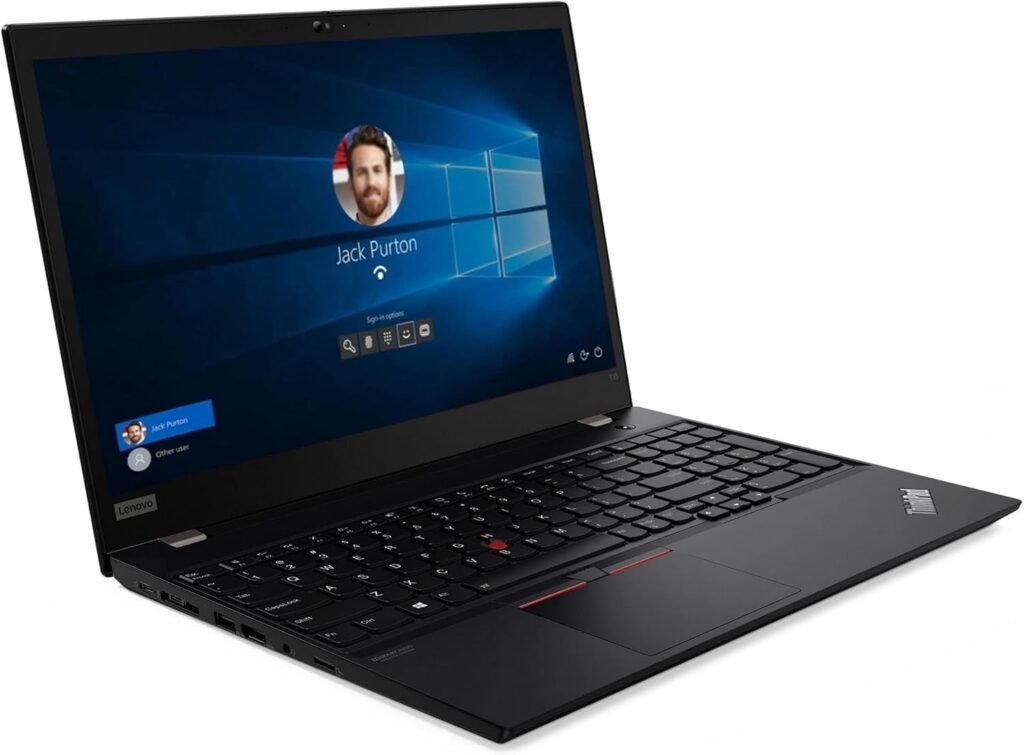
Quality varies significantly by price and brand. Premium Windows laptops like the Dell XPS, Lenovo ThinkPad X1 Carbon, and HP Spectre offer build quality and design that rival or even exceed Apple’s.
However, budget Windows laptops often compromise on materials, display quality, and trackpad performance. The flip side? You have endless choices—2-in-1 convertibles, touchscreens, and even dual-screen laptops.
If you want guaranteed premium hardware without shopping around, MacBooks are a safe bet. If you want choice and versatility, the premium Windows laptop market has something for everyone.
5. Battery Life: The Real-World Winner
MacBooks:
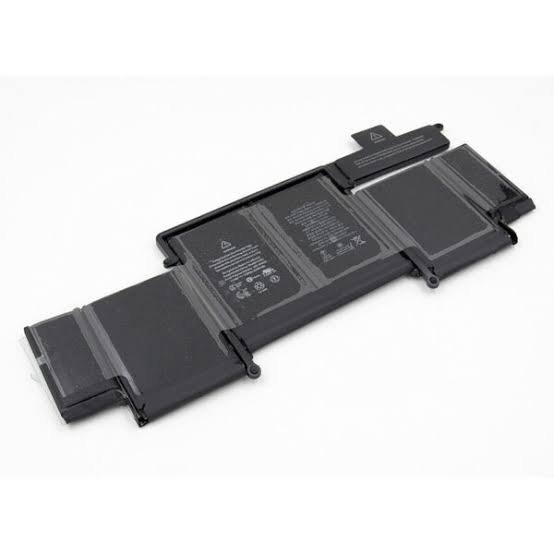
Thanks to the power efficiency of Apple Silicon, MacBooks dominate the battery life charts.
Many users can go a full day or more on a single charge, making them ideal for professionals who work on the go, especially in Kenya where power outages and long commutes are common.
Windows Laptops:
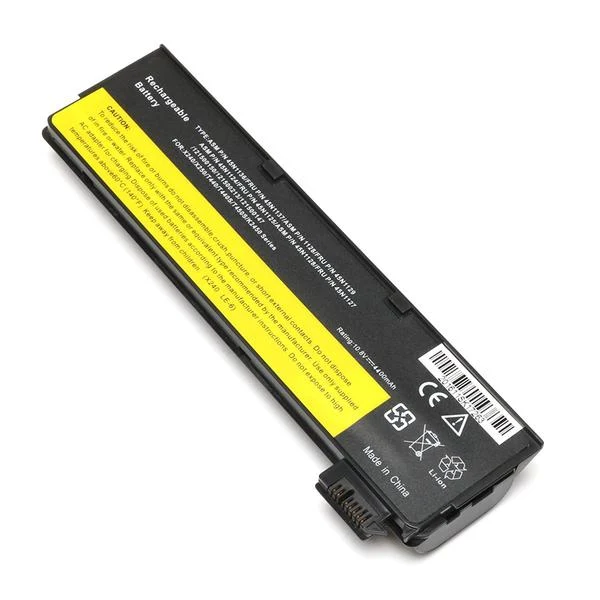
Battery life has improved dramatically with Intel’s Evo platform and AMD’s Ryzen processors.
However, Windows laptops still lag behind MacBooks in real-world endurance, especially under heavy workloads.
High-performance models with dedicated graphics often have shorter battery lives.
For pure endurance, MacBooks are the clear winner. If battery life is your top priority, a MacBook is hard to beat.
6. Gaming and Graphics-Intensive Work
MacBooks: While Apple’s M-series chips offer impressive integrated graphics, they still fall behind top-tier Windows laptops with dedicated NVIDIA GeForce RTX or AMD Radeon GPUs for gaming and heavy 3D workloads. Gaming on macOS is also limited compared to the vast library available on Windows.
Windows Laptops: Windows is the ultimate platform for gamers and professionals who need serious graphics horsepower. From game development to architecture visualisation, the availability of powerful dedicated GPUs gives Windows a clear edge.
Gamers or professionals who need maximum GPU performance, Windows is the only choice.
Professional Use Cases: Quick Recommendations
| Profession | Recommended Choice | Why |
|---|---|---|
| Graphic Designer / Video Editor | MacBook Pro | Exceptional colour accuracy, optimised creative software, and balanced performance. |
| Software Developer | MacBook Pro or Dell XPS | Both offer excellent performance; choose MacBook for iOS/web development or Windows for enterprise/.NET development. |
| Accountant / Finance | Windows Laptop | Essential for industry-specific accounting and finance software that is often Windows-only. |
| Business Executive | MacBook Air or Windows Ultrabook | Both offer portability and premium build; choose based on ecosystem preference. |
| Engineer (CAD / 3D) | Windows Workstation | Required for AutoCAD, SolidWorks, and other engineering software. |
| Student | MacBook Air or Windows Laptop | MacBook Air is a premium option; Windows offers better value for students on a budget. |
| Architect / 3D Artist | Windows Workstation | Dedicated GPUs and software compatibility are non-negotiable. |
Ready to Choose Your Perfect Professional Laptop?
The choice between a MacBook and a Windows laptop ultimately comes down to your specific professional needs, software requirements, budget, and personal preference. There’s no universal “right” answer—only the right answer for you.
At Compvate, we understand the unique needs of Kenyan professionals, students, and tech enthusiasts. Whether you’re looking for a powerful MacBook for creative work or a versatile Windows laptop for business, we’re here to help you find the perfect match.
Explore our collection: [https://compvate.com/] to discover our range of high-quality laptops and tech solutions. Not sure which one to pick? Our team is just a call or message away—we’ll guide you based on your specific workload and budget.
Still have questions about MacBook vs. Windows? Drop a comment below or reach out to us directly—we’re happy to help you make the right choice for your career!
Frequently Asked Questions
Yes, through Boot Camp (which allows dual-booting) or virtualisation software like Parallels Desktop or VMware Fusion. However, with the transition to Apple Silicon (M-series chips), Boot Camp is no longer supported, so virtualisation is the primary option. Performance may vary depending on the workload.
Generally, yes. MacBooks are premium products with premium price tags. Windows laptops offer a much wider price range, from budget-friendly options
It depends on what you’re developing. For iOS, macOS, and web development, Macs are popular due to their Unix-based terminal and development tools. For .NET, C#, and enterprise development, Windows is the standard. Many developers use both.
For most modern MacBooks, upgrades are nearly impossible—RAM, storage, and even batteries are soldered in place. Many Windows laptops also limit upgrades, but some business models like the Lenovo ThinkPad allow you to upgrade RAM and storage easily. If upgradability matters, research specific models carefully.











