
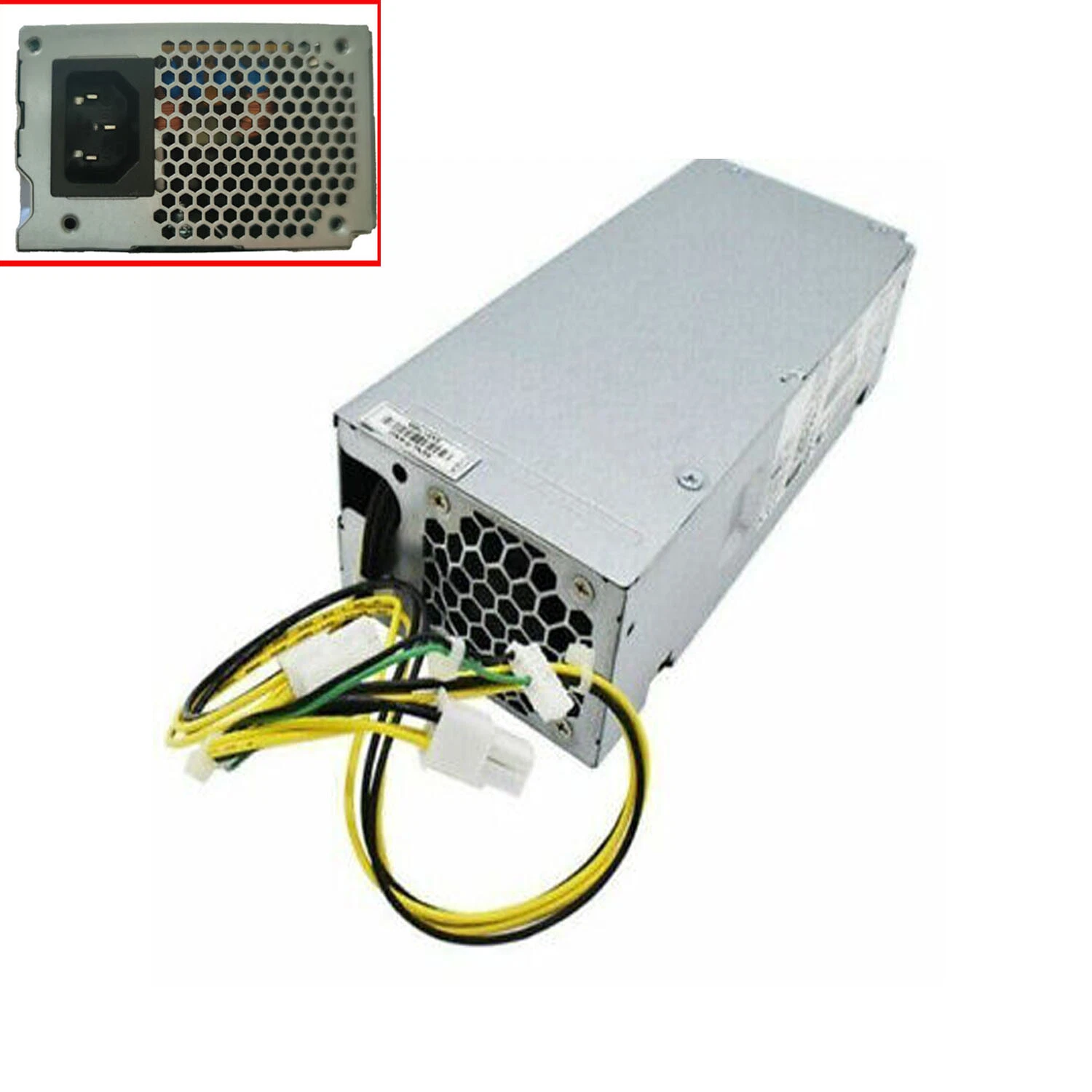
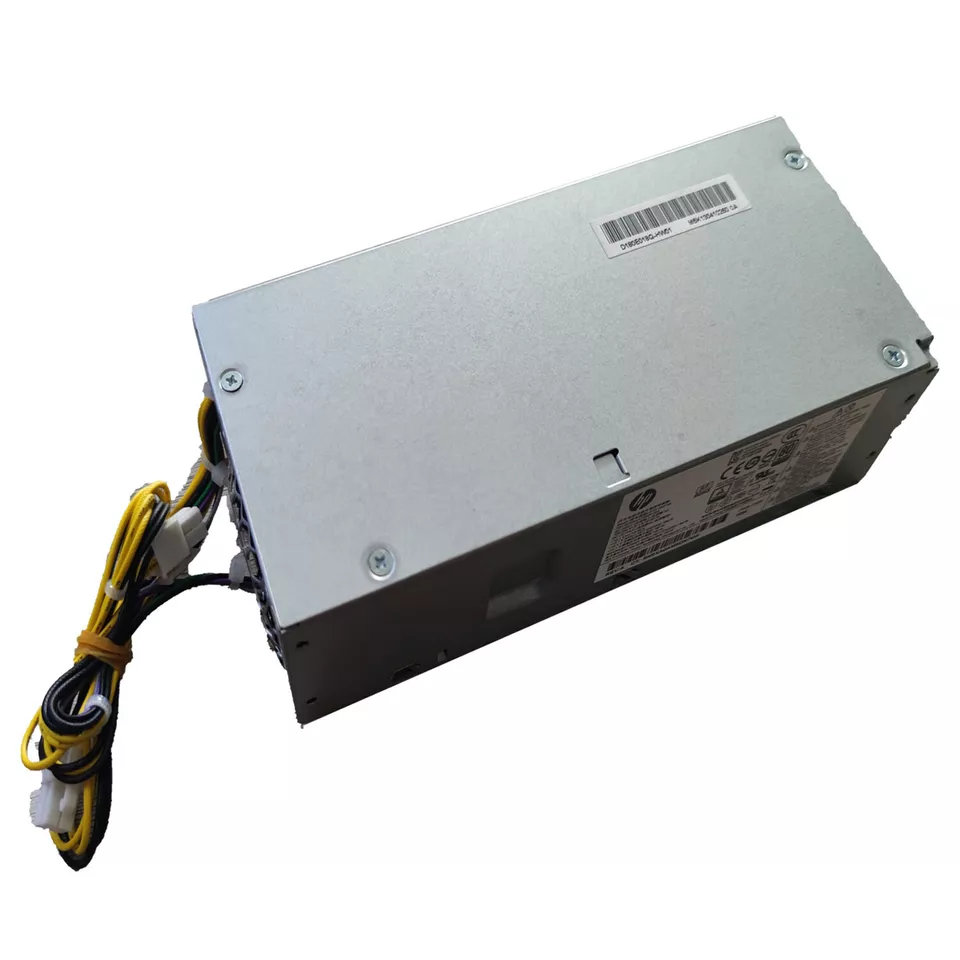
hp prodesk 400 g5 mt power supply
- Product Type: Internal Desktop Power Supply Unit (PSU)
- Form Factor: Custom HP Proprietary MT Block
- Max Output Power: 180 Watts
- Efficiency Rating: 80 PLUS Gold Certified
- AC Input Range: 100V–240V AC (Auto-Switching)
- Input Frequency Range: 50Hz–60Hz
- Motherboard Connectors:
-
- 1 x 4-Pin Main Motherboard Power Connector
- 1 x 4-Pin CPU +12V Power Connector
- 1 x 7-Pin Mini Flat Inline Connector
-
- Cooling System: 1 x Integrated Internal Cooling Fan
- Dimensions: 165mm x 150mm x 95mm
KSh4,500.00
HP ProDesk 400 G5 MT Power Supply 180W
The HP ProDesk 400 G5 Micro Tower (MT) uses a 180-watt power supply as its standard configuration . This power supply is engineered specifically for the ProDesk 400 G5 MT chassis.
When searching for a replacement, it is critical to ensure the unit is specifically intended for this workstation model. The ProDesk 400 G5 MT uses a proprietary power supply with a unique physical design and connector layout .
HP ProDesk 400 G5 MT PSU Specifications
The key specifications for this replacement power supply are:
| Specification | Details |
|---|---|
| Product | HP ProDesk 400 G5 MT Power Supply |
| Standard Power Output | 180W |
| Power Factor Correction | Active PFC |
| Input Voltage | 100–240V AC |
| Input Frequency | 50–60 Hz |
| Form Factor | HP Proprietary Micro Tower |
| Compatible Workstation | HP ProDesk 400 G5 MT |
| Application | Replacement and workstation repair |
The 180W power supply is the standard unit for this model .
Understanding the Proprietary Design
The HP ProDesk 400 G5 MT uses a non-standard power supply . This means:
-
Standard ATX power supplies are not directly compatible
-
The motherboard uses a PWRCMD 7-pin connection
-
The physical dimensions are specific to the ProDesk 400 G5 MT chassis
-
Even if the wattage matches, a standard ATX power supply will not fit or connect properly
A suitable replacement must match the original PSU in terms of:
-
180W power rating (minimum)
-
HP Proprietary Micro Tower form factor
-
Motherboard connector configuration
-
Physical dimensions
-
Mounting arrangement
Known Compatible Part Numbers
-
L07658-003 – 180W PSU for ProDesk 400 G5 SFF/MT
When purchasing a replacement, always verify the part number matches your specific model. The ProDesk 400 G5 MT and SFF models may have different power supply form factors.
Potential Power Supply Upgrades
The ProDesk 400 G5 has an “oddball” proprietary design that can make finding compatible upgrades challenging . However, some community reports suggest certain power supplies from the ProDesk 800 G5 line may be physically compatible:
-
250W Power Supply – Part number L08417-004/002
-
400W Power Supply – Part number 942332-001 or L04618-800
-
500W Power Supply – Part number L77487-003 or L89233-001
⚠️ Important Warning: Upgrades must be verified for physical fit and connector compatibility. The ProDesk 400 G5 MT has specific chassis dimensions . We recommend confirming compatibility before purchasing any upgrade.
How to Identify Your Current Power Supply
1. Inspect the PSU Label
Record the following information from the label on your current power supply:
-
Wattage (should be 180W)
-
Model/Part Number
-
Manufacturer
-
Physical dimensions
2. Verify the Workstation Model
Confirm that your system is an HP ProDesk 400 G5 MT and not the SFF (Small Form Factor) or Desktop Mini version.
3. Check Connectors
The ProDesk 400 G5 MT uses proprietary connectors. Compare your existing connectors with any replacement before purchasing.
Common Signs of a Faulty ProDesk 400 G5 MT Power Supply
A defective power supply can cause several symptoms:
-
The workstation does not turn on
-
System shuts down unexpectedly
-
Workstation becomes unstable
-
Intermittent power loss
-
Internal hardware does not receive power correctly
These symptoms can also be caused by other components. We recommend diagnosing the workstation before purchasing a replacement PSU.
What to Check Before Buying
1. Confirm the Workstation Model
Make sure you have an HP ProDesk 400 G5 Micro Tower (MT).
2. Check the Original Wattage
The ProDesk 400 G5 MT standard configuration is 180W. If you plan to add power-hungry components (like a dedicated graphics card), consider whether a higher wattage upgrade is possible.
3. Record the Original PSU Information
Note the model, spare number, and other identification information printed on the existing unit.
4. Verify Physical Dimensions
The PSU must fit correctly inside your MT chassis. The ProDesk 400 G5 MT has specific space constraints that differ from SFF models.
5. Compare Connectors
Ensure the replacement provides the appropriate motherboard connections. The PWRCMD 7-pin connector is standard on this model .
6. Consider the Complete System Configuration
If the workstation has been modified with high-power graphics cards, verify that the replacement PSU is appropriate for the installed hardware.
Why Choose a Genuine Compatible HP Power Supply?
Choosing the right power supply for your HP ProDesk 400 G5 MT is essential for:
-
Restoring a non-working workstation
-
Maintaining system stability
-
Ensuring proper power delivery
-
Supporting workstation repair and refurbishment
-
Extending the useful life of your hardware
At Compvate, we provide computer hardware and replacement components for customers maintaining and repairing desktop and workstation systems.
This internal 180-watt power supply unit is engineered as an original equipment manufacturer replacement module for the HP ProDesk 400 G5 Microtower (MT) desktop computer platform. It features a custom block configuration and utilizes HP’s proprietary 7-pin inline motherboard connection setup to maintain optimal voltage distribution and excellent thermal efficiency.
- Product Type: Internal Desktop Power Supply Unit (PSU)
- Form Factor: Custom HP Proprietary MT Block
- Max Output Power: 180 Watts
- Efficiency Rating: 80 PLUS Gold Certified
- AC Input Range: 100V–240V AC (Auto-Switching)
- Input Frequency Range: 50Hz–60Hz
- Motherboard Connectors:
-
- 1 x 4-Pin Main Motherboard Power Connector
- 1 x 4-Pin CPU +12V Power Connector
- 1 x 7-Pin Mini Flat Inline Connector
-
- Cooling System: 1 x Integrated Internal Cooling Fan
- Dimensions: 165mm x 150mm x 95mm
- Compatible HP Spare / Part Numbers: L70042-001, L70042-003, L70042-002, L70043-001, 901771-001, 901771-002, 901771-003
- Compatible Manufacturer Model Numbers: DPS-180AB-25A, DPS-180AB-35A, D16-180P2A, PA-1181-6HY, PCG004
- System Compatibility: HP ProDesk 400 G5 MT, HP ProDesk 400 G4 MT, HP ProDesk 600 G4 MT, HP EliteDesk 800 G4 MT, HP 280 G3 MT, HP 280 G4 MT, HP 288 G3 MT
Based on 0 reviews
Be the first to review “hp prodesk 400 g5 mt power supply”
Related products
-
Apple Mackbook Chargers, Computer Accessories, Laptop Chargers
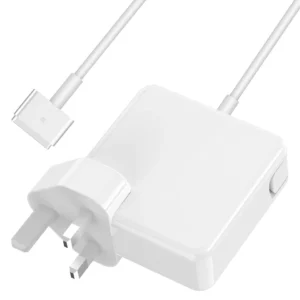
Apple MacBook Air 11″ 13″ A1465 A1436 A1466 A1435 Laptop Power Adapter Charger 45w (2013-2015)
 Apple Mackbook Chargers, Computer Accessories, Laptop Chargers
Apple MacBook Air 11″ 13″ A1465 A1436 A1466 A1435 Laptop Power Adapter Charger 45w (2013-2015)
Technical Specifications
-
Input Voltage: 100–240V AC
-
Output Voltage: 14.85V / 3.05A (MacBook Air 11” & 13”)
-
Power Output: 45W
-
Connector Type: MagSafe or MagSafe 2 (depending on model)
-
LED Status Indicator: Amber = Charging, Green = Fully Charged
-
Cable Length: Standard Apple design (approx. 2 meters)
-
Safety Features: Over-voltage, over-current, short-circuit protection
-
Compatibility: MacBook Air 11” & 13” (2013–2015) – Models A1465, A1436, A1466, A1435
These specifications ensure optimal performance, device safety, and battery longevity.
SKU: n/a -
-
Apple Mackbook Chargers, Computer Accessories, Laptop Chargers
MacBook Pro model A1502 Charger
MacBook Pro A1502 Charger
-
Product Type: Power Adapter
-
Connector Type: MagSafe 2
-
Output Power: 60W (recommended)
-
Input Voltage: 100–240V AC
-
Output Voltage: 16.5V
-
LED Indicator: Yes
-
Compatibility: MacBook Pro Retina 13-inch (A1502)
-
Condition: Tested and verified
This charger meets Apple’s power requirements for safe and efficient charging.
SKU: n/a -
-
Apple Mackbook Chargers, Computer Accessories, Laptop Chargers
Apple macbook pro 61w usb c power adapter
 Apple Mackbook Chargers, Computer Accessories, Laptop Chargers
Apple macbook pro 61w usb c power adapter
Technical Specifications
-
Input Voltage: 100–240V AC
-
Output Voltage: 20.3V / 3A (USB-C)
-
Power Output: 61W
-
Connector Type: USB-C (reversible)
-
Safety Features: Over-voltage, over-current, and short-circuit protection
-
Compatibility: MacBook Pro 13-inch (2016–2020)
These specifications ensure fast, safe, and efficient charging for your MacBook Pro.
SKU: n/a -
-
Apple Mackbook Chargers, Computer Accessories, Laptop Chargers
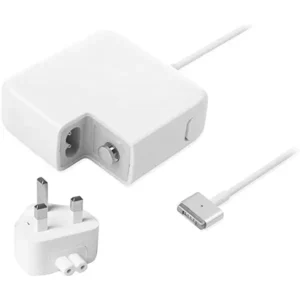
85w magsafe power adapter with magsafe 2 style connector
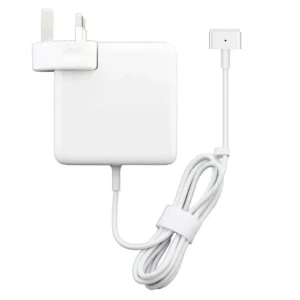 Apple Mackbook Chargers, Computer Accessories, Laptop Chargers
85w magsafe power adapter with magsafe 2 style connector
-
Input Voltage: 100–240V AC
-
Output Voltage: 20V DC, 4.25A
-
Power Output: 85W
-
Connector Type: MagSafe 2 (magnetic)
-
LED Indicator: Amber = Charging, Green = Fully Charged
-
Cable Length: Approx. 2 meters
-
Safety Features: Over-voltage, over-current, and short-circuit protection
-
Compatibility: MacBook Pro Retina 15-inch (2012–2015), select 13-inch models
These specifications guarantee fast, safe, and efficient charging.
SKU: n/a -












There are no reviews yet.