
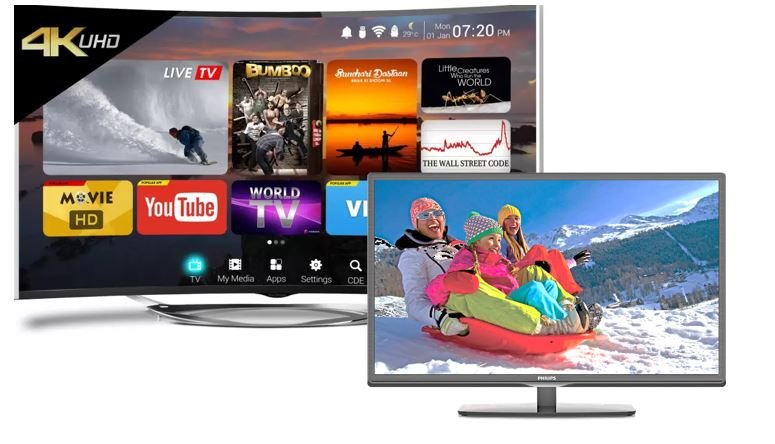
What is the difference between a smart TV and a computer monitor? Leave a comment
A Smart TV and a computer monitor can look very similar. Both can have 4K resolution, HDMI ports, built-in speakers, and large screens.
However, they are designed for different purposes.
A Smart TV is built mainly for entertainment, while a computer monitor is designed primarily for computing and productivity.
The difference becomes more important when you are choosing a screen for gaming, office work, video editing, or everyday use.
What Is a Smart TV?
A Smart TV is a television with an internet connection and a built-in operating system.
You can connect it to Wi-Fi and access streaming services without connecting a computer.
Most Smart TVs also include a remote control, built-in speakers, a TV tuner, and several HDMI ports.
You can therefore use one device for watching television, streaming movies, playing console games, and browsing supported applications.
What Is a Computer Monitor?
A computer monitor is a display designed to work with a computer or another external device.
Unlike a Smart TV, most monitors do not have built-in streaming platforms or TV tuners.
Instead, monitors focus on display performance.
Depending on the model, you can find monitors with high refresh rates, fast response times, accurate colours, high resolutions, and multiple connectivity options.
These features make monitors particularly useful for office work, gaming, graphic design, and video editing.
Smart TV vs Computer Monitor: Main Differences
| Feature | Smart TV | Computer Monitor |
|---|---|---|
| Main purpose | Entertainment | Computing and productivity |
| Operating system | Usually included | Usually not included |
| Streaming apps | Built-in | Usually requires another device |
| TV channels | Usually supported | Usually not supported |
| Refresh rate | Usually 60Hz or higher | 60Hz to very high refresh rates |
| Response time | Varies | Often designed for faster response |
| Speakers | Usually included | Available on some models |
| Remote control | Usually included | Usually not included |
| Typical size | 32 inches and above | Commonly 22–32 inches |
| Computer connection | HDMI, USB, wireless options | HDMI, DisplayPort, USB-C, and others |
Which Has Better Picture Quality?
Neither is automatically better.
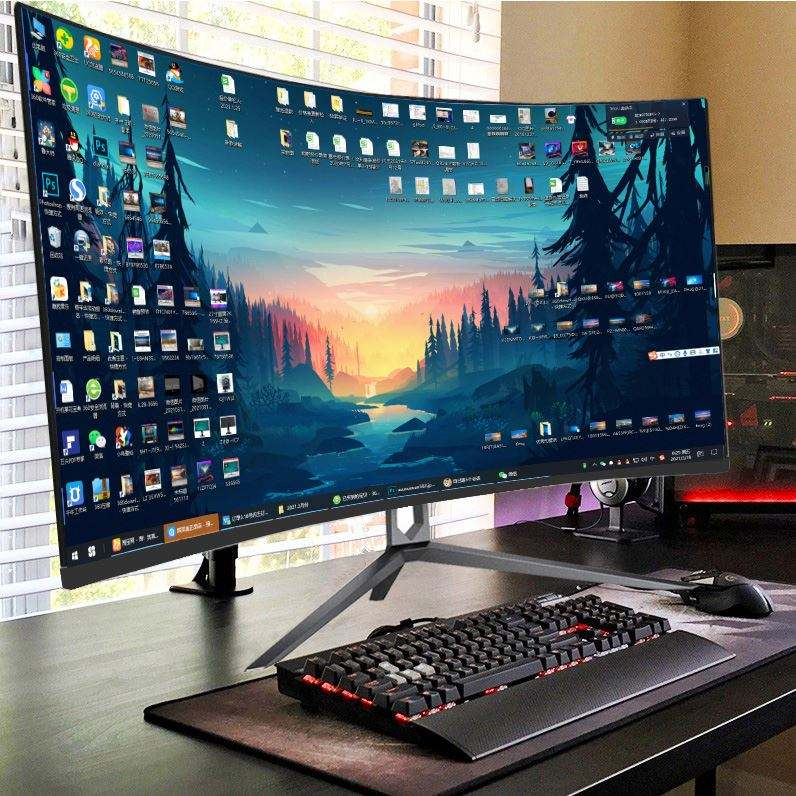
A high-end Smart TV can produce excellent picture quality. Modern TVs can offer 4K resolution, HDR, OLED, QLED, and advanced image processing.
Computer monitors can also deliver exceptional image quality.
For example, professional monitors may prioritise colour accuracy. Gaming monitors may prioritise refresh rate and motion clarity.
Therefore, compare the actual specifications instead of choosing based on the product category.
Which Is Better for Gaming?
This depends on the type of gaming you do.
A gaming monitor is usually better for PC gaming, especially competitive games.
Many gaming monitors offer refresh rates of 144Hz, 165Hz, 240Hz, or higher. They can also provide low response times and adaptive sync technology.
A modern Smart TV can be an excellent choice for console gaming.
Some premium TVs support high refresh rates, HDMI 2.1, variable refresh rates, and gaming modes.
Therefore, a competitive PC gamer may prefer a monitor, while a console gamer may prefer a large Smart TV.
Can You Use a Smart TV as a Computer Monitor?
Yes.
You can connect a desktop or laptop to a Smart TV using HDMI or another compatible connection.
This can be useful if you want a large display for presentations, movies, casual browsing, or gaming.
However, a television may not provide the same desktop experience as a dedicated monitor.
For example, text clarity, input response, screen size, and viewing distance can affect how comfortable it feels.
Can You Use a Computer Monitor as a TV?
Yes, but you will usually need an external device.
You can connect a streaming stick, decoder, gaming console, or computer to a compatible monitor.
However, most monitors do not have built-in TV tuners or streaming applications.
Therefore, they are not normally designed to operate independently like Smart TVs.
Smart TV vs Monitor for Office Work
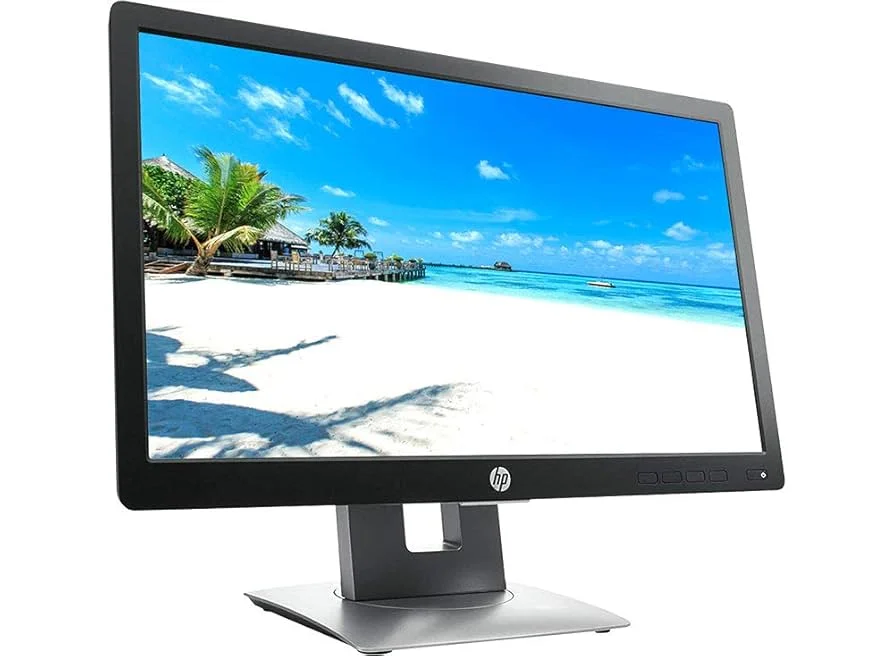
A computer monitor is usually the better option for office work.
Monitors are designed for close-up viewing and extended computer use.
A 24-inch or 27-inch monitor can provide enough space for documents, spreadsheets, email, and web applications.
You can also create a dual-monitor setup for improved productivity.
A Smart TV can work as a large secondary display, but it may not be as practical for everyday desk work.
Smart TV vs Monitor for Movies
A Smart TV wins for convenience.
You can connect to Wi-Fi and access supported streaming services directly.
You also get built-in speakers and a remote control.
With a monitor, you normally need a computer, streaming device, or another source for your entertainment.
If your main goal is watching movies and television, a Smart TV makes more sense.
Smart TV vs Monitor for Graphic Design
For graphic design, the specifications matter more than whether the screen is a TV or monitor.
A professional monitor with accurate colour reproduction is usually the better choice.
Look for features such as good colour coverage, high resolution, and factory calibration.
A high-quality 4K monitor can also provide more workspace and sharper details.
Which Is Cheaper: A Smart TV or Monitor?
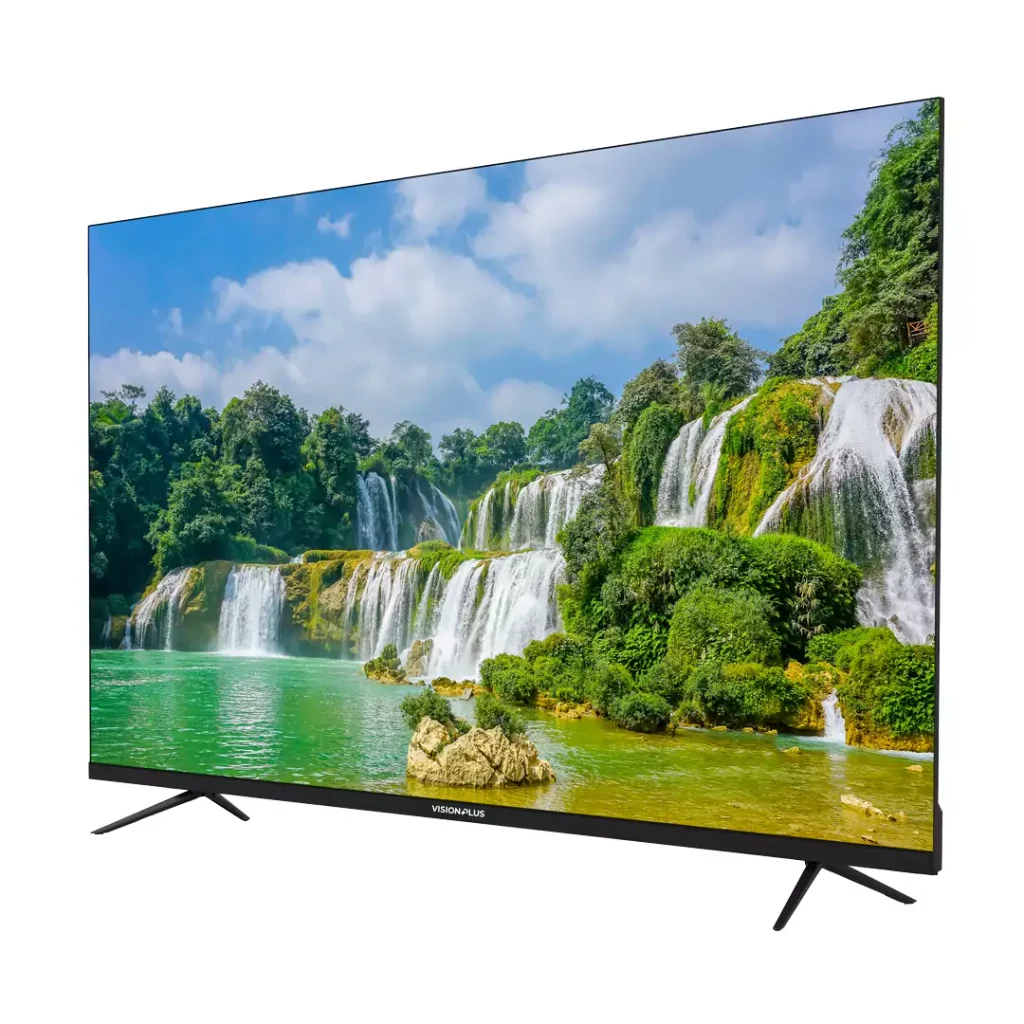
Prices vary significantly.
A basic computer monitor can be cheaper than a Smart TV.
However, large entry-level Smart TVs can sometimes be competitively priced.
The comparison changes when you move into gaming, professional, or 4K displays.
Before comparing prices, make sure the screens have similar specifications.
Smart TV or Computer Monitor: Which Should You Buy?
Choose a Smart TV if you mainly want:
- Streaming movies and shows
- Watching television channels
- Console gaming
- A large entertainment screen
- Built-in speakers
- A living-room setup
Choose a computer monitor if you mainly want:
- Office productivity
- PC gaming
- Graphic design
- Video editing
- High refresh rates
- Multiple-screen setups
- A desk-based computer setup
Final Thoughts.
The choice between a Smart TV and a computer monitor comes down to how you plan to use the screen.
For Netflix, television, movies, and console gaming, choose a Smart TV.
For office work, PC gaming, programming, design, or video editing, a computer monitor is usually the better option.
If you are still undecided, compare the resolution, refresh rate, response time, connectivity, screen size, speakers, and price before making your purchase.
Frequently Asked Questions.
Neither is universally better. A Smart TV is better for entertainment, while a monitor is generally better for computer work and PC gaming.
Yes. You can connect your laptop or desktop computer to a compatible Smart TV using HDMI or another supported connection.
You can connect a decoder, streaming device, gaming console, or computer to the monitor.
However, most monitors do not include built-in TV tuners.
Monitors are specifically designed for close-up computer use. They often offer features such as high refresh rates, fast response times, adjustable stands, and computer-focused connectivity.
A Smart TV is usually more convenient if you mainly want entertainment. A monitor may make more sense if you are creating a dedicated computer or gaming setup.











