
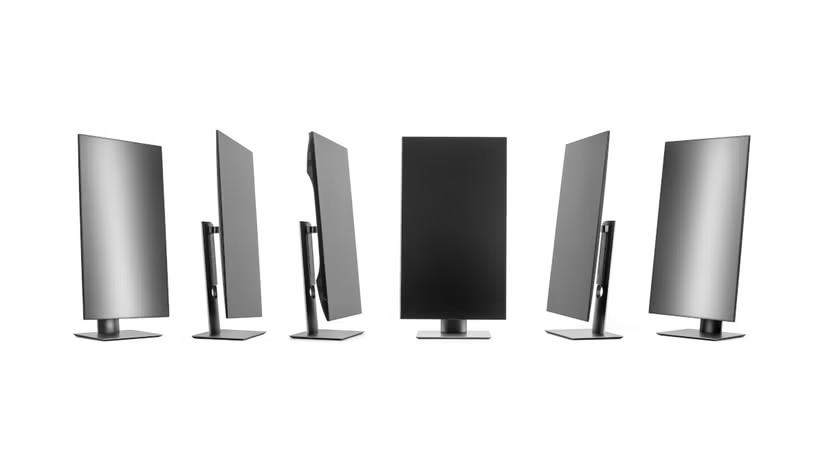
Types of Computer Monitors: A Complete Guide for Buyers in Kenya. Leave a comment
Choosing a computer monitor is not always as simple as picking a screen size.
Monitors come in different types, resolutions, panel technologies, and designs. Each type serves a different purpose.
Some are built for office work. Others are designed for gaming, graphic design, video editing, or entertainment.
Therefore, understanding the different types of computer monitors can help you choose the right display for your needs.
1. Standard Office Monitors
Standard office monitors are designed for everyday computer tasks.
They work well for browsing, Microsoft Office, accounting, schoolwork, and general business applications.
Most offer Full HD resolution with refresh rates around 60Hz or 75Hz.
They are also usually more affordable than specialised monitors.
If you need a monitor for basic office work, a 22-inch or 24-inch model is often enough.
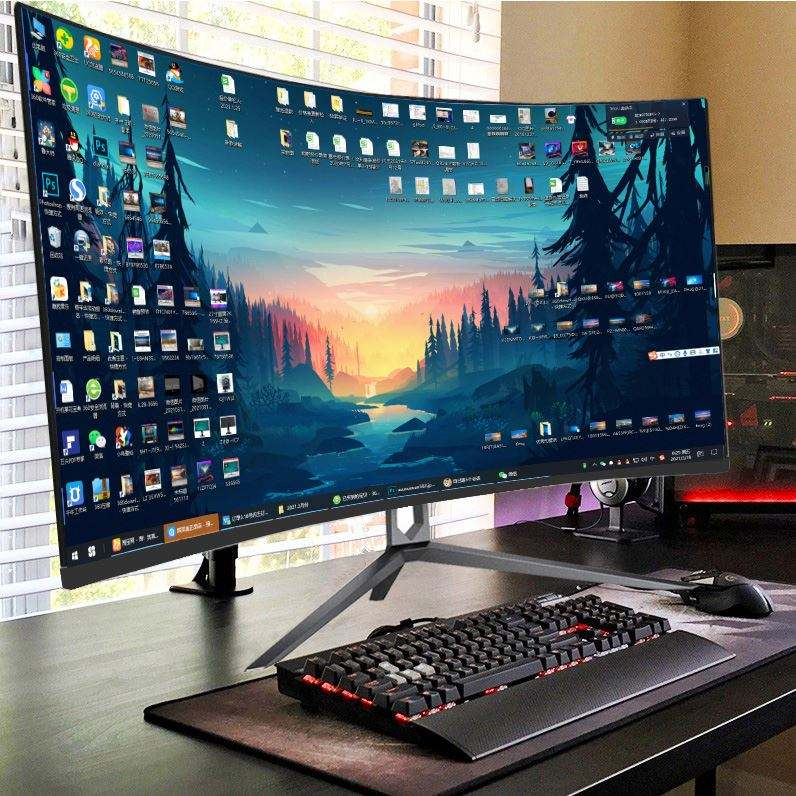
2. Gaming Monitors
Gaming monitors are designed for fast and responsive gameplay.
They usually have higher refresh rates than standard office monitors. Common options include 120Hz, 144Hz, 165Hz, 180Hz, and higher.
They may also include features such as AMD FreeSync or NVIDIA G-SYNC.
Gaming monitors can also have faster response times and dedicated gaming modes.
If you play competitive games, refresh rate and response time become particularly important.
3. 4K Monitors
4K monitors provide a resolution of 3840 × 2160 pixels.
They display significantly more detail than Full HD monitors.
Consequently, they are popular among photographers, video editors, designers, and professionals working with high-resolution content.
However, 4K monitors usually cost more.
You may also need a capable computer to take full advantage of the resolution.
4. Ultrawide Monitors
Ultrawide monitors have a wider screen than traditional monitors.
They are particularly useful for multitasking.
For example, you can keep a browser, spreadsheet, and document open side by side.
Ultrawide monitors are also popular among gamers and video editors.
Some models have curved screens for a more immersive viewing experience.
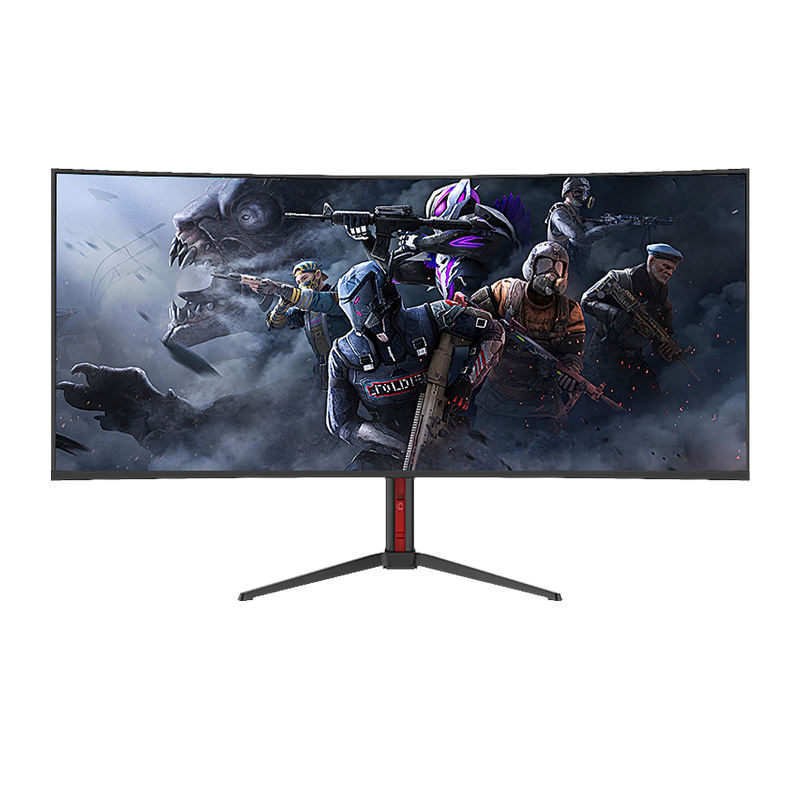
5. Curved Monitors
Curved monitors have a curved rather than flat display.
The curved design can make larger screens feel more immersive.
They are especially common among gaming and ultrawide monitors.
However, a curved monitor is not automatically better than a flat monitor.
Your workspace, viewing distance, and intended use should determine your choice.
6. Touchscreen Monitors
Touchscreen monitors allow you to control applications directly through the display.
They are commonly used in retail systems, kiosks, education, presentations, and specialised business environments.
Some touchscreen monitors also support styluses.
For normal office work, however, a touchscreen is usually an optional feature rather than a necessity.
7. Portable Monitors
Portable monitors are designed for people who need an additional display while travelling.
They are lightweight and can connect to compatible laptops, tablets, and other devices.
Many modern portable monitors use USB-C for both video and power.
They are useful for remote workers who want a dual-screen setup without carrying a full-size monitor.
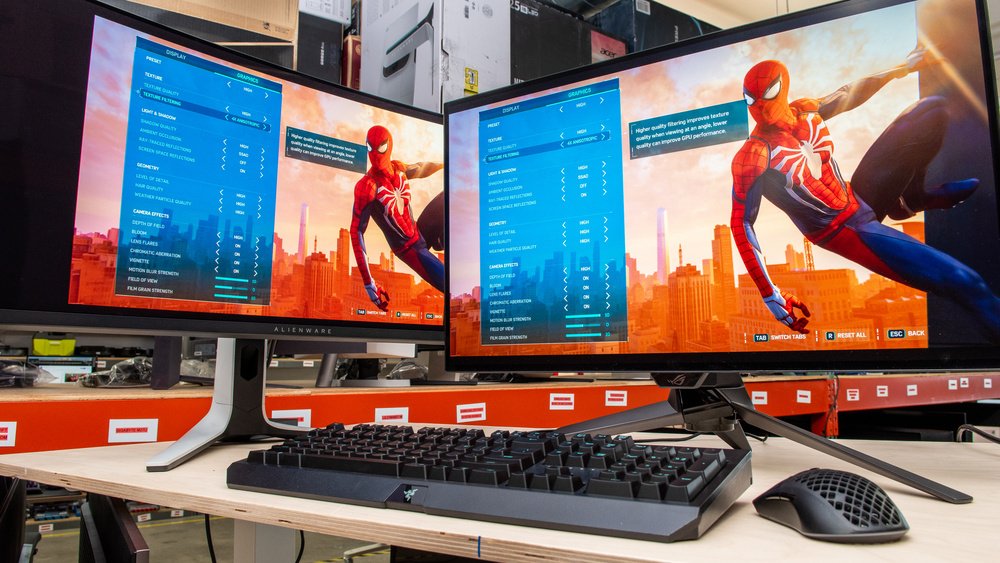
8. Professional Monitors
Professional monitors are designed for colour-sensitive and demanding work.
Graphic designers, photographers, video editors, and other creative professionals often choose these displays.
They may offer higher resolutions, wider colour gamuts, accurate colour reproduction, and factory calibration.
These features can make professional monitors significantly more expensive than standard office displays.
9. LED Monitors
LED monitors use LED backlighting to illuminate the display.
Most modern LCD monitors use LED backlighting.
They are widely available and come in different sizes and price ranges.
You will find LED monitors in homes, offices, schools, and businesses throughout Kenya.
10. OLED Monitors
OLED monitors use individually controlled pixels instead of a conventional backlight.
This technology can produce excellent contrast and very deep blacks.
OLED displays can also offer fast response times and impressive image quality.
However, they are generally more expensive than standard LCD monitors.
11. IPS Monitors
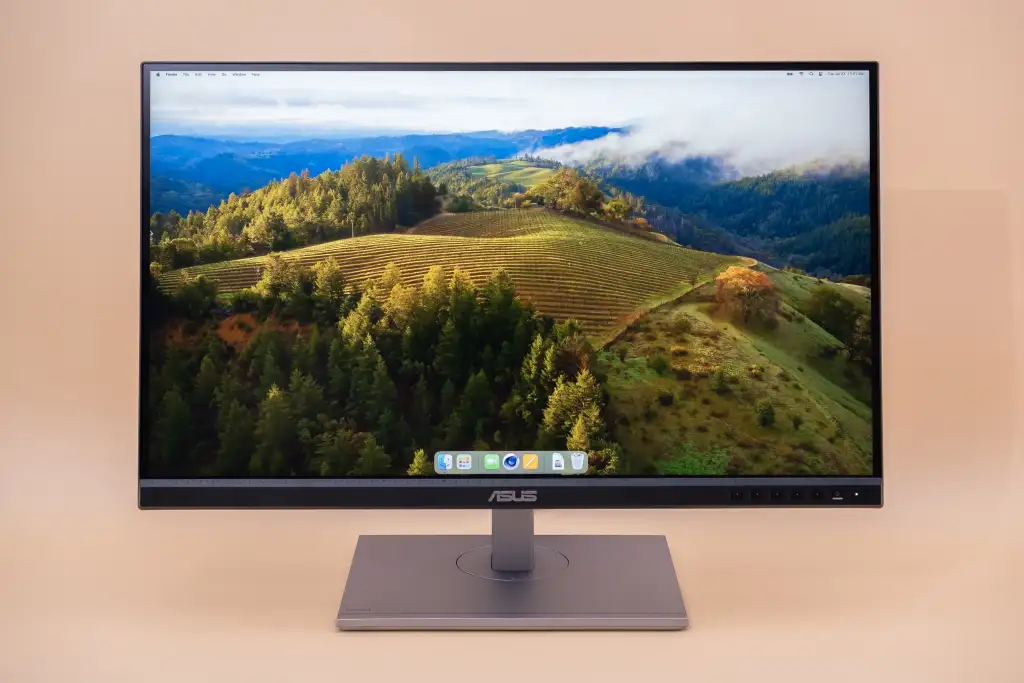
IPS refers to In-Plane Switching, which is a type of LCD panel technology.
IPS monitors are known for good viewing angles and generally strong colour reproduction.
They are popular among office users, designers, photographers, and gamers.
However, the quality of an IPS monitor still depends on the specific model.
12. VA Monitors
VA stands for Vertical Alignment.
VA panels are known for strong contrast and deeper blacks compared with many traditional IPS displays.
They are common in gaming monitors and general-purpose displays.
They can be a good option if you want strong contrast without moving to OLED.
What Should You Consider Before Buying a Monitor?
Do not choose a monitor based only on its size.
Consider the resolution, refresh rate, panel type, connectivity, response time, colour accuracy, and warranty.
For office work, a reliable 24-inch Full HD monitor may be all you need.
For gaming, prioritise refresh rate, response time, and graphics compatibility.
For professional creative work, focus more heavily on resolution and colour accuracy.
Your computer’s graphics capability also matters.
There is little benefit in buying an expensive 4K or high-refresh-rate monitor if your computer cannot properly drive it.
Final Thoughts
There is no single monitor that is perfect for everyone.
The best choice depends on your budget and what you plan to do with the display.
For everyday work, a standard Full HD monitor is usually sufficient.
Gamers should consider high-refresh-rate displays, while designers and editors may benefit from high-resolution professional monitors.
Before buying, compare the screen size, resolution, panel type, refresh rate, ports, warranty, and price.
Frequently Asked Questions
Common types include office monitors, gaming monitors, 4K monitors, ultrawide monitors, curved monitors, touchscreen monitors, portable monitors, professional monitors, LED monitors, and OLED monitors.
A gaming monitor with a high refresh rate and low response time is generally a good choice. Your graphics card should also be powerful enough to take advantage of the monitor’s refresh rate.
A 4K monitor can be worthwhile for video editing, photography, design, and users who want very sharp images. For basic office work, Full HD may provide better value.
Not necessarily. Curved monitors can provide a more immersive experience, particularly on larger screens. However, flat monitors can be more practical for many office and professional environments.











