
How to Spot a Fake Laptop Charger Before It Damages Your Device. Leave a comment
A replacement laptop charger seems like a simple purchase. But choosing the wrong one can be an expensive—and dangerous—mistake. Counterfeit chargers are everywhere, and they look increasingly convincing. The financial cost is real: a KSh 1,000 fake charger can cause a KSh 15,000 battery replacement, or worse, a KSh 30,000 motherboard repair.
The good news is that you can spot a fake charger before it damages your device. Here is a practical guide to help you inspect any charger you are about to buy or use.
1. Start with the Weight and Feel
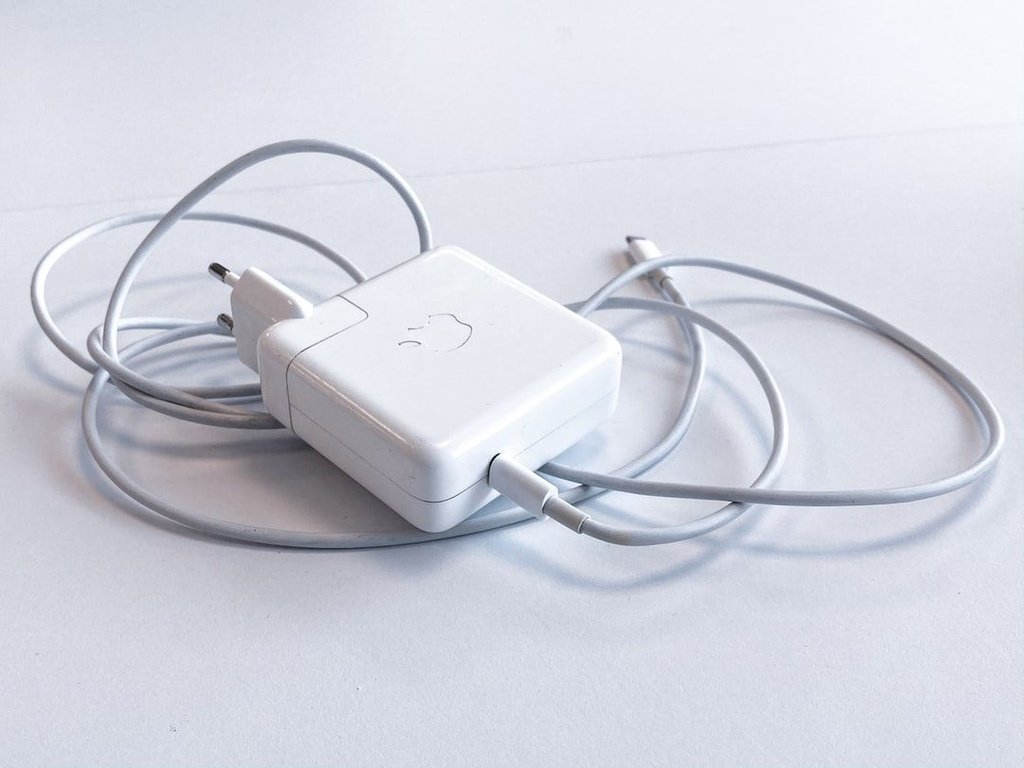
One of the quickest red flags is weight. A genuine OEM charger feels solid because it contains a proper transformer, safety circuits, and quality components. A fake often feels noticeably lighter. Try comparing the suspected charger’s weight with a known original; any significant difference is suspicious.
Inspect the build quality too. A genuine charger has a sturdy casing with a smooth finish, no rough edges, and straight, quality metal prongs. Counterfeits often use cheaper materials with visible seams, thinner cables, or prongs that are slightly bent or rusted.
2. Examine the Labels and Branding Closely
The labeling on the charger and its packaging is another critical area.
- Logo and Text: Look for the brand’s official logo. It should be crisp, clear, and consistent with official colors. Blurry, smudged, or off-color logos are major red flags. Check for spelling errors, which counterfeiters often miss.
- Specifications: The output voltage and amperage should be clearly stated, using exact numbers like 19.5V 3.33A. Fakes often use rounded numbers like 20V 3A.
- Safety Marks: Look for certification marks like UL, CE, or FCC. On a genuine charger, these are properly printed and aligned, not looking like fake icons.
3. The “Data Pin” and the Laptop’s Response
This is a crucial technical difference that leads to the most damage. A genuine charger does more than just supply power; it uses a data pin in the connector to “handshake” with the laptop. This allows the laptop to identify the adapter and regulate the charge safely.
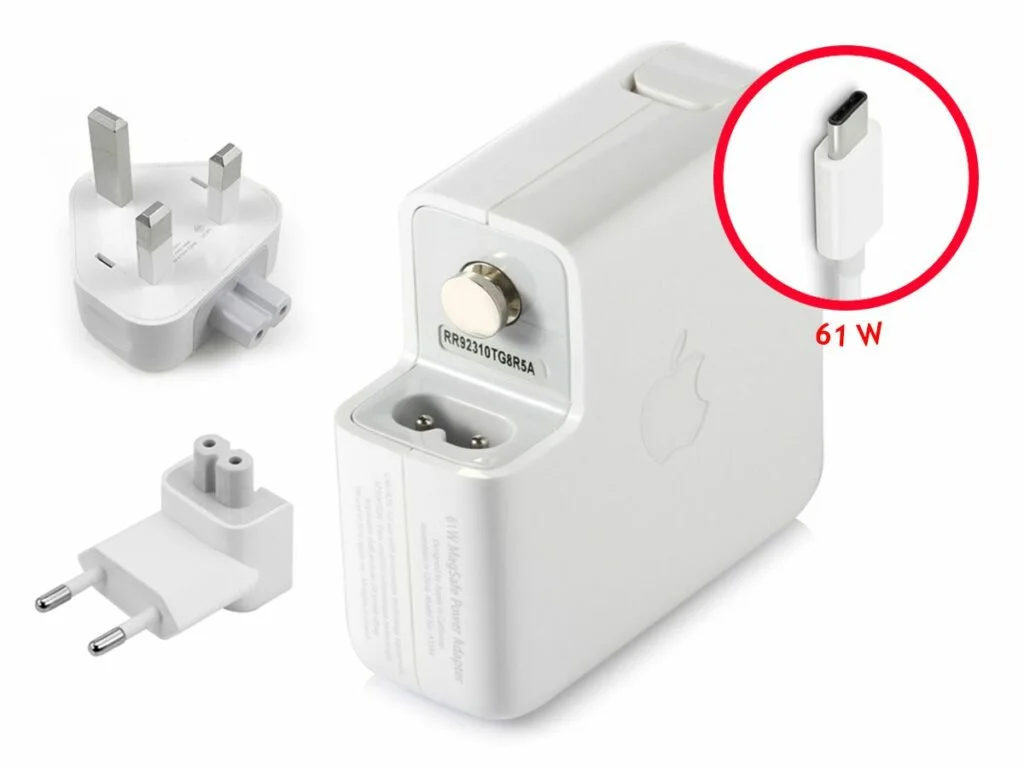
A counterfeit charger usually lacks this communication circuit. The laptop may respond in a few telling ways:
- “Plugged in, not charging”: This warning often means the laptop’s battery management system has detected an incompatible charger and refused to charge as a safety measure.
- Unusual Charging Behavior: The laptop charges much slower or faster than normal, or the battery percentage seems erratic.
If you can access your laptop’s BIOS or UEFI (by pressing a key like F2 during startup), some brands like Dell will show you if the power adapter is recognized—a strong sign of a genuine part.
4. Test Performance and Temperature
A performance test can reveal a counterfeit.
- Heat: While chargers get warm during use, a fake often runs excessively hot. It may be too hot to hold for more than a few seconds. This is a sign of poor components and a lack of proper safety mechanisms.
- The “Paperclip” Test (Do Not Attempt): A clear sign of a fake is a lack of short-circuit protection. A genuine charger has safety circuits that prevent sparks if the connector is shorted. A fake will produce a large, dangerous spark. Do not attempt this test as it is extremely hazardous.
5. Check the QR Code and Part Number
Some counterfeiters copy the label but get the details wrong. Scan any QR code on the charger. If it leads to a random image or an unrelated website instead of the manufacturer’s official support or verification page, it is a major red flag. The part number on the charger should also match the specifications officially listed for your laptop model.
6. Consider the Price and Source
- Price: If the deal is significantly cheaper than the market average, it is almost certainly a counterfeit. To give you a sense of the price landscape in Kenya:
- Suspiciously cheap (likely fake): A 65W HP charger sold for KSh 945 when the genuine part costs KSh 8,900 is too good to be true.
- Average for generic/compatible: Many third-party chargers on Jumia Kenya are priced between KSh 1,184 and KSh 1,500.
- Genuine OEM: A genuine Lenovo 65W charger is listed at around KSh 8,000.
- Source: Always buy from reputable sources. Official brand stores, authorized retailers, or the manufacturer’s website are the safest options. In Kenya, be extremely cautious when buying from unknown sellers on marketplaces, street vendors like those in Nairobi’s CBD, or electronics stalls with no verification
7. Watch for These Damage Signs
If you are already using a charger and notice any of these signs, stop using it immediately and have your laptop checked:
- The laptop battery swells, causing the bottom panel to bulge outward.
- The battery health degrades unusually fast (check cycle count in system settings).
- The charging port (DC jack) feels loose or intermittent, only charging when the cable is held at a specific angle. This indicates a damaged solder joint on the motherboard, a costly repair often traced to a counterfeit charger.
Know Your Rights: Counterfeit Laws in Kenya
Kenya takes counterfeiting seriously. The Anti-Counterfeit Act (No. 13 of 2008) established the Anti-Counterfeit Authority (ACA) to fight counterfeit goods.The ACA reports that one in five goods sold in Kenya is counterfeit, posing risks to the economy and consumer safety.
Since 2023, the Anti-Counterfeit (Recordation) Regulations have required companies importing goods into Kenya to register their products with the ACA.This system aims to prevent counterfeit products from entering the market. However, you still need to be vigilant at the point of purchase.
Final Thoughts
You don’t need to be an electrical engineer to spot a fake charger. By paying attention to physical weight and feel, labeling accuracy, the laptop’s charging response, and the price and source, you can protect your valuable device from damage and yourself from serious safety hazards. Buying a genuine charger from a trusted source is not an extra cost; it is the cheapest insurance you can buy for your laptop.
Ready to protect your laptop with a genuine charger? [Browse our authentic accessories at compvate.com]
Frequently Asked Questions (FAQs)
This message often means the laptop’s battery management system has detected an incompatible charger and has refused to charge as a protective measure. While it can also indicate a worn-out original charger or a damaged DC jack, it’s a common sign of a counterfeit adapter that lacks a communication pin. A professional diagnosis can identify the root cause.
Yes. Fake chargers often omit the data pin that authenticates the charger with the laptop’s battery management IC. Without this communication, the battery may charge without a proper cutoff, leading to overcharging, accelerated degradation, and swelling. The damage is often expensive to fix.
No, using a cheap, unbranded charger is a significant safety risk. These chargers lack essential safety features like short-circuit protection, proper insulation, and ballasts, presenting a serious risk of fire, electric shock, and damage to your laptop.
The safest options are the brand’s official website, its authorized service centers (e.g., Lansotech Solutions and Compvate in Nairobi), or reputable, large electronics retailers.If you buy online, carefully check that the seller is the official brand store or an authorized distributor to avoid counterfeits.











