

What Most People Regret After Buying a Laptop (And How to Avoid It). Leave a comment
Buying a new laptop is exciting. Whether you’re upgrading for work, starting a new school term, or investing in a gaming machine, you expect your new device to serve you well for years.
Unfortunately, many buyers realise only after they’ve made the purchase that their laptop doesn’t quite meet their needs. Maybe it’s too slow, runs out of storage quickly, has poor battery life, or simply isn’t built for the tasks they use every day.
The good news? Most of these regrets are avoidable.
In this guide, we’ll explore the most common laptop buying mistakes and show you how to make a smarter purchase the first time.
1. Buying Based on Price Alone
Everyone loves a good deal, but choosing the cheapest laptop can end up costing more in the long run.
Budget laptops often compromise on performance, storage, display quality, or build durability. While they may handle basic tasks, they can struggle with multitasking or demanding software after just a few years.
How to avoid it:
Instead of focusing only on price, think about value. Choose a laptop that offers the right balance of performance, reliability, and features for your needs.
2. Choosing the Wrong Processor.
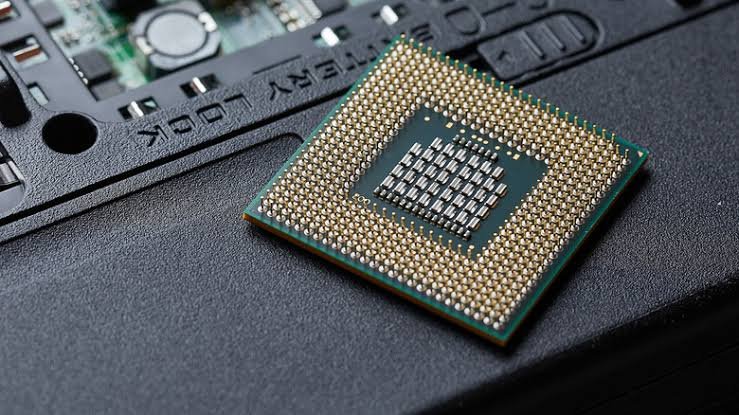
The processor (CPU) is one of the most important components of a laptop, yet many buyers overlook it.
A processor that isn’t powerful enough can lead to slow performance, especially when running multiple applications or using demanding software.
How to avoid it:
Choose a processor based on how you’ll use your laptop:
- Intel Core i3 / AMD Ryzen 3 – Basic browsing and schoolwork
- Intel Core i5 / AMD Ryzen 5 – Office work, students, and everyday productivity
- Intel Core i7 / AMD Ryzen 7 – Professionals, creators, and multitasking
- Intel Core i9 / AMD Ryzen 9 – Gaming, engineering, and content creation
3. Not Buying Enough RAM.
Many buyers assume that any amount of RAM will be sufficient, only to find their laptop slowing down when multiple applications are open.
How to avoid it:
General recommendations:
- 8GB RAM – Everyday users and students
- 16GB RAM – Professionals, remote workers, and gamers
- 32GB or more – Designers, developers, engineers, and video editors
Choosing adequate memory today helps your laptop stay useful for longer.
4. Running Out of Storage Too Quickly.
It’s frustrating to receive “Storage Almost Full” notifications just months after buying a laptop.
Photos, videos, software updates, and work files can quickly fill a small drive.
How to avoid it:
For most users:
- 256GB SSD – Basic use
- 512GB SSD – Recommended for work and school
- 1TB SSD – Ideal for gamers and content creators
An SSD also provides much faster performance than a traditional hard drive.
5. Ignoring Battery Life
Many buyers focus on specifications but forget about battery performance.
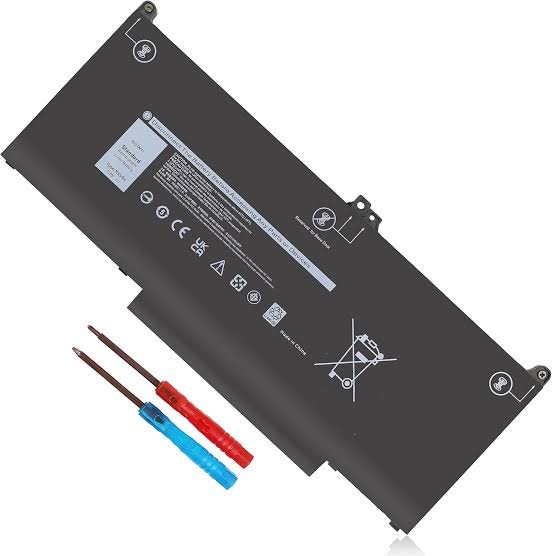
A laptop with limited battery life can become inconvenient if you’re constantly searching for a power outlet.
How to avoid it:
Look for laptops that offer:
- At least 8 hours of battery life for students
- 10 hours or more for professionals who work on the move
Always consider real-world battery performance rather than advertised maximum figures.
6. Overlooking Display Quality
A laptop’s screen affects your experience every day.
Some buyers regret choosing low-resolution displays with poor brightness or limited viewing angles.
How to avoid it:
Choose a display with:
- Full HD (1920 × 1080) resolution or higher
- IPS technology for better colour and viewing angles
- Anti-glare coating if you work in bright environments
7. Buying More Power Than You Actually Need
Not everyone needs a high-end gaming laptop.
Some buyers spend significantly more on premium specifications they rarely use.
How to avoid it:
Think about your daily tasks.
If your laptop is mainly for:
- Web browsing
- Office applications
- Online learning
…a mid-range laptop may be the smarter investment.
8. Forgetting About Ports
Modern laptops are becoming thinner, but that often means fewer built-in ports.
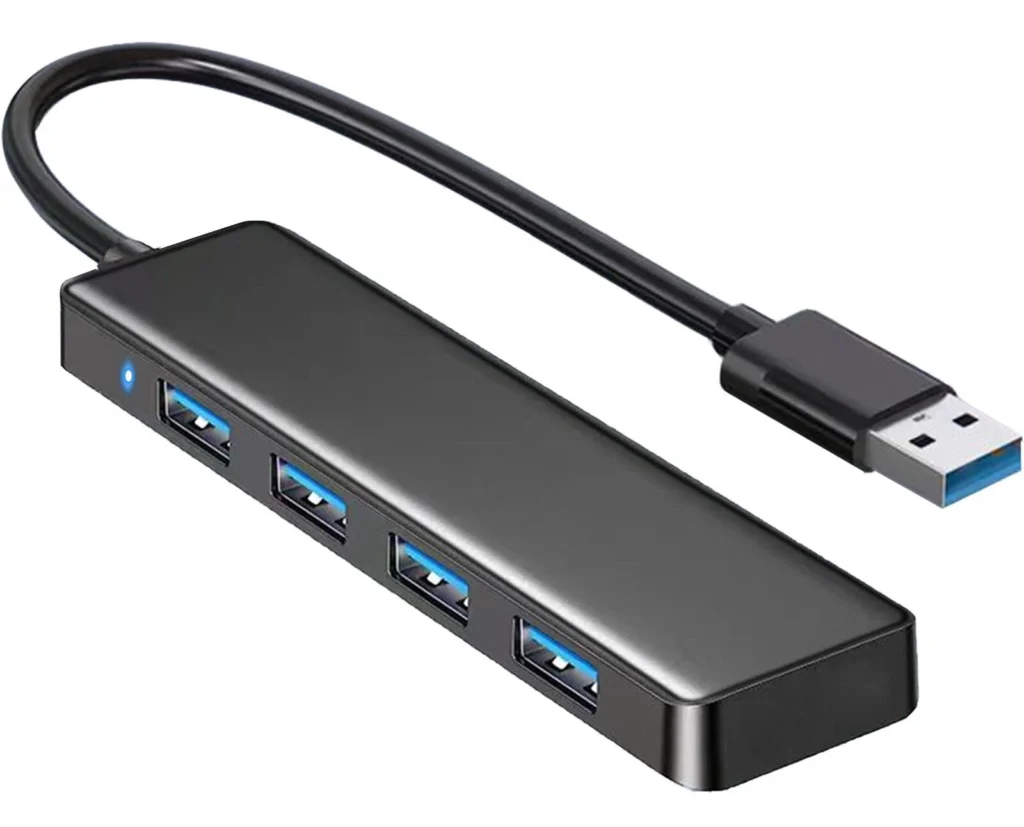
Many buyers discover later that they need adapters for monitors, USB devices, or memory cards.
How to avoid it:
Before purchasing, check whether the laptop includes:
- USB-C
- USB-A
- HDMI
- Audio jack
- SD card reader (if required)
If not, consider adding a compatible USB-C hub or docking station.
9. Ignoring Build Quality
A laptop that looks good online may not be built to withstand daily use.
Weak hinges, poor keyboards, or flimsy materials can become frustrating over time.
How to avoid it:
Choose laptops known for:
- Durable construction
- Comfortable keyboards
- Quality touchpads
- Reliable hinges
- Good cooling systems
A well-built laptop often lasts longer and provides a better user experience.
10. Buying from Unreliable Sellers
A surprisingly common regret has nothing to do with the laptop itself—it’s where it was purchased.
Buying from an unknown seller may leave you with:
- Counterfeit accessories
- Limited or no warranty
- Poor after-sales support
- Refurbished products sold as new
How to avoid it:
Purchase from trusted retailers that offer:
- Genuine products
- Manufacturer warranties
- Technical support
- Transparent return policies
Choosing a reputable supplier provides peace of mind long after your purchase.
Quick Laptop Buying Checklist
Before buying your next laptop, ask yourself:
- What will I use this laptop for?
- Does it have enough RAM for my workload?
- Will the storage meet my future needs?
- Is the processor suitable for my daily tasks?
- Does it offer good battery life?
- Are the display and keyboard comfortable?
- Does it include the ports I need?
- Am I buying from a trusted retailer?
Taking a few minutes to answer these questions can save you from months—or even years—of frustration.
Final Thoughts
Most laptop regrets don’t happen because people buy “bad” laptops—they happen because they buy the wrong laptop for their needs.
By understanding how you’ll use your device, paying attention to key specifications, and purchasing from a trusted retailer, you can avoid common mistakes and enjoy a laptop that delivers reliable performance for years to come.
Whether you’re shopping for work, school, business, or gaming, taking the time to research before you buy is always worth it.

At Compvate, we’re committed to helping customers choose genuine, high-quality laptops and accessories that match their needs and budget. Our team can help you compare models, understand specifications, and find the right device with confidence.
Frequently Asked Questions (FAQs)
The most common mistake is buying a laptop based solely on price instead of choosing one that matches their performance needs and daily tasks.
Yes, 8GB is suitable for general use, web browsing, and schoolwork. However, 16GB is a better long-term choice for professionals and users who multitask frequently.
For most users, a 512GB SSD offers the best balance of speed and storage. Gamers and content creators may benefit from 1TB or more.
Start by identifying how you’ll use the laptop—work, school, gaming, or creative tasks—then choose specifications that support those activities.
Trusted retailers provide genuine products, valid warranties, reliable after-sales support, and peace of mind that you’re getting the laptop you paid for.











