
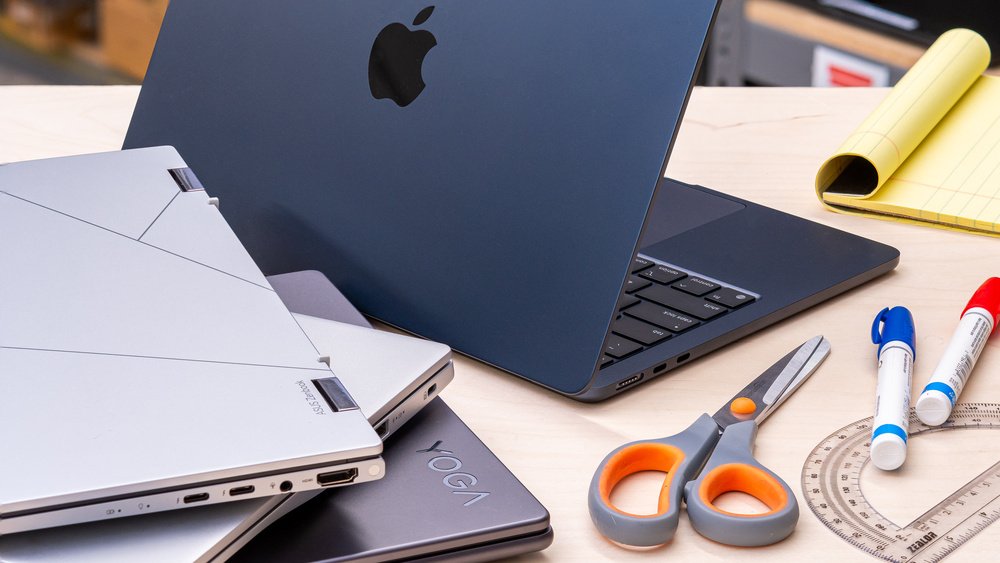
What Type of Laptop Is Best for Studying? A Student’s Complete Guide. Leave a comment
Choosing the right laptop can make studying easier, faster, and more productive. However, students face countless laptop options today. Therefore, selecting the best device requires careful consideration of performance, portability, battery life, and price.
Whether you study business, engineering, medicine, design, or humanities, your laptop should match your academic needs. Moreover, it should support your daily assignments without unnecessary complications.
What Type of Laptop Is Best for Studying?
The best laptop for studying combines reliable performance, long battery life, portability, and comfortable usability. For most students, a lightweight laptop with a modern processor provides excellent everyday performance.
Additionally, students should consider sufficient RAM and storage. These components affect multitasking, application performance, and file management.
For general studying, choose a laptop with at least 8GB of RAM. However, 16GB provides better performance for demanding academic workloads.
An SSD should also be a priority. Unlike traditional hard drives, SSDs provide faster boot times and quicker application loading.
Best Laptop Specifications for Students
Laptop specifications directly influence your overall studying experience. Therefore, students should understand the most important hardware features before purchasing.
Processor
A modern Intel Core or AMD Ryzen processor suits most students. These processors handle research, documents, presentations, and video calls efficiently.
Meanwhile, demanding courses may require stronger processors. Engineering, computer science, and creative programs often benefit from higher-performance chips.
RAM.
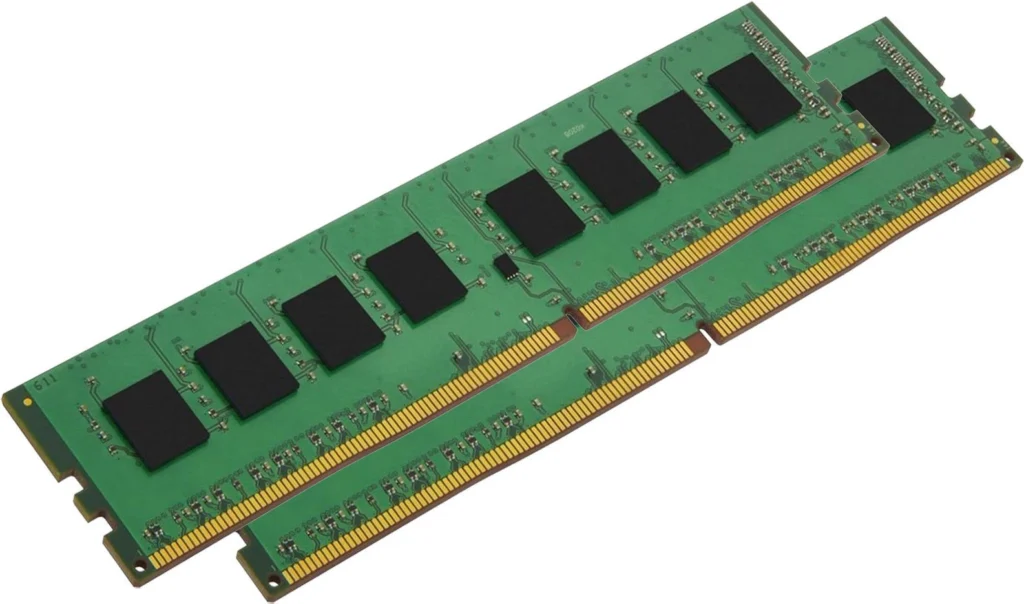
RAM determines how smoothly your laptop handles multiple applications. Therefore, 8GB represents a practical starting point for basic academic work.
However, 16GB offers greater flexibility. It works particularly well for programming, data analysis, editing, and multitasking.
Storage.
Students regularly store documents, presentations, research papers, media, and applications. Consequently, adequate storage remains essential.
A 256GB SSD can work for basic studying. Nevertheless, a 512GB SSD provides more useful long-term capacity.
Display
A clear display can reduce distractions during long study sessions. Therefore, prioritize good resolution and comfortable viewing.
A Full HD display suits most students. Additionally, an anti-glare screen can improve visibility in bright environments.
Best Laptop Size for Students
Laptop size affects portability and usability. Therefore, students should choose a screen size based on their daily routines.
A 13-inch or 14-inch laptop offers excellent portability. These models fit easily into most backpacks and remain comfortable for everyday work.
Meanwhile, 15-inch and 16-inch laptops provide larger viewing areas. They suit students who frequently work with spreadsheets, research materials, or creative software.
However, larger laptops usually weigh more. Consequently, they may become inconvenient for students who travel frequently.
Is a Lightweight Laptop Better for Studying?
A lightweight laptop can provide significant advantages for students. For example, it makes commuting between classrooms much easier.
Additionally, compact laptops consume less space on crowded desks. They also work well for students who study across different locations.
However, portability should not compromise performance. Therefore, compare weight, processor performance, battery capacity, and build quality before buying.
Best Battery Life for Students.
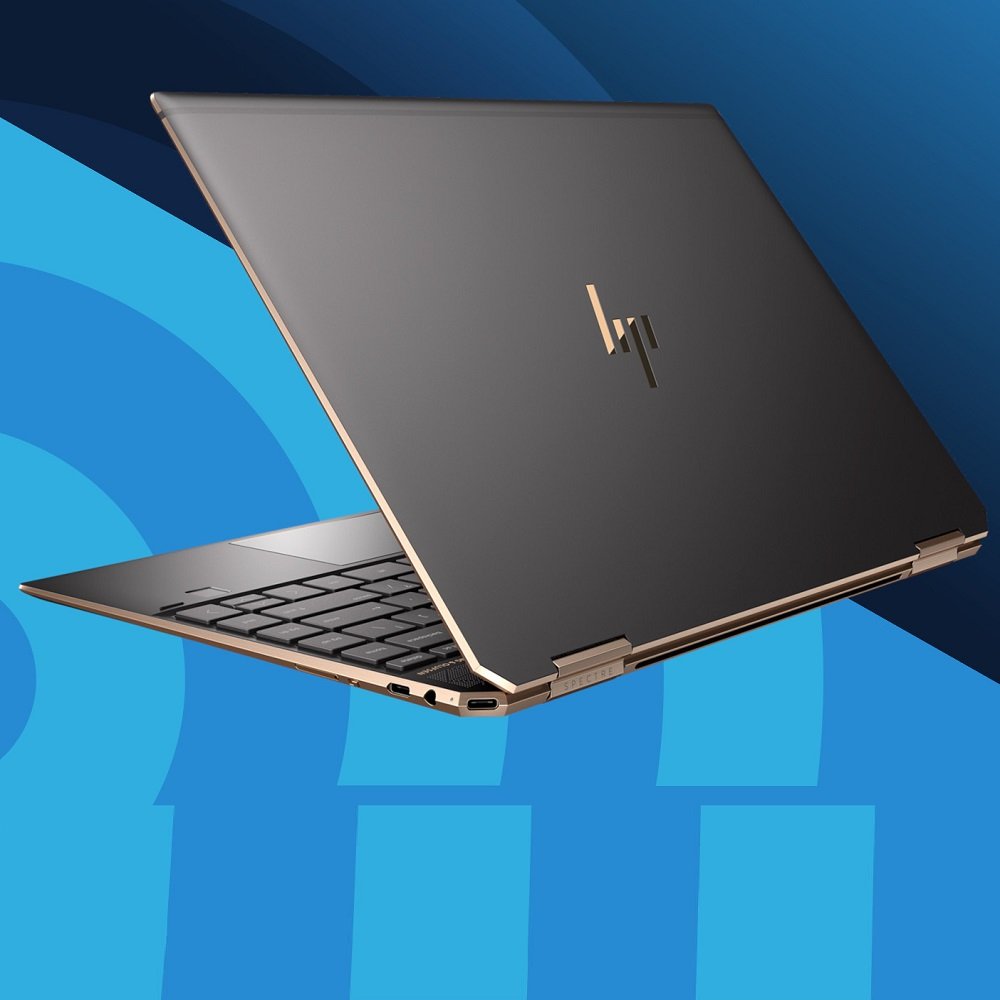
Battery life matters because students may spend hours away from power outlets. Therefore, a dependable laptop battery can improve daily convenience.
Look for laptops offering enough battery life for several classes. Furthermore, efficient processors can help extend usage between charges.
Battery performance also depends on brightness, applications, connectivity, and workload. Consequently, advertised battery figures may differ from real-world results.
Best Laptop for Different Study Courses.
Different courses create different laptop requirements. Therefore, students should match their laptop specifications with their academic programs.
Business and Humanities Students.
Business and humanities students usually need moderate performance. A lightweight laptop with 8GB or 16GB RAM can handle most coursework.
Computer Science Students.
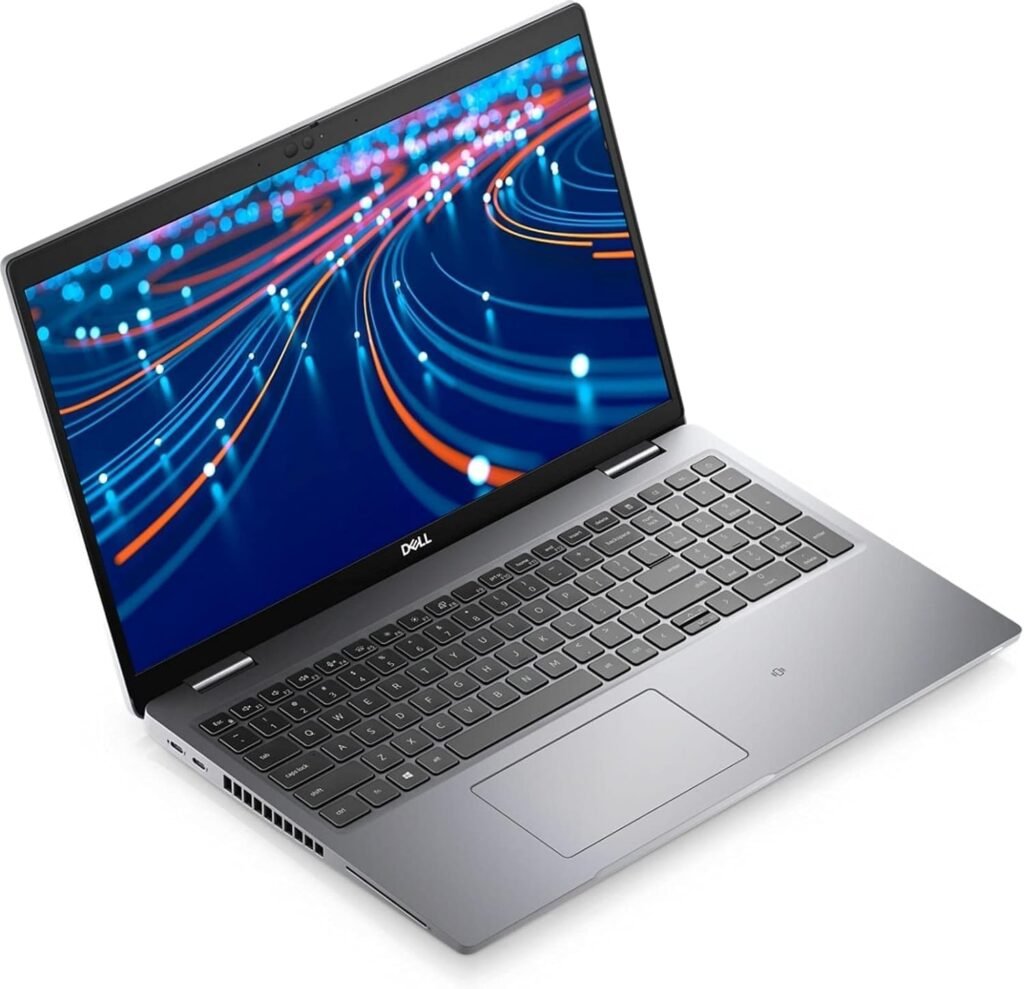
Computer science students may need stronger processors and additional RAM. Programming environments, virtual machines, and development tools can demand more resources.
Therefore, 16GB RAM and a capable modern processor provide greater flexibility.
Engineering Students.
Engineering students often use specialized applications. Consequently, performance requirements can vary significantly between programs.
Students using CAD, simulation, or engineering software should consider stronger processors and dedicated graphics.
Design and Media Students
Graphic design, video editing, and animation require substantial processing power. Therefore, students should consider laptops with 16GB or more RAM.
Dedicated graphics can also improve performance with demanding creative applications.
Windows, Mac, or Chromebook for Studying?
The operating system also influences your laptop experience. Therefore, consider your course requirements before choosing an ecosystem.
Windows laptops offer extensive hardware choices and broad software compatibility. They also provide options across different price ranges.
Mac laptops offer strong performance, portability, and integration with other Apple devices. However, students should verify software compatibility before purchasing.
Chromebooks provide affordable and simple solutions for browser-based coursework. Nevertheless, they may not support specialized desktop applications.
How Much Should Students Spend on a Laptop?
The ideal budget depends on your course and required software. Therefore, avoid choosing a laptop based solely on its price.
An affordable laptop can handle basic academic tasks effectively. Meanwhile, demanding courses justify investing in stronger hardware.
Furthermore, consider long-term value rather than the lowest purchase price. A slightly better laptop may remain useful for several additional years.
Final Thoughts: Choosing the Best Laptop for Studying.
The best student laptop balances performance, portability, battery life, durability, and affordability. Therefore, identify your academic requirements before comparing individual models.
For most students, prioritize a modern processor, 8GB or 16GB RAM, and an SSD. Additionally, choose a comfortable display and dependable battery.
Ultimately, the right laptop should support your studies without creating unnecessary limitations. With careful comparison, you can find a reliable laptop that fits your academic needs and budget.
Frequently Asked Questions.
The best time to buy is during back-to-school sales (July–September) or Black Friday/Cyber Monday (November). Many retailers like Jumia Kenya, Monte Digital, and Trunknet Technologies offer discounts during these periods. Student discounts may also be available through official brand education stores.
According to multiple sources, students should prioritize:
In the Kenyan market, Apple MacBooks are renowned for battery life—the MacBook Neo offers up to 16 hours of video playback.HP EliteBook and Dell Latitude business laptops also offer excellent battery life, making them suitable for students who spend all day on campus.
The Lenovo LOQ 15 (from KSh 103,000) is a top recommendation due to its discrete GPU and powerful processor . For budget-conscious students, the HP EliteBook 845 G7 (KSh 30,000–40,000) with AMD Ryzen 5 offers excellent performance for engineering coursework.











