
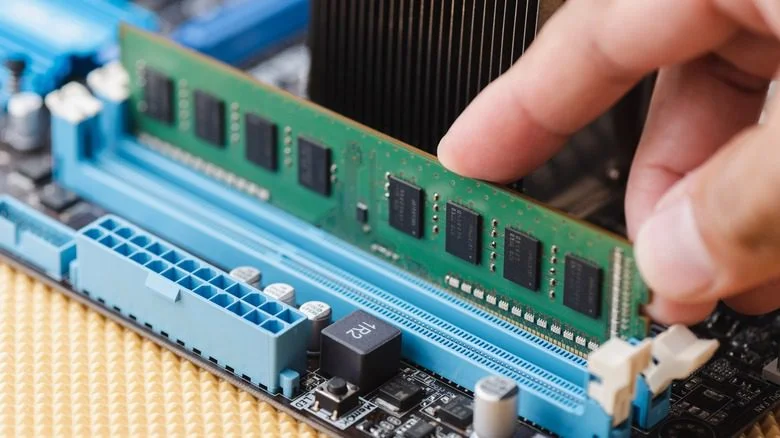
RAM Upgrades in Kenya: 2026 Pricing & Complete Guide Leave a comment
Let’s be real—nothing tests your patience like a laptop that freezes when you have 15 browser tabs open, Spotify playing, and a Word document that refuses to save. You don’t need a new laptop. You probably just need more RAM.
I’ve been in this industry long enough to know that a RAM upgrade is hands-down the best bang for your buck when it comes to breathing life into an aging laptop. But with the current global chip shortage hitting Kenya hard, prices are all over the place. So let’s cut through the noise.
What’s the Damage? How Much Will It Cost?
Here’s the short answer: depending on what your laptop needs, you’re looking at anywhere from KSh 4,500 to over KSh 30,000 for a RAM upgrade in Kenya right now.
But here’s the catch—and it’s a big one—global memory chip prices have shot up thanks to the AI boom. Manufacturers are dedicating most of their production capacity to AI servers, which has pushed the cost of RAM up by as much as 90% in early 2026 alone . So if you’re shopping for RAM, you’re paying more than you would have a year ago.
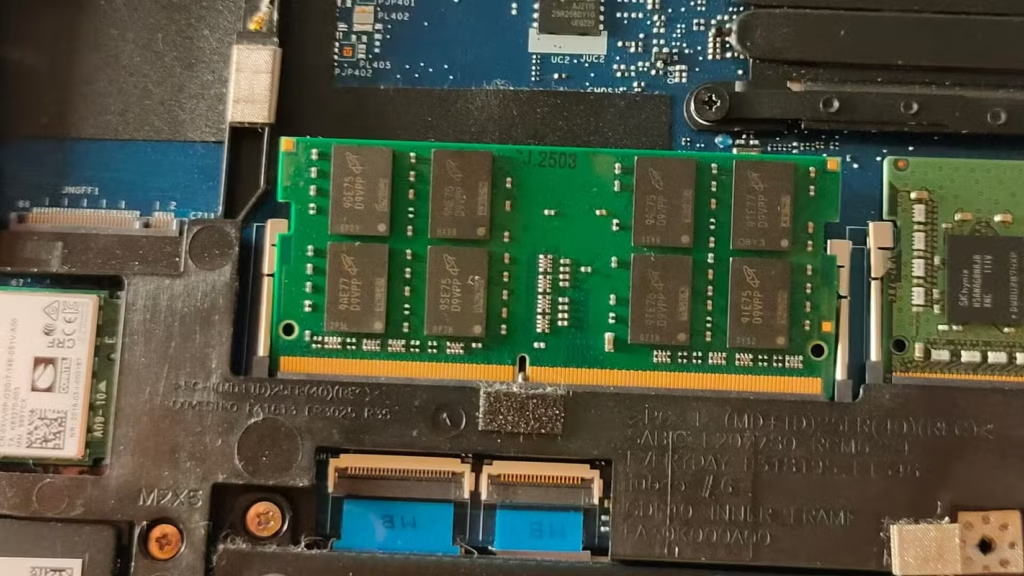
Here’s what you can expect to pay for the RAM module itself (prices from major online retailers):
| RAM Type & Capacity | Typical Price (KSh) |
|---|---|
| 4GB DDR3 (older laptops) | 1,500 – 4,500 |
| 8GB DDR3 | 3,500 – 10,000 |
| 4GB DDR4 | 2,000 – 3,500 |
| 8GB DDR4 | 4,000 – 16,000 |
| 16GB DDR4 | 7,000 – 16,000 |
| 32GB DDR4 | 13,000 – 22,000 |
| 8GB DDR5 (newer laptops) | 6,000 – 20,000 |
| 16GB DDR5 | 9,000 – 35,000 |
| 32GB DDR5 | 15,000 – 25,000 |
And if you’re paying a technician to do the installation, add around KSh 1000 to 2,500 for labor—most reputable shops include the cost of installation in the total price .
What Exactly Is RAM and Why Should You Care?
Think of RAM (Random Access Memory) as your laptop’s short-term memory. It’s where your computer keeps the things it’s actively working on. More RAM means your laptop can juggle more tasks at once without breaking a sweat.
If your laptop feels sluggish when you’re multitasking, taking forever to switch between apps, or crashing when you have too many tabs open, you probably need more RAM.
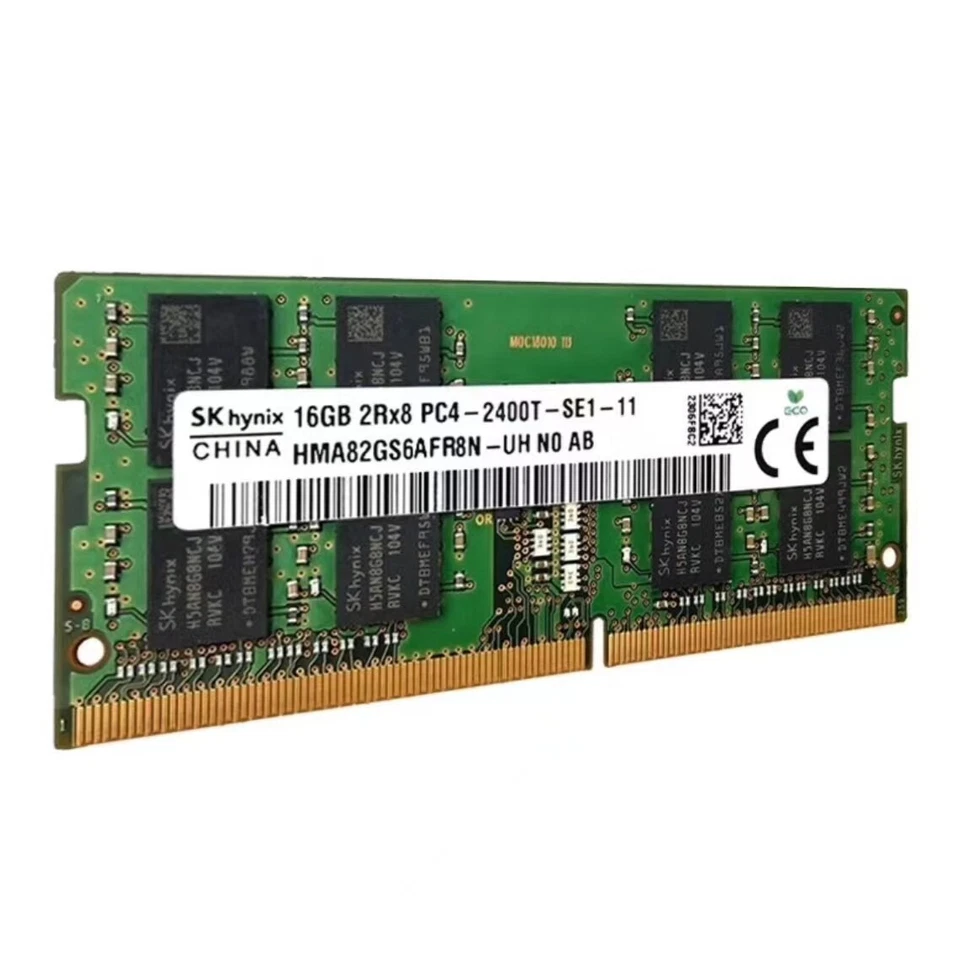
Signs You Need More RAM:
- Your laptop freezes or lags when switching between applications
- You get “low memory” warnings
- It takes forever to open files or applications
- You’re running heavy software like Adobe Premiere Pro, AutoCAD, or multiple virtual machines
- You’re a gamer and your FPS is dropping
How Much RAM Do You Actually Need?
This depends entirely on what you do with your laptop.
8GB – The bare minimum for decent performance in 2026. Fine for browsing, Office apps, streaming, and light multitasking.
16GB – The sweet spot for most users. If you’re a student with 20 tabs open, a music stream, and a research paper going, this is you. Also ideal for light video editing and programming.
32GB – For power users. Video editors, data analysts, engineers running simulations, and serious gamers.
Can You Just Buy Any RAM and Slap It In?
No. And please don’t try.
RAM isn’t one-size-fits-all. You need to make sure you’re getting the right type for your laptop:
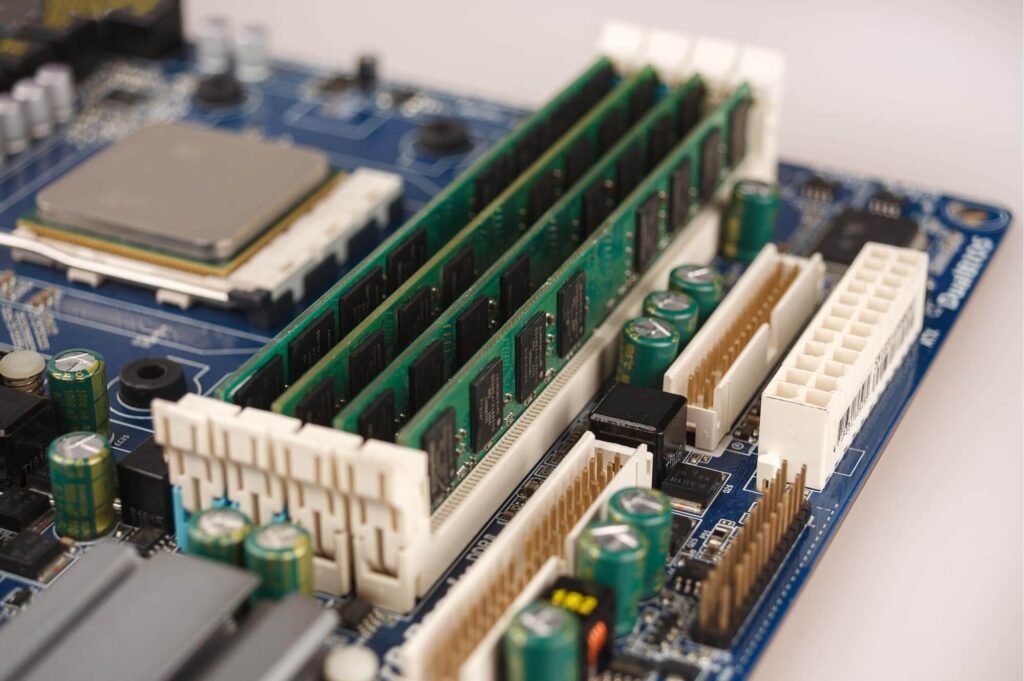
DDR3 – Older laptops (roughly 2012–2016). Slower, but still gets the job done for basic tasks.
DDR4 – What most laptops from 2016–2023 use. Better speed and power efficiency.
DDR5 – The new kid on the block. Faster and more power-efficient, but only works in newer laptops (2023 and later)
You also need to check:
- Speed (MHz) – Your laptop will run at the speed the motherboard supports. If you buy a 3200MHz stick but your laptop only supports 2400MHz, it’ll just run at 2400MHz .
- Physical slots – Does your laptop have an empty slot, or do you need to replace an existing stick?
- Maximum capacity – Some laptops can only handle up to 16GB or 32GB total
Should You DIY or Get a Pro?
If you’ve never opened a laptop before, I’d strongly recommend getting a professional to do it. Laptops are fragile, and a wrong move can fry your motherboard. Plus, most reputable repair shops in Nairobi offer a 6 to 12-month warranty on both the RAM and the labor .
If you’re handy with a screwdriver, it’s doable. Most laptops have easy-access panels on the bottom. But make sure you ground yourself to avoid static damage to the components. And always watch a teardown video for your specific model first.
Where Can You Get RAM or a RAM Upgrade in Kenya?
Here’s a breakdown of your options:
1. Online Retailers (Compvate) – You’ll find a massive selection from Kingston, Crucial, Lexar, SK Hynix, and others. Prices range from budget to premium . Make sure you’re buying from a seller with good ratings.
2. Specialized Repair Shops – Companies like Machine Repair Nairobi and TechHaven offer complete upgrade services, including diagnostics, installation, and testing . They’ll handle everything and give you a warranty.
3. Local Tech Stores (Nairobi CBD) – Luthuli Avenue is packed with shops selling RAM modules. You can physically inspect the product and negotiate prices. Just be careful about counterfeit or low-quality modules.
4. Laptop Spare Parts Specialists – Places like Lansotech Solutions stock specific RAM for specific brands like Dell Latitude and HP ProBook . Good if you want a guaranteed fit.
Final Thoughts
A RAM upgrade is one of the smartest investments you can make in your laptop. It’s cheaper than a new machine, it extends the life of your current device, and you’ll notice the difference immediately.
But do your homework first. Check compatibility, read reviews, and get quotes from at least two reputable shops. And don’t be afraid to ask about the warranty—a good technician will stand behind their work.
Frequently Asked Questions
A professional shop in Nairobi can do it in 30 minutes to an hour. Most offer same-day service
If your laptop is still under manufacturer warranty, letting a third party open it up will almost certainly void it. In that case, go through an authorized service center.
Blame the AI boom. Tech giants are buying up memory chips to build massive data centers, which has squeezed supply for consumer electronics and driven prices up significantly











