
How Much RAM Is Good for a Laptop? A Complete Guide. Leave a comment
Choosing the right amount of RAM can significantly affect your laptop’s performance. However, the ideal RAM depends on how you plan to use your laptop.
Whether you need a laptop for studying, business, gaming, programming, or creative work, RAM plays an important role. Therefore, understanding your requirements can help you avoid overspending.
What Is RAM in a Laptop?
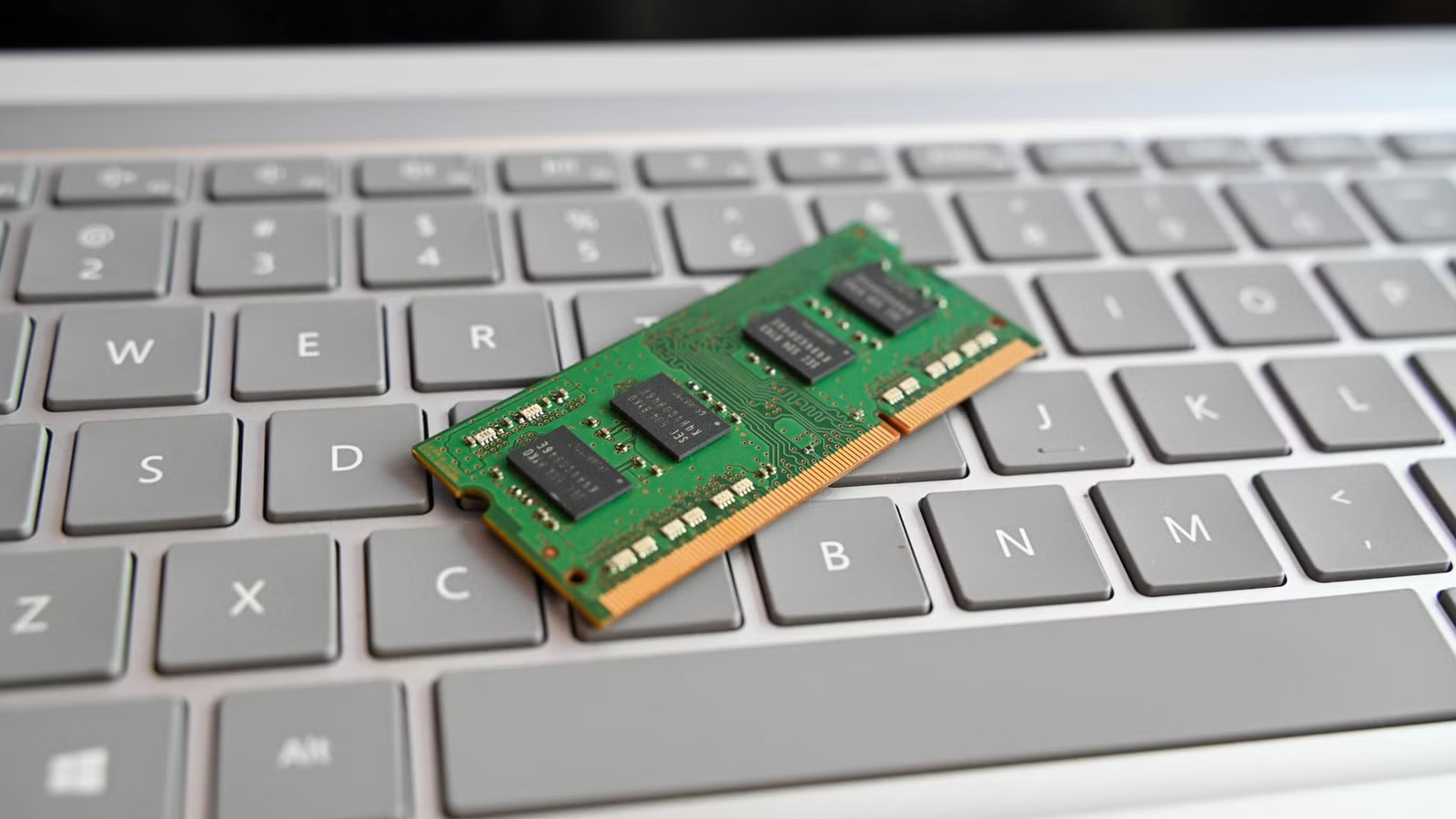
RAM, or Random Access Memory, temporarily stores data that your laptop actively uses.
For example, opening a browser, document, music player, and spreadsheet uses RAM. Consequently, having more RAM allows your laptop to handle more tasks simultaneously.
However, more RAM does not automatically make every laptop faster. Your processor, storage, graphics, and operating system also affect performance.
How Much RAM Does a Laptop Need?
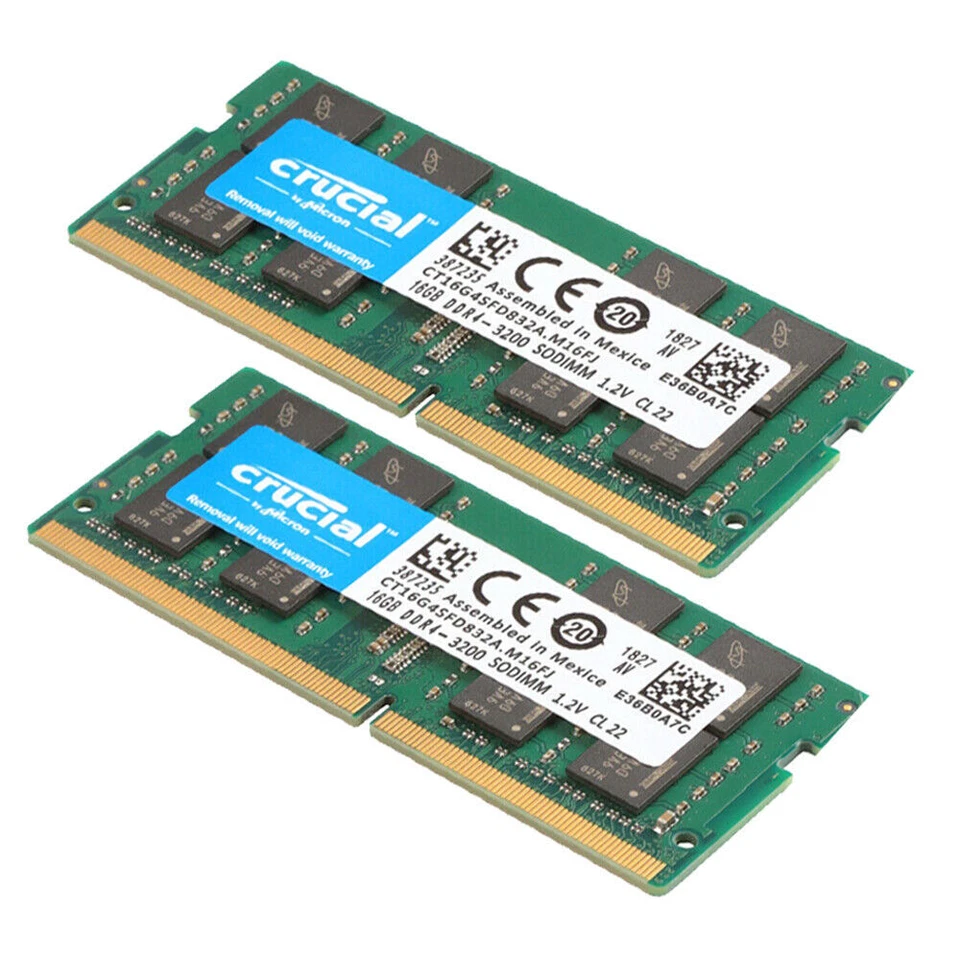
For most users, 8GB of RAM is the minimum recommended amount for everyday laptop use.
However, 16GB of RAM is the better choice for most people. It provides additional headroom for multitasking and demanding applications.
Here is a simple breakdown:
| RAM | Best For |
|---|
| 4GB | Basic browsing and very light tasks |
| 8GB | Students, office work, browsing, and everyday use |
| 16GB | Multitasking, programming, gaming, and professional work |
| 32GB | Advanced gaming, video editing, engineering, and demanding software |
| 64GB+ | Professional workloads, advanced production, and specialized applications |
Is 8GB RAM Enough for a Laptop?
Yes, 8GB RAM is enough for many everyday users.
It can handle web browsing, Microsoft Office, online classes, video calls, email, and basic entertainment.
However, 8GB can become limiting when running many demanding applications simultaneously. Therefore, consider 16GB if you frequently multitask.
Is 16GB RAM Better for a Laptop?
For many users, 16GB provides an excellent balance between performance and value.
It allows smoother multitasking and provides more capacity for demanding applications. Additionally, it can make a laptop more suitable for long-term use.
Therefore, 16GB is a strong choice for students, professionals, developers, and general power users.
How Much RAM Does a Gaming Laptop Need?
Gaming laptops should generally have at least 16GB of RAM.
Modern games can require significant system resources. Furthermore, gamers often run communication applications, browsers, launchers, and other software alongside their games.
For demanding gaming setups, 32GB can provide additional headroom. However, upgrading RAM alone will not compensate for weak graphics hardware.
How Much RAM Is Good for Students?
For most students, 8GB RAM is sufficient for everyday academic work.
Students who use programming tools, design software, data-analysis applications, or multiple applications simultaneously should consider 16GB.
Additionally, 16GB can provide a more comfortable experience throughout several years of university use.
How Much RAM Is Good for Business Laptops?
Business users should consider their workload before choosing RAM capacity.
For documents, spreadsheets, email, web applications, and video conferencing, 8GB can work well.
However, professionals handling large spreadsheets, databases, development environments, or multiple applications should consider 16GB or more.

RAM Needed for Video Editing.
Video editing requires considerably more system resources than basic office work.
For light editing, 16GB can be a practical starting point. However, professional 4K workflows and complex projects can benefit from 32GB or more.
Moreover, video editing performance also depends heavily on the processor, GPU, and storage speed.
How Much RAM Does a Programming Laptop Need?
Programming requirements vary significantly by development environment.
For basic programming, 8GB can be sufficient. However, developers using virtual machines, containers, large projects, or multiple development tools should consider 16GB.
Meanwhile, advanced development workflows may benefit from 32GB.
Can You Upgrade Laptop RAM?
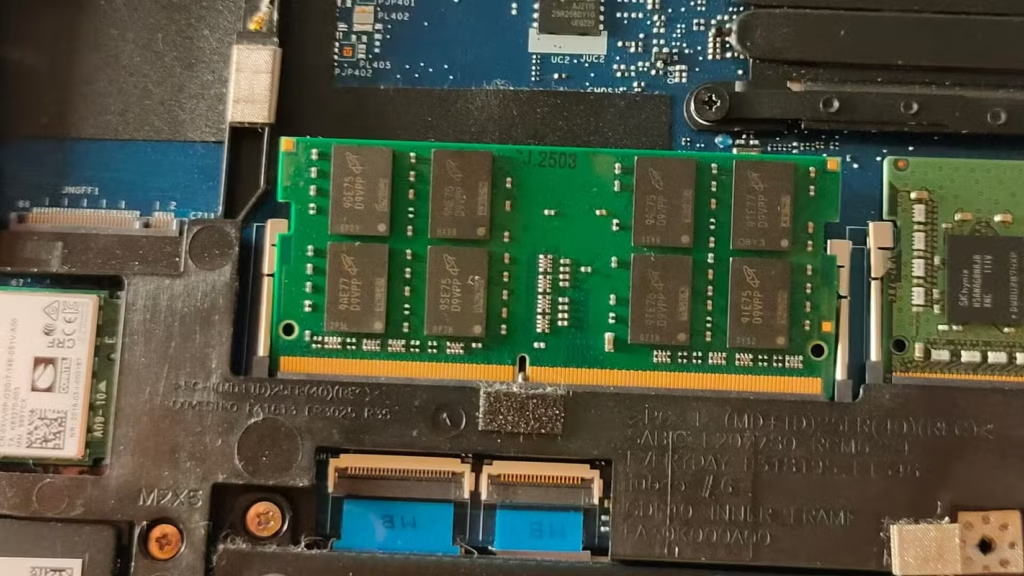
Some laptops allow RAM upgrades, while others have memory permanently soldered to the motherboard.
Therefore, check the laptop’s specifications before purchasing.
If you expect your computing needs to increase, choosing an upgradeable laptop can provide greater flexibility.
Is More RAM Always Better?
Not necessarily.
If your laptop only needs 8GB, upgrading to 32GB may provide little noticeable improvement for basic tasks.
Instead, consider the entire system. A fast SSD, capable processor, and sufficient RAM should work together for balanced performance.
What RAM Should You Choose When Buying a Laptop?
For most buyers, these recommendations provide a useful starting point:
- Basic users: 8GB
- Students: 8GB–16GB
- Office professionals: 8GB–16GB
- Programmers: 16GB
- Gamers: 16GB–32GB
- Content creators: 16GB–32GB
- Professional workloads: 32GB–64GB+
Ultimately, 16GB RAM is the best all-around choice for many modern laptop users.

However, your specific workload should determine the final decision. Choosing the right amount of RAM can help you get better performance without paying for unnecessary capacity.
Final Thoughts
Choosing the right amount of RAM depends on how you use your laptop. For basic tasks, 8GB RAM remains a practical choice.
However, 16GB RAM is the best all-around option for most users. It provides smoother multitasking and better support for demanding applications.

For gaming, video editing, programming, engineering, and professional workloads, 32GB or more can provide additional performance headroom.
Before buying, also consider the processor, SSD, graphics, and whether the RAM can be upgraded. A balanced laptop will deliver better value than focusing on RAM alone.
If you’re shopping for a laptop in Nairobi, compare specifications carefully and choose a configuration that matches your current and future needs.
FAQs About Laptop RAM
Yes. 8GB can handle browsing, office applications, streaming, email, and online learning effectively.
It depends on the laptop design. Some models have upgradeable RAM, while others use soldered memory.
More RAM can improve performance when your existing memory is insufficient. However, RAM is only one part of overall laptop performance.
8GB works for most students. However, 16GB offers better multitasking and greater long-term flexibility.
For basic users, 32GB may be unnecessary. However, it can benefit gamers, creators, engineers, developers, and other demanding users.











