
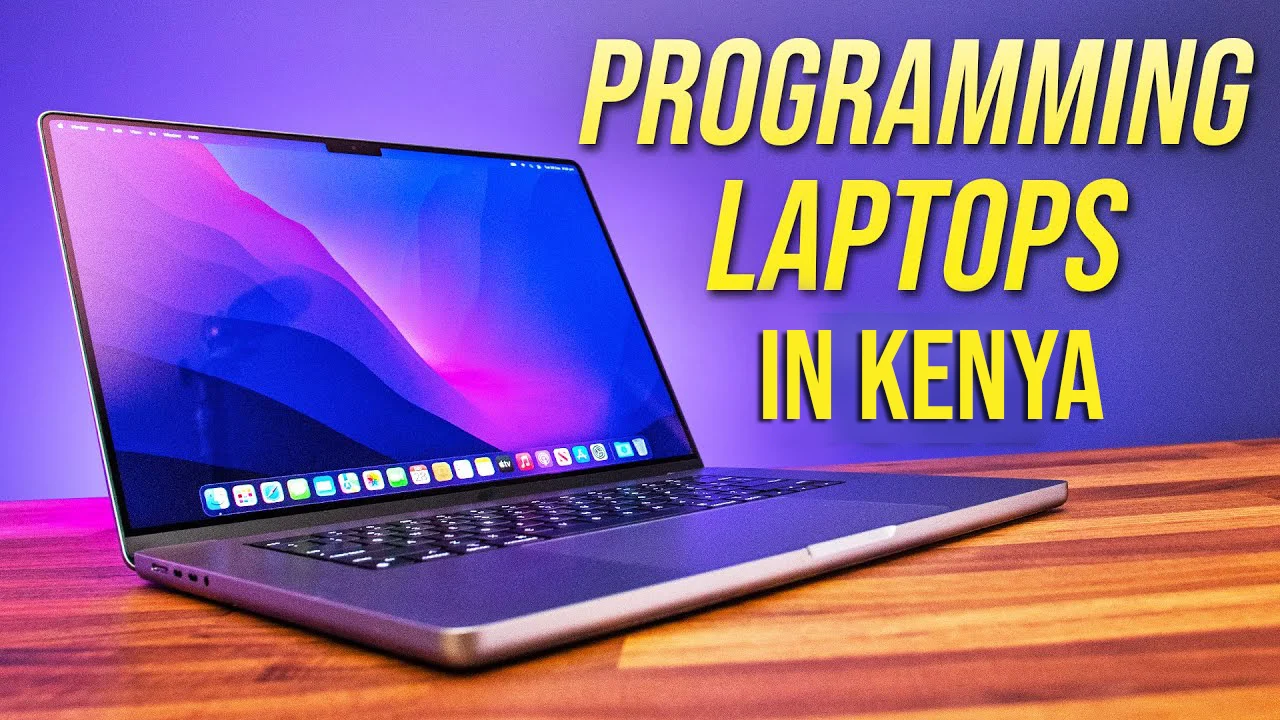
Best Laptop for Programming in 2026: A Developer’s No-Nonsense Guide. Leave a comment
Let’s cut the fluff. You don’t need a “powerful” laptop. You need one that doesn’t freeze when you have thirty Chrome tabs, a local server, and Docker all fighting for RAM. A machine that compiles code fast, keeps you comfortable during marathon sessions, and doesn’t die the second you unplug it.
The market is flooded, and the specs can be overwhelming. But here’s the thing: the best laptop for programming doesn’t require a top-tier graphics card for web dev, but it might be non-negotiable if you’re diving into machine learning. My goal here is to arm you with the knowledge to cut through the marketing noise. We’ll break down exactly what you need, look at some of the top contenders in 2026, and get you sorted. Let’s dive into the ultimate laptop buying guide for coders.
What Actually Matters: The Developer’s Spec Sheet
Before we look at specific machines, let’s talk about the internals. Don’t get distracted by flashy features. Focus on these core components to ensure you get a laptop truly fit for programming.

CPU: The Brain of Your Operation
This is the engine of your laptop. A powerful CPU directly translates to faster compile times, snappier IDE performance, and smoother multitasking. It’s a simple equation.
For programming, you should be looking at:
- Intel: Core i5 or i7 (preferably the H-series for higher performance) or the newer Core Ultra series.
- AMD: Ryzen 5 or Ryzen 7.
- Apple: The M-series chips (M3, M4, or M5) are absolute beasts for development.
The key takeaway? Don’t skimp here. A strong, efficient processor is your primary weapon against lag.
If your budget allows, aim for the higher-end offerings from these lines.
RAM: Your Digital Workspace
This is the memory your laptop uses to juggle all your open tasks. More RAM means you can run more applications—your IDE, browser, database tools, and virtual machines—without your system grinding to a halt.
- 16GB is the absolute minimum standard in 2026 for a smooth, future-proof experience.
- 32GB is the sweet spot if you work with heavy IDEs, run multiple virtual machines, or dabble in data science and machine learning.
Trust me on this: Once you’re running VS Code, a few Docker containers, and a dozen browser tabs, you’ll feel the pain of 8GB of RAM immediately. If you need to future-proof, prioritise a laptop with a larger RAM capacity.
Storage: Speed is King
Forget traditional hard drives. You need a Solid State Drive (SSD). The speed difference is night and day for boot times and project load times.
- Minimum: 512GB PCIe NVMe SSD.
- Ideal: 1TB PCIe NVMe SSD, especially if you work with large codebases or need to run VMs.It’s a good idea to invest in a laptop with an SSD for faster storage
Display: Your Window to the Code
You’ll be staring at this screen for hours. Don’t neglect it. A crisp, clear display with good brightness makes a world of difference for your eyes and concentration.
- Size: 14-inch is a great balance of portability and screen real estate. 16-inch is excellent if you want more space and don’t mind the extra size.
- Aspect Ratio: Look for a 16:10 or 3:2 aspect ratio. It gives you more vertical space, which is a godsend for scrolling through code.
- Resolution: An OLED or high-resolution IPS panel makes a significant difference for reducing eye strain over long periods.
Graphics Card (GPU): A Special Case
This is one of the most common questions. Do you need a dedicated GPU for programming?
- For web or app development: No. The integrated graphics (Intel Arc or AMD Radeon) found on modern CPUs are more than sufficient.
- For Game Development, Machine Learning, or Data Science: Yes. You will need a dedicated graphics card. Prioritise NVIDIA RTX series for CUDA support. Look for options with 6GB or 8GB of VRAM
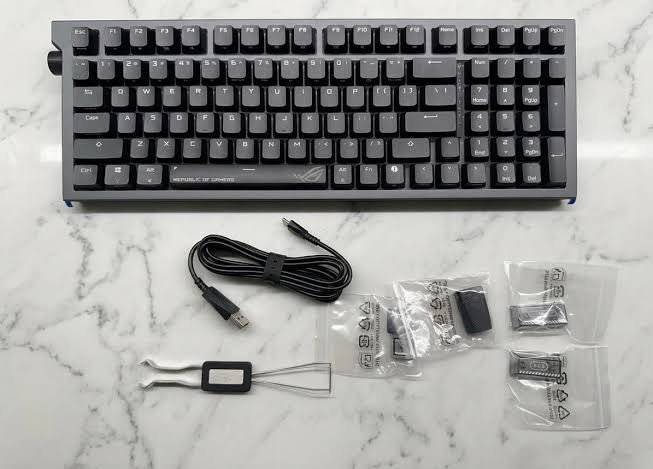
Keyboard, Battery Life, and Build Quality
- Keyboard: This is your primary tool. Find a laptop with good key travel and satisfying tactile feedback. A poor keyboard is a productivity killer.
- Battery Life: If you work remotely or are a student on the go, aim for a laptop with 8-10 hours of real-world battery life.
- Build Quality: The laptop should be robust enough to handle daily commutes
Laptop Recommendations for 2026
Based on the criteria above, here are some top contenders that stand out in the 2026 market.
Apple MacBook Pro 14-inch (M4 Pro)
The MacBook Pro continues to be the gold standard for many developers.The M-series chips are incredibly efficient, offering top-tier performance for compiles and multitasking while remaining silent and delivering phenomenal battery life.
Best For: Developers who want a premium, reliable machine and are comfortable in the Apple ecosystem. Particularly good for mobile development (iOS/Android) and general software engineering
Pros: Blazing fast performance, excellent battery, beautiful display, top-tier build quality.
Cons: Expensive, macOS isn’t for everyone, and upgrades are costly.
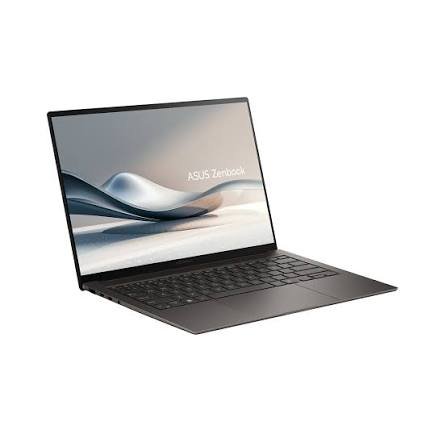
ASUS Zenbook S 14 (UX5406)
The ASUS Zenbook S 14 is a standout option for a Windows laptop. With the latest Intel Core Ultra processors, it handles heavy multitasking with ease. The OLED display is stunning, and models are now offering impressive battery life that can last a full workday.
- Pros: Stunning OLED display, powerful Intel processors, premium build, good battery life.
- Cons: Can get expensive with higher specs, some developer tools may be more tested on Intel/AMD chips.
- Best For: Windows users who value a premium build and a fantastic display
Dell 14 Plus
A reliable Windows ultrabook that’s a workhorse for developers.It features sharp displays and the latest Intel Core Ultra chips with built-in AI capabilities. It’s a solid choice for any development workflow.
Best For: Corporate programmers and full-stack developers who need a dependable and powerful work tool
Pros: Excellent performance, sharp display, good battery life, robust build.
Cons: Less exciting design compared to some competitors.
Lenovo LOQ 15AHP10
This is an overkill in the best possible way.The Lenovo LOQ is a performance monster designed for game dev, machine learning, and heavy multitasking. It’s for those who need serious power, not for the ultra-portable crowd .
Pros: Incredible performance with powerful CPU and GPU, upgradeable RAM.
Cons: Heavy and bulky, average battery life.
Best For: Game developers, ML engineers, and data scientists who need workstation-grade power on the go
ASUS Vivobook 16
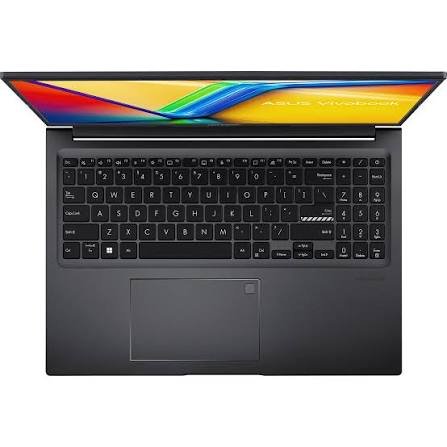
The ASUS Vivobook 16 is a strong choice for developers who want a large screen. There are versions with Intel and AMD chips, including some with efficient ARM-based Snapdragon processors.
It provides a spacious 16-inch display and all-day battery life, making it a great value proposition.
- Pros: Big screen, good battery life, good value for money.
- Cons: Performance may not match premium models.
- Best For: Students and web developers who want a large screen and don’t need maximum performance. A solid choice for web development and cloud-native apps
So, What’s the Best Laptop for You?
There is no single “best” laptop. It depends on your needs. But here is the bottom line:
- For maximum performance and reliability: The Apple MacBook Pro is tough to beat.
- For the best Windows experience: The ASUS Zenbook S 14 or Dell 14 Plus are fantastic choices, offering power, portability, and great displays.
- For budget-conscious developers and students: The ASUS Vivobook 16 is a compelling option that offers great value without sacrificing essential features.
The perfect machine is out there, and your next great build or project is waiting to be written on it. So, invest wisely, do your research, and get ready to code.
Frequently Asked Questions (FAQ)
No, 8GB is insufficient for modern development work. It will cause significant lag once you open a few applications.We strongly recommend a minimum of 16GB RAM for a smooth experience.
For web and app development, no. Integrated graphics are fine. You only need a dedicated GPU for game development, machine learning, or data science.
It depends on your needs. Macs are excellent for mobile development and have great performance. PCs (Windows/Linux) offer more flexibility, a wider range of software compatibility, and can be more cost-effective.
Get a minimum of 512GB SSD. 1TB is ideal if you work with large files or use virtual machines.
Look for an Intel Core i5/i7, AMD Ryzen 5/7, or Apple’s M-series chips. Prioritise multi-core performance for faster compile times.











