
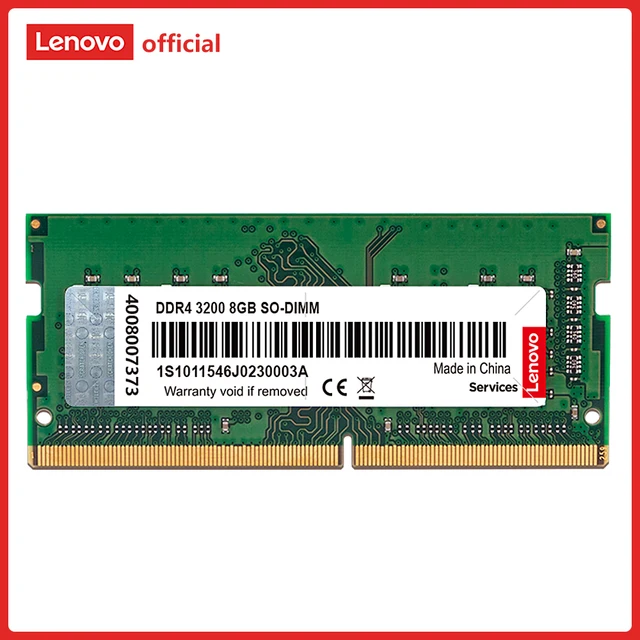
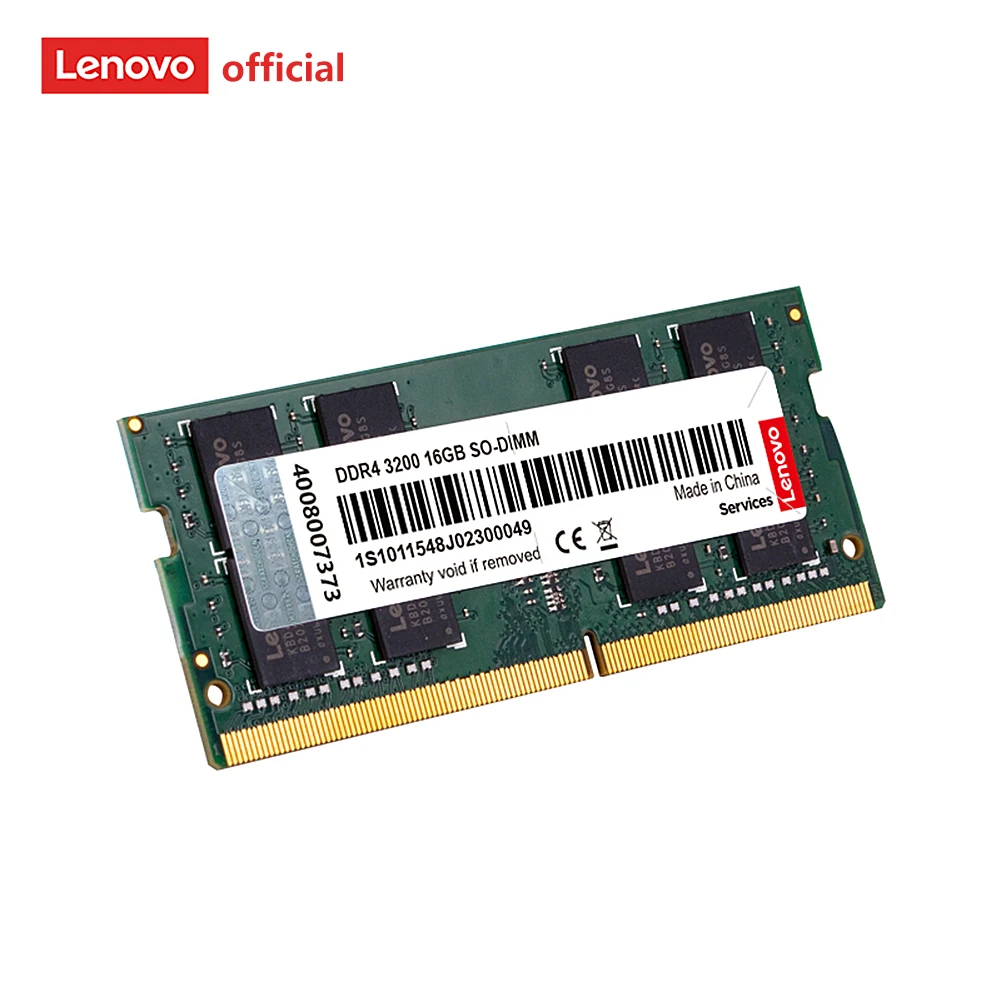
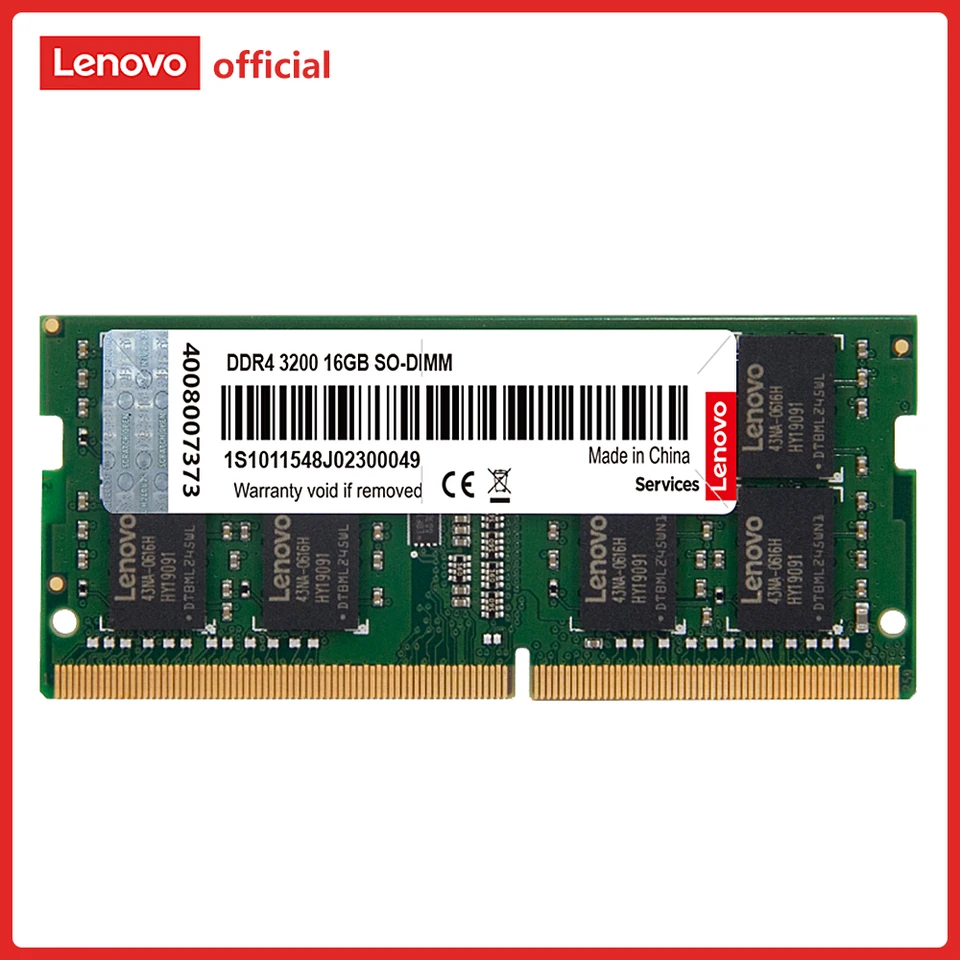
Genuine Lenovo 8GB DDR4 Laptop RAM Upgrade: High-Performance 260-Pin SODIMM (2133MHz, 2400MHz, 2666MHz, 3200MHz)
In today’s fast-paced digital environment, we depend on reliable, efficient, and high-speed memory solutions to maintain optimal laptop performance. The Genuine Lenovo 8GB DDR4 Laptop RAM Upgrade 260-pin SODIMM module is engineered to deliver enhanced system responsiveness, seamless multitasking, and long-term reliability.
With multiple speed options—2133MHz, 2400MHz, 2666MHz, and 3200MHz—this upgrade offers flexibility and compatibility, making it ideal for a wide range of Lenovo laptops and DDR4-supported systems.
Why Choose Genuine Lenovo 8GB DDR4 Laptop RAM?
We prioritize authenticity, performance, and compatibility, and this memory module delivers across all aspects.
Key Benefits
- 8GB Capacity for Balanced Performance
Perfect for multitasking, office work, and everyday computing. - Multiple Speed Options for Flexibility
Available in 2133MHz, 2400MHz, 2666MHz, and 3200MHz to match system requirements. - Low Power Consumption (1.2V)
Improves battery life and reduces heat output. - Genuine Lenovo Quality
Ensures maximum compatibility and reliability with Lenovo systems. - Stable and Consistent Performance
Designed for long-term use without performance degradation.
Understanding DDR4 Memory Technology
Advanced Performance Architecture
DDR4 memory technology provides:
- Faster data transfer speeds
- Increased bandwidth
- Lower voltage consumption
We achieve better efficiency and smoother system performance compared to older memory standards.
Performance Comparison by Speed
Selecting the Right Speed Option
We provide a clear breakdown:
| Speed | Performance Level | Recommended Use |
|---|---|---|
| 2133MHz | Entry-Level | Basic computing, older laptops |
| 2400MHz | Standard | Office work, general tasks |
| 2666MHz | Enhanced | Multitasking and productivity |
| 3200MHz | High Performance | Gaming and professional workloads |
Optimized Compatibility
We recommend selecting RAM speed based on:
- System motherboard support
- CPU compatibility
- Desired performance level
SODIMM Form Factor and Compatibility
260-Pin Compact Design
The SODIMM (Small Outline DIMM) ensures compatibility with:
- Lenovo laptops
- Notebooks
- Compact PCs
Easy Installation Process
We ensure a simple upgrade process:
- Power off the laptop
- Open the memory compartment
- Insert the RAM module
- Secure it into place
- Restart the system
This ensures a quick and hassle-free installation.
Real-World Performance Benefits
Efficient Multitasking
With 8GB RAM, we can:
- Run multiple applications smoothly
- Manage browser tabs efficiently
- Reduce system lag
Improved System Speed
We experience:
- Faster startup times
- Quick application loading
- Better workflow performance
Enhanced User Experience
This upgrade delivers:
- Smooth everyday computing
- Reliable performance
- Improved productivity
Energy Efficiency and Thermal Performance
Low Voltage Operation (1.2V)
We benefit from:
- Reduced power consumption
- Extended battery life
- Lower heat output
Thermal Stability
We maintain:
- Consistent operating temperatures
- Reliable performance under load
Who Should Upgrade to Lenovo 8GB DDR4 RAM?
We recommend this upgrade for:
- Lenovo laptop users
- Students and professionals
- Office and business environments
- Users upgrading from 4GB RAM
Maximizing Performance with Lenovo RAM
To achieve optimal results, we recommend:
- Pairing RAM with SSD storage
- Using dual-channel configuration if possible
- Updating BIOS and system drivers
- Performing regular system optimization

There are no reviews yet.