
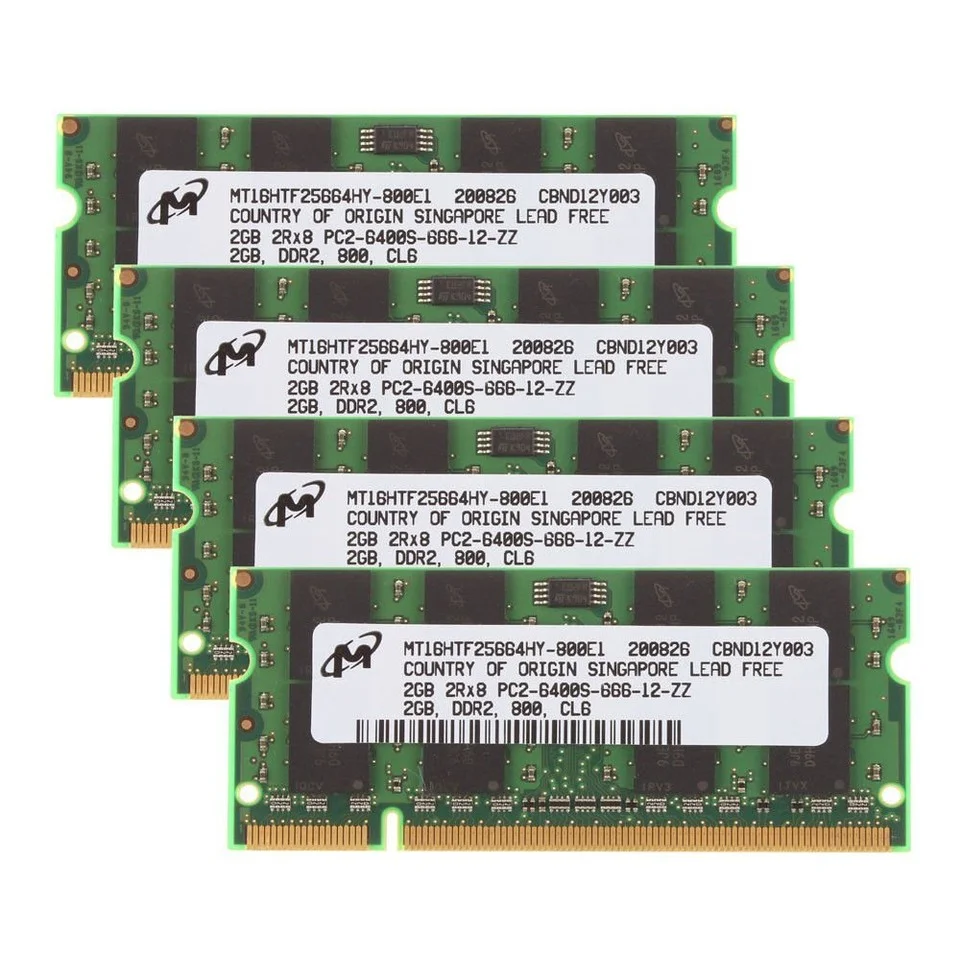
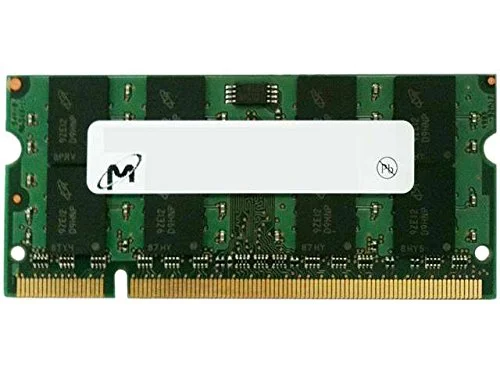
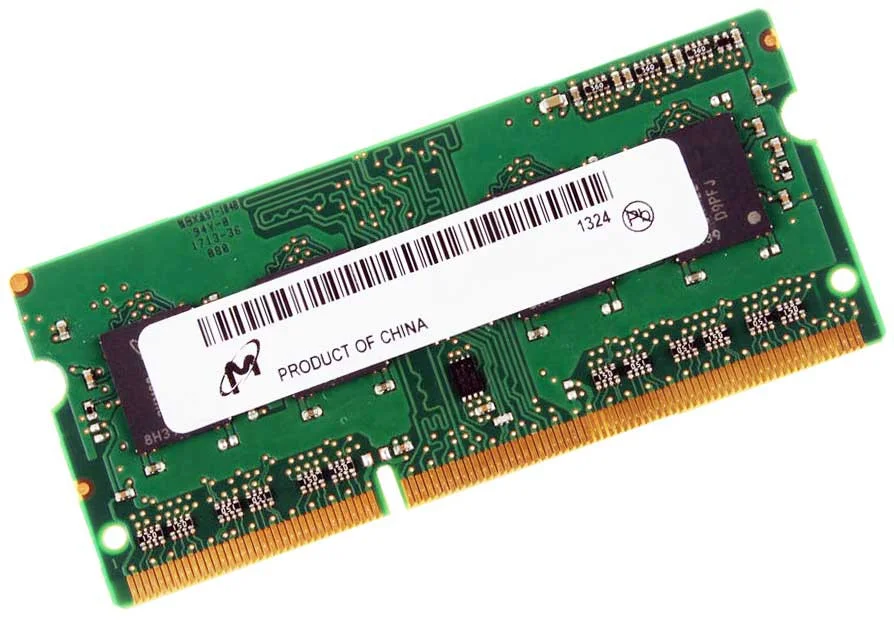
Micron 2GB (1x2GB) SODIMM DDR2 PC2-6400 800MHz Laptop RAM
-
Brand: Micron
-
Capacity: 2GB (1x2GB)
-
Type: DDR2
-
Form Factor: SODIMM 200-pin
-
Speed/Frequency: 800MHz
-
PC Rating: PC2-6400
-
Voltage: 1.8V
-
Compatibility: Laptops supporting DDR2 SODIMM 200-pin modules
KSh1,000.00
Micron 2GB (1x2GB) SODIMM DDR2 PC2-6400 800MHz Laptop RAM
Why Choose Micron 2GB DDR2 PC2-6400 RAM
-
Trusted brand – Micron guarantees high-quality, reliable memory.
-
Legacy support – Ideal for older laptops needing stable memory upgrades.
-
Energy-efficient – Low voltage operation minimizes heat and power consumption.
-
Easy installation – Standard 200-pin SODIMM ensures broad compatibility.
-
Affordable upgrade – Improves performance without costly system replacement.
Upgrading your laptop with Genuine Micron 2GB DDR2 PC2-6400 800MHz RAM ensures better stability, smoother multitasking, and extended laptop life, making it an ideal choice for older laptops and legacy computing tasks. Proper care keeps your memory running efficiently for years.
Performance Benefits in Daily Use
Enhanced Multitasking
Even with older laptops, upgrading to 2GB DDR2 RAM allows users to run office applications, web browsers with multiple tabs, and lightweight media programs more smoothly. This eliminates frustrating slowdowns common in systems with only 512MB or 1GB of memory.
System Stability
Insufficient memory often causes application crashes and freezes. Micron’s 2GB module ensures a stable operating environment, reducing errors and improving the reliability of your laptop for day-to-day use.
Better Legacy Application Support
Many older laptops continue to run legacy software and business applications that require stable memory performance. This Micron DDR2 RAM ensures your laptop remains compatible and functional with these applications.
Energy Efficiency
Operating at 1.8V, the module produces minimal heat and conserves power, making it ideal for extended use and portable computing.
How to Take Care of My Laptop RAM
Proper care of your Micron DDR2 RAM ensures long-term performance:
-
Keep Your Laptop Clean – Dust in memory slots can lead to poor connectivity. Use compressed air to clean periodically.
-
Prevent Overheating – Ensure proper laptop airflow and avoid obstructing cooling vents.
-
Handle RAM Carefully – Ground yourself to avoid static electricity during installation or removal.
-
Monitor System Usage – Avoid running multiple high-demand programs that exceed the module’s capacity.
-
Avoid Physical Damage – Insert RAM gently and align with the slot correctly to prevent bending.
Following these steps maximizes memory performance and longevity.
Compatibility and Installation
The 200-pin SODIMM form factor is compatible with DDR2 laptops. Installation is simple:
-
Power off your laptop and remove the battery if possible.
-
Open the memory compartment.
-
Align the notch on the RAM module with the slot key.
-
Press gently until the module clicks into place.
-
Close the compartment and power on the laptop.
Most legacy laptops will automatically recognize the new memory, improving speed and stability immediately.
-
- Capacity: 2GB (Single module).
- Technology: DDR2 SDRAM.
- Speed: 800 MHz (PC2-6400 / PC2-6400S).
- Form Factor: 200-pin SO-DIMM (Laptop).
- Voltage: 1.8V.
- CAS Latency: Typically CL6.
- Error Correction: Non-ECC, Unbuffered.
- Model Number Example: Often listed as MT16HTF25664HY-800J1.
- Device Support: Designed for legacy laptops from brands like Dell (e.g., Inspiron 1525, 1501), HP, Acer, and Toshiba.
- Upgrade Benefits: Users frequently report significant speed improvements when doubling existing RAM, particularly in systems previously struggling with 1GB.
- Mixing RAM: While it is a PC2-6400 module, it is generally backward compatible with slower DDR2 systems (e.g., 667MHz/PC2-5300), though it will then run at the slower speed.
Based on 0 reviews
Be the first to review “Micron 2GB (1x2GB) SODIMM DDR2 PC2-6400 800MHz Laptop RAM”
Related products
-
DDR3, Laptop memory, Memory
Laptop RAM Memory 8GB Samsung 2RX8 DDR3 1600MHz PC3-12800S 204PIN SODIMM 1.5V
 DDR3, Laptop memory, Memory
Laptop RAM Memory 8GB Samsung 2RX8 DDR3 1600MHz PC3-12800S 204PIN SODIMM 1.5V
-
Brand: Samsung
-
Capacity: 8GB
-
Type: DDR3
-
Form Factor: SODIMM 204-pin
-
Speed/Frequency: 1600MHz
-
Module Configuration: 2RX8 (Dual Rank)
-
Voltage: 1.5V
-
PC Rating: PC3-12800S
-
Compatibility: Laptops supporting DDR3 SODIMM 204-pin modules
SKU: n/a -
-
DDR4, Laptop memory, Memory
Crucial 8gb ddr4 3200 sodimm Laptop RAM Memory
Product Name: Crucial 8GB DDR4 3200 SODIMM Laptop RAM Memory
Memory Type: DDR4 SDRAM
Capacity: 8GB
Speed: 3200 MHz (PC4-25600)
Form Factor: SODIMM (260-pin)
Voltage: 1.2V
CAS Latency: CL22 (typical)
Data Transfer Rate: 3200 MT/s
Error Checking: Non-ECC
Buffered/Registered: Unbuffered
Compatibility: DDR4-enabled laptops and small form-factor systems
Operating Temperature: 0°C to 85°C
Module Configuration: 1 x 8GB
Rank: Single or Dual Rank (varies by model)SKU: n/a -
DDR4, Laptop memory, Memory
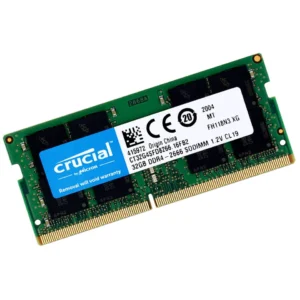
Crucial 32GB Single DDR4 2666 MT/S CL19 SODIMM 260-Pin Laptop RAM Memory
Model: Crucial 32GB Single DDR4 SODIMM
Memory Type: DDR4 SDRAM
Capacity: 32GB single module
Speed Rating: 2666 MT/s
CAS Latency: CL19
Form Factor: 260-pin SODIMM
ECC Support: Non-ECC
Buffering: Unbuffered
Architecture: Designed for high-capacity laptop performance
Compatibility: DDR4 laptops supporting 32GB modules at 2666 MT/s
SKU: n/a -
DDR5, Laptop memory, Memory
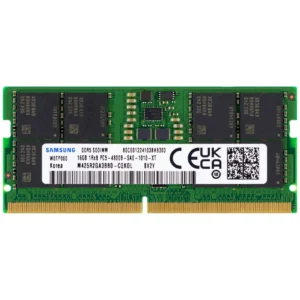
Samsung 16GB DDR5 4800MHz PC5-38400 CL40 SODIMM 1Rx8 1.1V 262-Pin SO-DIMM Laptop RAM Memory
 DDR5, Laptop memory, Memory
Samsung 16GB DDR5 4800MHz PC5-38400 CL40 SODIMM 1Rx8 1.1V 262-Pin SO-DIMM Laptop RAM Memory
Capacity: Single 16GB module.
Speed: 4800 MHz (PC5-38400 / PC5-4800B).
Form Factor: 262-Pin SO-DIMM (Laptop size).
CAS Latency: CL40.
Rank: 1Rx8 (Single Rank).
Voltage: 1.1V (JEDEC Standard), which is more power-efficient than DDR4’s 1.2V.
ECC Type: Non-ECC Unbuffered
SKU: n/a












There are no reviews yet.