
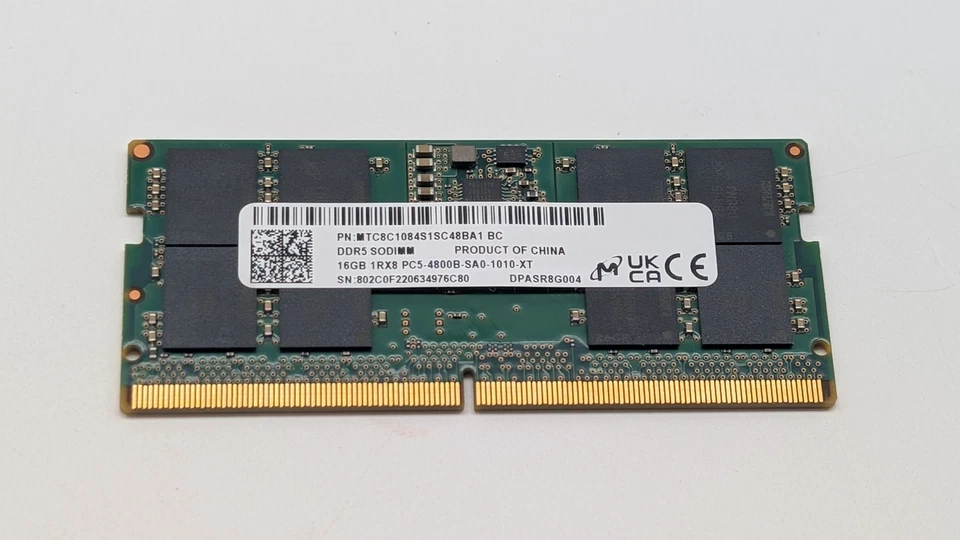
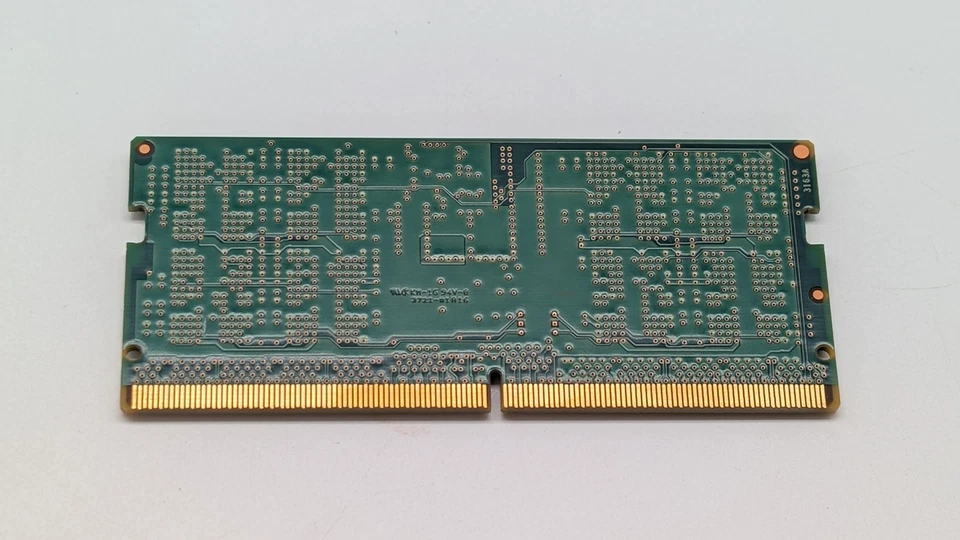
Micron SODIMM 16GB DDR5 4800 PC5 1Rx8 MTC8C1084S1SC48BAX Laptop RAM Memory
-
Brand: Micron
-
Capacity: 16GB
-
Type: DDR5
-
Form Factor: SODIMM 260-pin
-
Speed/Frequency: 4800MHz
-
Module Configuration: 1Rx8 (Single Rank)
-
Voltage: 1.1–1.2V
-
PC Rating: PC5
-
Part Number: MTC8C1084S1SC48BAX
-
Compatibility: Laptops supporting DDR5 SODIMM 260-pin modules
-
Use Case: High-end multitasking, gaming, video editing, AI workloads, professional software
KSh17,000.00
Micron SODIMM 16GB DDR5 4800 PC5 1Rx8 MTC8C1084S1SC48BAX
At Compvate, we specialize in providing high-performance memory solutions for laptops. The Authentic Micron SODIMM 16GB DDR5 4800 PC5 1Rx8 MTC8C1084S1SC48BAX Laptop RAM is a cutting-edge memory module designed for ultimate speed, reliability, and efficiency. With the growing demands of modern computing, upgrading your laptop RAM to 16GB DDR5 ensures seamless multitasking, faster application performance, and long-term system stability.
Why Upgrade to 16GB DDR5 RAM?
Laptops equipped with limited memory often experience lag, slow application load times, and system instability, especially when running resource-intensive software. Upgrading to 16GB DDR5 RAM delivers:
-
Exceptional multitasking capabilities – Run multiple heavy applications without slowdowns.
-
Faster system responsiveness – Boot, load programs, and switch between tasks instantly.
-
Superior performance for modern software – Perfect for gaming, video editing, virtual machines, and AI workloads.
-
Enhanced system stability – Reduces memory errors and prevents crashes.
The Micron DDR5 4800 module is engineered for next-generation laptops that require high bandwidth and low latency.
Key Features of Micron 16GB DDR5 4800 Laptop RAM
Ultra-Fast DDR5 Performance
With a frequency of 4800MHz, this RAM delivers ultra-high-speed data transfer, making it ideal for gaming, content creation, and data-intensive applications. The PC5 specification ensures a high-bandwidth experience, keeping your laptop responsive even under heavy workloads.
Single-Rank (1Rx8) Architecture
The 1Rx8 single-rank design improves data flow efficiency while maintaining compatibility with most modern laptop motherboards. This architecture optimizes memory addressing, reducing bottlenecks and enhancing system performance.
Low Voltage and Energy Efficient
Operating at 1.1V–1.2V, this module reduces power consumption, minimizing heat generation and helping extend laptop battery life. DDR5’s advanced power management ensures laptops can run longer without compromising speed or stability.
How to Take Care of My Laptop RAM
Proper care is essential to maintain optimal RAM performance and extend the lifespan of your Micron DDR5 memory module:
-
Keep Laptop Internals Clean – Dust and debris can interfere with RAM slots. Use compressed air or a soft brush to clean periodically.
-
Prevent Overheating – Use cooling pads or ensure adequate airflow to avoid thermal throttling.
-
Handle RAM Carefully – Always ground yourself to prevent static electricity during installation.
-
Monitor System Loads – Avoid running excessive heavy applications simultaneously for extended periods.
-
Update Firmware and Drivers – Ensure laptop BIOS and drivers are current to optimize RAM recognition and performance.
-
Avoid Physical Damage – Do not bend or force the RAM into the slot; this can damage the module and motherboard.
Following these steps guarantees long-term stability and peak performance for your DDR5 laptop memory.
Compatibility and Installation
The 260-pin SODIMM form factor is compatible with laptops designed for DDR5 memory. Installation steps are simple:
-
Power off the laptop and disconnect the battery.
-
Open the laptop memory compartment carefully.
-
Align the RAM module with the slot, matching the notch on the module to the slot key.
-
Press gently until it clicks into place.
-
Close the compartment and power on the laptop.
Most laptops will automatically detect the new RAM without additional configuration.
- Capacity: 16GB.
- Type: DDR5 SDRAM.
- Speed: 4800 MHz (MT/s).
- Form Factor: SODIMM (Small Outline Dual In-Line Memory Module) with 262 pins.
- Rank: 1Rx8 (Single Rank).
- Voltage: Low-power 1.1V, which helps extend battery life and reduce heat.
- CAS Latency: CL40 (specifically 40-39-39).
- Performance: Offers a 50% increase in bandwidth compared to standard DDR4-3200, making it ideal for intensive tasks like AAA gaming, video editing, and AI workloads.
- Efficiency: Features an on-module Power Management Integrated Circuit (PMIC) and high-quality JEDEC-compliant components for improved stability.
- System Support: Compatible with a wide range of systems from major manufacturers including Dell, HP, and Lenovo that support the PC5 DDR5 SODIMM standard.
- Reliability: As a genuine Micron product (often also sold under their consumer brand, Crucial), it is tested for high stability and reliability.
Based on 0 reviews
Be the first to review “Micron SODIMM 16GB DDR5 4800 PC5 1Rx8 MTC8C1084S1SC48BAX Laptop RAM Memory”
Related products
-
DDR4, Laptop memory, Memory
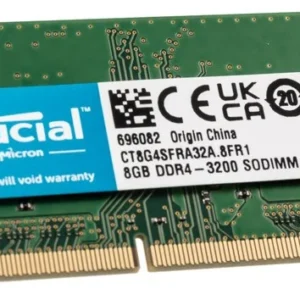
Crucial 8gb ddr4 3200 sodimm Laptop RAM Memory
Product Name: Crucial 8GB DDR4 3200 SODIMM Laptop RAM Memory
Memory Type: DDR4 SDRAM
Capacity: 8GB
Speed: 3200 MHz (PC4-25600)
Form Factor: SODIMM (260-pin)
Voltage: 1.2V
CAS Latency: CL22 (typical)
Data Transfer Rate: 3200 MT/s
Error Checking: Non-ECC
Buffered/Registered: Unbuffered
Compatibility: DDR4-enabled laptops and small form-factor systems
Operating Temperature: 0°C to 85°C
Module Configuration: 1 x 8GB
Rank: Single or Dual Rank (varies by model)SKU: n/a -
DDR5, Laptop memory, Memory
Samsung 16GB DDR5 4800MHz PC5-38400 CL40 SODIMM 1Rx8 1.1V 262-Pin SO-DIMM Laptop RAM Memory
 DDR5, Laptop memory, Memory
Samsung 16GB DDR5 4800MHz PC5-38400 CL40 SODIMM 1Rx8 1.1V 262-Pin SO-DIMM Laptop RAM Memory
Capacity: Single 16GB module.
Speed: 4800 MHz (PC5-38400 / PC5-4800B).
Form Factor: 262-Pin SO-DIMM (Laptop size).
CAS Latency: CL40.
Rank: 1Rx8 (Single Rank).
Voltage: 1.1V (JEDEC Standard), which is more power-efficient than DDR4’s 1.2V.
ECC Type: Non-ECC Unbuffered
SKU: n/a -
DDR3, Laptop memory, Memory
Laptop RAM Memory 8GB Samsung 2RX8 DDR3 1600MHz PC3-12800S 204PIN SODIMM 1.5V
 DDR3, Laptop memory, Memory
Laptop RAM Memory 8GB Samsung 2RX8 DDR3 1600MHz PC3-12800S 204PIN SODIMM 1.5V
-
Brand: Samsung
-
Capacity: 8GB
-
Type: DDR3
-
Form Factor: SODIMM 204-pin
-
Speed/Frequency: 1600MHz
-
Module Configuration: 2RX8 (Dual Rank)
-
Voltage: 1.5V
-
PC Rating: PC3-12800S
-
Compatibility: Laptops supporting DDR3 SODIMM 204-pin modules
SKU: n/a -
-
DDR4, Laptop memory, Memory
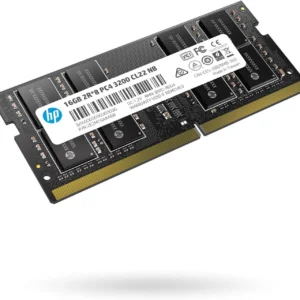
Laptop RAM Memory 16gb ddr4 3200 sodimm
- Capacity: 16GB (Single Module).
- Memory Type: DDR4 SDRAM.
- Form Factor: SODIMM .
- Pin Count: 260-pin.
- Speed: 3200 MHz .
- Voltage: 1.2V
- CAS Latency (CL): Typically CL22.
- Timings: Common JEDEC timings are 22-22-22.
- ECC Support: Non-ECC (Unbuffered)
- Rank: Single Rank (1Rx8)
SKU: n/a












There are no reviews yet.