
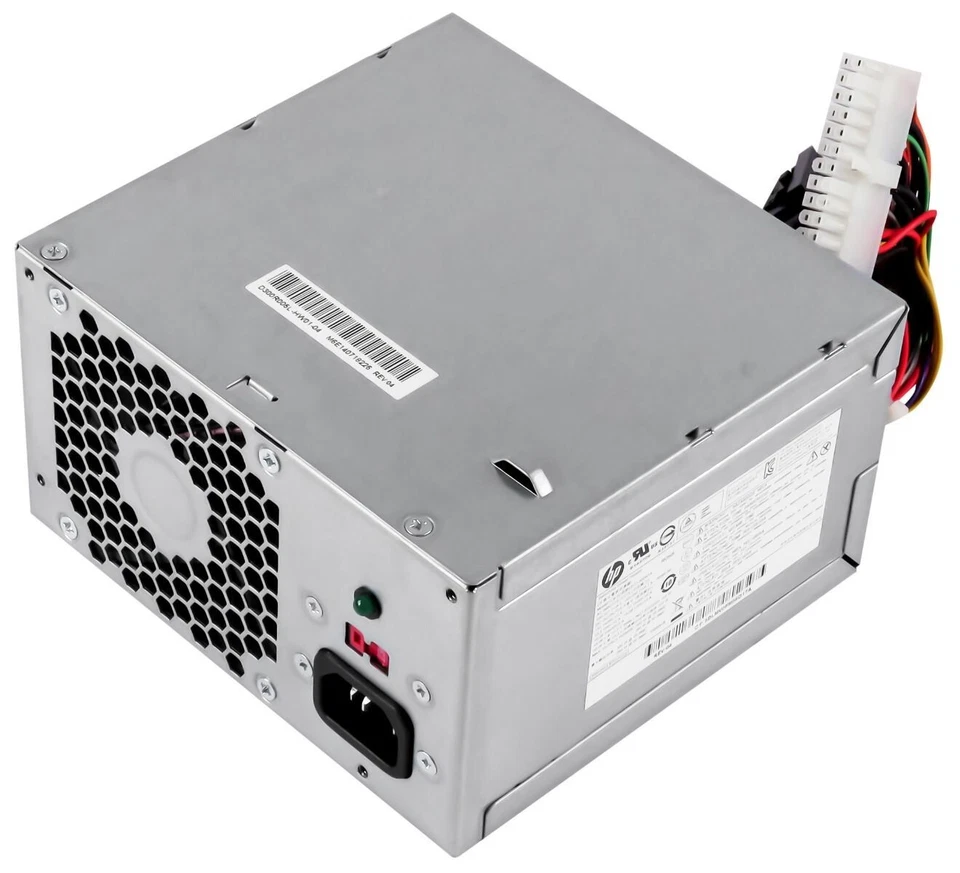
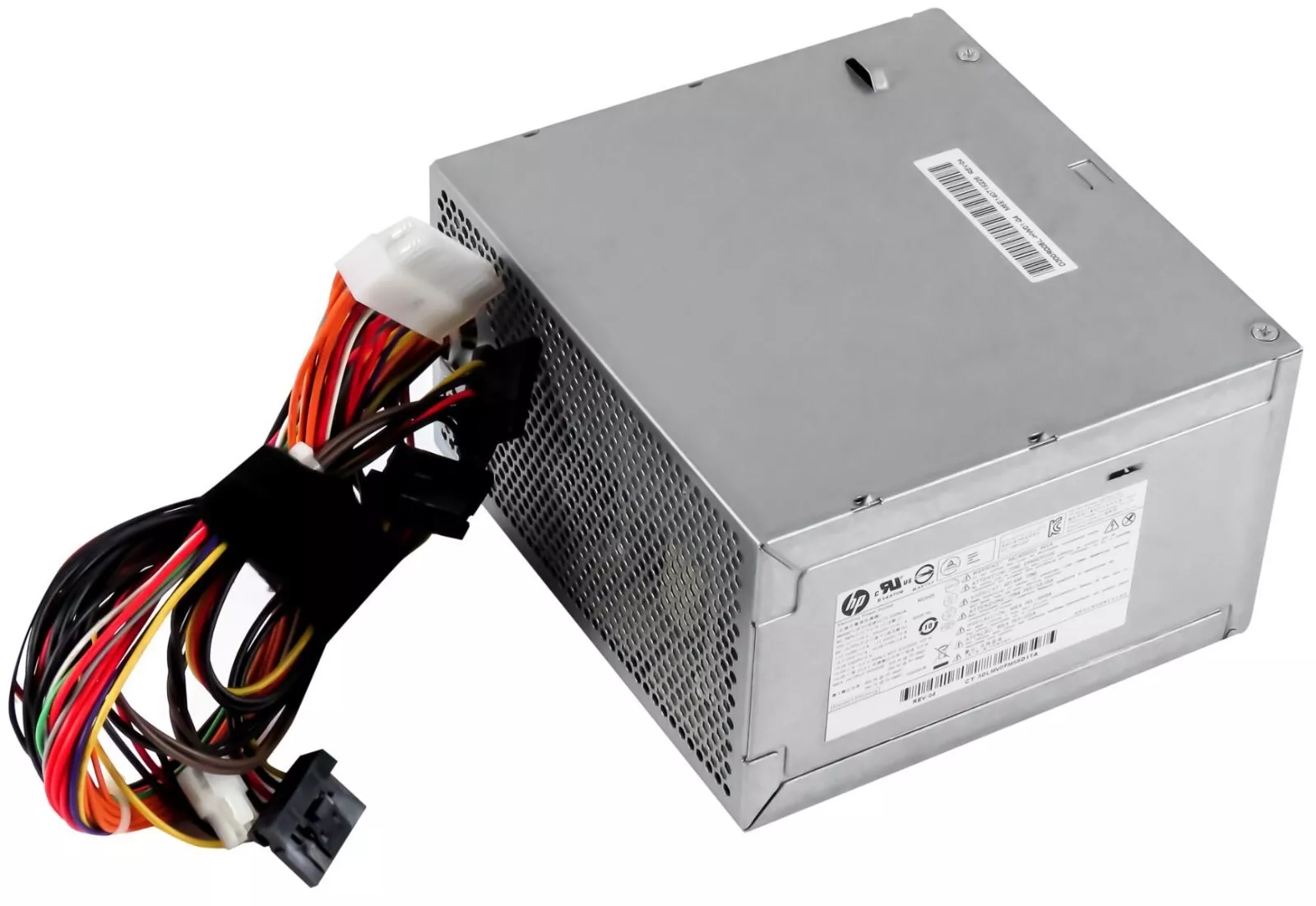
HP Pro 3500 MT 300w Power Supply 667893-003 715185-001
-
Power Output: 300W
-
Input Voltage: 100V–240V AC
-
Form Factor: Standard Microtower (ATX-style)
-
Connectors Include:
-
24-pin ATX motherboard connector
-
4-pin CPU power
-
SATA power cables
-
Molex connector (for legacy drives or fans)
-
KSh2,500.00
HP Pro 3500 MT 300W Power Supply
The HP Pro 3500 Micro Tower (MT) uses a 300-watt power supply as its standard configuration . This power supply is engineered specifically for the Pro 3500 MT chassis and is also compatible with other HP desktop models, including the ProDesk 400/405 G1 MT and Pavilion P6/P7 series .
This unit features a standard ATX form factor with a 24-pin motherboard connector, making it more versatile than some proprietary HP power supplies .
HP Pro 3500 MT PSU Specifications
The key specifications for this replacement power supply are:
| Specification | Details |
|---|---|
| Product | HP Pro 3500 MT Power Supply |
| Power Output | 300W |
| Power Factor Correction | Active PFC |
| Input Voltage | 100–240V AC (auto-ranging) |
| Input Frequency | 50–60 Hz |
| Form Factor | ATX |
| Compatible Models | Pro 3500 MT, ProDesk 400/405 G1 MT, Pavilion P6/P7 |
| Application | Replacement and workstation repair |
Known Compatible Part Numbers
When purchasing a replacement, look for these compatible part and model numbers:
HP Spare Numbers
-
667893-003 – Compatible HP spare number
-
715185-001 – HP part number
-
748824-001 – Compatible spare number
-
715184-001 – Alternate compatible number
Manufacturer Model Numbers
-
DPS-300AB-73 A – Manufacturer model number
-
DPS-300AB-72A – Manufacturer model number
-
D11-300N1A – Alternate manufacturer number
Connector Configuration
This 300W power supply features the following connectors :
| Connector Type | Quantity |
|---|---|
| 24-pin ATX Motherboard | 1 |
| 4-pin ATX 12V CPU | 1 |
| SATA Power | 4 |
| Molex (Peripheral) | 1 |
The standard ATX 24-pin connector means this power supply can be used as a replacement in compatible HP desktop systems without requiring proprietary adapter cables .
Compatibility Information
The HP Pro 3500 MT 300W power supply is compatible with the following systems :
-
HP Pro 3500 Micro Tower (MT)
-
HP ProDesk 400 G1 MT
-
HP ProDesk 405 G1 MT
-
HP Pavilion P6 Series
-
HP Pavilion P7 Series
-
HP Compaq Pro 3380 MT
Form Factor: This unit uses a standard ATX form factor, measuring approximately 150mm x 140mm x 86mm .
Common Signs of a Faulty Pro 3500 MT Power Supply
A defective power supply can cause several symptoms:
-
The workstation does not turn on
-
System shuts down unexpectedly
-
Workstation becomes unstable
-
Intermittent power loss
-
Internal hardware does not receive power correctly
These symptoms can also be caused by other components. We recommend diagnosing the workstation before purchasing a replacement PSU.
What to Check Before Buying
1. Confirm the Workstation Model
Make sure you have an HP Pro 3500 Micro Tower (MT) or a compatible system from the list above.
2. Check the Original Wattage
The Pro 3500 MT specification is 300W. Match or exceed the original wattage if adding power-hungry components.
3. Record the Original PSU Information
Note the model, spare number, and other identification information printed on the existing unit.
4. Verify Physical Dimensions
This power supply uses a standard ATX form factor . Verify the dimensions of your existing unit.
5. Compare Connectors
Ensure the replacement provides the appropriate connections: 24-pin ATX, 4-pin CPU, and SATA connectors .
6. Consider the Complete System Configuration
If the workstation has been modified or upgraded, verify that the replacement PSU is appropriate for the installed hardware.
Why Choose a Genuine Compatible HP Power Supply?
Choosing the right power supply for your HP Pro 3500 MT is essential for:
-
Restoring a non-working workstation
-
Maintaining system stability
-
Ensuring proper power delivery
-
Supporting workstation repair and refurbishment
-
Extending the useful life of your hardware
User reviews confirm that this power supply is a reliable replacement option. One customer noted it “fit perfect on my machine and it works perfect as intended” . Another user reported replacing a failed unit and getting their PC “up and running fine” .
At Compvate, we provide computer hardware and replacement components for customers maintaining and repairing desktop and workstation systems.
It features standard ATX casing dimensions and standard multi-color wire bundles to provide clean, regulated DC voltage directly to the system board, processor, and peripheral storage drives.
- Product Type: Internal Desktop Power Supply Unit (PSU)
- Form Factor: Standard ATX Microtower (MT)
- Max Output Power: 300 Watts
- AC Input Range: 100V–127V AC (8A) / 200V–240V AC (4A) Manual Switch
- Input Frequency Range: 50Hz–60Hz
- DC Output Ratings:
-
- +12V === 19.0A
- +5V === 15.0A
- +3.3V === 12.0A
- +5Vsb === 2.0A
- -12V === 0.3A
-
- Motherboard Connectors:
-
- 1 x 24-Pin ATX Main Power Connector
- 1 x 4-Pin ATX +12V CPU Power Connector
-
- Peripheral Connectors:
-
- 4 x Right-Angle SATA Power Connectors
- 1 x 4-Pin Molex Device Connector
-
- Cooling System: 1 x 80mm Rear Exhaust Cooling Fan
- Dimensions: 150mm x 140mm x 86mm
- Compatible HP Spare / Part Numbers: 715185-001, 667893-003, 633190-001, 667892-001, 633191-001, 656721-001
- Compatible Manufacturer Model Numbers: PCB230, PC8022, HP-D3006A0, PS-6301-08A, DPS-300AB-61 A
- System Compatibility: HP Pro 3500 MT, HP Pro 3400 MT, HP Pro 3330 MT, HP Pro 3380 MT, HP Pro 3340 MT, HP Pro 3085 MT
Based on 0 reviews
Be the first to review “HP Pro 3500 MT 300w Power Supply 667893-003 715185-001”
Related products
-
Apple Mackbook Chargers, Computer Accessories, Laptop Chargers
Macbook air 2022 charger (M2) USB-C 67W
 Apple Mackbook Chargers, Computer Accessories, Laptop Chargers
Macbook air 2022 charger (M2) USB-C 67W
-
Product Type: Power Adapter
-
Output Power: 67W
-
Connector Type: USB-C
-
Input Voltage: 100–240V AC
-
Charging Technology: USB-C Power Delivery (PD)
-
Compatibility: MacBook Air M2 (2022)
-
Condition: Tested and verified
This charger meets Apple’s standards for fast, safe, and efficient charging.
SKU: n/a -
-
Apple Mackbook Chargers, Computer Accessories, Laptop Chargers
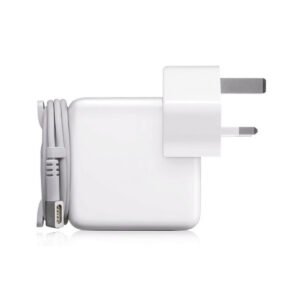
Macbook pro 2013 charger(Retina, 13-inch) 60W MagSafe 2 power adapter.
 Apple Mackbook Chargers, Computer Accessories, Laptop Chargers
Macbook pro 2013 charger(Retina, 13-inch) 60W MagSafe 2 power adapter.
-
Product Type: Power Adapter
-
Output Power: 60W
-
Connector Type: MagSafe 2
-
Input Voltage: 100–240V AC
-
Output Voltage: 16.5V
-
Compatibility: MacBook Pro Retina 13-inch (2012–2015)
-
LED Indicator: Yes
-
Condition: Tested and verified
This adapter meets the required specifications for stable and efficient MacBook charging.
SKU: n/a -
-
Apple Mackbook Chargers, Computer Accessories, Laptop Chargers
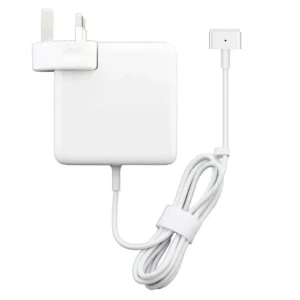
85w magsafe power adapter with magsafe 2 style connector
 Apple Mackbook Chargers, Computer Accessories, Laptop Chargers
85w magsafe power adapter with magsafe 2 style connector
-
Input Voltage: 100–240V AC
-
Output Voltage: 20V DC, 4.25A
-
Power Output: 85W
-
Connector Type: MagSafe 2 (magnetic)
-
LED Indicator: Amber = Charging, Green = Fully Charged
-
Cable Length: Approx. 2 meters
-
Safety Features: Over-voltage, over-current, and short-circuit protection
-
Compatibility: MacBook Pro Retina 15-inch (2012–2015), select 13-inch models
These specifications guarantee fast, safe, and efficient charging.
SKU: n/a -
-
Apple Mackbook Chargers, Computer Accessories, Laptop Chargers
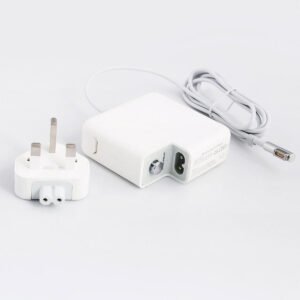
Macbook pro 2012 charger 60w
Technical Specifications
-
Input Voltage: 100–240V AC
-
Output Voltage: 16.5V / 3.65A
-
Power Output: 60W
-
Connector Type: MagSafe (magnetic)
-
LED Indicator: Amber = Charging, Green = Fully Charged
-
Cable Length: Standard Apple design (approx. 2 meters)
-
Safety Features: Over-voltage, over-current, short-circuit protection
-
Compatibility: MacBook Pro 13-inch (2012)
These specifications ensure safe, efficient, and reliable charging.
SKU: n/a -












There are no reviews yet.