
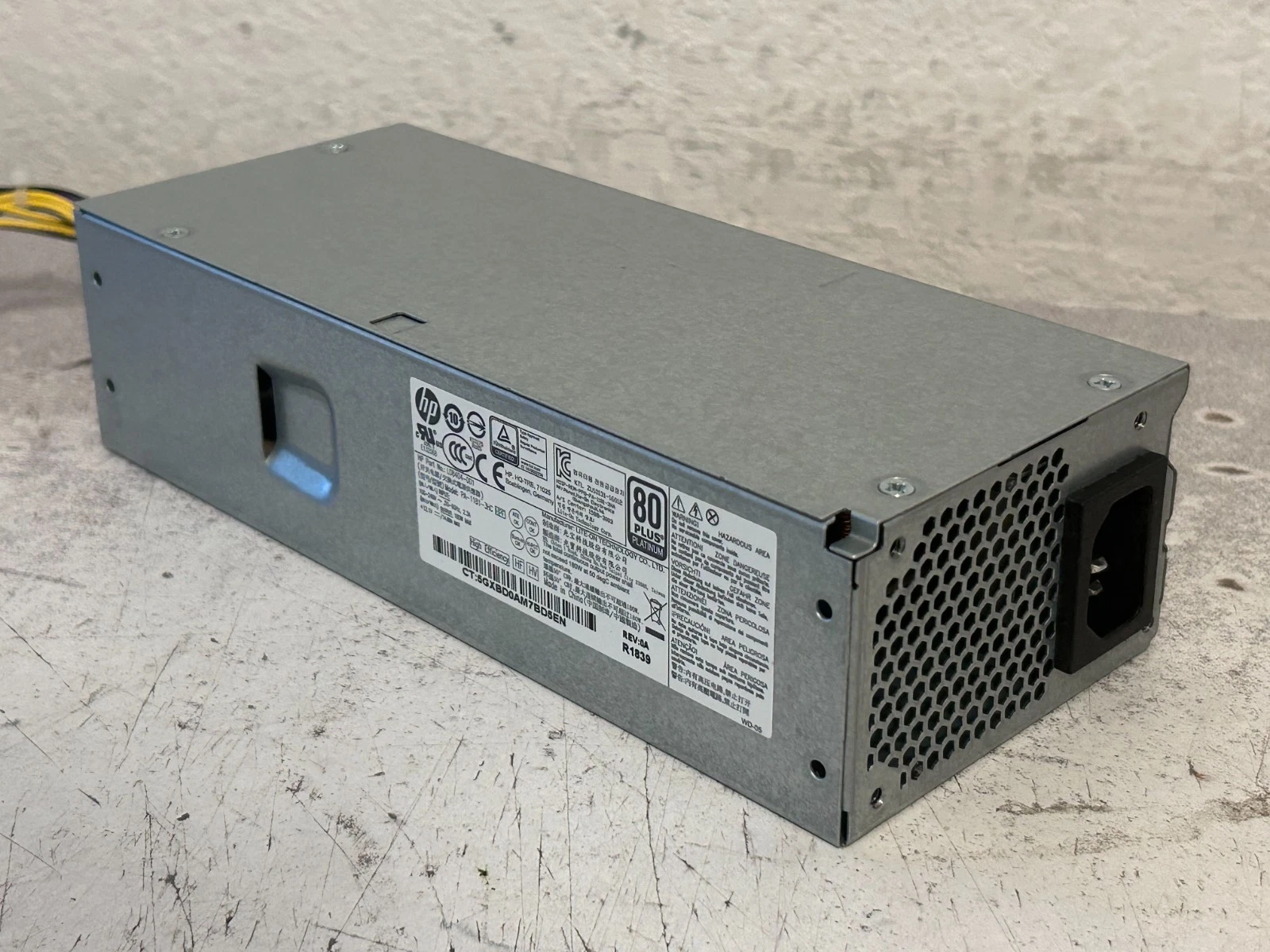
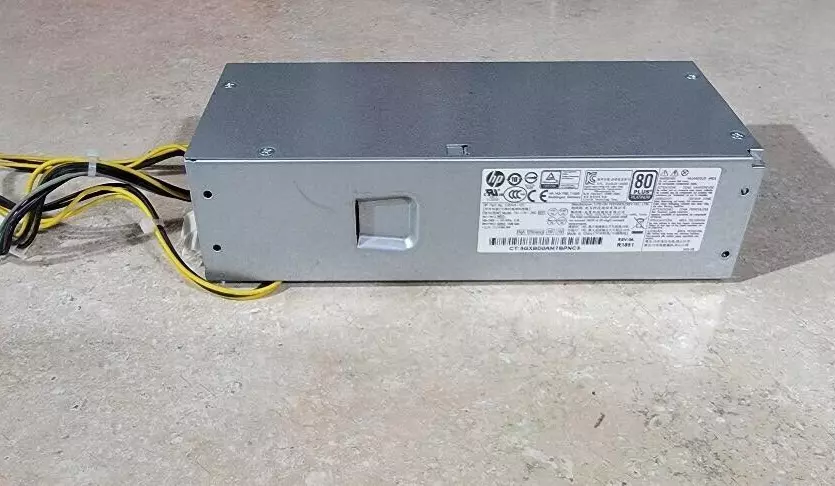
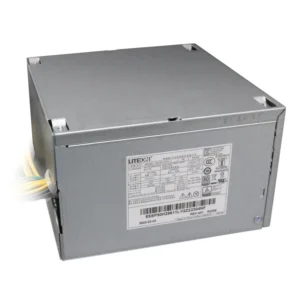
hp elitedesk 705 g4 power supply L08404-001
- Product Type: Internal Desktop Power Supply Unit (PSU)
- Form Factor: Custom HP Proprietary SFF (Slim / Small Form Factor)
- Max Output Power: 180 Watts
- Efficiency Rating: 80 PLUS Gold Certified
- AC Input Range: 100V–240V AC (Auto-Switching)
- Input Frequency Range: 50Hz–60Hz
- Motherboard Connectors:
- 1 x 4-Pin Main Motherboard Power Connector
- 1 x 4-Pin CPU +12V Power Connector
- 1 x 7-Pin Mini Flat Inline Connector (with 3 wires populated)
- Dimensions: 165mm x 95mm x 72mm
KSh4,500.00
HP EliteDesk 705 G4 Power Supply – Genuine OEM 180W Replacement
Part Number: L08404-001
Alternate Part Numbers: L29203-001, PA-1181-3HC
Restore Reliable Power to Your HP EliteDesk 705 G4
Is your HP EliteDesk 705 G4 Small Form Factor (SFF) desktop failing to power on? Are you experiencing sudden shutdowns, random restarts, or system instability? These are classic signs of a failing internal power supply. At CompVate, we provide the ideal solution: a brand-new, genuine OEM 180W power supply, engineered exclusively for your HP EliteDesk 705 G4 SFF system.
This is not a low-quality aftermarket unit. This is an authentic HP component, built to the exact specifications of your original equipment. By choosing this genuine replacement, you restore full stability, protect your internal components from power surges, and extend the life of your business or home office workstation.
Quick Compatibility Guide – Is This the Right Part?
Before you place your order, please verify that this power supply matches your specific system. This unit is designed for:
-
HP EliteDesk 705 G4 – Small Form Factor (SFF) chassis
-
HP ProDesk 600 G5 – SFF chassis
-
HP ProDesk 400 G5/G6 – SFF chassis
Important Form Factor Check
This 180W power supply is exclusively compatible with the Small Form Factor (SFF) version of the HP EliteDesk 705 G4. The Micro Tower (MT) variant uses a different, higher-wattage power supply with distinct physical dimensions and connector layouts.
To confirm your system type:
-
Look at the physical size of your current desktop chassis – SFF models are compact and slim.
-
Check your existing power supply label for the model number or part number.
-
Refer to your HP system specifications or the sticker on the side of your PC.
Using the wrong power supply can lead to physical incompatibility or electrical damage, so please double-check before purchasing.
Why Choose a Genuine OEM HP Power Supply?
1. Perfect Fit and Connector Compatibility
Aftermarket PSUs often use universal brackets or adapter cables that may not align properly with the EliteDesk 705 G4 motherboard. This genuine HP unit features the exact P1, P2, and P3 connectors in the correct pinouts, ensuring a secure connection every time.
2. Consistent 180W Power Delivery
Rated at a steady 180 watts, this power supply provides ample and stable energy for standard office configurations, including AMD Ryzen processors, integrated graphics, dual storage drives, and standard RAM modules. It eliminates voltage fluctuations that can corrupt data or damage sensitive components.
3. 80 PLUS Platinum Efficiency
This power supply achieves up to 92% efficiency, earning it the prestigious 80 PLUS Platinum certification. This means less energy is wasted as heat, resulting in lower electricity bills and a cooler, quieter system. Genuine HP power supplies include multiple layers of electrical safeguards that protect your motherboard, CPU, and storage drives from unexpected power spikes or short circuits – something cheaper third-party units often lack.
4. Quiet and Efficient Operation
This OEM unit is designed with a temperature-controlled fan that runs quietly under normal loads. It balances cooling and noise levels, making it ideal for open-plan offices, shared workspaces, or quiet home environments.
5. Long-Term Reliability
HP engineers these power supplies to last through thousands of power cycles. When you replace your failing unit with this genuine part, you are investing in years of dependable service, reducing future downtime and maintenance costs.
Common Symptoms That Indicate a Failing Power Supply
If you are experiencing any of the following issues with your HP EliteDesk 705 G4, your power supply may need replacement:
-
No power at all – The system does not respond when you press the power button, with no LED indicators or fan movement.
-
Intermittent shutdowns – The PC powers off unexpectedly during moderate or heavy workloads.
-
Random restarts – The system reboots without warning, often during startup or while running applications.
-
Whining or clicking noises – Unusual sounds coming from the rear of the chassis, indicating a failing internal fan or capacitor.
-
Peripheral malfunctions – USB devices, external drives, or keyboards disconnect and reconnect sporadically.
-
Failure to wake from sleep – The system does not resume properly after entering power-saving mode.
If one or more of these symptoms match your situation, replacing the power supply is often the most cost-effective and reliable solution before other components become damaged.
- Product Type: Internal Desktop Power Supply Unit (PSU)
- Form Factor: Custom HP Proprietary SFF (Slim / Small Form Factor)
- Max Output Power: 180 Watts
- Efficiency Rating: 80 PLUS Gold Certified
- AC Input Range: 100V–240V AC (Auto-Switching)
- Input Frequency Range: 50Hz–60Hz
- Motherboard Connectors:
- 1 x 4-Pin Main Motherboard Power Connector
- 1 x 4-Pin CPU +12V Power Connector
- 1 x 7-Pin Mini Flat Inline Connector (with 3 wires populated)
- Dimensions: 165mm x 95mm x 72mm
- Compatible HP Spare / Part Numbers: L08404-001, L08261-001, 901771-001, L08404-003, 901763-001
- Compatible Manufacturer Model Numbers: DPS-180AB-25A, D16-180P2A, PCG004, PA-1181-6HY, D16-180P1B
- System Compatibility: HP EliteDesk 705 G4 SFF, HP EliteDesk 705 G4 MT, HP EliteDesk 800 G4 SFF, HP ProDesk 600 G4 SFF, HP ProDesk 400 G4 SFF
Based on 0 reviews
Be the first to review “hp elitedesk 705 g4 power supply L08404-001”
Related products
-
Computer Accessories, Power Supplies
Lenovo ThinkStation P340 (30DJ) Power Supply
- Model Compatibility: Lenovo ThinkStation P340 (30DJ)
- Power Output: 260W / 400W / 500W (varies by SKU)
-
Input Voltage: 100-240V AC
-
Connector Types: 24-pin, 8-pin CPU, SATA, PCIe
-
Cooling: Ultra-quiet internal fan
-
Certifications: 80 PLUS Bronze or higher
SKU: n/a -
Apple Mackbook Chargers, Computer Accessories, Laptop Chargers
Apple 45w magsafe 2 power adapter for macbook air
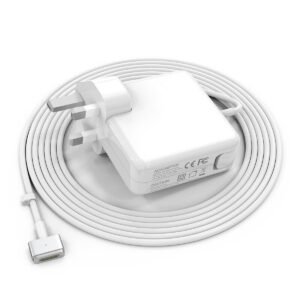 Apple Mackbook Chargers, Computer Accessories, Laptop Chargers
Apple 45w magsafe 2 power adapter for macbook air
-
Product Type: Power Adapter
-
Output Power: 60W
-
Connector Type: MagSafe T-Tip
-
Input Voltage: 100–240V AC
-
Output Voltage: 16.5V
-
LED Indicator: Yes
-
Compatibility: MacBook Pro models using MagSafe T-Tip
-
Condition: Tested and verified
This charger is engineered for safe charging and long-term reliability.
SKU: n/a -
-
Apple Mackbook Chargers, Computer Accessories, Laptop Chargers
Apple 45w magsafe 2 power adapter for macbook air
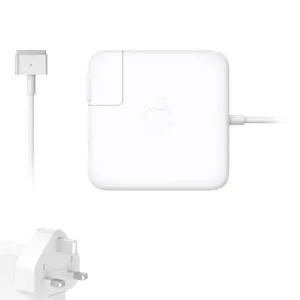 Apple Mackbook Chargers, Computer Accessories, Laptop Chargers
Apple 45w magsafe 2 power adapter for macbook air
Apple 45W MagSafe 2 Power Adapter
-
Product Type: Power Adapter
-
Output Power: 45W
-
Connector Type: MagSafe 2
-
Input Voltage: 100–240V AC
-
Output Voltage: 14.85V
-
LED Indicator: Yes
-
Compatibility: MacBook Air (MagSafe 2 models)
-
Condition: Tested and verified
This adapter meets Apple’s specifications for stable and efficient charging.
SKU: n/a -
-
Apple Mackbook Chargers, Computer Accessories, Laptop Chargers
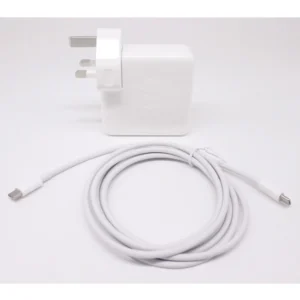
MacBook Pro 2019 96W Charger
-
Product Type: Power Adapter
-
Output Power: 96W
-
Connector Type: USB-C
-
Input Voltage: 100–240V AC
-
Power Delivery: USB-C PD
-
Compatibility: MacBook Pro 15-inch & 16-inch (2019)
-
Condition: Tested and verified
This charger meets Apple’s standards for safe, fast, and reliable charging.
SKU: n/a -












There are no reviews yet.