
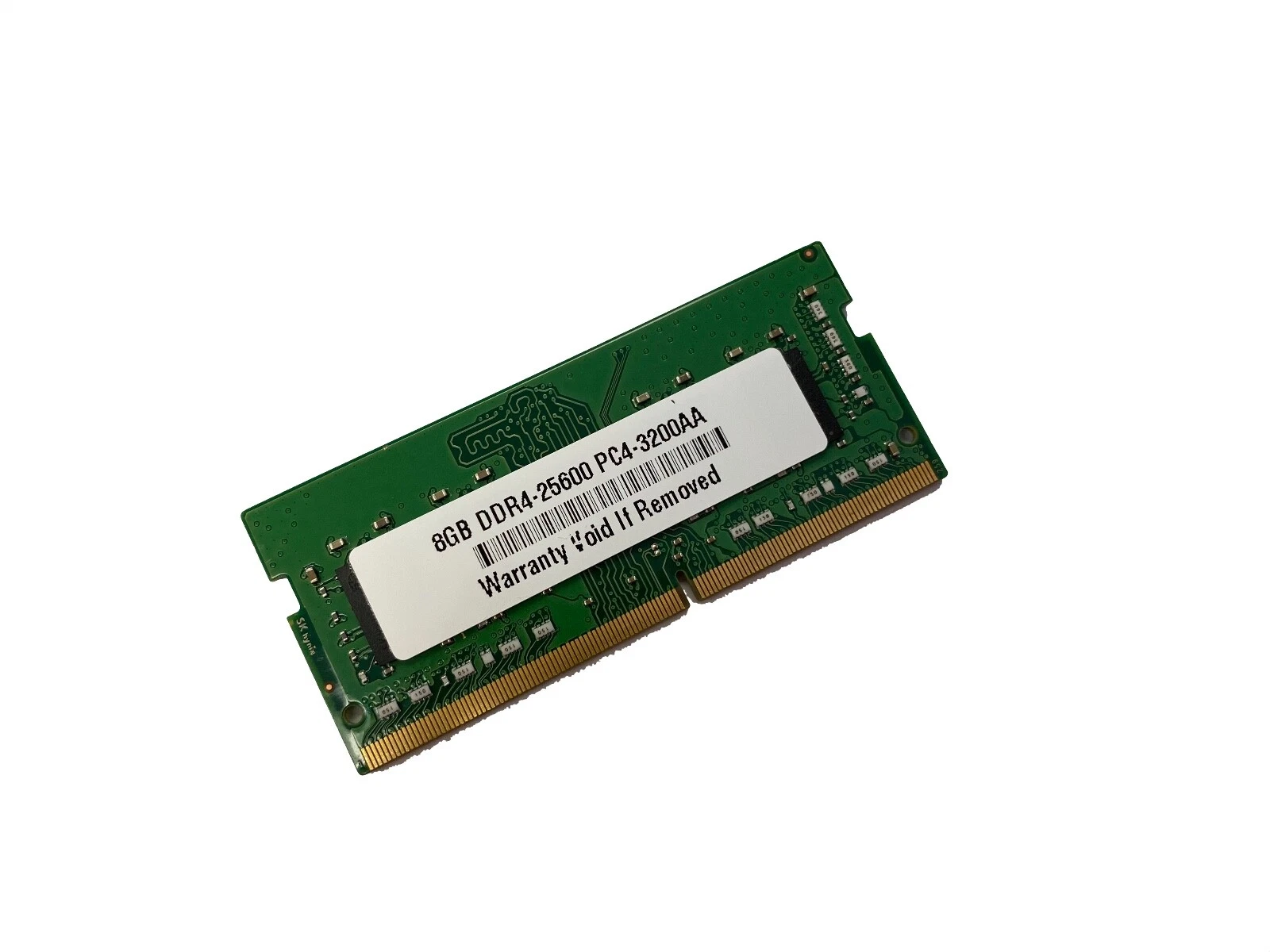
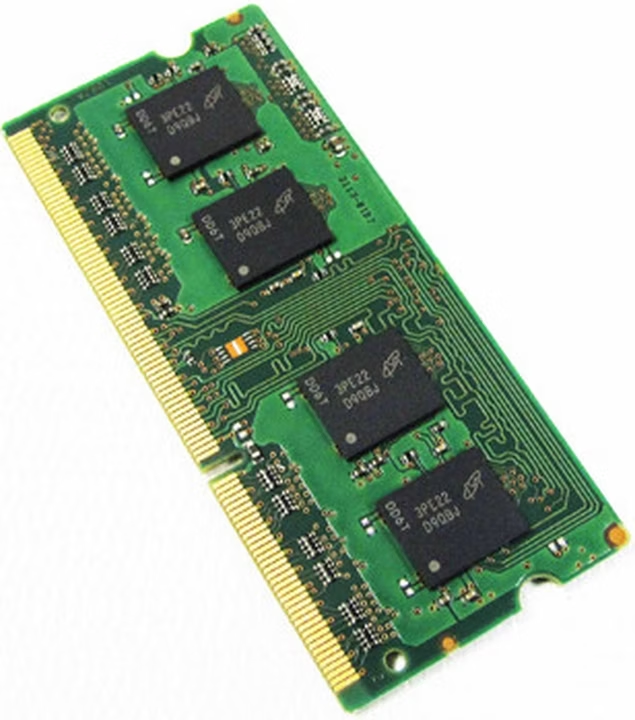
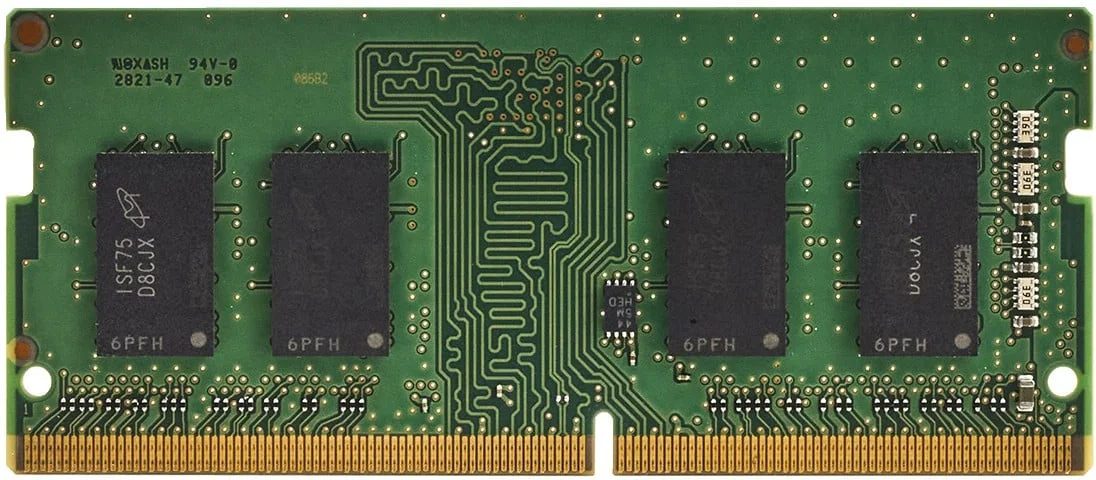
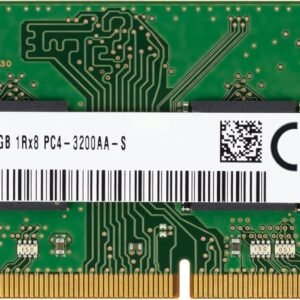
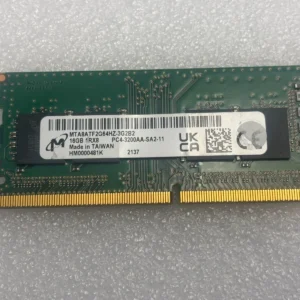
Fujitsu 8GB DDR4 Laptop RAM Upgrade: Reliable 260-Pin SODIMM Performance (2133MHz, 2400MHz, 2666MHz, 3200MHz)
Introduction to Fujitsu 8GB DDR4 Laptop Memory
In modern computing, we demand consistent performance, system stability, and efficient multitasking. The Fujitsu 8GB DDR4 Laptop RAM Upgrade 260-pin SODIMM module delivers a balanced and reliable memory solution, designed to enhance laptop responsiveness and support everyday computing tasks.
With speed options including 2133MHz, 2400MHz, 2666MHz, and 3200MHz, this module provides flexibility, compatibility, and scalable performance, making it suitable for a wide range of Fujitsu laptops and other DDR4-supported systems.
Why Choose Fujitsu 8GB DDR4 Laptop RAM Upgrade?
We focus on dependability and performance, and this RAM module offers both.
Key Benefits
- 8GB Capacity for Efficient Multitasking
Handles daily workloads with ease, including browsing, office applications, and light multitasking. - Multiple Speed Options
Available in 2133MHz, 2400MHz, 2666MHz, and 3200MHz to suit different system requirements. - Low Power Consumption (1.2V)
Improves battery life and reduces heat output. - Wide Compatibility
Works with Fujitsu laptops and other DDR4-enabled devices. - Reliable Build Quality
Designed for long-term stability and consistent performance.
Understanding DDR4 Memory Technology
Enhanced System Performance
DDR4 memory provides:
- Faster data transfer speeds
- Increased bandwidth
- Improved energy efficiency
We achieve better system responsiveness and smoother operation compared to older memory standards.
Performance Comparison Across Speeds
Choosing the Right Speed Option
We provide a detailed comparison to help determine the best fit:
| Speed | Performance Level | Ideal Use Case |
|---|---|---|
| 2133MHz | Entry-Level | Basic computing, older systems |
| 2400MHz | Standard | Office work, general use |
| 2666MHz | Enhanced | Multitasking and productivity |
| 3200MHz | High Performance | Gaming and professional tasks |
Optimized Selection
We recommend selecting RAM speed based on:
- System compatibility
- Processor capability
- Performance requirements
SODIMM Form Factor and Compatibility
260-Pin Compact Design
The SODIMM (Small Outline DIMM) ensures compatibility with:
- Fujitsu laptops
- Notebooks
- Compact PCs
Simple Installation Process
We ensure a hassle-free upgrade:
- Turn off the laptop
- Open the memory compartment
- Insert the RAM module
- Lock it securely
- Restart the system
This process is quick and user-friendly.
Real-World Performance Benefits
Smooth Multitasking
With 8GB RAM, we can:
- Run multiple applications simultaneously
- Manage browser tabs efficiently
- Reduce system lag
Faster System Responsiveness
We experience:
- Quick startup times
- Faster application loading
- Improved workflow efficiency
Enhanced User Experience
This upgrade ensures:
- Stable everyday computing
- Better media playback
- Improved productivity
Energy Efficiency and Thermal Stability
Low Voltage Operation (1.2V)
We benefit from:
- Reduced energy consumption
- Longer battery life
- Lower heat generation
Thermal Performance
The module maintains:
- Stable operating temperatures
- Reliable performance under load
Who Should Upgrade to Fujitsu 8GB DDR4 RAM?
We recommend this upgrade for:
- Students and professionals
- Office users
- Technicians upgrading Fujitsu laptops
- Users upgrading from 4GB RAM
Maximizing Performance with Fujitsu RAM
To achieve the best results, we recommend:
- Pairing RAM with SSD storage
- Using dual-channel configuration if possible
- Updating system BIOS and drivers
- Regular system maintenance

There are no reviews yet.