
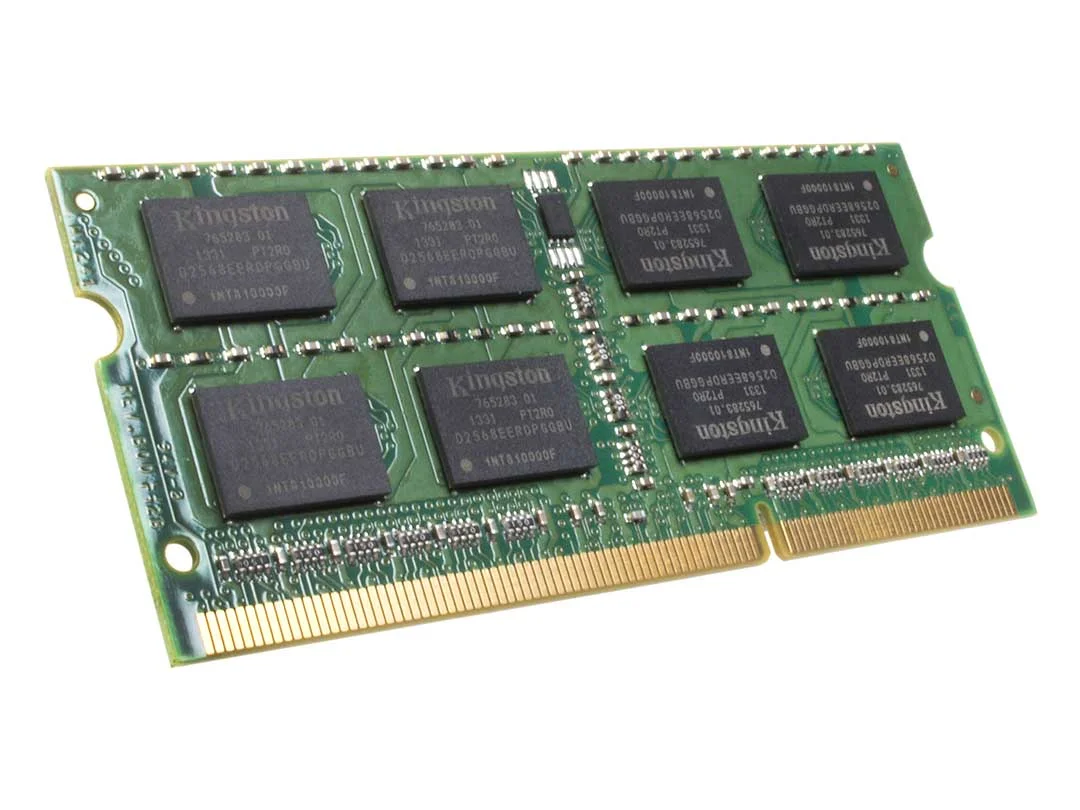
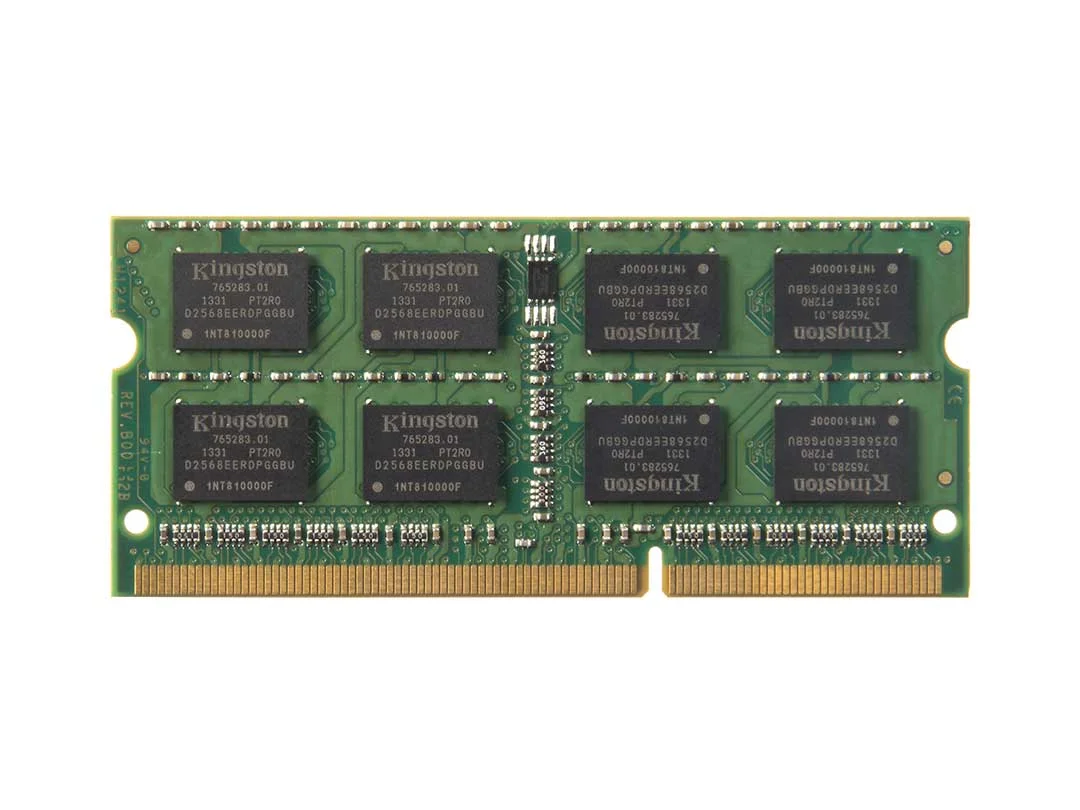
Geniune 4GB DDR3 Laptop Memory Upgrade for Sony VAIO At Compvate.
Key Features of 4GB DDR3 Laptop Memory for Sony VAIO
Reliable DDR3 Performance
Operating at standard DDR3 speeds (typically 1333MHz to 1600MHz depending on your VAIO model), this memory module provides consistent data transfer rates, allowing smooth operation for everyday computing tasks.
SO-DIMM 204-Pin Form Factor
The 204-pin SO-DIMM design is specifically built for laptops, ensuring easy installation and broad compatibility with Sony VAIO models that support DDR3 memory.
Energy-Efficient Operation
DDR3 memory operates at 1.5V, reducing power consumption and heat generation, which extends battery life and keeps the laptop cooler during long usage sessions.
Durable and Reliable
High-quality memory modules undergo rigorous testing to ensure stability and long-term reliability, reducing the risk of crashes and data loss during intensive use.
Performance Benefits in Daily Use
Smooth Multitasking
With 4GB of DDR3 RAM, Sony VAIO users can run office applications, web browsers, and media players simultaneously without noticeable slowdown. Task switching becomes faster, improving productivity.
Improved Multimedia Experience
Upgrading to 4GB RAM allows smooth playback of videos, photo editing, and casual gaming, enhancing the multimedia experience on your Sony VAIO.
System Stability
Older laptops with limited RAM can experience frequent freezes or application crashes. Installing 4GB DDR3 memory ensures reliable and stable performance, particularly for multitasking and office workflows.
Longer Laptop Lifespan
By increasing available memory, you reduce strain on your system, helping to extend the usable life of your Sony VAIO and delaying the need for a full system replacement.
How to Take Care of Your Laptop RAM
Proper care ensures optimal performance and longevity of your Sony VAIO memory:
-
Keep the laptop clean – Remove dust from vents and memory slots using compressed air.
-
Prevent overheating – Avoid blocking airflow and consider using a cooling pad.
-
Handle RAM with care – Ground yourself to prevent static electricity during installation or removal.
-
Monitor system usage – Avoid overloading memory with too many heavy applications at once.
-
Update BIOS and drivers – Ensures proper recognition and optimized performance for new memory.
-
Avoid physical damage – Install the module gently and ensure correct alignment in the slot.
Compatibility and Installation
The 204-pin SO-DIMM form factor ensures compatibility with DDR3-enabled Sony VAIO laptops. Installation is straightforward:
-
Turn off the laptop and remove the battery if possible.
-
Open the memory compartment carefully.
-
Align the RAM module with the slot, ensuring the notch matches the key.
-
Press gently until it clicks into place.
-
Close the compartment and power on the laptop.
Most Sony VAIO laptops will automatically detect the new memory, immediately improving system performance.




There are no reviews yet.