
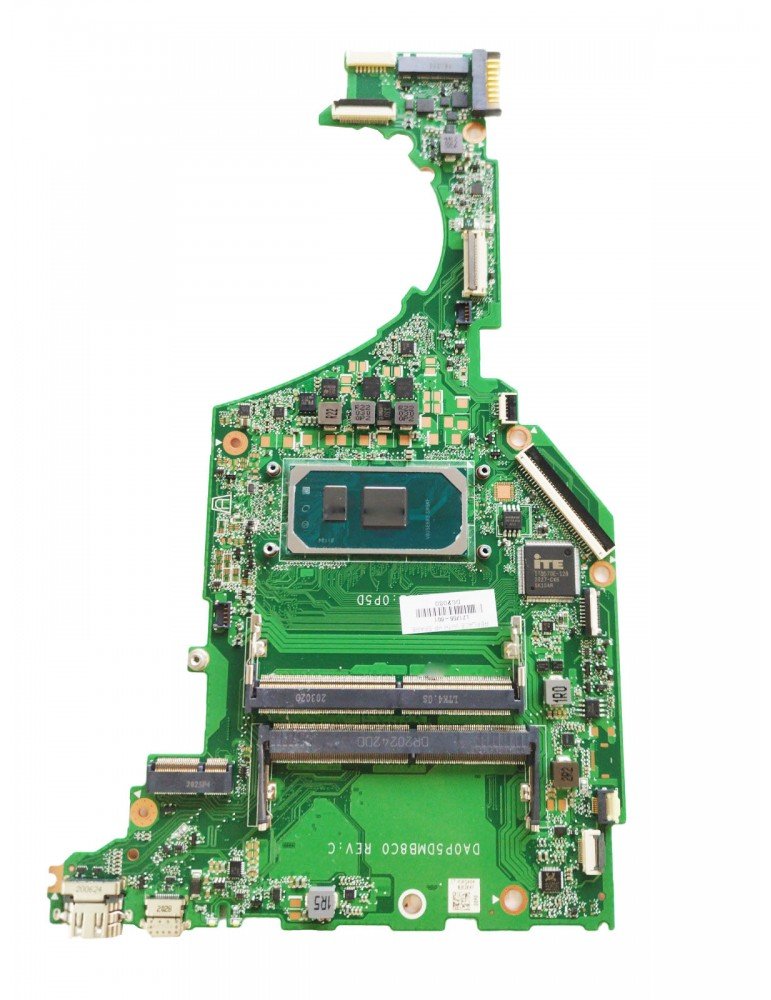
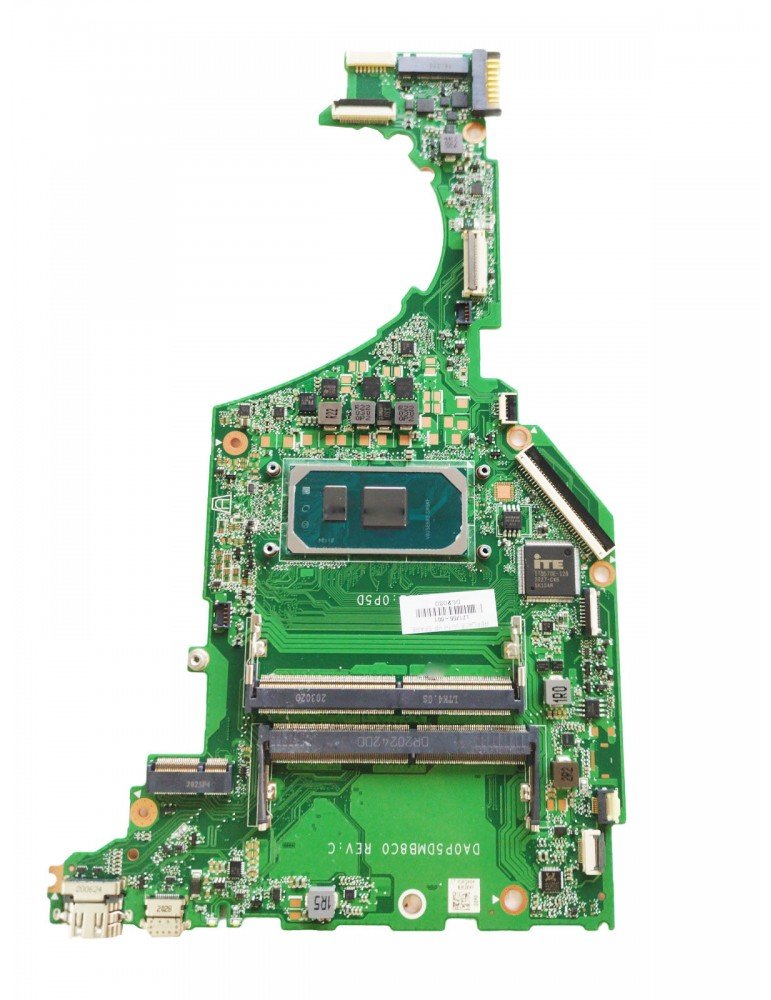
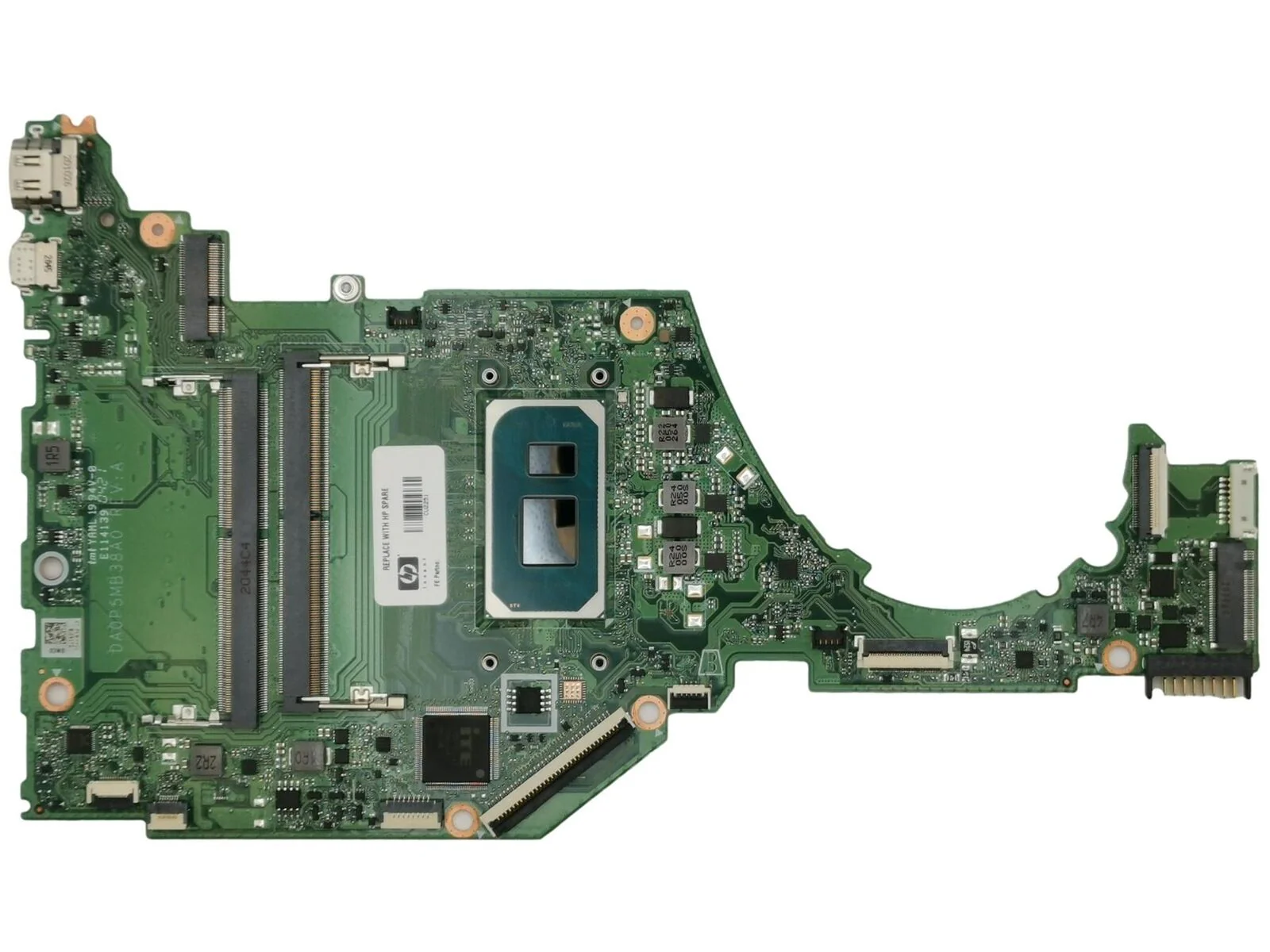
HP 15s-fq Core i3 11th Gen motherboard
A replacement board for the HP 15s-fq Core i3 11th Gen typically includes:
-
Intel Core i3 11th Gen CPU support
-
DDR4 RAM slots
-
PCIe NVMe + SATA storage interfaces
-
USB 3.0 / USB 2.0 ports
-
HDMI / audio outputs
-
Integrated Intel UHD Graphics
-
BIOS with HP system management
-
Network & wireless connectivity interfaces
-
Stable power delivery and voltage regulation circuits
KSh12,000.00
HP 15s-fq Core i3 11th Gen Motherboard Replacement – Complete Expert Guide
When you’re searching for HP 15s-fq Core i3 11th Gen motherboard replacement, you need accurate, detailed, and professional-level information that helps you diagnose issues, find the right replacement part, understand the technical specifications, and take effective care of your laptop’s motherboard. Whether you’re a technician, laptop owner, or support provider in Nairobi, Kenya — this is your definitive guide.
At Compvate – Nairobi’s trusted laptop specialists, we provide genuine motherboards, tested replacement parts, expert installation services, and technical advice tailored to HP 15s-fq Core i3 11th Gen laptops. This article is rich in technical detail, written to rank strongly on Google for related search queries, and optimized for clarity and completeness.
Understanding the HP 15s-fq Series and Core i3 11th Gen Platform
The HP 15s-fq series is part of HP’s mainstream consumer lineup designed for:
-
Everyday computing
-
Productivity tasks
-
Multimedia playback
-
Remote work and study
When equipped with an Intel Core i3 11th Generation processor, this laptop delivers:
-
Efficient multi-tasking
-
Improved integrated graphics performance
-
Responsive general use processing
-
Lower power consumption with strong battery life
The motherboard (also called the system board) is the core electronic platform that connects all major components of the laptop — from CPU and memory to storage and peripherals.
What the Motherboard Does
Your laptop’s motherboard:
-
Hosts the Intel Core i3 11th Gen CPU socket or solder point
-
Provides DDR4 memory support
-
Connects NVMe SSD and SATA storage
-
Routes USB, audio, display, and network ports
-
Manages power distribution
-
Houses the BIOS firmware
When the motherboard fails, your HP 15s-fq can show various hardware issues — and often the only reliable solution is a replacement motherboard.
Common Reasons for Motherboard Replacement
Motherboard issues can arise from numerous causes, including:
✔ Power Surges or Electrical Damage
Unstable power can damage voltage regulators and power circuits.
✔ Liquid Spills or Moisture Exposure
Even small spills can create shorts and corrosion on traces.
✔ Overheating and Thermal Stress
Poor airflow or clogged vents can degrade solder joints and integrated components.
✔ Wear and Tear Over Time
Components naturally age, especially for laptops with heavy daily use.
✔ BIOS Corruption or Hardware Faults
Firmware issues or component failures may make the system unbootable.
Whatever the cause, replacing a faulty motherboard is often the only way to bring your HP 15s-fq back to stable working condition.
Identifying Motherboard Failure in HP 15s-fq Laptops
Before replacing the motherboard, check for these common symptoms:
1. No Power On / No Display
No lights, fan activity, or screen output.
2. Random Shutdowns or Restarts
Unexplained rebooting even under light workloads.
3. USB & Port Failures
USB, HDMI, or audio ports stop responding.
4. Failure to POST
Laptop fails to complete self-test and won’t enter BIOS.
5. Excessive Heat or Fan Noise
Persistent heat issues even at idle or under light use.
If you see multiple symptoms above, the motherboard may be compromised.
Genuine vs Compatible Replacement Motherboards
When it comes to replacement, you have two main options:
1. Genuine HP 15s-fq Motherboards
-
OEM-manufactured or HP-approved parts
-
Designed to match exact specifications
-
Highest reliability and compatibility
-
Retain BIOS features and manufacturer support
2. Tested Compatible or Refurbished Boards
-
Lower cost options
-
Bench-tested for functionality
-
Good alternative when budget is a concern
At Compvate Nairobi, we provide both genuine HP motherboards and quality tested alternatives, all with warranty and prior verification.
Step-by-Step Replacement Overview
Motherboard replacement is a precision technical process usually performed by experienced technicians. Below is a general outline of what’s involved:
1. Power Down and Backup
-
Shut down the laptop completely
-
Disconnect power and external devices
-
Backup any accessible data (if possible)
2. Disassembly
-
Remove the battery and bottom cover
-
Detach storage drives and optical components
-
Remove keyboard and palm rest
-
Disconnect display cable, power cable, and peripheral ribbons
3. Remove Faulty Motherboard
-
Unscrew all motherboard fasteners
-
Disconnect flex cables and thermal assembly
-
Carefully lift out the old board
4. Install Replacement Board
-
Place the new motherboard in position
-
Reconnect all connectors and cables
-
Reattach thermal assembly with fresh thermal paste
5. Testing and Reassembly
-
Power on and check BIOS
-
Verify RAM, storage, display, USB, and network functions
-
Seal the bottom cover and finish reassembly
Professional installation ensures BIOS configuration, thermal calibration, and power integrity are all correct.
How to Take Care of Your HP 15s-fq Motherboard
Taking proper care of your laptop motherboard prevents premature failures and extends the overall lifespan:
✔ Keep Vents and Fans Clean
Dust buildup restricts airflow and increases heat — clean vents every few months.
✔ Avoid Liquid Exposure
Liquids cause shorts and corrosion — never eat or drink near your laptop.
✔ Use Surge Protectors
Protect your laptop from unstable power sources using surge protectors or UPS units.
✔ Upgrade Responsibly
When upgrading storage or memory, avoid forceful connections — use gentle alignment and proper grounding.
✔ Maintain Thermal Management
Ensure thermal paste and heatsinks are functioning correctly to avoid overheating.
These practices help maintain a cool, stable, and reliable motherboard.
Why Choose Compvate for Your Replacement Needs
At Compvate – Nairobi’s trusted laptop shop, we offer:
-
Genuine HP 15s-fq motherboards
-
Quality tested compatible replacements
-
Professional installation services
-
Post-repair performance testing
-
Warranty support
Our technicians are experienced with HP system boards and know how to handle sensitive motherboard replacements accurately and safely.
| Feature | Specification | |
|---|---|---|
| Processor (Onboard) | Intel® Core™ i3-1115G4 (up to 4.1 GHz with Intel Turbo Boost Technology, 6 MB L3 cache, 2 cores, 4 threads) | |
| CPU Socket | BGA (Ball Grid Array), non-upgradable | |
| Chipset | Intel® Integrated SoC (System on Chip) | |
| Memory Slots | 2 SODIMM slots | |
| Memory Type | DDR4 SDRAM (2666 MHz or 3200 MHz transfer rates) | |
| Maximum Memory | Up to 32 GB total (using 2x 16GB modules), though HP documentation sometimes lists a limit of 16 GB | |
| Graphics | Integrated Intel® UHD Graphics for 11th Gen Intel Processors (Xe G4 architecture) |
Expansion and Interfaces
- Storage Interfaces: The motherboard supports a high-speed PCIe NVMe M.2 SSD for the main storage and may include an additional standard 2.5-inch SATA drive bay in some configurations.
- External Ports: The motherboard typically provides the following ports:
- 1 x SuperSpeed USB Type-C® 5Gbps signaling rate
- 2 x SuperSpeed USB Type-A 5Gbps signaling rate
- 1 x HDMI 1.4b port
- 1 x RJ-45 (Ethernet) jack (integrated LAN)
- 1 x headphone/microphone combo jack
- 1 x multi-format SD media card reader
- Internal Connectivity: Features a wireless LAN card slot (typically Wi-Fi 5 / 802.11ac and Bluetooth 5 combo).
Based on 0 reviews
Be the first to review “HP 15s-fq Core i3 11th Gen motherboard”
Related products
-
Laptop Components, Motherboards
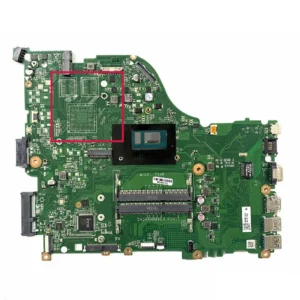
Acer e5 576 motherboard
-
Model Compatibility: Acer E5-576
-
Processor Support: Intel Core i3, i5, i7 (6th/7th Gen, depending on configuration)
-
Chipset: Intel HM170/H110 Express chipset
-
Memory Support: DDR4 RAM, dual-channel, expandable
-
Maximum Memory: Up to 16GB (model dependent)
-
Graphics: Integrated Intel HD Graphics; dedicated NVIDIA optional (model dependent)
-
Storage Interface: SATA 3.0 and M.2 NVMe SSD slots
-
Connectivity: USB 3.0, USB 2.0, HDMI, LAN, audio ports, Wi-Fi/Bluetooth module interface
-
Power Management: Integrated VRM and battery charging circuits
-
Cooling Support: Fan and heat pipe integration with thermal sensors
-
Form Factor: Acer proprietary motherboard design for E5 series
SKU: n/a -
-
Laptop Components, Motherboards
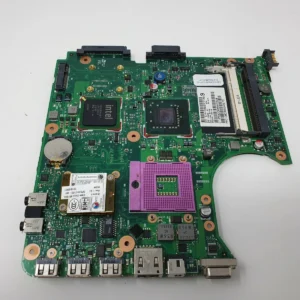
HP compaq 610 motherboard
-
Model Compatibility: HP Compaq 610
-
Processor Support: Intel Core 2 Duo / Pentium / Celeron (depending on configuration)
-
CPU Socket: PGA / Socket P depending on model
-
Chipset: Intel Mobile GM45 / PM45 Express
-
Memory Support: DDR2 or DDR3 RAM depending on configuration
-
Maximum Memory: Up to 4GB–8GB depending on configuration
-
Graphics: Integrated Intel GMA X4500 or HD Graphics
-
Storage Interface: SATA 2.5″ HDD/SSD
-
Connectivity: USB 2.0/3.0, VGA, LAN, audio ports, Wi-Fi module interface
-
Power Management: Integrated VRM and battery charging circuits
-
Cooling Support: Fan and heat sink integration with thermal sensors
-
Form Factor: HP proprietary laptop motherboard
SKU: n/a -
-
Laptop Components, Motherboards
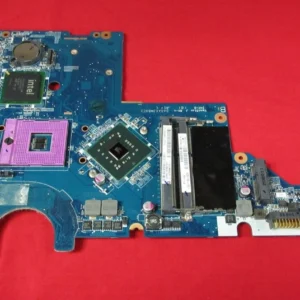
HP compaq cq56 motherboard
-
Model Compatibility: HP Compaq CQ56
-
Processor Support: Intel mobile processors (Celeron, Pentium, Core i3 – model dependent)
-
CPU Socket: Socket G1 (PGA988A)
-
Chipset: Intel HM55 Express chipset
-
Memory Support: DDR3 RAM
-
Maximum Memory: Up to 8GB DDR3 (configuration dependent)
-
Graphics: Integrated Intel HD Graphics
-
Storage Interface: SATA interface for HDD
-
Display Output: VGA (HDMI on select variants)
-
Connectivity: USB 2.0, Ethernet LAN, audio ports
-
Power Management: Integrated voltage regulation and battery charging circuitry
-
Cooling Support: Fan and heat sink integration with thermal sensors
-
Form Factor: HP proprietary laptop motherboard
SKU: n/a -












There are no reviews yet.