
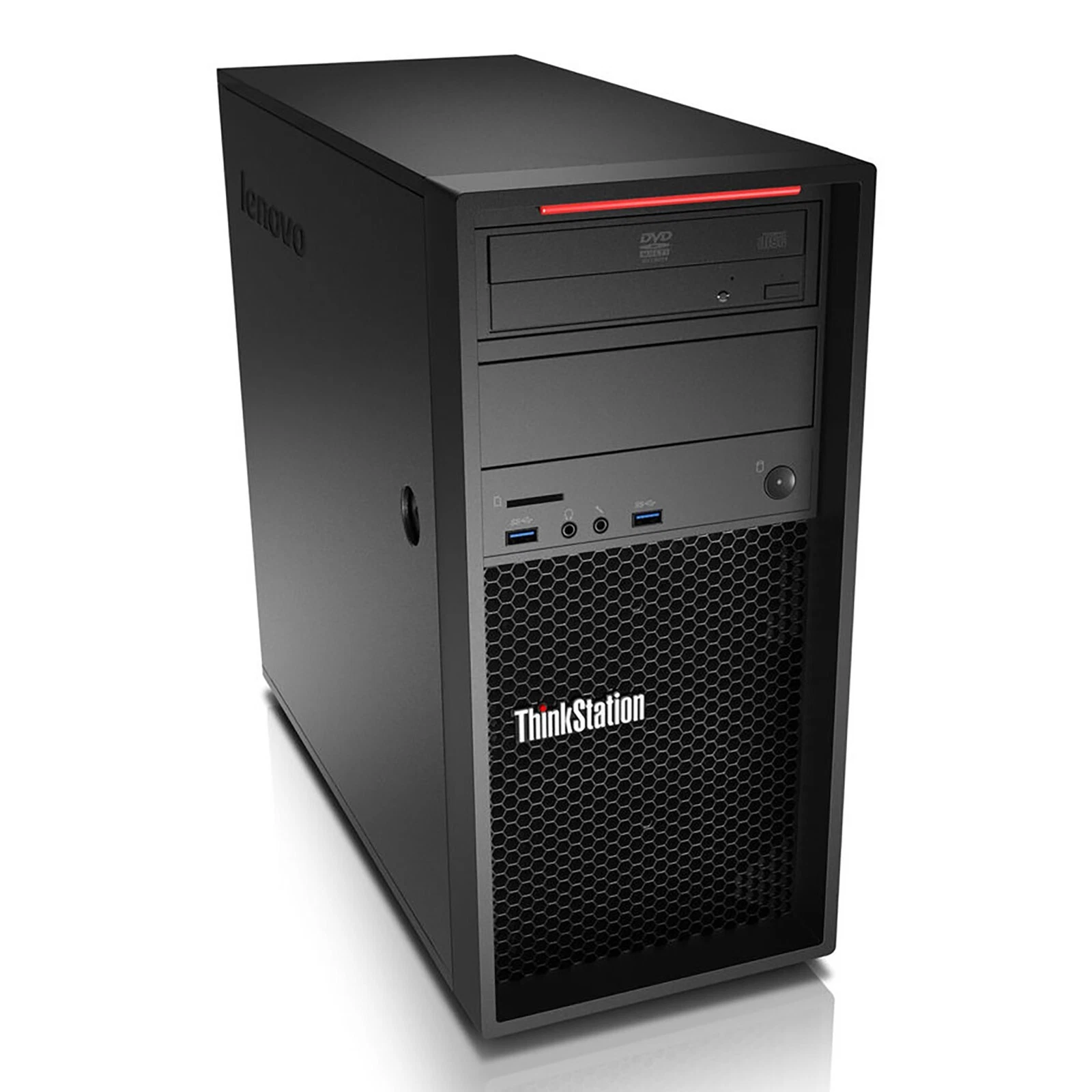
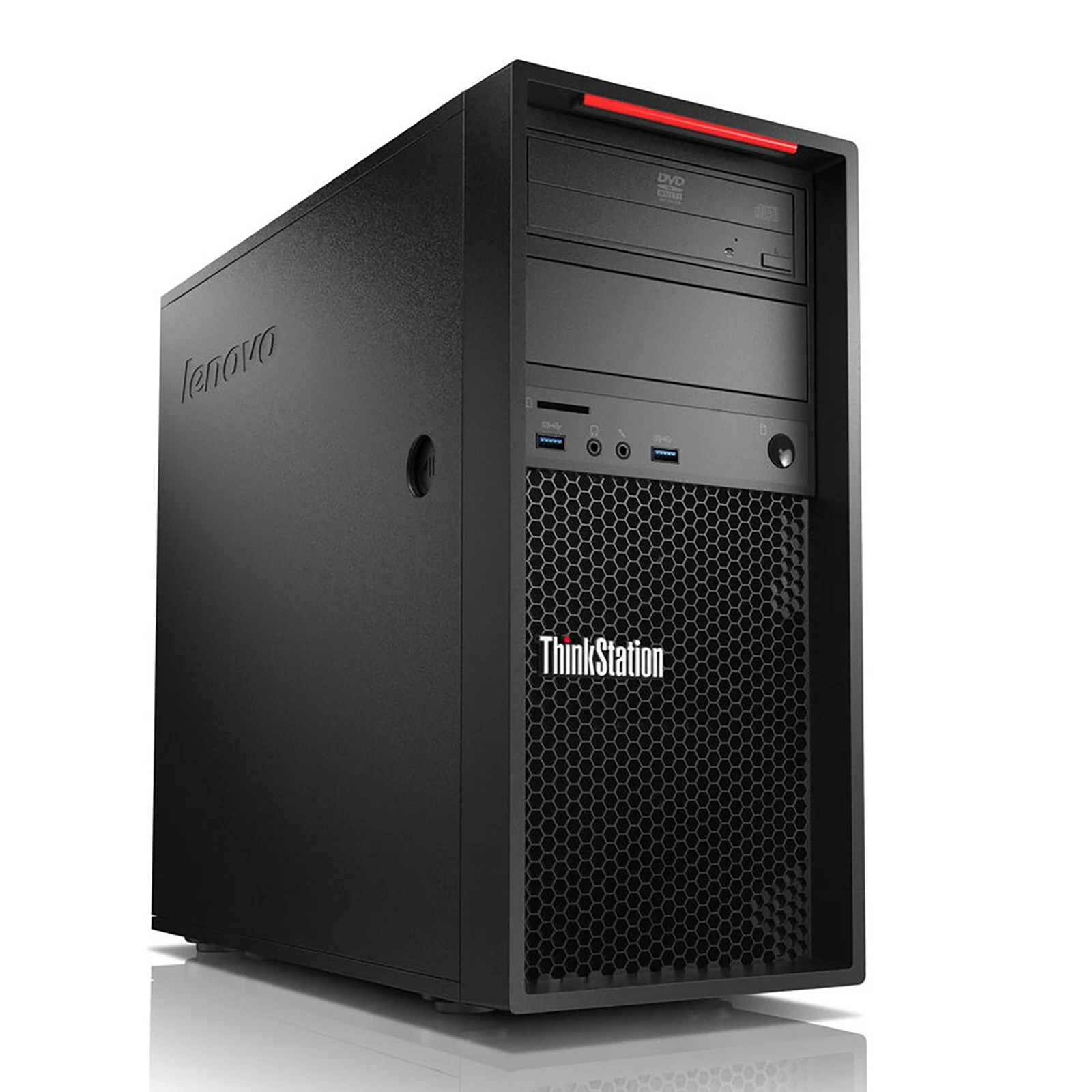
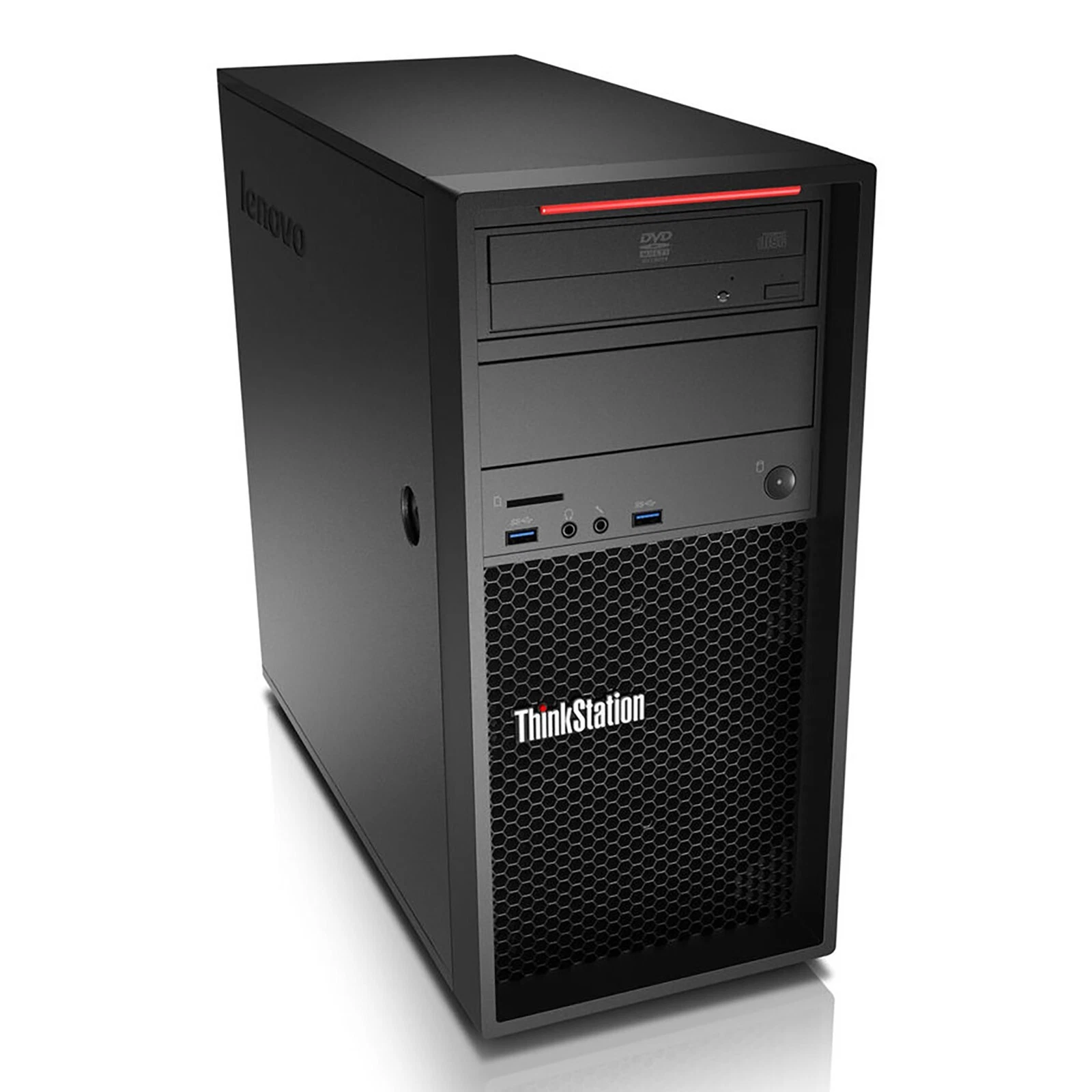
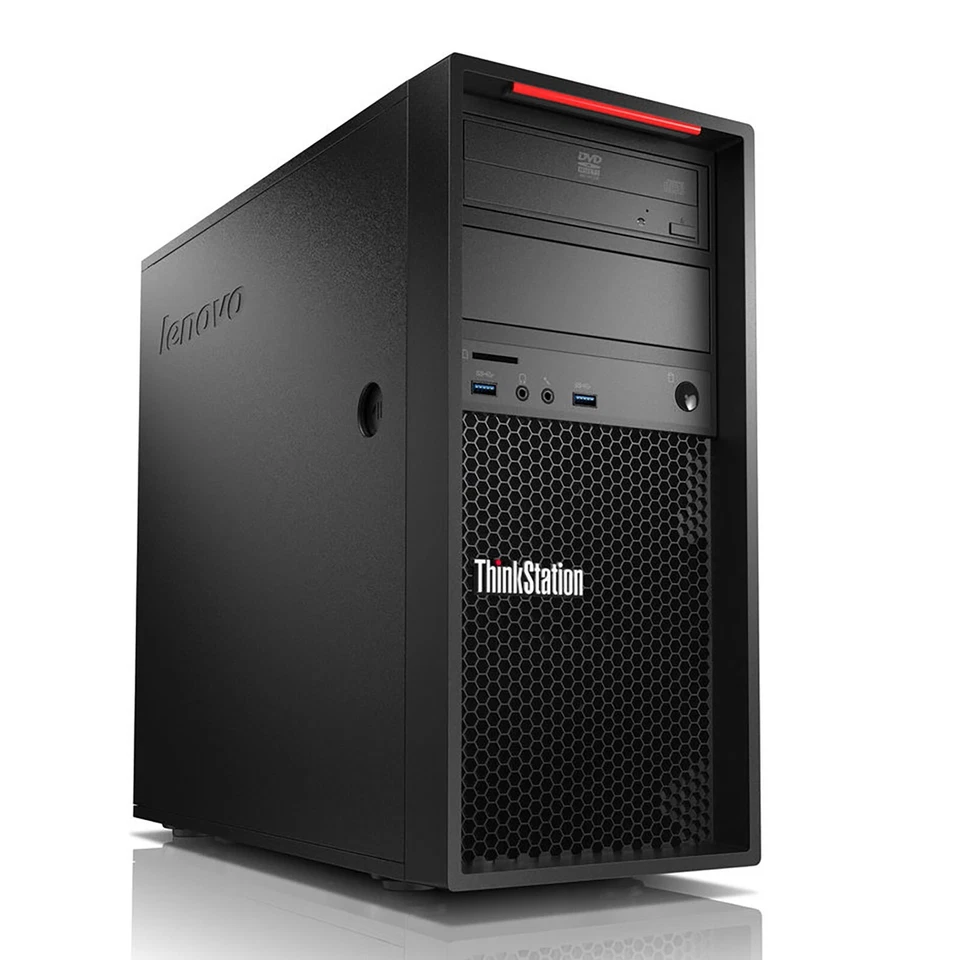
Lenovo ThinkCentre M700 Intel Core i5-6500 desktop tower 16GB RAM 512GB SSD
- Processor: Intel Core i5-6500 (6th Generation, Quad-Core, 4 Threads, 3.20 GHz Base Clock, up to 3.60 GHz Intel Turbo Boost, 6MB Intel Smart Cache, 65W TDP)
- System Memory: 16GB DDR4 SDRAM (Modular design, expandable up to 32GB maximum across available DIMM slots)
- Primary Storage: 512GB 2.5-inch SATA III Solid State Drive (SSD)
- Graphics Hardware: Integrated Intel HD Graphics 530
- Chassis Architecture: Traditional Desktop Tower
- Network Controller: Integrated Intel I219-V Gigabit Ethernet LAN (RJ-45)
- Operating System Compatibility: Windows 10 Pro 64-bit Architecture
- Power Supply Unit: Internal fixed power supply (typically 250W configuration dependent, up to 85% energy efficiency)
KSh24,000.00
Lenovo ThinkCentre M700 Desktop Tower – Intel Core i5-6500, 16GB RAM, 512GB SSD
Lenovo ThinkCentre M700 Intel Core i5-6500 Desktop Tower with 16GB RAM and 512GB SSD
At Compvate, we understand the importance of choosing a reliable, efficient, and cost-effective desktop computer for everyday business operations, professional tasks, and home computing. The Lenovo ThinkCentre M700 Desktop Tower with an Intel Core i5-6500 processor, 16GB RAM, and a 512GB SSD offers a practical computing solution for users who need dependable performance, responsive multitasking, and sufficient storage for essential applications and business files.
Designed for professional desktop environments, the Lenovo ThinkCentre M700 belongs to Lenovo’s ThinkCentre business computer family. It is suited to organisations, small businesses, educational institutions, and individuals seeking a desktop PC for everyday productivity. With a quad-core Intel processor, generous memory for common office workloads, and solid-state storage, this configuration provides a balanced foundation for routine computing requirements.
Whether you need a computer for office administration, accounting software, document preparation, internet browsing, email management, online learning, or general business applications, this Lenovo ThinkCentre M700 desktop PC is worth considering. At Compvate, we help customers explore practical technology solutions that align with their operational needs and budgets.
Intel Core i5-6500 Processor for Reliable Everyday Performance
The Intel Core i5-6500 processor is a 6th Generation Intel Core desktop CPU based on Intel’s Skylake architecture. It features four processing cores, four threads, a base frequency of 3.20 GHz, and a maximum turbo frequency of up to 3.60 GHz.
This processor provides a suitable foundation for everyday computing workloads, including office productivity, web-based applications, document editing, spreadsheet management, and business administration. Its four-core design allows it to handle common applications without requiring the higher processing power associated with demanding workstation or specialist computing systems.
For businesses that rely on word processing, email, invoicing applications, inventory management, customer relationship management systems, and browser-based business platforms, the Lenovo ThinkCentre M700 can provide practical performance for routine operations.
The processor also supports a wide range of established desktop software, although application compatibility depends on the software’s individual hardware and operating system requirements.
Benefits of the Intel Core i5-6500
- Quad-core processing: Four CPU cores support everyday multitasking and general business workloads.
- Clock speeds up to 3.60 GHz: Turbo Boost can increase operating frequency when thermal and power conditions allow.
- Integrated graphics: Intel HD Graphics 530 supports everyday display output and basic visual tasks.
- Business-oriented platform: The ThinkCentre family is designed for professional desktop environments.
- Practical productivity: Suitable for common office applications and routine administrative work.
Although the Intel Core i5-6500 remains useful for many basic computing tasks, it is an older processor. We recommend assessing the performance requirements of modern applications before selecting it for demanding software, advanced content creation, or intensive multitasking.
16GB RAM for Smooth Multitasking and Business Productivity
Memory capacity directly affects how comfortably a computer handles multiple open applications. With 16GB RAM, the Lenovo ThinkCentre M700 offers a practical memory configuration for users who regularly switch between documents, spreadsheets, email clients, and browser tabs.
For example, an administrative professional may need to review customer records, update spreadsheets, prepare reports, and communicate with colleagues throughout the working day. A desktop equipped with 16GB RAM provides useful memory capacity for these everyday activities, subject to the demands of the applications being used.
The same configuration can benefit students, office staff, reception teams, and small business owners who need to run several standard applications simultaneously.
Why 16GB RAM Matters
Improved multitasking: More available memory allows the system to keep more application data readily accessible, reducing the need to rely on slower storage when memory demands increase.
Everyday office productivity: Common productivity suites, PDF readers, communication applications, and browser-based tools can run together more comfortably than on many lower-memory configurations.
Business application support: Accounting tools, point-of-sale management software, stock management applications, and other routine business programs may benefit from adequate memory, provided their operating requirements are met.
Practical everyday computing: Sixteen gigabytes of RAM remains a useful capacity for general desktop tasks, although performance also depends on the processor, storage, software, and workload.
Before purchasing, we recommend confirming the installed memory configuration and the computer’s available upgrade options if future expansion is important.
512GB SSD Storage for Faster Everyday Access
The 512GB solid-state drive (SSD) is one of the key advantages of this Lenovo ThinkCentre M700 configuration. Compared with a traditional mechanical hard drive, an SSD generally provides faster access to stored data, quicker application loading, and more responsive everyday system operation.
For office users, these benefits can make routine work more convenient. Applications may open more quickly, documents can be accessed with less delay, and the computer can feel more responsive during everyday use.
A 512GB SSD also provides useful storage capacity for business documents, spreadsheets, presentations, downloaded files, software installations, and personal data. The actual space available for files will be lower than the advertised capacity after formatting and operating system installation.
Advantages of a 512GB SSD
- Faster application loading: Frequently used applications can launch more quickly than they typically would from a mechanical hard drive.
- Responsive system operation: File access and other storage-dependent activities can feel faster.
- Convenient document storage: The drive provides room for many everyday business files and applications.
- No mechanical moving parts: SSDs do not contain the spinning platters and moving read heads found in conventional hard drives.
- A practical productivity upgrade: Solid-state storage can make a noticeable difference to the everyday experience of using an older desktop platform.
We recommend maintaining a separate backup of important documents rather than relying exclusively on the internal SSD. External storage or a suitable cloud backup service can help protect business information against accidental deletion, hardware failure, and other data-loss events.
Lenovo ThinkCentre M700 Desktop Tower for Business Use
The Lenovo ThinkCentre M700 is a practical option to evaluate when looking for a desktop computer for an office, small business, school, or home workspace.
Business desktop computers are commonly selected for their ability to support established workflows, connect to standard office peripherals, and provide a consistent workstation for daily operations. The M700’s tower design also makes it important to check the available desk or floor space before installation.
Office Administration and General Productivity
For administrative departments, this configuration can support routine tasks such as preparing documents, maintaining spreadsheets, managing email, accessing online business platforms, and printing reports.
Its 16GB RAM and SSD storage provide a useful combination for users who work with several standard applications during the day.
Accounting and Financial Administration
Small businesses often depend on accounting applications, invoicing systems, payroll tools, and spreadsheet software. The Lenovo ThinkCentre M700 can be considered for these workloads when the chosen software supports its hardware and operating system.
For financial applications, we also recommend prioritising reliable backups, appropriate access controls, security updates, and software licensing.
Retail and Inventory Management
Retailers, wholesalers, and small distributors may use desktop computers to maintain stock records, prepare invoices, update product catalogues, and access web-based management systems.
The M700 may serve as a workstation for these activities. However, businesses should verify compatibility with their point-of-sale equipment, barcode scanners, receipt printers, and other peripherals before purchasing.
Education and Training
Students, training centres, and educational institutions may use this desktop for research, typing assignments, preparing presentations, accessing online learning platforms, and running standard educational software.
Its suitability for specialised educational applications depends on their processor, graphics, memory, and operating system requirements.
Home Office and Everyday Computing
For home offices, the Lenovo ThinkCentre M700 can support browsing, email, online research, document preparation, video playback, and other common computing activities.
For video meetings, users should confirm whether a webcam, microphone, speakers, and other required accessories are included or need to be purchased separately.
Intel HD Graphics 530 for Everyday Display Tasks
The Intel Core i5-6500 includes Intel HD Graphics 530, an integrated graphics solution suitable for many standard display and multimedia tasks.
With compatible display connections and supported monitor configurations, integrated graphics can handle desktop applications, document editing, web browsing, video playback, and basic visual workloads.
This graphics solution is not intended to compete with modern dedicated graphics cards. Users who require demanding 3D rendering, advanced video production, or graphics-intensive gaming should evaluate a computer with a more suitable graphics processor.
We recommend checking the actual graphics configuration of the specific desktop, particularly if it has been refurbished or upgraded. The installed graphics hardware and available display outputs can vary by configuration.
Desktop Tower Design and Connectivity
A desktop tower can be a suitable choice for a fixed workstation where users want a traditional desktop setup with a separate monitor, keyboard, and mouse.
The tower form factor may also offer more flexibility for maintenance and component replacement than some compact desktop designs. Nevertheless, upgrade options depend on the exact chassis, motherboard, power supply, and installed components.
Before purchasing the Lenovo ThinkCentre M700, check the available connections against your equipment. Relevant items may include:
- USB ports for keyboards, mice, external drives, and other peripherals.
- Display outputs compatible with your monitor.
- Ethernet connectivity for a wired network.
- Audio connections for headsets, speakers, and microphones.
- Additional expansion options, where supported by the particular configuration.
We recommend confirming port availability and monitor compatibility with Compvate before ordering, especially when the desktop will be connected to existing business equipment.
Is the Lenovo ThinkCentre M700 with 16GB RAM and 512GB SSD Worth Buying?
The value of this desktop depends on the purchase price, physical condition, warranty, included accessories, and intended workload.
For customers seeking a computer for general productivity rather than high-performance computing, the Lenovo ThinkCentre M700 can offer a practical combination of four-core processing, 16GB RAM, and solid-state storage.
Its strengths include a useful memory configuration, responsive SSD storage, and hardware that can support many everyday office activities.
However, prospective buyers should consider the age of the platform. The Intel Core i5-6500 is a sixth-generation processor, and this system should not automatically be assumed to meet the requirements of every current operating system or modern application.
For example, the Intel Core i5-6500 is not listed among the supported processors for Windows 11. Buyers intending to use Windows 11 should verify Microsoft’s current hardware requirements and the specific system’s compatibility rather than assume that an existing Windows installation guarantees eligibility for an upgrade.
Windows 10 reached the end of standard support on 14 October 2025. Organisations planning to deploy this desktop should therefore establish a suitable operating system and security-support strategy before purchase.
Who Should Consider This Desktop?
The Lenovo ThinkCentre M700 may be worth considering for:
- Small businesses seeking a desktop for standard office applications.
- Administrative teams working with documents, email, and spreadsheets.
- Educational environments running compatible learning applications.
- Home-office users with routine computing requirements.
- Organisations evaluating budget-conscious desktop hardware.
- Users who need 16GB RAM and SSD storage for general productivity.
Who Should Consider a Newer Computer?
A newer desktop may be more suitable for users who require:
- Official support for a newer operating system.
- Higher performance in processor-intensive applications.
- Modern integrated or dedicated graphics for demanding workloads.
- Compatibility with newer specialist software and peripherals.
- A longer expected period of manufacturer-supported operation.
Choosing the right computer means matching its capabilities to your real requirements rather than relying on specifications alone.
What to Check Before Buying a Lenovo ThinkCentre M700
When purchasing a business desktop, we recommend checking the following details to ensure that the computer meets your expectations.
1. Physical condition: Confirm whether the unit is new, refurbished, or used. Inspect the chassis and establish whether the computer has been professionally tested.
2. Processor and memory: Verify that the supplied computer includes the Intel Core i5-6500 processor and 16GB RAM specified in the product listing.
3. SSD capacity: Confirm that the installed storage is a 512GB SSD rather than a mechanical hard drive or a different capacity.
4. Operating system: Establish which operating system is installed, whether its licence is valid, and whether it remains supported for your intended use.
5. Connectivity: Check that the available display outputs, USB ports, networking features, and audio connections meet your requirements.
6. Accessories: Confirm whether a monitor, keyboard, mouse, power cable, or other accessories are included.
7. Warranty and after-sales support: Review the applicable warranty period, return policy, and support arrangements.
8. Upgrade compatibility: If you intend to expand the memory or storage, confirm supported capacities, component compatibility, and available internal space.
Taking these steps can help you make a more informed purchasing decision and reduce the risk of compatibility problems after delivery.
Why Choose us for Your Desktop Computer Needs?
At Compvate, we recognise that choosing business computing equipment involves more than comparing processor names and storage capacities. The right desktop should meet your application requirements, fit your workspace, connect to your existing equipment, and provide value within your budget.
The Lenovo ThinkCentre M700 with Intel Core i5-6500, 16GB RAM, and 512GB SSD is a configuration worth evaluating for everyday productivity and general office use.
Before ordering, we encourage customers to confirm the available configuration, physical condition, operating system, included accessories, warranty, and current price. These details are particularly important when selecting older or refurbished business desktop hardware.
By matching the computer to your workload and verifying its compatibility in advance, you can make a more confident decision for your business, educational environment, or home office.
Explore the available desktop computer options at Compvate to identify a suitable solution for your computing needs.
Frequently Asked Questions About the Lenovo ThinkCentre M700
Is the Lenovo ThinkCentre M700 suitable for office work?
Yes. The Lenovo ThinkCentre M700 with an Intel Core i5-6500 processor, 16GB RAM, and a 512GB SSD can support many routine office workloads, including word processing, spreadsheets, email, internet browsing, and compatible business applications.
Does the Lenovo ThinkCentre M700 have 16GB RAM?
The configuration described in this product listing includes 16GB RAM. Buyers should verify the installed memory before purchase, particularly when comparing different refurbished or upgraded units.
Is a 512GB SSD enough for business use?
A 512GB SSD can provide sufficient storage for many business documents, office applications, presentations, and routine files. Organisations working with large media libraries, extensive databases, or substantial archives may require additional storage.
What processor does the Lenovo ThinkCentre M700 use?
This configuration uses the Intel Core i5-6500, a sixth-generation desktop processor with four cores, four threads, a 3.20 GHz base frequency, and a maximum turbo frequency of up to 3.60 GHz.
Can the Lenovo ThinkCentre M700 run Windows 11?
The Intel Core i5-6500 is not on Microsoft’s supported Windows 11 processor list. Buyers should verify the complete computer against Microsoft’s current requirements before planning a Windows 11 installation.
Is the Lenovo ThinkCentre M700 suitable for gaming?
It can handle some basic or older games that are compatible with its graphics capabilities, but Intel HD Graphics 530 is not designed for demanding modern games. Users who prioritise gaming should consider a newer system with more capable graphics hardware.
Can the Lenovo ThinkCentre M700 be upgraded?
Potential upgrades depend on the specific configuration, motherboard, chassis, and installed components. Buyers should verify memory, storage, expansion, and power requirements before purchasing additional hardware.
Does the Lenovo ThinkCentre M700 include a monitor?
A desktop tower does not necessarily include a monitor. Check the product listing or confirm with Compvate whether the purchase includes a monitor, keyboard, mouse, and other accessories.
Final Thoughts: Lenovo ThinkCentre M700 Desktop Tower
The Lenovo ThinkCentre M700 Intel Core i5-6500 desktop tower with 16GB RAM and a 512GB SSD offers a practical hardware configuration for general office productivity, document management, web-based applications, and everyday computing.
Its quad-core processor supports routine workloads, 16GB RAM provides useful capacity for multitasking, and the SSD helps deliver responsive storage performance. Together, these components make the system worth considering for users whose requirements align with its capabilities.
At the same time, its older hardware platform makes operating system compatibility, security support, physical condition, warranty, and upgrade options important considerations.
At Compvate, we recommend assessing these factors alongside price and intended use to determine whether this Lenovo ThinkCentre desktop is the right choice for your environment.
-
- Quad-Core Intel i5 Processing: Powered by a desktop-class Intel Core i5-6500 processor featuring four physical cores, delivering dependable processing power for professional productivity software, local databases, and intensive web browsing tasks.
- Upgraded Multi-Channel Memory: Outfitted with 16GB of high-performance DDR4 SDRAM, providing ample bandwidth to ensure smooth concurrent multitasking and stable performance under demanding commercial operations.
- High-Capacity Solid-State Storage: Features a 512GB Solid State Drive (SSD), bringing near-instantaneous operating system boot sequences, rapid file transfer rates, and significantly improved system responsiveness compared to mechanical drives.
- Full-Size Expansion Infrastructure: The traditional tower chassis guarantees excellent natural airflow under continuous workloads and provides standard PCIe slots and internal drive bays for hassle-free hardware scaling or graphics card installations.
- Enterprise Security and Deployment: Integrated with dedicated hardware protections, including a Trusted Platform Module (TPM) security chip and physical chassis lock slots to preserve data integrity and protect corporate networks.
-
- Processor: Intel Core i5-6500 (6th Generation, Quad-Core, 4 Threads, 3.20 GHz Base Clock, up to 3.60 GHz Intel Turbo Boost, 6MB Intel Smart Cache, 65W TDP)
- System Memory: 16GB DDR4 SDRAM (Modular design, expandable up to 32GB maximum across available DIMM slots)
- Primary Storage: 512GB 2.5-inch SATA III Solid State Drive (SSD)
- Graphics Hardware: Integrated Intel HD Graphics 530
- Chassis Architecture: Traditional Desktop Tower
- Network Controller: Integrated Intel I219-V Gigabit Ethernet LAN (RJ-45)
- Operating System Compatibility: Windows 10 Pro 64-bit Architecture
- Power Supply Unit: Internal fixed power supply (typically 250W configuration dependent, up to 85% energy efficiency)
-
- Front Accessible I/O:
-
- 2 x USB 3.0 Ports
- 1 x 3.5mm Microphone Input
- 1 x 3.5mm Headphone Output
-
- Rear Panel I/O:
-
- 2 x USB 3.0 Ports
- 2 x USB 2.0 Ports
- 2 x DisplayPort Outputs (Supports dual-independent native digital displays)
- 1 x VGA Output
- 1 x RJ-45 Gigabit Ethernet Port
- 1 x Serial Port (9-pin)
- 3 x 3.5mm Audio Jacks (Line-In, Line-Out, Microphone)
- 2 x PS/2 Legacy Ports (Keyboard and Mouse)
-
- Front Accessible I/O:
Based on 0 reviews
Be the first to review “Lenovo ThinkCentre M700 Intel Core i5-6500 desktop tower 16GB RAM 512GB SSD”
Related products
-
Desktops, HP Desktops
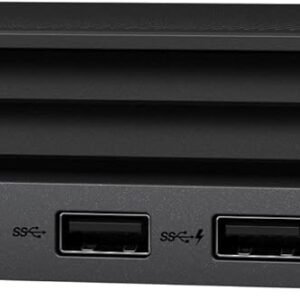
HP Elite Mini 600 G9 Intel Core i5 12th Gen i5-12500T Hexa-core (6 Core) 2 GHz 16 GB RAM DDR4 SDRAM – 256 GB NVMe SSD
 Desktops, HP Desktops
HP Elite Mini 600 G9 Intel Core i5 12th Gen i5-12500T Hexa-core (6 Core) 2 GHz 16 GB RAM DDR4 SDRAM – 256 GB NVMe SSD
- Processor: Intel Core i5-12500T (12th Gen, 6-Core, 2.0 GHz) for efficient multitasking and strong performance.
- Memory (RAM): 16GB DDR4.
- Storage: 256GB NVMe SSD for rapid boot times and fast file access.
- Graphics: Integrated Intel UHD Graphics 770 .
- Operating System: Windows 11 Pro.
- Design: Ultra-compact mini PC, easily mountable behind monitors.
- Connectivity: Full I/O with USB-C, USB-A, DisplayPort, HDMI, Ethernet, and audio jacks.
SKU: n/a -
Dell Desktops, Desktops
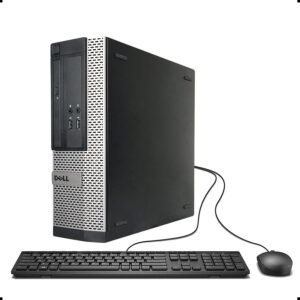
Dell OptiPlex 3020 SFF | Intel Core i5 4th Gen | 4GB RAM | 500GB HDD
Feature Detail Processor 4th Generation Intel Core i5 (e.g., i5-4570), Quad-Core, 3.2 GHz base frequency (up to 3.6 GHz with Turbo Boost). Form Factor Small Form Factor (SFF). Memory (RAM) 4GB DDR3 1600MHz SDRAM (expandable up to 16GB via two DIMM slots). Storage 500GB 7200 rpm SATA Hard Disk Drive (HDD). Graphics Integrated Intel HD Graphics 4600. Operating System Windows 11. Ports 2x USB 3.0 (rear), 6x USB 2.0 (2 front, 4 rear), 1x VGA, 1x DisplayPort 1.2, 1x RJ-45 Ethernet, audio jacks. Expansion Slots 1x Half-Height PCIe x16, 1x Half-Height PCIe x1. SKU: n/a -
Dell Desktops, Desktops
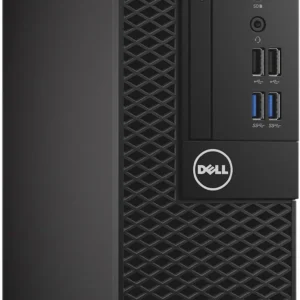
Dell OptiPlex 3050 SSF Intel Core i5 7th Gen 8GB RAM 1TB HDD
- Processor: Intel Core i5-7500 (7th Gen), Quad-Core, 3.8 GHz.
- Memory (RAM): 8GB DDR4.
- Storage: 1TB SATA Hard Drive (HDD).
- Graphics: Integrated Intel HD Graphics 630.
- Form Factor: Small Form Factor (SFF) – compact for limited spaces.
- Operating System: Typically Windows 10 Pro.
- Ports: USB 3.1 Gen 1, USB 2.0, HDMI, DisplayPort, Ethernet, Audio, (optional Serial/VGA).
- Connectivity: Wired Ethernet; optional Wi-Fi via M.2 card.
SKU: n/a -
Desktops, HP Desktops
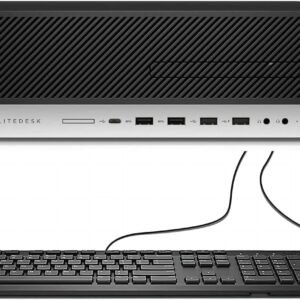
HP EliteDesk 800 G4 SFF Desktop Core i5 8500 8GB 500GB HDD
HP EliteDesk 800 G4 SFF Desktop Core i5 8500 8GB 500GB HDD
-
Processor: Intel Core i5-8500 (6 Cores)
-
Memory: 8GB DDR4 RAM
-
Storage: 500GB HDD
-
Graphics: Integrated Intel UHD Graphics
-
Ports: USB, DisplayPort, VGA, Ethernet, Audio Jacks
-
Form Factor: Small Form Factor (SFF)
-
Operating System: Windows 11.
SKU: n/a -












There are no reviews yet.