
Hp zbook 15 g2 screen replacement
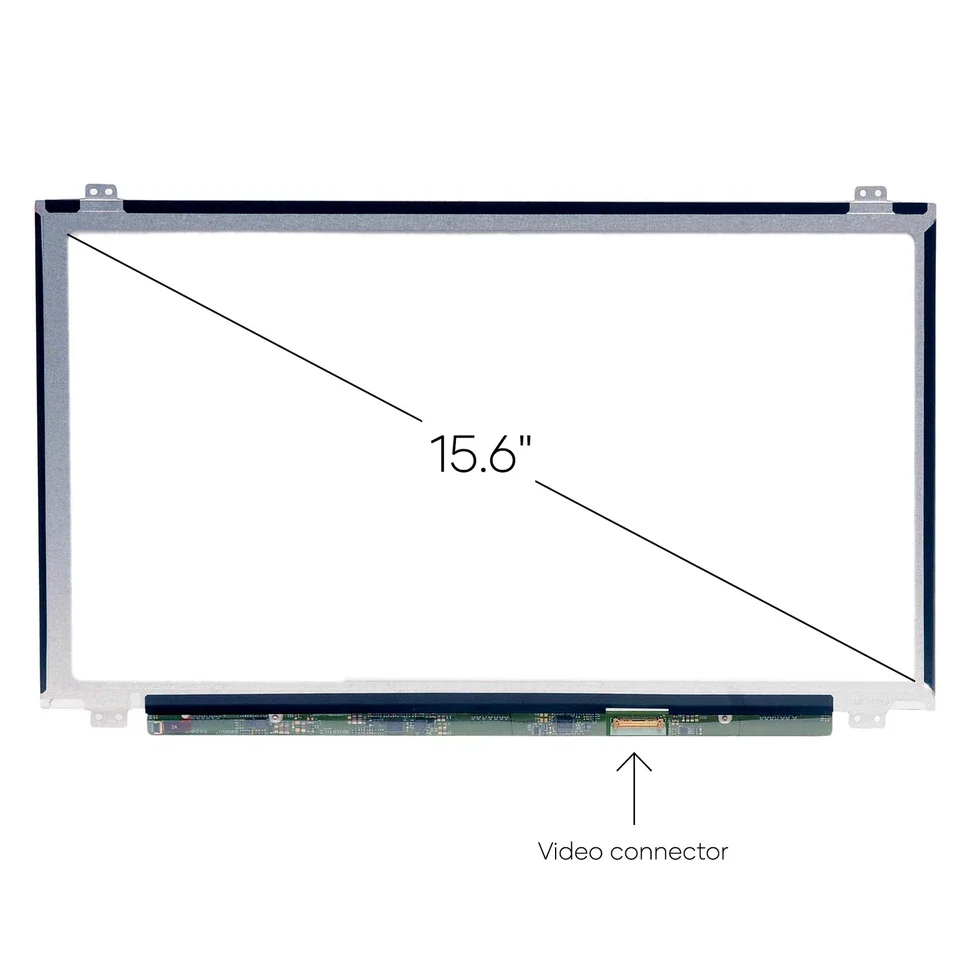
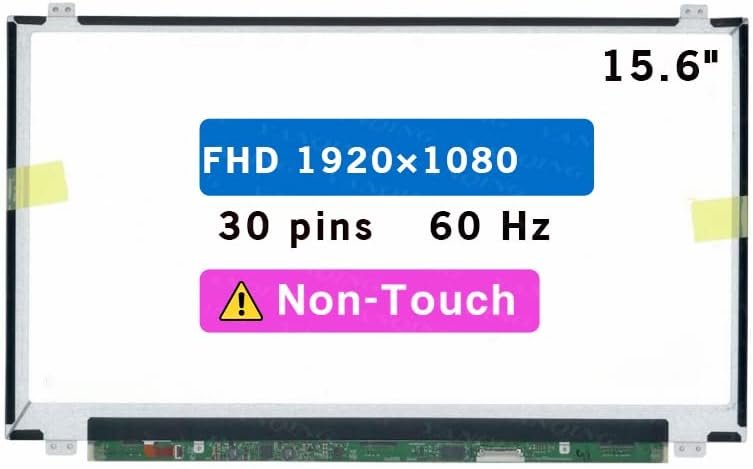
- Size: 15.6″
- Resolution: Full HD
- Pixels: 1920 x 1080
- Backlight Type: LED
- Backlight Lamp: DIODE
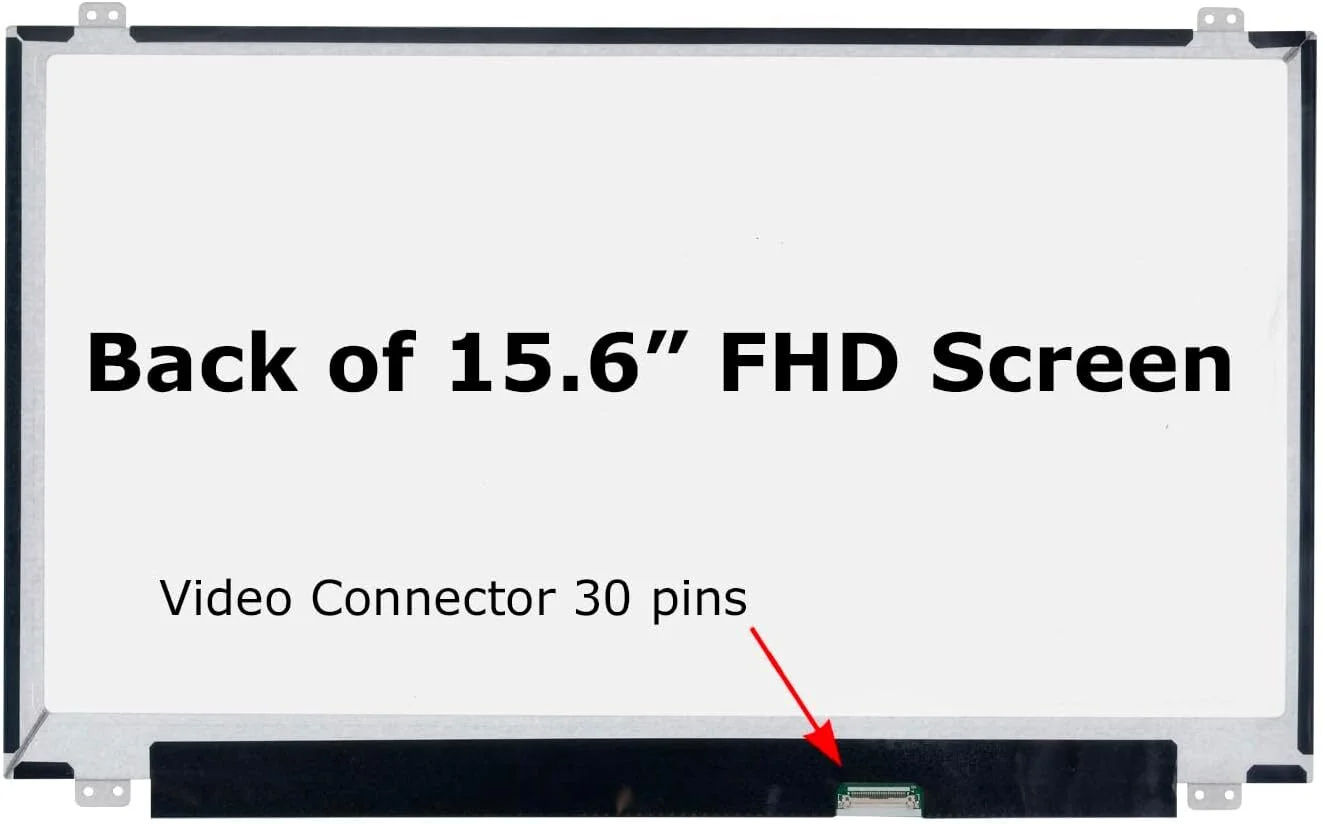
- Connector: EDP
- Pin Connection: 30 Pins
- Side: Bottom Right
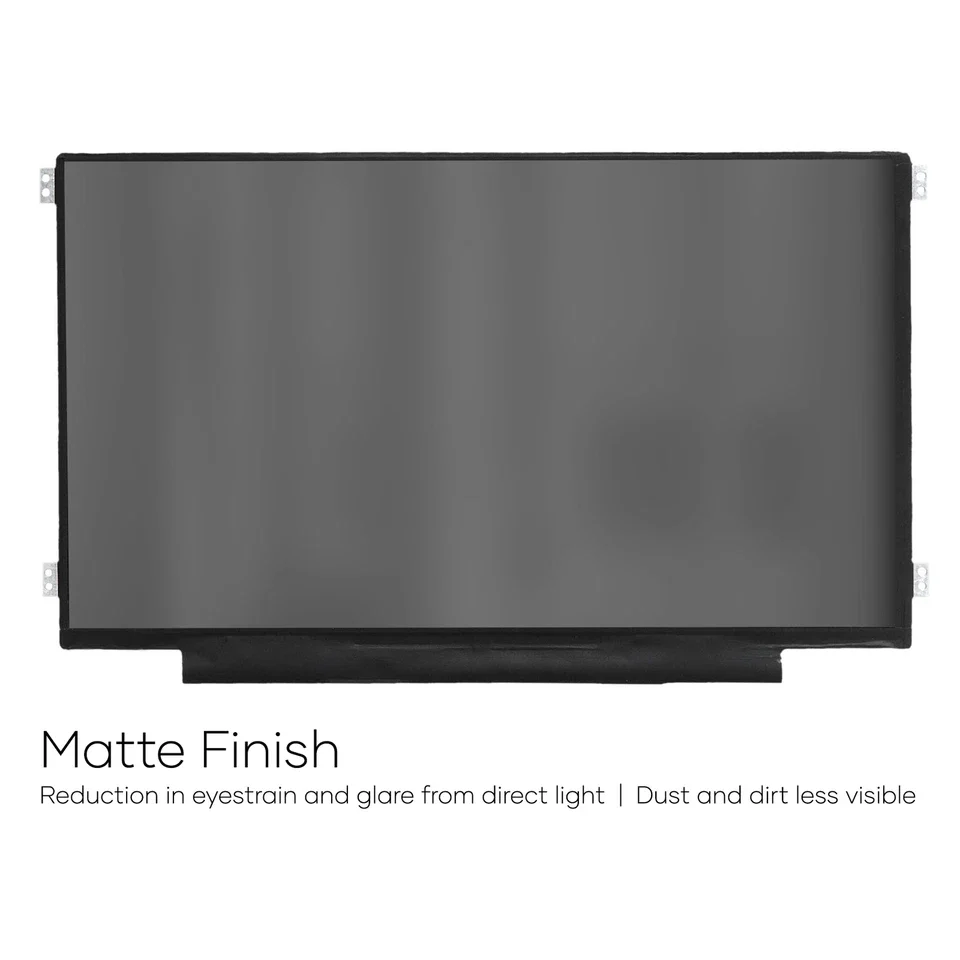
- Finish: Matte/Glossy write in checkout note.
- Condition: NEW
- Refresh Rate: 60Hz
- Commodity: Non Touch Screen
- Technology: IPS, Non Touch
- Dead Pixel Policy: In Accordance with ISO 13406-2 norm.
- Source: Factory Direct
- Packaging: Fragile Customized Package
- Compatibility: OEM
KSh6,500.00
HP ZBook 15 G2 Screen Replacement – Complete Guide and Professional Services in Nairobi, Kenya
Expert HP ZBook 15 G2 Screen Replacement Solutions
At Compvate, we specialize in HP ZBook 15 G2 screen replacement services in Nairobi, Kenya, combining technical expertise, high-quality replacement panels, and structured repair procedures. As professional laptop technicians and trusted laptop sellers, we understand the architectural complexity of the HP ZBook 15 G2 mobile workstation and the importance of restoring its display to factory-level performance.
This article also serves as a how to replace your screen guide, offering technical insight into the replacement process while highlighting why professional service ensures reliability, safety, and long-term usability.
Overview of the HP ZBook 15 G2 Display Architecture
The HP ZBook 15 G2 was designed for enterprise and professional workloads, featuring robust display options that require precise compatibility during replacement.
Supported display configurations include:
-
15.6-inch HD (1366 x 768) LED
-
15.6-inch Full HD (1920 x 1080) anti-glare
-
15.6-inch Full HD IPS UWVA
-
eDP and LVDS display interfaces
-
Non-touch display panels
Each configuration differs in resolution, connector type, voltage rating, and panel thickness. Accurate identification of the installed screen is essential before replacement.
Common Reasons for HP ZBook 15 G2 Screen Replacement
Screen failure is one of the most frequent hardware issues affecting mobile workstations. We regularly handle the following problems:
-
Cracked or broken LCD panels
-
Black screen with system powering on
-
Flickering or unstable display
-
Vertical or horizontal lines
-
White screen or distorted colors
-
Backlight failure or dim display
-
Dead pixels or shadow patches
These issues typically result from accidental drops, pressure on the lid, worn display cables, power fluctuations, or prolonged usage.
How to Replace Your Screen Guide for HP ZBook 15 G2
This how to replace your screen guide outlines the professional method used during HP ZBook 15 G2 screen replacement. While the steps are informative, we recommend professional handling due to the workstation’s internal design.
1: Power Isolation and Safety
-
Shut down the laptop completely
-
Disconnect the charger
-
Remove the battery where applicable
-
Discharge residual power
2: Bezel Removal
-
Carefully pry the front bezel using plastic opening tools
-
Avoid metal tools to prevent scratching or cracking
-
Detach adhesive points evenly
3: Screen Disassembly
-
Unscrew the LCD mounting brackets
-
Gently tilt the screen forward
-
Support the panel to avoid cable strain
4: Display Cable Disconnection
-
Remove tape securing the display connector
-
Disconnect the LVDS or eDP cable straight out
-
Inspect the cable for damage
5: Panel Replacement
-
Match the replacement screen by resolution, connector type, and size
-
Connect the display cable firmly
-
Test the display before full reassembly
Step 6: Reassembly and Testing
-
Secure the panel with original screws
-
Reattach the bezel
-
Power on and test brightness, resolution, and stability
This how to replace your screen guide reflects the exact process our technicians follow, enhanced with professional tools and experience.
Why Professional HP ZBook 15 G2 Screen Replacement Matters
While guides exist, improper replacement can cause:
-
Damaged display cables
-
Blown backlight circuits
-
Loose hinges
-
Short circuits on the motherboard
At Compvate, we eliminate these risks through controlled installation procedures and post-repair diagnostics.
HP ZBook 15 G2 Screen Replacement Cost in Kenya
The HP ZBook 15 G2 screen replacement cost in Nairobi depends on:
-
Screen resolution (HD vs Full HD vs IPS)
-
Panel availability
-
Connector type (LVDS or eDP)
-
Screen brand and quality grade
We provide accurate quotations after physical verification, ensuring the correct panel is installed the first time.
OEM vs Compatible Screens for HP ZBook 15 G2
We offer both OEM-original screens and high-quality compatible panels.
OEM screens provide:
-
Exact factory specifications
-
Optimal brightness and contrast
-
Maximum durability
Compatible screens provide:
-
Lower replacement cost
-
Stable performance for general workloads
-
Reliable display quality when sourced correctly
Clients receive transparent guidance based on performance needs and budget.
Quality Assurance After Screen Replacement
Every HP ZBook 15 G2 screen replacement at Compvate undergoes:
-
Brightness uniformity testing
-
Resolution and refresh rate verification
-
Display cable stability checks
-
Hinge and bezel alignment inspection
This ensures the workstation performs reliably in professional environments.
Who Needs HP ZBook 15 G2 Screen Replacement Services
Our services support:
-
Engineers and architects
-
Designers and content creators
-
Corporate IT departments
-
Universities and training institutions
-
Freelancers and remote professionals
We also provide bulk workstation repair services for organizations managing multiple HP ZBook units.
Why Compvate Is a Trusted Laptop Repair Partner in Nairobi
Compvate is known for:
-
Experienced workstation technicians
-
Accurate diagnostics
-
High-quality replacement parts
-
Fast turnaround times
-
Professional after-service support
We handle HP ZBook models with precision, ensuring long-term reliability and performance.
Visit Compvate for HP ZBook 15 G2 Screen Replacement in Nairobi, Kenya
If your HP ZBook 15 G2 screen is damaged, flickering, or not displaying correctly, Compvate delivers dependable and professional solutions. Our technicians restore full visual clarity, ensuring your workstation remains productive and reliable.
We remain committed to offering accurate HP ZBook 15 G2 screen replacement services in Nairobi, Kenya, supported by technical expertise and quality assurance.
| Specification | Details |
|---|---|
| Screen Size | 15.6 inches |
| Resolution | Full HD (1920 x 1080), 3K QHD+ (3200 x 1800), or 4K UHD (3840 x 2160) |
| Backlight Type | LED LCD (WLED) |
| Data Connector | 30 pins eDP (for most FHD non-touch) or 40 pins (for 3K/4K UHD and touch models) |
| Connector Position | Bottom Right (when viewed from the back of the screen) |
| Screen Finish | Matte (anti-glare) is standard; Glossy options for touch models |
| Touch Panel | Both non-touch and touch screen options exist |
| Refresh Rate | n=”undefined” data-sfc-cp=”” data-complete=”true”>60Hz (standard on most configurations) |
| Panel Type | IPS (In-Plane Switching) panel is common |
| Special Features | Optional HP DreamColor Technology for high-resolution models |
Important Replacement Notes
- a-complete=”true”>Exact Match Required: You must match the original screen’s resolution, the number of connector pins, and whether it is a touch or non-touch version. Upgrading resolution or changing from non-touch to touch typically requires a different video cable and potentially other components.
- Non-Interchangeable: The physical assemblies for touch and non-touch versions are different and use different pin-outs.
Based on 0 reviews
Be the first to review “Hp zbook 15 g2 screen replacement”
Related products
-
Desktops, HP Desktops
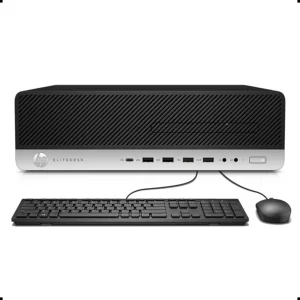
HP ProDesk 400 G4 SFF Intel Core i7-6700 16GB DDR4 RAM, 256GB SSD
-
Model: HP ProDesk 400 G4 Small Form Factor
-
Processor: Intel Core i7-6700, 3.4GHz (Turbo Boost Supported)
-
Memory: 16GB DDR4 RAM (Upgradeable)
-
Storage: 256GB Solid State Drive
-
Graphics: Intel Integrated Graphics
-
Networking: Gigabit Ethernet
-
Ports: USB, Display Outputs, Audio I/O
-
Security: TPM, Secure Boot, BIOS Protection
-
Form Factor: Small Form Factor (SFF)
-
Operating System: Windows 11
SKU: n/a -
-
Desktops, HP Desktops
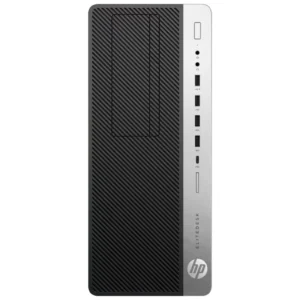
HP EliteDesk 800 G5 SFF Core i5 9th Gen 8GB RAM 500GB HDD
-
Model: HP EliteDesk 800 G5 Small Form Factor
-
Processor: Intel Core i5, 9th Generation
-
Memory: 8GB DDR4 RAM (Upgradeable)
-
Storage: 500GB Hard Disk Drive
-
Graphics: Intel Integrated Graphics
-
Networking: Gigabit Ethernet
-
Ports: USB, Display Outputs, Audio I/O
-
Security: TPM, Secure Boot, BIOS Protection
-
Form Factor: Small Form Factor (SFF)
-
Operating System: Windows
SKU: n/a -
-
24 Inch, Monitors
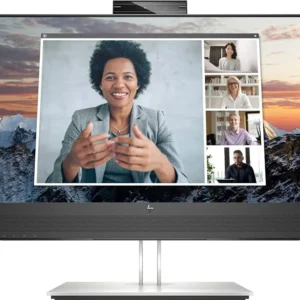
HP E24m G4 FHD USB-C Conferencing Monitor (40Z32E9)
Feature Detail Display Size 23.8 inches (diagonal) Resolution Full HD (1920 x 1080) at up to 75 Hz Panel Type IPS with anti-glare treatment Brightness 300 nits Contrast Ratio 1000:1 static, 10,000,000:1 dynamic Response Time 5ms GtG (with overdrive) Color Gamut 99% sRGB coverage Webcam Integrated 5MP, tilt-adjustable (25-degree range), with Windows Hello support Audio Dual front-firing 5W speakers and echo-cancelling dual microphones Connectivity 1x USB-C (up to 65W PD), 1x HDMI 1.4, 1x DisplayPort 1.2 in, 1x DisplayPort 1.2 out, 4x SuperSpeed USB Type-A (5Gbps signaling rate), 1x RJ-45 Ethernet, 1x 3.5 mm Audio Jack combo Ergonomics Tilt (-5 to +23°), swivel (±45°), pivot (±90°), and 150 mm height adjustment Certifications Zoom Certified, Microsoft Teams Certified, Works With Chromebook Certified, TÜV Low Blue Light Hardware Solution (HP Eye Ease) SKU: n/a -
Desktops, HP Desktops
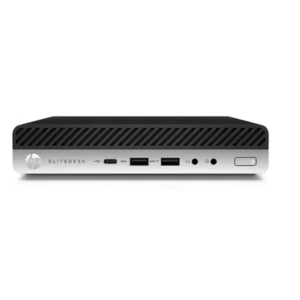
HP EliteDesk 800 G4 Mini Intel i5-8400T RAM 16GB SSD 256GB
-
Model: HP EliteDesk 800 G4 Mini
-
Processor: Intel Core i5-8400T, 6-Core
-
Memory: 16GB DDR4 RAM (Upgradeable)
-
Storage: 256GB Solid State Drive
-
Graphics: Intel UHD Integrated Graphics
-
Networking: Gigabit Ethernet
-
Ports: USB 3.1, USB-C, Display Outputs, Audio I/O
-
Security: TPM 2.0, Secure Boot, BIOS Protection
-
Form Factor: Mini PC
-
Operating System: Windows
SKU: n/a -












There are no reviews yet.