
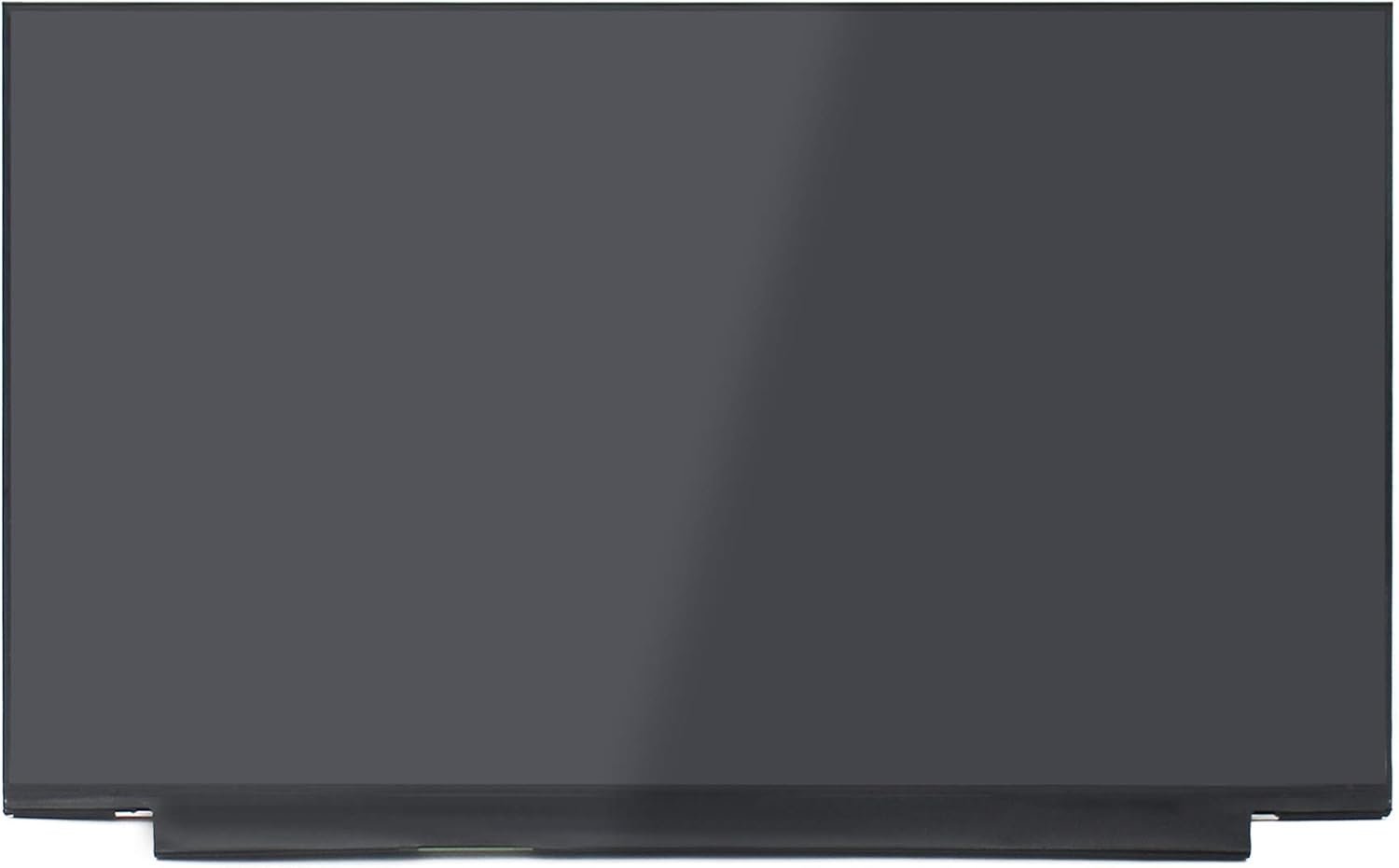
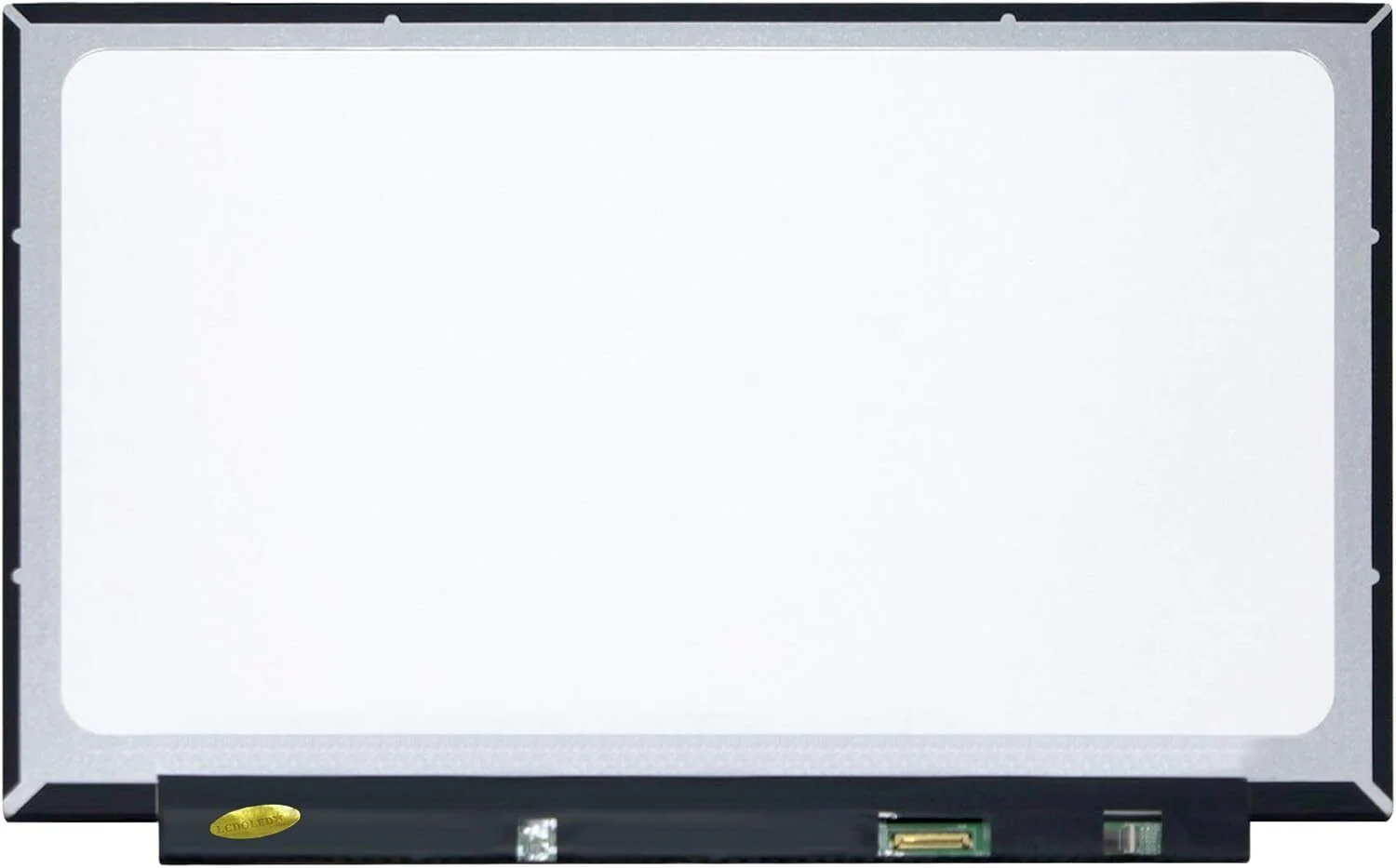
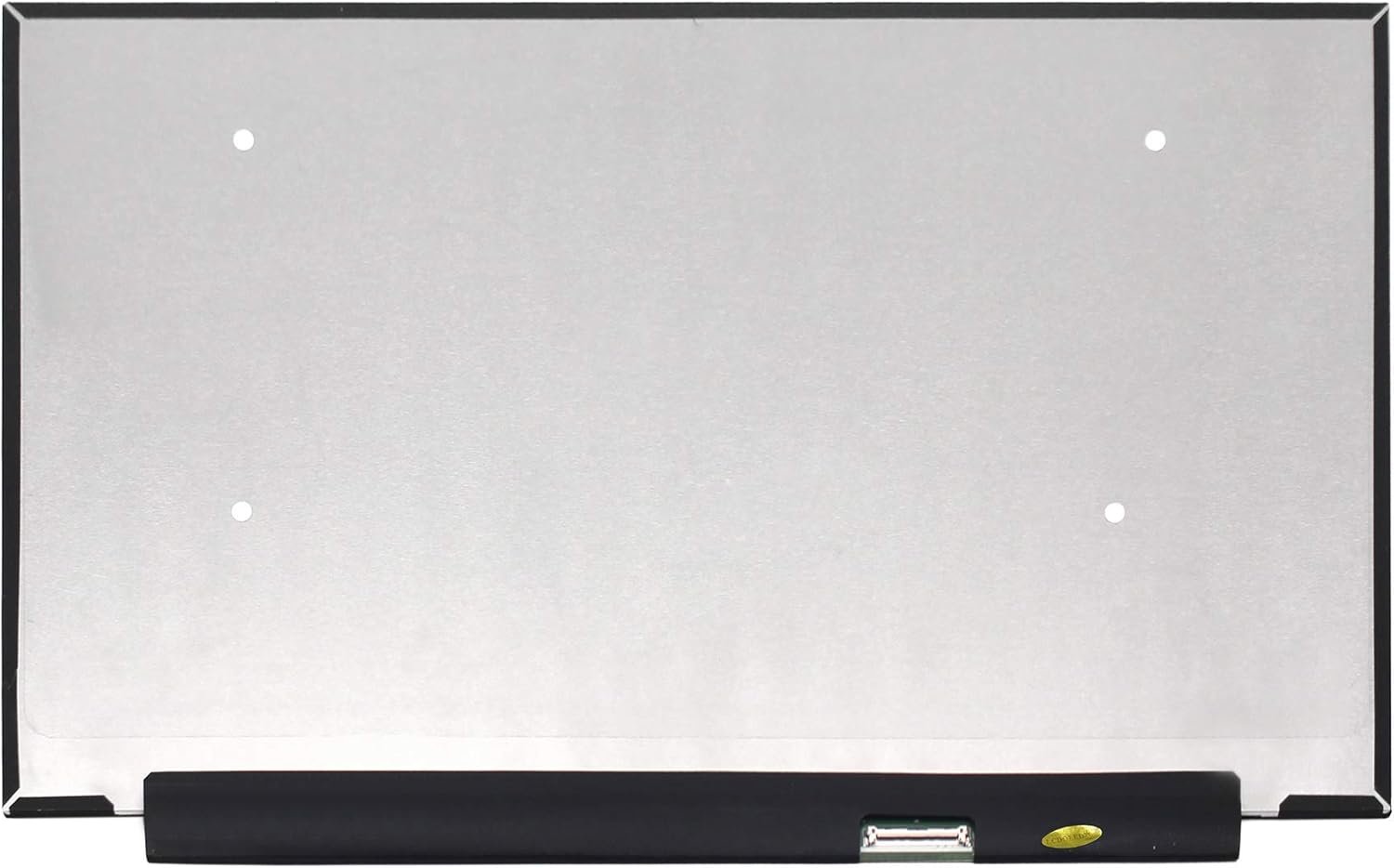
Hp omen 15 replacement screen
- Size: 15.6″
- Resolution: Full HD
- Pixels: 1920 x 1080
- Backlight Type: LED
- Backlight Lamp: DIODE
- Connector: EDP
- Pin Connection: 30 Pins
- Side: Bottom Right
- Finish: Matte/Glossy write in checkout note.
- Condition: NEW
- Refresh Rate: 60Hz
- Commodity: Non Touch Screen
- Technology: IPS, Non Touch
- Dead Pixel Policy: In Accordance with ISO 13406-2 norm.
- Source: Factory Direct
- Packaging: Fragile Customized Package
KSh10,000.00
HP Omen 15 Replacement Screen – Bringing Your Gaming Beast Back to Life
When a Broken Screen Steals the Thrill, We Help You Get It Back
The HP Omen 15 is not just a laptop. It is power, speed, passion, and performance wrapped into a machine built for gamers, creators, and professionals who demand more. When the screen breaks—cracks spreading, colors fading, flickering shadows appearing—it feels like losing the soul of your device. The excitement disappears, the immersion is gone, and frustration takes over. That is why HP Omen 15 replacement screen services are not just about fixing hardware—they are about restoring the experience you love.
We understand the emotional connection you have with your HP Omen. We replace screens with care, precision, and respect, so your machine feels powerful again.
The Heart of the HP Omen 15 Experience: The Display
The screen is where the magic happens. Every game, every frame, every detail depends on it. The HP Omen 15 display is designed to deliver speed, clarity, and intensity.
Typical HP Omen 15 screen features include:
-
15.6-inch LED-backlit display
-
Full HD (1920 × 1080) or higher resolution
-
High refresh rate options (120Hz / 144Hz depending on model)
-
IPS panel with wide viewing angles
-
Non-touch display
-
Slim bezel gaming design
-
eDP connector
When this screen is damaged, performance feels wasted. A proper replacement restores what the Omen was built to deliver.
Signs Your HP Omen 15 Screen Needs Replacement
A failing screen slowly drains the joy from your laptop. Common symptoms include:
-
Cracked or shattered display
-
Black screen while the laptop powers on
-
Flickering during gaming or video playback
-
Lines across the screen
-
Dead pixels or dark spots
-
Washed-out colors
-
Backlight bleeding or uneven brightness
These issues don’t just affect visuals—they break immersion and disrupt performance.
Why a Quality HP Omen 15 Replacement Screen Truly Matters
Not all screens are equal. For a performance laptop like the HP Omen 15, quality is everything.
Clarity Restores Immersion
A high-quality replacement screen brings back sharp visuals, vibrant colors, and smooth motion—so every game feels alive again.
Performance Brings Confidence
Correct refresh rate and panel quality ensure your GPU and CPU are not wasted on a poor display.
Compatibility Brings Peace
No flickering, no resolution mismatch, no refresh rate limitations—just seamless performance.
Your HP Omen deserves a screen that matches its power.
Our HP Omen 15 Replacement Screen Process
We treat every gaming laptop with the respect it deserves.
1. Detailed Diagnosis
We identify the exact screen model required, including resolution, refresh rate, and connector type.
2. Careful Disassembly
Gaming laptops are delicate. Hinges, bezels, and cables are handled with precision.
3. Professional Screen Installation
The new screen is aligned perfectly and securely connected to ensure stability.
4. Performance Testing
We test brightness, color accuracy, refresh rate, and motion smoothness.
5. Final Quality Check
Your HP Omen 15 is reassembled and tested to ensure it feels powerful again.
The Emotional Difference a New Screen Makes
The moment your new screen lights up, the feeling is immediate:
-
Games feel immersive again
-
Colors pop with intensity
-
Motion is smooth and responsive
-
Your laptop feels premium again
-
Frustration turns into excitement
This is not just a repair—it is a revival.
HP Omen 15 Replacement Screen Cost Considerations
The cost of HP Omen 15 replacement screen depends on:
-
Screen resolution
-
Refresh rate (standard or high refresh)
-
Panel type (IPS, anti-glare)
-
Availability of compatible screens
Transparent pricing helps you make a confident decision without compromise.
How to Protect Your New HP Omen 15 Screen
Once replaced, simple habits protect your investment:
-
Use a padded gaming laptop bag
-
Avoid pressure on the screen lid
-
Clean only with a microfiber cloth
-
Close the lid gently
-
Keep liquids away from the display
A little care keeps your screen performing at its best.
Why Screen Replacement Is Worth It for HP Omen 15
Replacing the screen instead of replacing the laptop means:
-
Saving money
-
Keeping a powerful gaming machine
-
Reducing electronic waste
-
Restoring peak performance
Your HP Omen 15 still has more battles to win.
HP Omen 15 Replacement Screen You Can Trust
We provide HP Omen 15 replacement screen services focused on quality, performance, and care. Every screen we install is chosen to restore speed, clarity, and immersion—because your gaming experience matters.
A broken screen does not end the game. With the right replacement, it is just the beginning of the next level.
| Specification | Common 60Hz/HD+ Options | Common 144Hz/High Refresh Options | High-End 4K Options |
|---|---|---|---|
| Screen Size | 15.6 inches | 15.6 inches | 15.6 inches |
| Resolution | Full HD (1920 x 1080) or HD+ | Full HD (1920 x 1080) or QHD | 4K UHD (3840 x 2160) |
| Refresh Rate | 60Hz | 144Hz, 165Hz, 240Hz, or 300Hz | 60Hz or 120Hz |
| Data Connector | 30 pins eDP | 40 pins eDP | 40 pins |
| Panel Type | IPS or TN | IPS (In-Plane Switching) | OLED or IPS |
| Screen Finish | Matte (anti-glare) | Matte (anti-glare) | Glossy (OLED) or Matte |
Important Replacement Notes
- Exact Match is Crucial: You must purchase a screen with the exact same resolution, refresh rate, and pin count as your original panel. An upgrade to a higher refresh rate or resolution usually requires a different video cable that is not included with the panel.
- Non-Touch Only: Most HP Omen 15 models are non-touch laptops. The listed screens do not support touch functionality.
- Verify Part Number: The best way to ensure compatibility is to disassemble your laptop and check the manufacturer part number (P/N) on the back of your original screen before ordering a replacement.
- Installation Safety: Professional installation is highly recommended. Always ensure the laptop is powered completely off, and the battery cable is disconnected from the motherboard before beginning the process to avoid electrical damage.
Based on 0 reviews
Be the first to review “Hp omen 15 replacement screen”
Related products
-
22 Inch, Gaming Monitors, Monitors
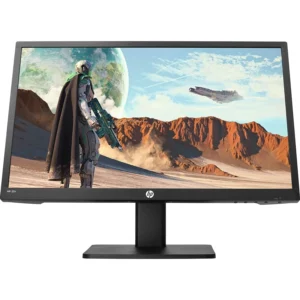
HP gaming monitor 22″
-
rand: HP
-
Screen Size: 22 inches
-
Resolution: Full HD (1920 × 1080)
-
Aspect Ratio: 16:9
-
Panel Type: TN or IPS (model dependent)
-
Refresh Rate: 75Hz or higher (model dependent)
-
Response Time: 1–5ms (model dependent)
-
Adaptive Sync: FreeSync or Adaptive Sync (model dependent)
-
Connectivity:
-
HDMI
-
VGA
-
Audio Out / Headphone Jack (select models)
-
-
Stand: Tilt adjustable
-
Mounting: VESA compatible (select models)
-
Color Support: Up to 16.7M colors
-
Viewing Angles: Up to 178° horizontal / 178° vertical (IPS models)
SKU: n/a -
-
24 Inch, LCD Monitors, LED Monitors, Monitors
HP Z24n G2 24-Inch Full HD IPS Monitor – 2k Edge-to-Edge
 24 Inch, LCD Monitors, LED Monitors, Monitors
HP Z24n G2 24-Inch Full HD IPS Monitor – 2k Edge-to-Edge
Feature Detail Native Resolution 1920 x 1200 (WUXGA) Panel Type IPS with LED backlight Screen Size 24 inches (diagonal) Aspect Ratio 16:10, offering more vertical screen space than standard 16:9 monitors Color Gamut 99% sRGB coverage Brightness 300 nits Contrast Ratio 1000:1 (static) Response Time 5.8 ms gray to gray (can be adjusted to as low as 5 ms in display menu) Refresh Rate 60 Hz (supports up to 75 Hz for some video modes) Connectivity HDMI 1.4, DisplayPort 1.2 (in and out for daisy-chaining), DVI-D, USB-C (upstream and downstream with power delivery), and a 3-port USB 3.0 hub Ergonomics Height, tilt, swivel, and pivot adjustments Design 3-sided micro-edge bezel design, suitable for seamless multi-monitor setups SKU: n/a -
Desktops, HP Desktops
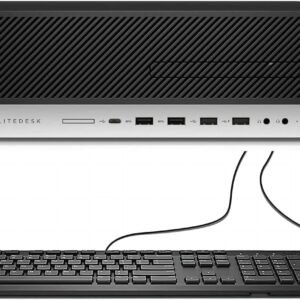
HP EliteDesk 800 G4 SFF Desktop Core i5 8500 8GB 500GB HDD
HP EliteDesk 800 G4 SFF Desktop Core i5 8500 8GB 500GB HDD
-
Processor: Intel Core i5-8500 (6 Cores)
-
Memory: 8GB DDR4 RAM
-
Storage: 500GB HDD
-
Graphics: Integrated Intel UHD Graphics
-
Ports: USB, DisplayPort, VGA, Ethernet, Audio Jacks
-
Form Factor: Small Form Factor (SFF)
-
Operating System: Windows 11.
SKU: n/a -
-
Desktops, HP Desktops
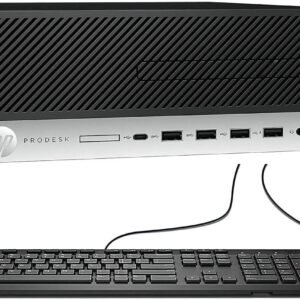
HP ProDesk 600 G5 SFF Core i5-8500 3.0GHz, 16GB RAM, 512GB SSD
-
Model: HP ProDesk 600 G5 Small Form Factor
-
Processor: Intel Core i5-8500, 6-Core, 3.0GHz (Turbo Boost Supported)
-
Memory: 16GB DDR4 RAM (Upgradeable)
-
Storage: 512GB Solid State Drive
-
Graphics: Intel UHD Integrated Graphics
-
Networking: Gigabit Ethernet
-
Ports: USB, Display Outputs, Audio I/O
-
Security: TPM 2.0, Secure Boot, BIOS Protection
-
Form Factor: Small Form Factor (SFF)
-
Operating System: Windows 11
SKU: n/a -












There are no reviews yet.