
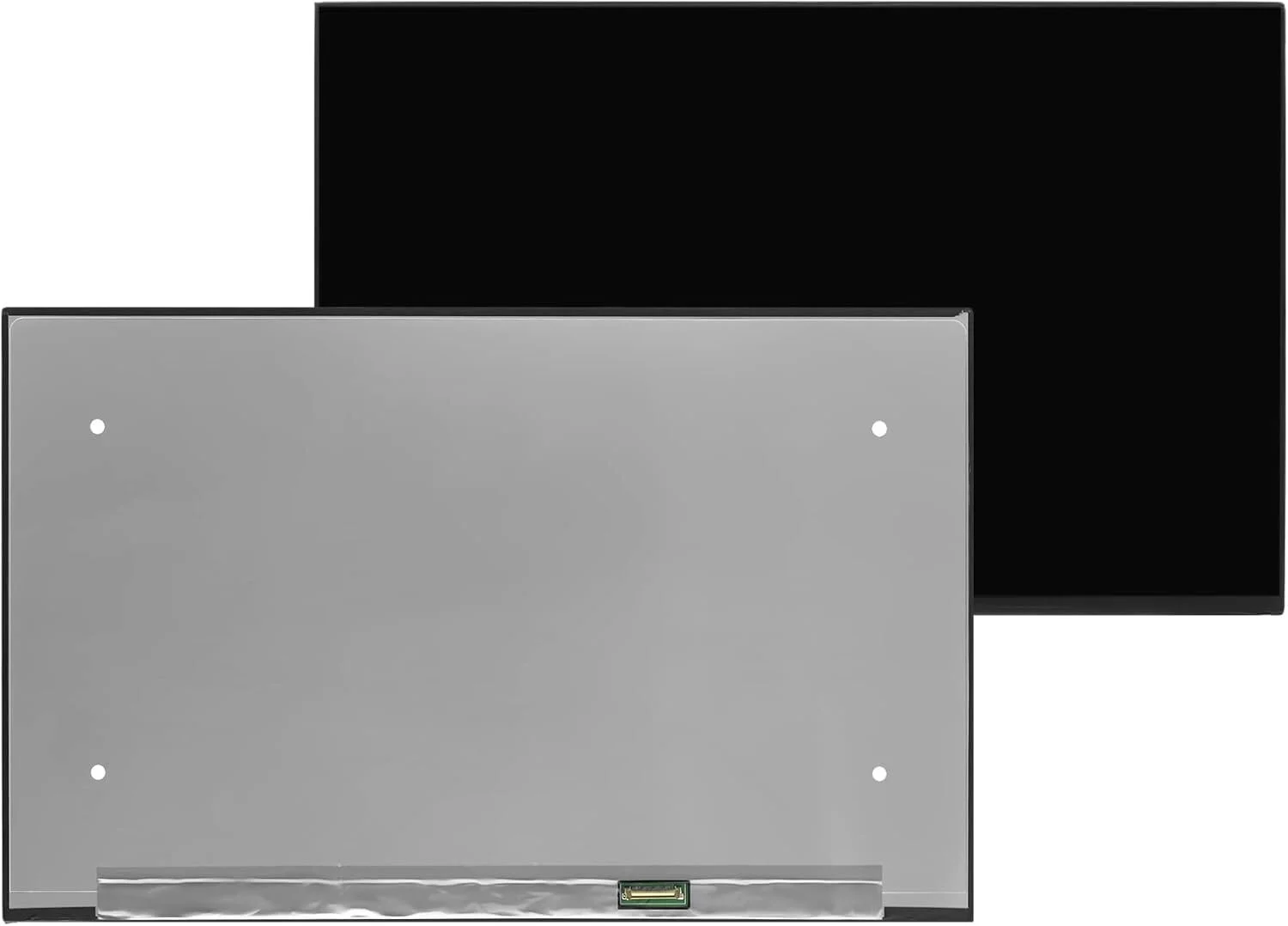
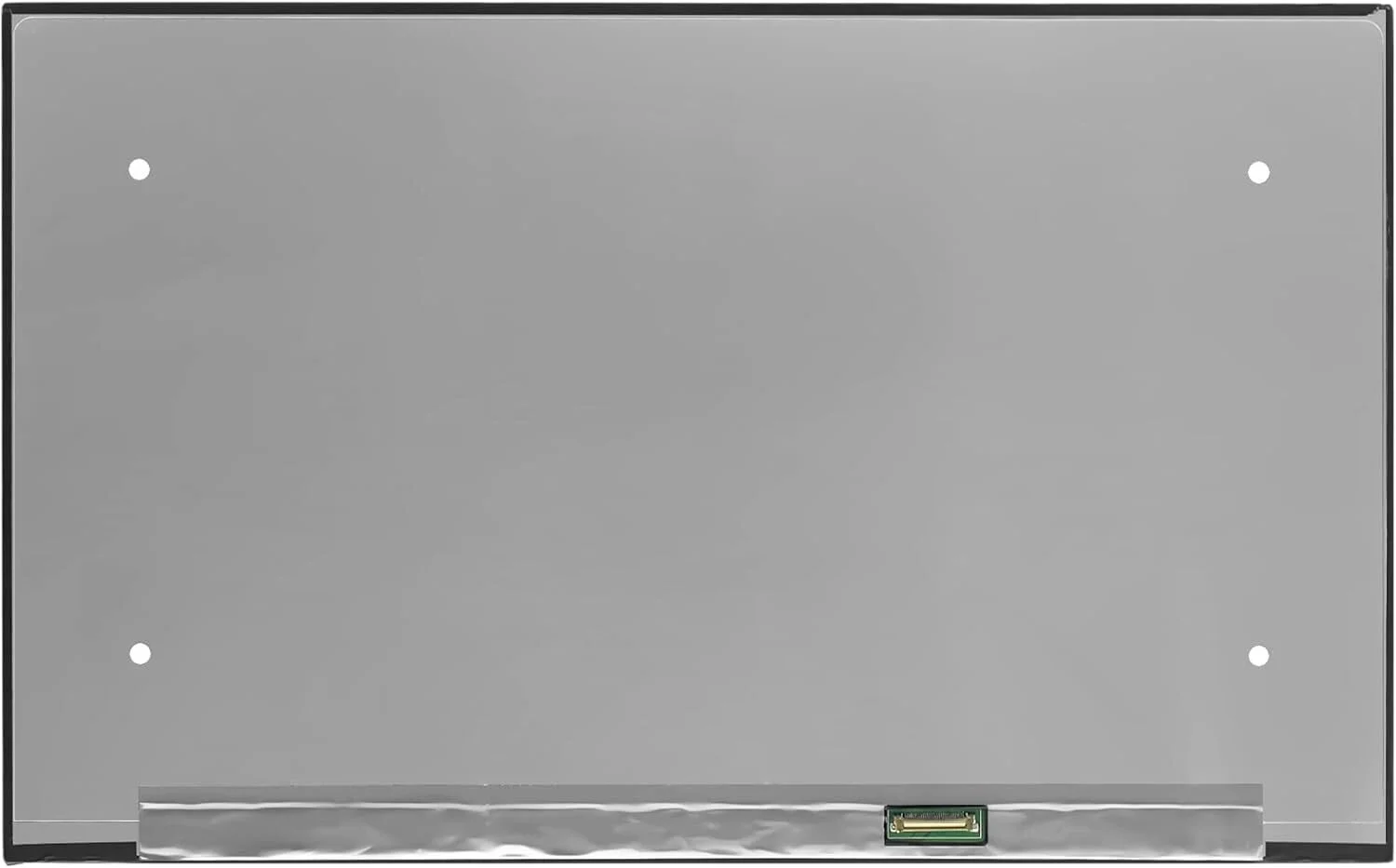

HP G71 Screen Replacement – Restoring the Laptop You Still Believe In
Because a Broken Screen Should Never End a Trusted Journey
There is a quiet pain that comes with opening your HP G71 laptop and seeing a cracked screen, fading light, or dark lines across the display. This laptop has been with you through work, learning, and everyday life. It has proven itself reliable. When the screen fails, it feels like losing a trusted companion. That is why HP G71 screen replacement is not just a repair—it is a chance to bring back something you still believe in.
We understand the emotional attachment people have to their laptops. That understanding guides every screen replacement we provide.
The Importance of the HP G71 Display
The HP G71 is known for its large, comfortable screen that makes viewing easy and enjoyable. It was built for users who value space, clarity, and dependability.
Typical HP G71 screen features include:
-
17.3-inch LED-backlit LCD
-
HD resolution (1600 × 900 or 1366 × 768 depending on model)
-
Non-touch display
-
Glossy or anti-glare finish
-
40-pin connector
-
Standard CCFL or LED backlight (model dependent)
When this screen is damaged, everything feels harder—reading, watching, working. A proper screen replacement restores balance.
When the Screen Breaks, the Frustration Is Real
Screen damage slowly drains the joy from using your laptop. You may notice:
-
Cracks spreading across the display
-
Black screen while the laptop powers on
-
Flickering or dim backlight
-
Vertical or horizontal lines
-
White spots or dark shadows
-
Blurred or distorted images
Each flaw is a reminder that something important is not working the way it should. That feeling matters—and it deserves a solution.
Why a Quality HP G71 Screen Replacement Matters
Choosing the right replacement screen is an emotional decision rooted in trust and long-term value.
Clarity Brings Comfort
A quality screen restores sharp text and clear images, making your eyes feel relaxed again.
Reliability Brings Peace
High-quality screens last longer and reduce the risk of future problems.
Compatibility Brings Confidence
No flickering, no loose connections, no mismatched resolution—just smooth performance.
Your HP G71 deserves a screen that respects its design and purpose.
Our HP G71 Screen Replacement Approach
We treat every laptop with care, because we know what it means to you.
1. Careful Diagnosis
We confirm the screen is the issue and identify the exact compatible replacement.
2. Gentle Disassembly
The bezel, hinges, and cables are handled with patience and precision.
3. Professional Screen Installation
The new screen is aligned correctly and securely connected.
4. Thorough Testing
Brightness, resolution, color quality, and stability are tested carefully.
5. Final Inspection
Your laptop is reassembled and checked to ensure it feels complete again.
The Emotional Relief of a Restored Screen
The moment the new screen lights up, something changes:
-
Your work feels possible again
-
Your eyes stop straining
-
Videos and photos look alive
-
Your laptop feels valuable again
-
Frustration turns into calm
It is more than a repair—it is emotional relief.
HP G71 Screen Replacement Cost Considerations
The cost of HP G71 screen replacement depends on:
-
Screen resolution and type
-
Availability of compatible panels
-
Backlight technology
Honest guidance and transparent pricing help you make the right decision without pressure.
How to Care for Your New HP G71 Screen
Once replaced, small habits protect your screen for years to come:
-
Use a padded laptop bag
-
Avoid pressure on the lid
-
Clean with a microfiber cloth
-
Close the lid gently
-
Keep liquids far from the display
These simple steps preserve clarity and lifespan.
Why Screen Replacement Is Worth It
Replacing the screen instead of replacing the laptop means:
-
Saving money
-
Reducing electronic waste
-
Keeping a device you trust
-
Restoring full usability
Your HP G71 still has life left—and a new screen helps it shine again.
HP G71 Screen Replacement You Can Trust
We provide HP G71 screen replacement services focused on quality, care, and respect for your laptop. Every screen we install is chosen to restore clarity, comfort, and confidence.
A broken screen does not mean the end. With the right replacement, it is a new beginning—one that lets your HP G71 continue its journey with you.

There are no reviews yet.