
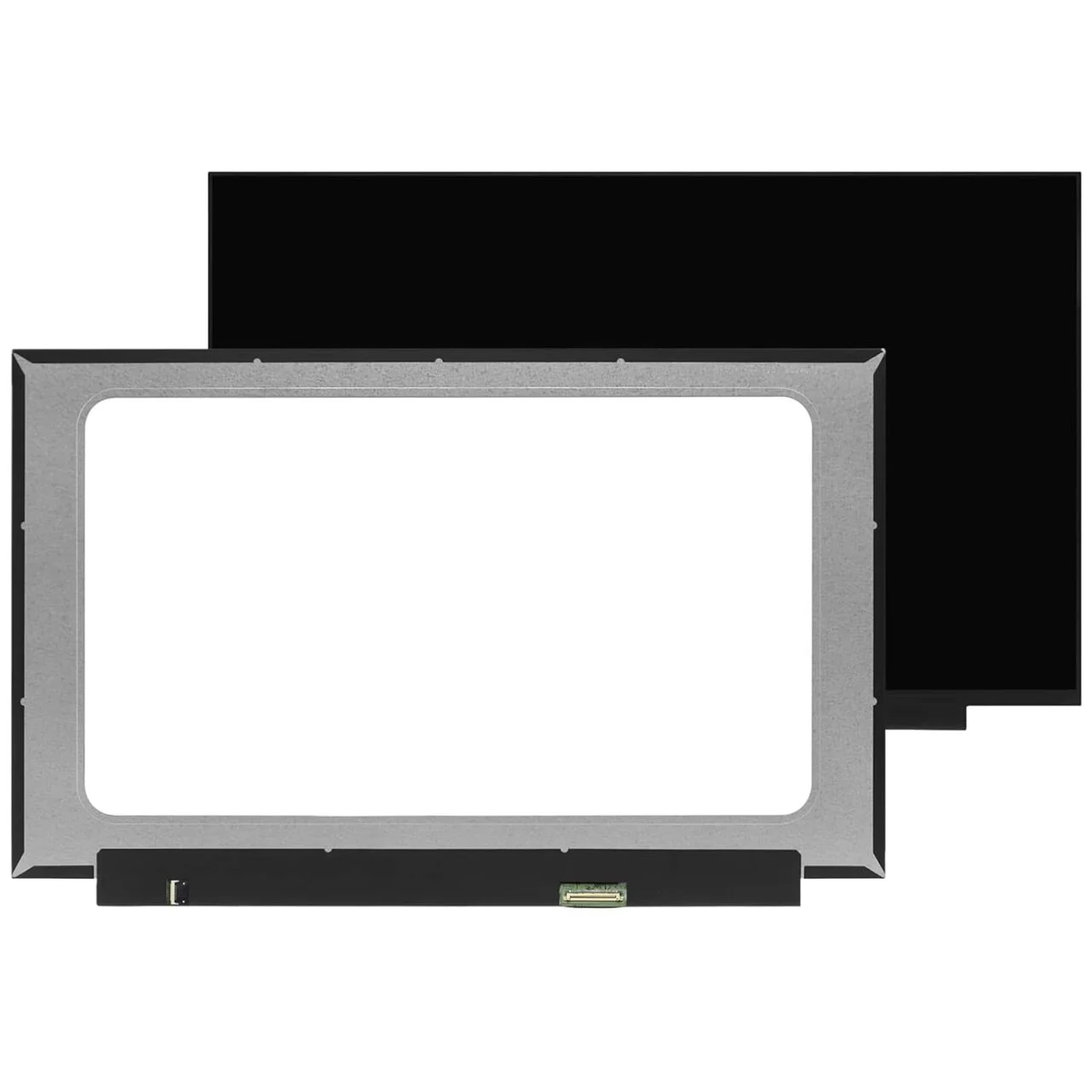
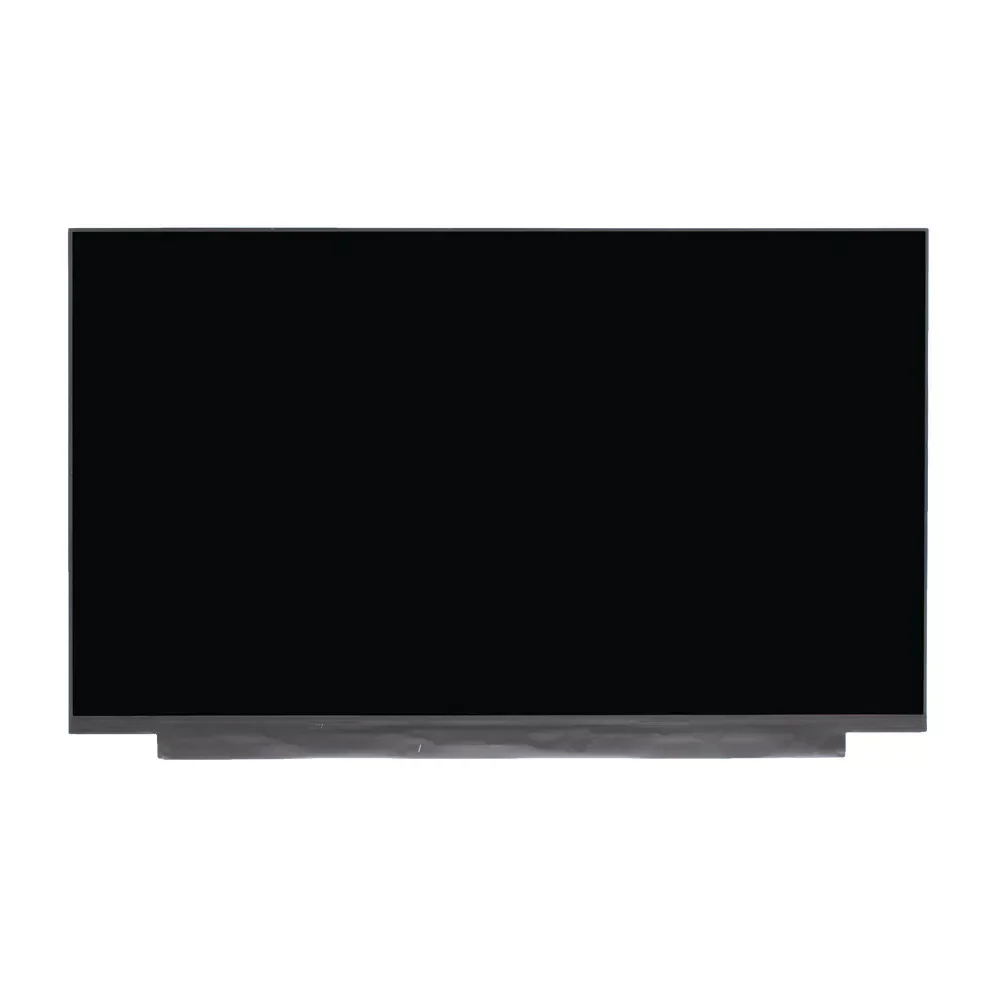
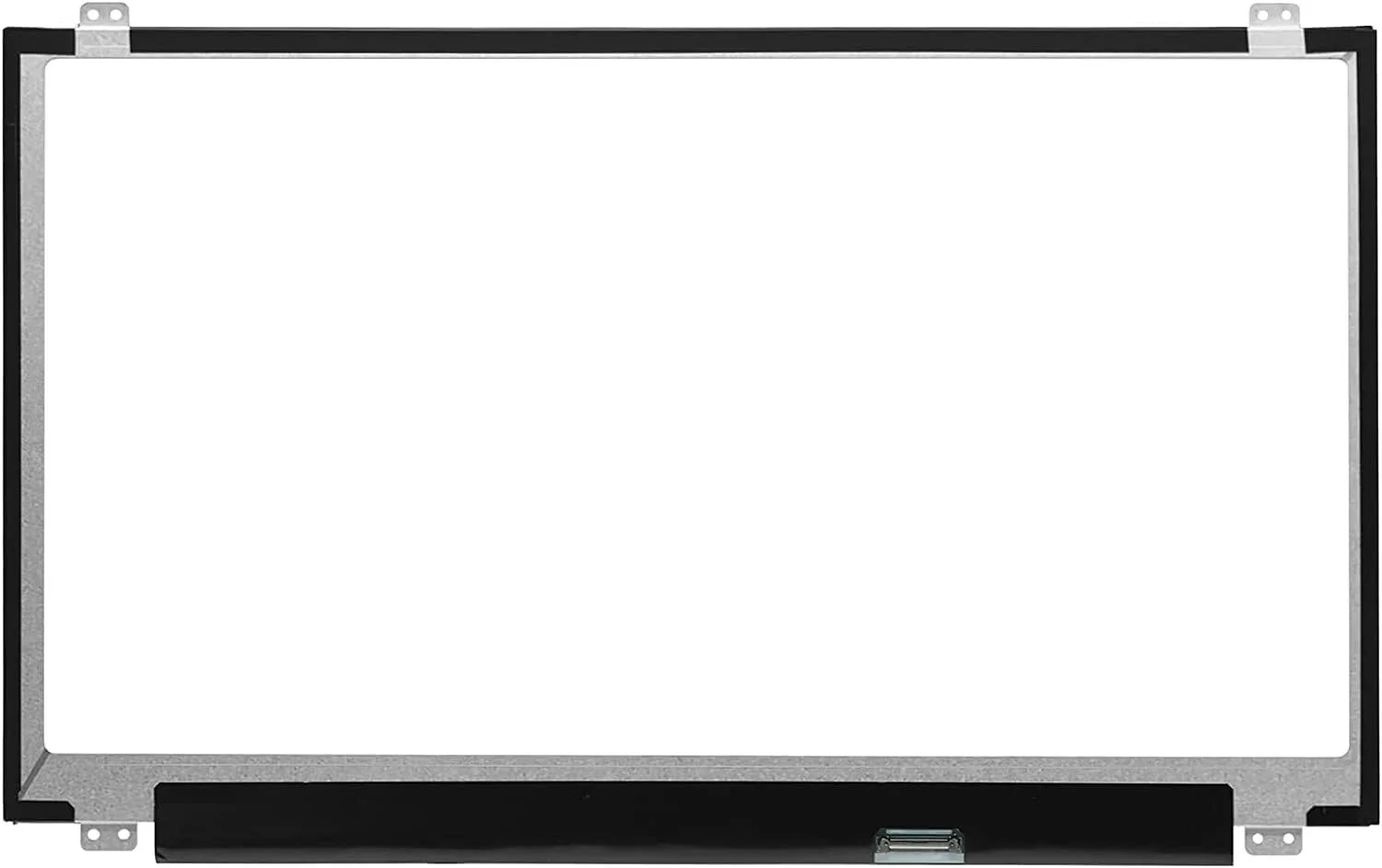
HP Envy 17 Inch Screen Replacement
- Size: 17.3″ WideScreen
- Resolution: HD (1366×768) or Full HD (1920 × 1080)
- Surface Type: Matte
- Video Connector: 30 pin, Width: 0.75″ (19mm)
- Mountings: Top and Bottom Brackets
- Condition: New Grade A+
- Refresh Rate: 60Hz
- Commodity: Non Touch Screen
- Technology: IPS, Non Touch
- Dead Pixel Policy: In Accordance with ISO 13406-2 norm
- Source: Factory Direct
KSh7,500.00
HP Envy 17-Inch Screen Replacement – Genuine, Fast & Professional Service in Nairobi
A broken or malfunctioning screen on your HP Envy 17-inch laptop can disrupt your work, entertainment, and overall productivity. Whether it’s cracked glass, flickering, color distortion, or a completely black display, getting a professional screen replacement is the best way to restore your laptop’s original clarity and performance.
At Compvate, we provide premium and genuine HP Envy 17-inch screen replacement services in Nairobi, ensuring long-lasting quality, perfect compatibility, and excellent visual performance.
Common Signs Your HP Envy 17 Screen Needs Replacement
If you notice any of the following issues, it’s time to get your screen checked:
-
Cracks or visible physical damage
-
Horizontal or vertical lines on the screen
-
Flickering or flashing display
-
Dim or completely black screen
-
Color distortion, blotches, or uneven brightness
-
Touchscreen unresponsiveness (on touch models)
-
Dead or stuck pixels
Ignoring these signs may lead to further damage and more expensive repairs.
Why Choose Genuine HP Screens for Your Envy 17?
At Compvate, we ONLY use genuine and OEM-grade HP replacement screens. Here’s why:
-
Perfect Compatibility — Matches your laptop’s original specifications.
-
High Visual Quality — True colors, strong brightness, and sharp clarity.
-
Better Durability — Long-lasting components that resist early failure.
-
Energy Efficient — Maintains original battery performance.
-
Safe Installation — Reduces the risk of internal damage.
Your laptop deserves a replacement that performs like the original — not cheap, low-quality alternatives.
Our Professional Screen Replacement Process
We follow a clean and safe step-by-step procedure:
1. Diagnosis
We confirm the exact problem and match the screen specifications to your model.
2. Safe Disassembly
The old screen is removed without damaging internal components, cables, or hinges.
3. Installation of Genuine Screen
A high-quality OEM screen is fitted, tested, and calibrated.
4. Final Testing
We verify brightness, color accuracy, touch (if applicable), and viewing angles.
5. Quality Guarantee
You get a warranty on both the screen and the installation.
Our technicians ensure your laptop looks and works like new.
How Long Does Replacement Take?
At Compvate, most HP Envy 17 screen replacements take:
⏱ 30 minutes to 1 hour
(If the exact screen is in stock.)
We also offer same-day service for customers in Nairobi and surrounding areas.
How to Protect Your New HP Envy 17 Screen
After installing your new display, follow these tips to keep it in perfect condition:
-
Use a screen protector to reduce scratches
-
Avoid pressing or touching the screen unnecessarily
-
Always close the lid gently
-
Store the laptop in a padded bag or sleeve
-
Clean using a microfiber cloth only
-
Keep liquids far from your laptop
-
Avoid extreme heat or cold
With proper care, your new display will last for years.
Why Choose Lansotech Solutions, Nairobi?
We are among the best laptop repair experts in Kenya, trusted for quality and professionalism. Choosing us means getting:
-
Genuine HP replacement screens
-
Highly skilled technicians
-
Fast and reliable service
-
Affordable and transparent pricing
-
Warranty on parts and labor
-
Convenient Nairobi CBD location
We repair hundreds of HP laptops every month — your device is in safe hands.
Conclusion
If your HP Envy 17-inch laptop has a cracked, flickering, or dead display, don’t struggle with poor visibility or risk further damage. Get a professional screen replacement using genuine parts from the experts at Compvate Nairobi.
| Specification | Details |
|---|---|
| Screen Size | 17.3 inches |
| Resolution | Full HD (1920 x 1080 pixels) or 4K UHD (3840 x 2160 pixels) |
| Backlight Type | LED LCD (WLED) |
| Data Connector | 30 pins eDP (common for non-touch FHD and some touch models) or 40 pins (for some UHD and touch models) |
| Screen Finish | Matte (anti-glare) or Glossy (edge-to-edge glass for touch models) |
| Touch Panel | Both non-touch and touch screen versions exist; they are generally not cross-compatible between configurations. |
| Refresh Rate | 60Hz (standard, higher refresh rates are generally not applicable) |
| Panel Type | IPS (In-Plane Switching) panels are common for better viewing angles and color accuracy |
Important Replacement Notes
- Model Specificity: Due to the wide range of HP Envy 17 models over the years, the exact part number of your original screen is the best way to ensure compatibility.
- Touch vs. Non-Touch: A non-touch laptop cannot easily be converted to a touch model (or vice versa), as they use different internal cables and hardware assemblies.
- Resolution Check: Ensure the replacement resolution matches the original to avoid an incompatible video cable.
- Professional Installation: Screen replacement in these models is intricate, often requiring professional skills to carefully remove the bezel and disconnect internal components. Always disconnect the main battery and power adapter before starting.
Based on 0 reviews
Be the first to review “HP Envy 17 Inch Screen Replacement”
Related products
-
Desktops, HP Desktops
HP EliteDesk 800 G6 Tower Intel Core i5 10th Gen 16GB RAM 512GB SSD
Key SpecificationsSpecification Details Processor Intel® Core™ i5-10400 or i5-10500 (6 Cores/12 Threads) Memory 16GB DDR4 SDRAM (expandable up to 128GB) Storage 512GB PCIe® NVMe™ M.2 SSD Graphics Integrated Intel® UHD Graphics 630 (options for discrete GPUs available) Operating System Windows 11 (upgradeable to Windows 11 Pro) Ports (Front) 2x SuperSpeed USB Type-A 10Gbps signaling rate, 2x SuperSpeed USB Type-A 5Gbps signaling rate Ports (Rear) 1x audio-out, 1x RJ-45 Ethernet, 2x SuperSpeed USB Type-A 10Gbps, 2x SuperSpeed USB Type-A 5Gbps, 2x USB Type-A 480Mbps, 2x DisplayPort™ 1.4, 1x SuperSpeed USB Type-C® 10Gbps Expansion Slots 1 M.2 2230 slot (for WLAN), 2 PCIe 3.0 x16 slots, 2 PCIe 3.0 x1 slots, multiple drive bays Power Supply Configurable (e.g., 260W, 500W, 550W options) SKU: n/a -
22 Inch, Gaming Monitors, Monitors
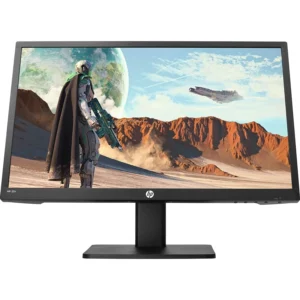
HP gaming monitor 22″
-
rand: HP
-
Screen Size: 22 inches
-
Resolution: Full HD (1920 × 1080)
-
Aspect Ratio: 16:9
-
Panel Type: TN or IPS (model dependent)
-
Refresh Rate: 75Hz or higher (model dependent)
-
Response Time: 1–5ms (model dependent)
-
Adaptive Sync: FreeSync or Adaptive Sync (model dependent)
-
Connectivity:
-
HDMI
-
VGA
-
Audio Out / Headphone Jack (select models)
-
-
Stand: Tilt adjustable
-
Mounting: VESA compatible (select models)
-
Color Support: Up to 16.7M colors
-
Viewing Angles: Up to 178° horizontal / 178° vertical (IPS models)
SKU: n/a -
-
Desktops, HP Desktops
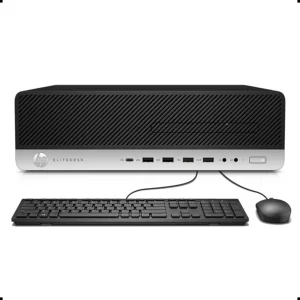
HP ProDesk 400 G4 SFF Intel Core i7-6700 16GB DDR4 RAM, 256GB SSD
-
Model: HP ProDesk 400 G4 Small Form Factor
-
Processor: Intel Core i7-6700, 3.4GHz (Turbo Boost Supported)
-
Memory: 16GB DDR4 RAM (Upgradeable)
-
Storage: 256GB Solid State Drive
-
Graphics: Intel Integrated Graphics
-
Networking: Gigabit Ethernet
-
Ports: USB, Display Outputs, Audio I/O
-
Security: TPM, Secure Boot, BIOS Protection
-
Form Factor: Small Form Factor (SFF)
-
Operating System: Windows 11
SKU: n/a -
-
Computer Accessories
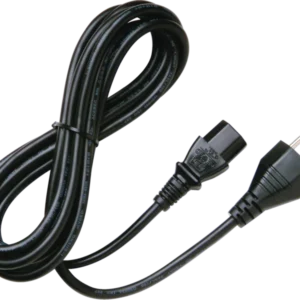
hp monitor power cord
-
Type: AC Power Cable
-
Connector Type (Monitor Side): C5 (3-prong Mickey Mouse) or C13 (kettle-type) depending on HP model
-
Connector Type (Wall Side): Standard 3-pin plug (UK/Kenya type G plug)
-
Cable Length: Typically 1.2m – 1.8m
-
Voltage Support: 100–240V AC, 50/60Hz
-
Compatibility: HP monitors, desktops, printers, and other devices with matching power input
-
Safety: Complies with global safety standards
SKU: n/a -












There are no reviews yet.