
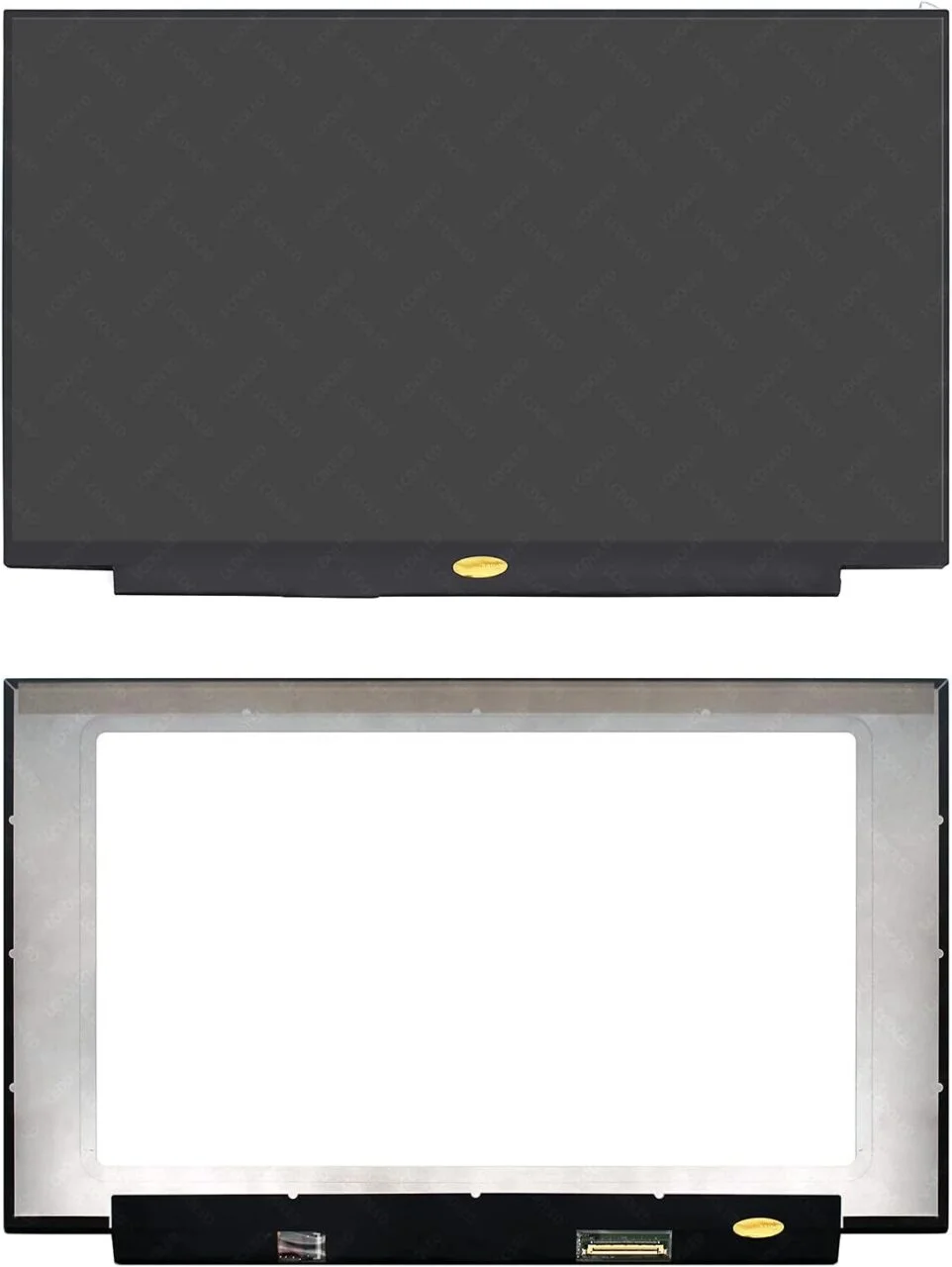
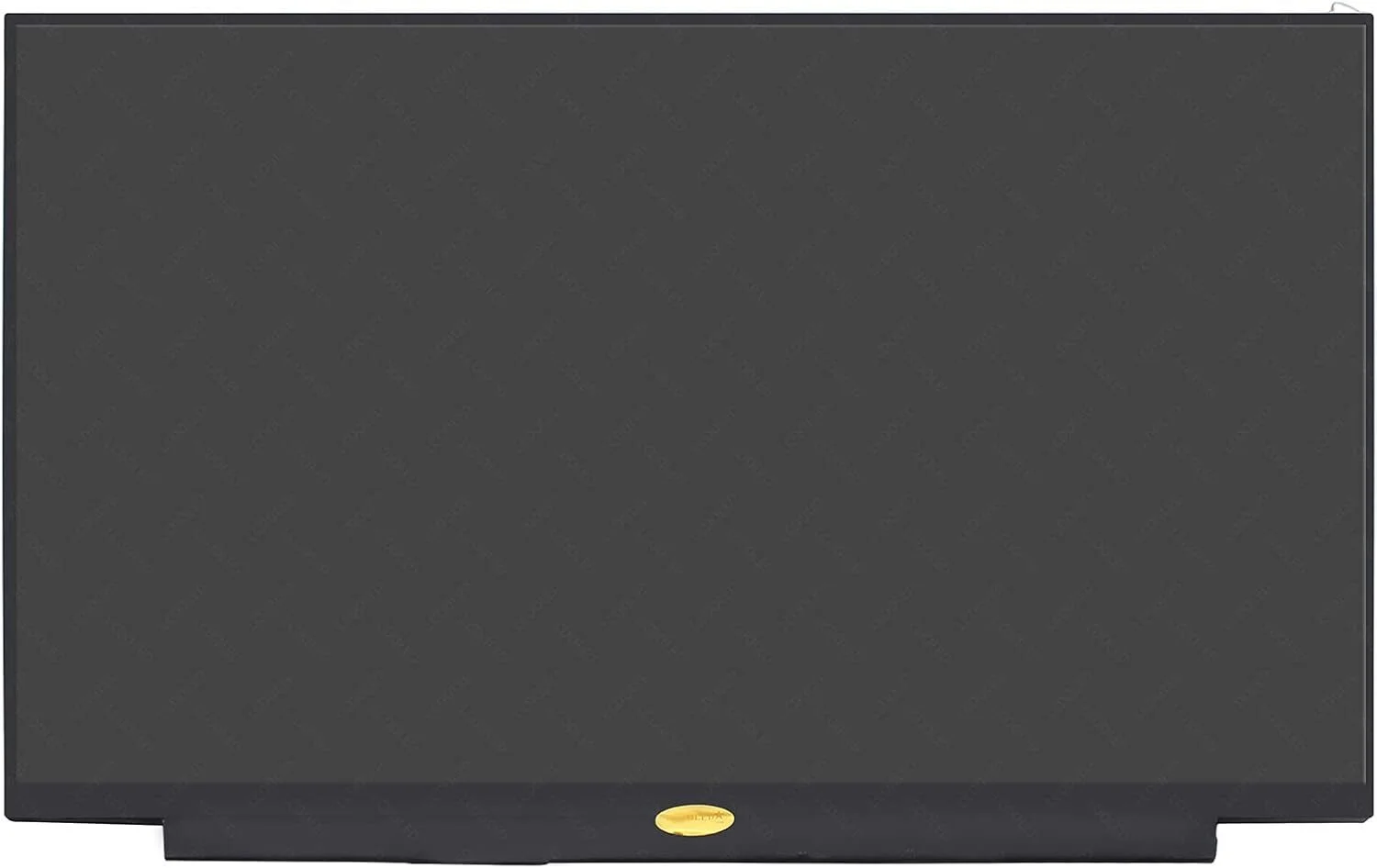
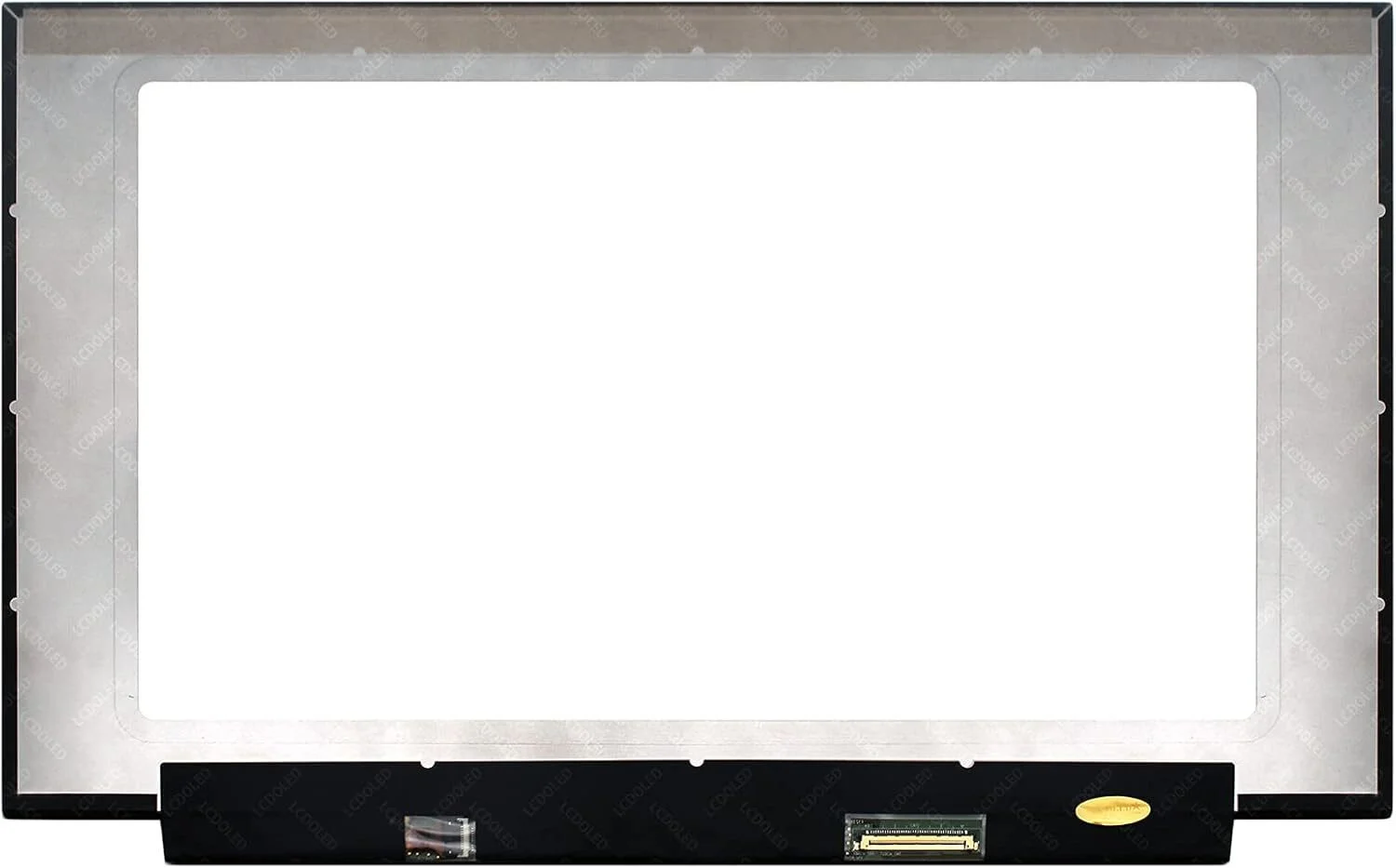
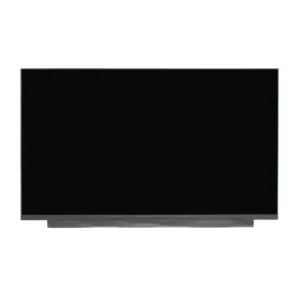
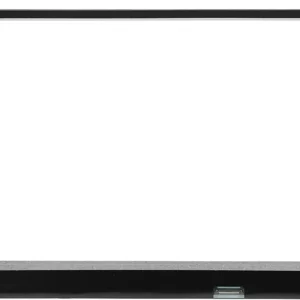
HP EliteBook 830 G6 Screen Replacement
- Brand: Touch Panel
- Size: 13.3″
- Resolution: Full HD
- Pixels: 1920 x 1080
- Backlight Type: LED
- Backlight Lamp: DIODE
- Connector: Standard
- Pin Connection: 40 Pins
- Side: Bottom Right
- Frame: Narrow Frame
- Condition: NEW
- Refresh Rate: 60Hz
- Commodity: Touch Panel
- Technology: In-Cell On-Cell, Touch
- Smart Pen Compatibility: Inquire for Complete Hinge Up Touch Screen Assembly
- Dead Pixel Policy: In Accordance with ISO 13406-2 norm.
KSh8,000.00
Genuine HP EliteBook 830 G6 Screen Replacement – Why You Should Buy From Us in Nairobi
The HP EliteBook 830 G6 is a high-performance business laptop designed for professionals who value reliability, speed, and portability. However, accidents happen, and screens can get cracked, flicker, or fail completely. Choosing a genuine HP EliteBook 830 G6 screen replacement ensures optimal performance, color accuracy, and durability.
At Compvate, Nairobi’s trusted laptop repair and sales experts, we specialize in genuine HP screen replacements, providing professional service, fast turnaround, and affordable pricing.
Importance of Using Genuine Screens
Using genuine or OEM screens guarantees:
-
Accurate color reproduction and brightness
-
Longer lifespan and durability
-
Full compatibility with your laptop hardware
-
Warranty support, which is often void with generic replacements
Avoid cheap knock-offs that may fail early or damage other laptop components.
Common Screen Problems on HP EliteBook 830 G6
Cracks and Physical Damage
Visible cracks, shattered glass, or bleeding edges are clear indicators for replacement.
Flickering or Lines
Horizontal or vertical lines, screen flicker, or color distortions can signal internal panel failure.
Black or Blank Display
The laptop powers on, but the screen remains blank — often caused by backlight or panel failure.
Dim or Washed-Out Screen
A dim display or faded colors indicate backlight failure or deteriorating LCD.
Causes of Screen Damage
Accidental Drops
Even minor drops can crack the screen or damage internal layers.
Pressure or Impact
Closing the laptop with objects on the keyboard or stacking heavy items can cause damage.
Liquid Spills
Spilled liquids may damage the panel or backlight, requiring replacement.
Wear and Tear
Over time, hinges or internal components can stress the screen, causing cracks or flickering.
Types of Screens Compatible with HP EliteBook 830 G6
HD vs Full HD
-
HD (1366×768) – standard resolution, affordable
-
Full HD (1920×1080) – sharper image and better clarity
Matte vs Glossy
-
Matte – reduces glare, ideal for bright environments
-
Glossy – vibrant colors and contrast
Touchscreen vs Non-Touch
Ensure your replacement matches your laptop’s original touchscreen or non-touch model.
Tools Needed for Screen Replacement
-
Phillips screwdriver
-
Plastic pry tools
-
Tweezers
-
Anti-static wrist strap (optional)
-
Genuine HP EliteBook 830 G6 replacement screen
Step-by-Step Genuine Screen Replacement Guide
Power Off and Remove Battery
Turn off the laptop, unplug from power, and remove the battery if possible.
Remove Screen Bezel
Use a plastic pry tool to gently detach the bezel without cracking it.
Disconnect the Old Screen
Unscrew the damaged screen, disconnect the display cable carefully, and remove it.
Install Genuine Replacement Screen
Connect the display cable to the new screen, secure it with screws, and ensure alignment.
Reassemble and Test
Replace the bezel, reconnect the battery, power on the laptop, and test the display for proper function.
Common Mistakes to Avoid
-
Using a non-genuine screen
-
Mishandling the display cable
-
Over-tightening screws, which may crack the panel
-
Skipping proper testing after installation
Why Choose a Professional Technician
Safety and Accuracy
Professional technicians ensure delicate parts are handled properly, avoiding additional damage.
Warranty and Support
Professional repairs often come with a warranty on parts and labor for peace of mind.
Why You Should Buy Your Genuine HP Screen from Us
Certified Technicians
Our team is highly trained in HP EliteBook 830 G6 repairs.
Original OEM Screens
We use genuine screens for the best performance and longevity.
Fast Service and Affordable Prices
Most replacements are completed within 30–45 minutes, with competitive pricing.
Excellent Customer Support
We provide guidance throughout the repair process and offer after-sales support.
Tips to Protect Your New Screen
-
Use a padded laptop bag
-
Avoid pressing or stacking heavy objects
-
Keep liquids away
-
Clean gently with a microfiber cloth
-
Open/close the laptop lid carefully
Conclusion
Replacing the screen on your HP EliteBook 830 G6 with a genuine HP panel ensures clarity, durability, and optimal performance. Choosing Compvate in Nairobi guarantees professional installation, genuine parts, fast service, and excellent customer support. Don’t risk cheap alternatives—trust certified experts for a reliable replacement.
| Specification | Details |
|---|---|
| Screen Size | 13.3 inches |
| Resolution | HD (1366 x 768) or Full HD (1920 x 1080) |
| Backlight Type | LED LCD (WLED) |
| Data Connector | 30 pins eDP (non-touch) or 40 pins (touch/x360 models) |
| Connector Position | Bottom Right (when viewed from the back of the screen) |
| Screen Finish | Matte (anti-glare) is standard; glossy options may be available |
| Touch Panel | Both non-touch and touch screen options exist |
| Refresh Rate | 60Hz |
| Panel Type | IPS (In-Plane Switching) panel is common for FHD models |
| Special Features | Optional HP Sure View Integrated Privacy Screen versions available |
Important Replacement Notes
- Non-Interchangeable: The non-touch and touch versions are not cross-compatible; they require different screen assemblies and different video cables.
- Resolution Matching: You must use a replacement screen that matches the original resolution and connector type. An FHD screen requires a different cable than an HD screen.
- Professional Installation Recommended: Due to the narrow bezel design, installation requires careful handling and specific tools. Always disconnect the battery cable from the motherboard before beginning the process to avoid electrical damage.
Based on 0 reviews
Be the first to review “HP EliteBook 830 G6 Screen Replacement”
Related products
-
15.6 inch Laptop screen, HP Screens, Laptop screens
Hp 15 1272wm screen replacement
- Brand: Non Touch Screen
- Size: 15.6″
- Resolution: WXGA HD
- Pixels: 1366 x 768
- Backlight Type: LED
- Backlight Lamp: DIODE
- Connector: EDP
- Pin Connection: 30 Pins
- Side: Bottom Right
- Finish: Matte/Glossy . Avoid RMA Fees.
- Condition: NEW
- Commodity: Non Touch Screen
- Technology: Non Touch
- Dead Pixel Policy: In Accordance with ISO 13406-2 norm.
SKU: n/a -
15.6 inch Laptop screen, HP Screens, Laptop screens
Hp 15 1039wm screen replacement
- Brand: Non Touch Screen
- Size: 15.6″
- Resolution: WXGA HD
- Pixels: 1366 x 768
- Backlight Type: LED
- Backlight Lamp: DIODE
- Pin Connection: 40 Pins
- Side: Bottom Right
- Frame: Slim Frame
- Finish: Matte/Glossy write in checkout note. Avoid RMA Fees.
- Condition: NEW
- Commodity: Non Touch Screen
- Technology: Non Touch
- Dead Pixel Policy: In Accordance with ISO 13406-2 norm.
SKU: n/a -
15.6 inch Laptop screen, HP Screens, Laptop screens
Hp pavilion 3168ngw screen replacement
-
Screen Size: 15.6 inches
-
Resolution: 1366 x 768 (HD) or 1920 x 1080 (Full HD)
-
Type: LED Non-Touchscreen
-
Finish: Glossy (edge-to-edge glass finish)
-
Connector: 30-pin eDP connector (bottom right)
-
Technology: IPS (wide viewing angle)
-
Compatibility: HP Pavilion x360 13 Series, including 13-s, 13-u, and 3168ngw models
We sell only genuine HP or OEM-quality replacement screens, ensuring perfect color, clarity, and touchscreen responsiveness
SKU: n/a -
-
15.6 inch Laptop screen, Laptop screens
Hp 15 f233wm screen replacement
- Brand: Non Touch Screen
- Size: 15.6″
- Resolution: WXGA HD
- Pixels: 1366 x 768
- Backlight Type: LED
- Backlight Lamp: DIODE
- Connector: EDP
- Pin Connection: 30 Pins
- Side: Bottom Right
- Finish: Matte/Glossy write in checkout note.
- Condition: NEW
- Commodity: Non Touch Screen
- Technology: Non Touch
- Dead Pixel Policy: In Accordance with ISO 13406-2 norm.
- Source: Factory Direct
SKU: n/a












There are no reviews yet.