
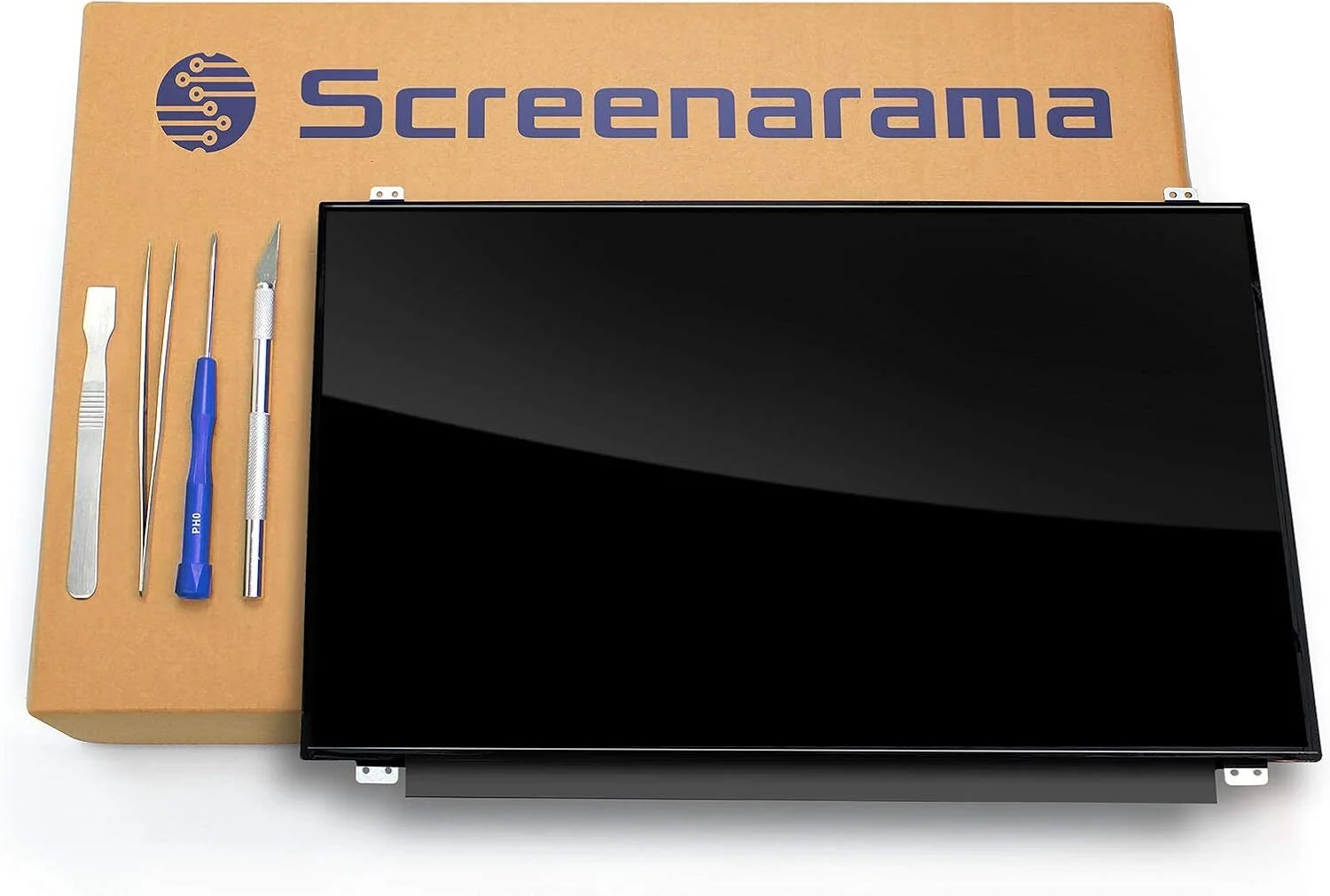
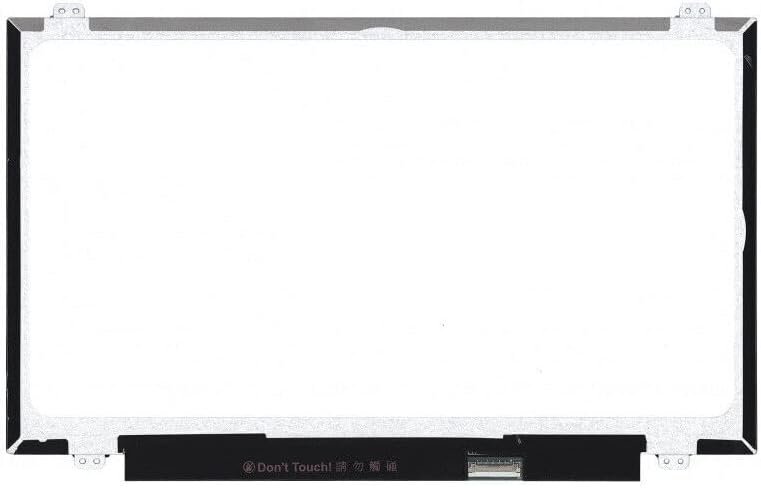
HP 840 G2 Screen Replacement
- Brand: Non Touch Screen
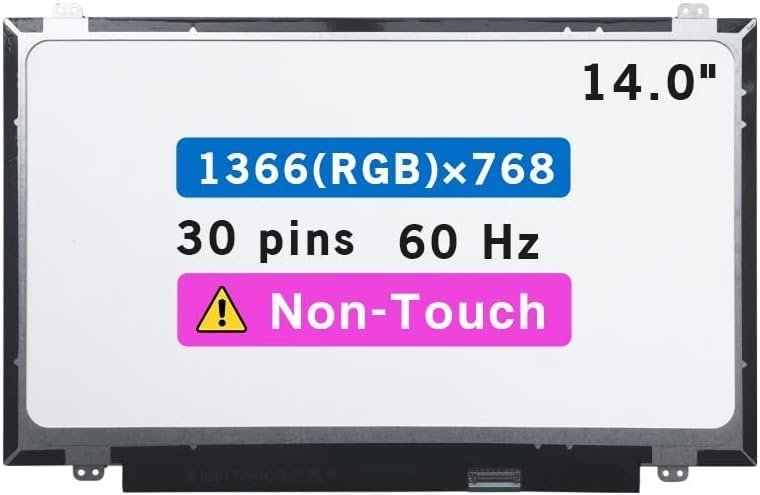
- Size: 14.0″
- Resolution: WXGA HD
- Pixels: 1366 x 768
- Backlight Type: LED
- Backlight Lamp: DIODE
- Connector: EDP
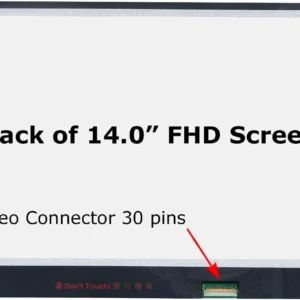
- Pin Connection: 30 Pins
- Side: Bottom Right
- Finish: Matte/Glossy write in checkout note. Avoid RMA Fees
- Condition: NEW
- Refresh Rate: 60Hz
- Commodity: Non Touch Screen
- Technology: Non Touch
- Dead Pixel Policy: In Accordance with ISO 13406-2 norm.
- Source: Factory Direct
KSh5,500.00
HP 840 G2 Screen Replacement – Complete Guide by Nairobi’s Trusted Laptop Experts
Introduction
The HP EliteBook 840 G2 is one of the most popular business laptops in Kenya, especially here in Nairobi. With its sleek design and durable build, it’s designed to last. However, accidents happen—screens crack, display panels fail, and pixels go dead. When you need a reliable HP 840 G2 screen replacement, getting the right guidance and a skilled technician makes all the difference.
Why Screen Damage Is Common on HP 840 G2
Even though the EliteBook series is built to be sturdy, the screen remains one of the most delicate components. Common causes of screen damage include:
-
Accidental drops
-
Pressure inside a backpack
-
Opening the lid from one corner
-
Liquid spills
-
Manufacturing wear over time
If your display is no longer working as it should, a replacement might be the best solution.
Signs You Need a Screen Replacement
Flickering Display
Your screen flickers, dims randomly, or changes brightness on its own.
Black Screen
The laptop powers on, you hear the fan—but the display stays black.
Cracked or Shattered Panel
Visible cracks or broken glass, often from physical impact.
Dim or Washed-Out Colors
If colors don’t look right or the screen is extremely dim, the backlight may be damaged.
Types of HP 840 G2 Screens
HD vs. Full HD Screens
The HP 840 G2 supports both 1366×768 HD and 1920×1080 Full HD screens.
Full HD offers sharper images and better clarity.
Matte vs. Glossy Options
-
Matte screens reduce reflections and fingerprints.
-
Glossy screens give deeper contrast.
OEM vs. Replacement Screens
OEM screens match the original quality. Replacement screens are cheaper but may vary in brightness and color accuracy.
Tools Needed for the HP 840 G2 Screen Replacement
To replace the screen safely, you need:
-
Phillips screwdrivers
-
Plastic pry tools
-
Tweezers
-
Anti-static wristband (recommended)
-
Replacement HP 840 G2 screen
Step-by-Step Screen Replacement Process
Step 1: Power Off and Remove Battery
Shut down the laptop completely and disconnect the charger.
Step 2: Remove Bezel
Using a pry tool, gently separate the front bezel from the screen frame.
Step 3: Unscrew and Remove Old Screen
Unscrew the panel from the hinges and carefully lift it.
Step 4: Detach Display Cable
Disconnect the 30-pin LVDS cable on the back of the screen.
Step 5: Install New Screen
Connect the new panel, ensuring the cable fits securely.
Step 6: Reassemble Laptop
Screw the screen back in place and snap the bezel on.
Common Mistakes to Avoid
Using the Wrong Screen Model
Ensure the screen resolution and connector type match the original.
Damaging the Display Cable
Pulling the cable too hard can cause permanent motherboard damage.
Applying Too Much Pressure
Pressing the screen edges too hard can create new cracks.
Why Choose a Professional Technician in Nairobi
Expertise and Safety
A trained professional ensures everything is done correctly.
Genuine Parts Access
Technicians know the suppliers with original HP screens.
Warranty and After-Sales Support
Professionals offer repair guarantees and customer support.
Why Compvate Is the Best Shop for HP Repairs in Nairobi
Certified Technicians
Our team is fully trained and certified.
Affordable Pricing
We offer the best rates for both screens and labor.
Fast Turnaround Time
Most HP 840 G2 screen replacements take 20–30 minutes.
Screens Always in Stock
We stock genuine HP screens for fast and reliable service.
Cost of HP 840 G2 Screen Replacement in Kenya
On average, HP 840 G2 replacement screens in Nairobi cost between:
-
KSh 4,500 – KSh 6,500 for HD
-
KSh 7,000 – KSh 9,500 for Full HD
Professional installation costs between KSh 500 – KSh 1,000.
How Long the Repair Takes
A typical screen replacement at Compvate takes:
⏱ 20 to 30 minutes
This includes testing and quality assurance.
Tips to Extend Your New Screen’s Lifespan
-
Use a padded laptop bag
-
Avoid placing heavy items on top of your laptop
-
Open the lid using both hands
-
Keep liquids far from your workspace
-
Schedule occasional checkups at a repair center
Conclusion
A damaged laptop screen can interrupt your work, slow your productivity, and become a major inconvenience. Fortunately, replacing the screen on an HP EliteBook 840 G2 is fast, affordable, and highly effective—especially when done by a trained technician.
| Specification | Details |
|---|---|
| Screen Size | 14.0 inches |
| Resolution | HD (1366 x 768), HD+ (1600 x 900), or Full HD (1920 x 1080) |
| Backlight Type | LED LCD (WLED) |
| Data Connector | 30 pins eDP |
| Connector Position | Bottom Right (when viewed from the back of the screen) |
| Screen Finish | Matte (anti-glare) or Glossy options available |
| Touch Panel | Both non-touch and touch screen options exist |
| Refresh Rate | 60Hz |
| Mountings | Top and Bottom brackets |
| Panel Type | SVA (TN) panel for HD/HD+; UWA (IPS-like) panels often used for FHD options |
Important Replacement Notes
- Match Resolution and Touch: Ensure your new screen has the exact same resolution and touch capability as your original screen. Non-touch assemblies use different pin-outs and are not cross-compatible with touch systems.
- Professional Installation: Installation requires professional handling. Always pull off the power adapter and battery cable before attempting installation to prevent electrical damage.
- Original Parts: Keep your original parts for comparison or in case technical support is needed.
Based on 0 reviews
Be the first to review “HP 840 G2 Screen Replacement”
Related products
-
14.0 inch Laptop screen, HP Screens, Laptop screens
hp 14 dq000 screen replacement
- Brand: Non Touch Screen
- Size: 14.0″
- Resolution: WXGA HD
- Pixels: 1366 x 768
- Backlight Type: LED
- Backlight Lamp: DIODE
- Pin Connection: 30 Pins
- Side: Bottom Right
- Frame: Narrow Frame
- Finish: Matte/Glossy write in checkout note. Avoid RMA Fees.
- Condition: NEW
- Refresh Rate: 60Hz
- Commodity: Non Touch Screen
- Technology: Non Touch
- Dead Pixel Policy: In Accordance with ISO 13406-2 norm.
- Source: Factory Direct
- Packaging: Fragile Customized Package
- Compatibility: OEM
SKU: n/a -
14.0 inch Laptop screen, HP Screens, Laptop screens
Hp elitebook 840 g6 screen replacement FHD
- Brand: Non Touch Screen
- Size: 14.0″
- Resolution: Full HD
- Pixels: 1920 x 1080
- Backlight Type: LED
- Backlight Lamp: DIODE
- Pin Connection: 30 Pins
- Side: Bottom Right
- Frame: Narrow Frame
- Finish: Matte/Glossy write in checkout note. Avoid RMA Fees.
- Condition: NEW
- Refresh Rate: 60Hz
- Commodity: Non Touch Screen
- Technology: Non Touch
- Dead Pixel Policy: In Accordance with ISO 13406-2 norm.
SKU: n/a -
14.0 inch Laptop screen, HP Screens, Laptop screens
Hp 14 dk0028wm screen replacement
- Brand: Non Touch Screen
- Size: 14.0″
- Resolution: WXGA HD
- Pixels: 1366 x 768
- Backlight Type: LED
- Backlight Lamp: DIODE
- Pin Connection: 30 Pins
- Side: Bottom Right
- Frame: Narrow Frame
- Finish: Matte/Glossy write in checkout note. Avoid RMA Fees.
- Condition: NEW
- Refresh Rate: 60Hz
- Commodity: Non Touch Screen
- Technology: Non Touch
- Dead Pixel Policy: In Accordance with ISO 13406-2 norm.
- Source: Factory Direct
- Packaging: Fragile Customized Package
SKU: n/a -
14.0 inch Laptop screen, HP Screens, Laptop screens
Hp 240 g6 screen replacement
- Brand: Non Touch Screen
- Size: 14.0″
- Resolution: WXGA HD
- Pixels: 1366 x 768
- Backlight Type: LED
- Backlight Lamp: DIODE
- Connector: EDP
- Pin Connection: 30 Pins
- Side: Bottom Right
- Finish: Matte/Glossy write in checkout note. Avoid RMA Fees.
- Condition: NEW
- Refresh Rate: 60Hz
- Commodity: Non Touch Screen
- Technology: Non Touch
- Dead Pixel Policy: In Accordance with ISO 13406-2 norm.
SKU: n/a












There are no reviews yet.