
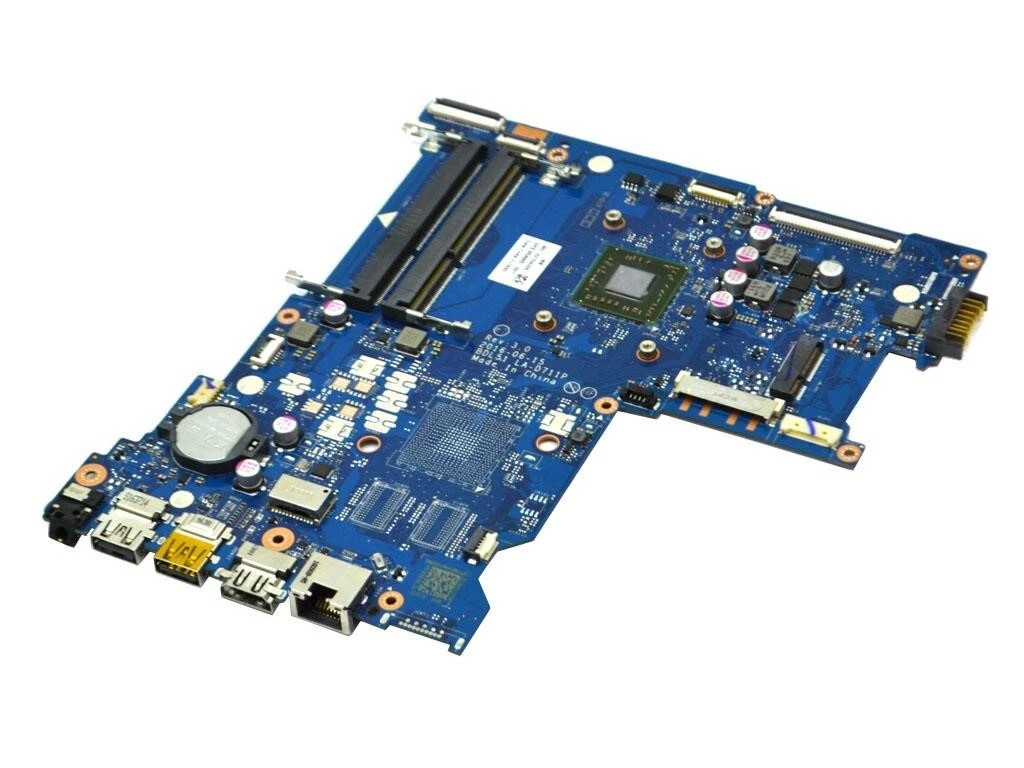
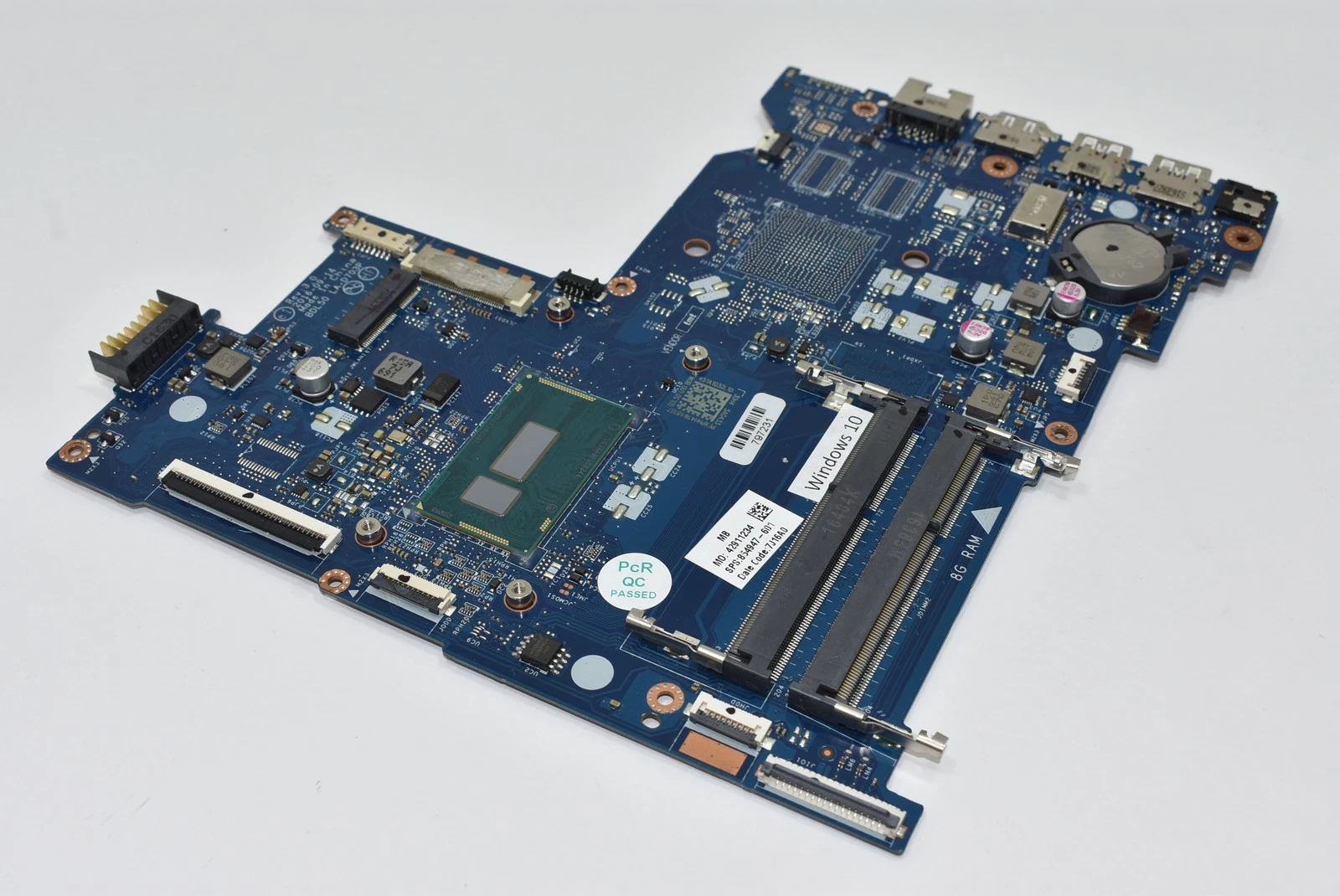
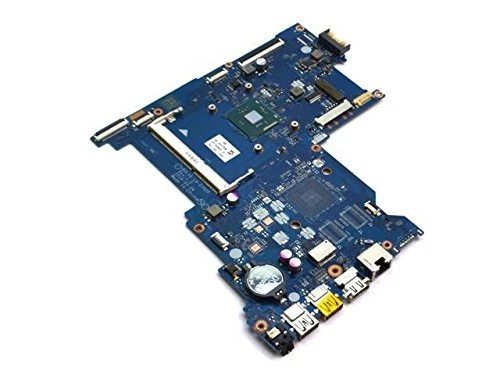
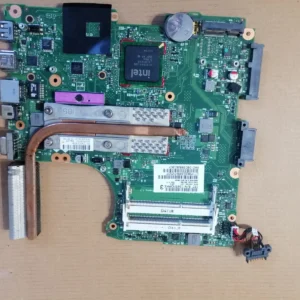
Hp 15 ba motherboard Intel Pentium
The HP 15 BA motherboard compatible with Intel Pentium processors includes:
-
Intel Pentium CPU support
-
Dual-channel DDR4 memory interface
-
Integrated Intel UHD Graphics
-
USB 2.0 and USB 3.0 ports
-
HDMI or VGA display output
-
PCIe and SATA III storage connectors
-
Built-in audio and network modules
-
Optimized power delivery circuitry
-
Secure BIOS with hardware configuration and security options
These components collectively deliver everyday computing performance with stable system operation when installed and configured correctly.
KSh5,000.00
HP 15 BA Laptop Motherboard Intel Pentium Replacement – Complete Guide
When searching for HP 15 BA motherboard Intel Pentium replacement, you need an in-depth, expert-level guide that covers everything from common failure symptoms to replacement options and technical specifications. Whether you are a technician, a laptop enthusiast, or a user in Kenya seeking reliable motherboard solutions, this article delivers detailed, SEO-rich content optimized to help you find the best replacement and troubleshooting insight.
At Compvate – Nairobi’s trusted laptop specialists, we provide professional motherboard replacement services, genuine and compatible parts, and expert technical support. This is the most comprehensive resource online to help you understand HP 15 BA motherboard replacement for Intel Pentium models.
What Is the HP 15 BA Laptop Series?
The HP 15 BA series represents a line of affordable, mainstream laptops that deliver solid everyday performance. Models in this series are commonly equipped with Intel Pentium processors, offering a balance of:
-
Smooth multitasking
-
Efficient everyday performance
-
Reliable battery life
-
Value-focused design
Despite their benefits, like all laptops, HP 15 BA machines can suffer from motherboard issues, especially after years of use.
Why Motherboard Replacement May Be Necessary
Your laptop’s motherboard — also known as the system board — is the central hub that connects all components:
-
CPU (Intel Pentium)
-
RAM modules
-
Storage (HDD/SSD)
-
Graphics interfaces
-
Power circuits
-
Input/Output ports
When the motherboard fails, the entire system becomes unstable or may not power on at all. Common causes of failure include:
-
Age-related wear
-
Power surges
-
Liquid spills
-
Overheating
-
Firmware corruption
Replacing the motherboard can restore system stability, improve performance, and extend the life of your laptop.
Common Symptoms of HP 15 BA Motherboard Failure
Before pursuing a replacement, it’s important to recognize key signs of motherboard problems:
1. Laptop Doesn’t Power On
If the laptop shows no lights, no fan activity, and no display, the motherboard may be faulty.
2. Random Shutdowns or Restart Loops
Unexpected restarts or shutdowns during light tasks are commonly traced to power circuitry issues on the motherboard.
3. Peripheral Port Failures
When USB, audio, or networking ports stop working without software issues, the motherboard is often the culprit.
4. BIOS Errors or Failure to POST
If the laptop fails to complete POST (Power-On Self Test) or shows BIOS errors, the motherboard may have firmware or chipset failure.
5. Overheating or Power Problems
Inadequate thermal response or inconsistent battery charging often signals motherboard health issues.
Types of HP 15 BA Motherboards for Intel Pentium
HP 15 BA laptops with Intel Pentium processors may come with a range of motherboard variants. Regardless of the specific revision, core features typically include:
-
Support for Intel Pentium CPUs
-
Integrated graphics support
-
DDR4 memory slots
-
PCIe and SATA data interfaces
-
USB, HDMI, and audio ports
-
Power management circuits
Matching the exact motherboard part number is crucial for proper compatibility when replacing your system board.
Genuine vs Compatible Motherboards – Choosing Wisely
When replacing your HP 15 BA motherboard, you generally have two main options:
1. Genuine HP Motherboards
These are original parts manufactured or authorized by HP and provide:
-
Highest compatibility
-
Long-term reliability
-
Stable performance
2. Tested Compatible or Refurbished Boards
These are often more affordable and bench-tested for quality and functionality. They can provide reliable service when sourced from trusted suppliers.
At Compvate Nairobi, we offer both genuine HP motherboards and quality-tested compatible alternatives, each backed with warranty and tested for performance.
Step-by-Step Guide to Motherboard Replacement
Replacing a laptop motherboard is a meticulous process that requires experience and careful handling. Below is an overview of the typical steps followed by trained technicians:
1. Power Down and Backup
Before any repair, ensure the laptop is powered off, and if possible, backup critical data.
2. Disassemble the Laptop
-
Remove the battery and power adapter
-
Detach bottom cover
-
Remove storage drives, optical drives (if present)
-
Disconnect keyboard and palm rest
-
Unplug all flex cables and connectors
3. Remove the Faulty Motherboard
-
Unscrew mounting points
-
Disconnect the CPU cooling assembly
-
Gently lift the motherboard from the chassis
4. Install the Replacement Board
-
Place the new motherboard
-
Reconnect all power, flex, and I/O connectors
-
Secure with proper screws
5. Reassemble and Test
-
Replace cooling system parts
-
Reinstall the battery
-
Power on and enter BIOS
-
Test all components including display, USB, audio, and network
Professional replacement ensures BIOS setup, driver compatibility, and thermal calibration are properly addressed.
How We Ensure High-Quality Replacement at Compvate
At Compvate, every motherboard we supply undergoes strict quality assurance:
✔ Bench Testing
Each board is tested for:
-
Power rail stability
-
Port connectivity
-
Memory and CPU compatibility
-
I/O performance
✔ Warranty and Support
All replacement units are backed by a warranty and Kenyan after-sales support, giving you peace of mind post-installation.
✔ Professional Installation
Our technicians are trained in board-level diagnosis, calibration, and repair execution, ensuring a seamless replacement process.
✔ Local Expertise
We understand the needs of Kenyan laptop users and provide tailored help, ranging from diagnostics to full motherboard replacement.
| Feature | Specification | |
|---|---|---|
| Processor | Onboard Intel® Pentium® N3710 (or similar generation Pentium/Celeron, typically 1.6 GHz base frequency, up to 2.56 GHz burst) | |
| CPU Socket | BGA (Ball Grid Array), meaning the CPU is soldered to the board | |
| Chipset | Intel® Integrated SoC (System on Chip) | |
| Memory Slots | 2 SODIMM slots | |
| Memory Type | DDR3L SDRAM (1600 MHz) | |
| Maximum Memory | Up to 16 GB total (using 2x 8GB modules) | |
| Graphics | Integrated Intel® HD Graphics (e.g., HD Graphics 405) |
Expansion and Interfaces
- Storage Interface: Supports 2.5-inch SATA III hard drives or SSDs.
- Expansion Slots:
- Mini PCI-e slot for the wireless network card.
- 1 x multi-format SD media card reader.
- External Ports:
- USB 3.0/3.1 Gen 1 ports
- USB 2.0 port
- HDMI port
- VGA port
- RJ-45 (Ethernet) jack
- Headphone/microphone combo jack
- AC power connector
Based on 0 reviews
Be the first to review “Hp 15 ba motherboard Intel Pentium”
Related products
-
Laptop Components, Motherboards
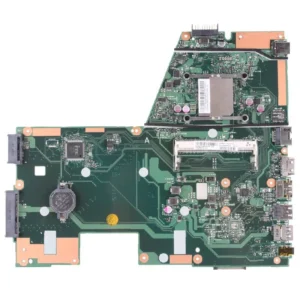
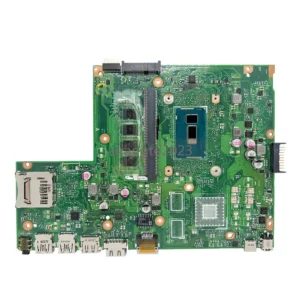
Asus x551 motherboard
-
Model Compatibility: Asus X551
-
Processor Support: Intel Core i3/i5 or Pentium (depending on configuration)
-
CPU Socket: PGA/BGA depending on model
-
Chipset: Intel HM86 / HM87 Express (model dependent)
-
Memory Support: DDR3 RAM, dual-channel, dual-slot
-
Maximum Memory: Up to 16GB depending on configuration
-
Graphics: Integrated Intel HD Graphics; optional NVIDIA dedicated GPU (model dependent)
-
Storage Interface: SATA 2.5″ HDD/SSD
-
Connectivity: USB 2.0/3.0, HDMI, VGA, LAN, audio ports, Wi-Fi/Bluetooth module interface
-
Power Management: Integrated VRM and battery charging circuits
-
Cooling Support: Fan and heat sink integration with thermal sensors
SKU: n/a -
-
Laptop Components, Motherboards
HP compaq 620 motherboard
-
Model Compatibility: HP Compaq 620
-
Processor Support: Intel mobile processors (Celeron, Pentium, Core i3 – model dependent)
-
CPU Socket: Socket G1 (PGA988A)
-
Chipset: Intel HM55 Express chipset
-
Memory Support: DDR3 RAM
-
Maximum Memory: Up to 8GB DDR3
-
Graphics: Integrated Intel HD Graphics
-
Storage Interface: SATA interface for HDD
-
Display Output: VGA (HDMI on select variants)
-
Connectivity: USB 2.0, Ethernet LAN, audio ports
-
Power Management: Integrated voltage regulation and charging circuitry
-
Cooling Support: Fan and heat sink integration with thermal sensors
-
Form Factor: HP proprietary laptop motherboard
SKU: n/a -
-
Laptop Components, Motherboards
Asus x540l motherboard
-
Model Compatibility: Asus X540L
-
Processor Support: Intel Core i3/i5 or Pentium (depending on configuration)
-
CPU Socket: PGA/BGA depending on model
-
Chipset: Intel HM86 / HM87 Express (model dependent)
-
Memory Support: DDR3 RAM, dual-channel, dual-slot
-
Maximum Memory: Up to 8GB–16GB depending on configuration
-
Graphics: Integrated Intel HD Graphics; optional NVIDIA dedicated GPU (model dependent)
-
Storage Interface: SATA 2.5″ HDD/SSD
-
Connectivity: USB 2.0/3.0, HDMI, VGA, LAN, audio ports, Wi-Fi/Bluetooth module interface
-
Power Management: Integrated VRM and battery charging circuits
-
Cooling Support: Fan and heat sink integration with thermal sensors
-
Form Factor: Asus proprietary laptop motherboard
SKU: n/a -
-
Laptop Components, Motherboards
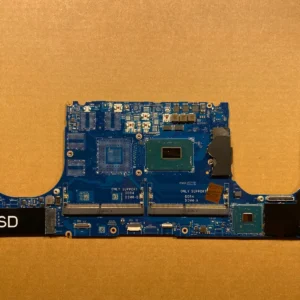
Dell xps 15 7590 motherboard replacement core i5
-
Processor Support: Intel Core i5, Core i7, and Core i9 (9th Generation)
-
Chipset: Intel HM370 mobile chipset
-
Graphics Support: NVIDIA GeForce GTX 1650 (dedicated) or Intel UHD Graphics
-
Memory Support: DDR4 RAM, up to 64GB
-
Storage Interfaces: M.2 NVMe SSD slots
-
Display Support: 4K UHD and Full HD panels
-
Connectivity: Thunderbolt 3, USB-C, USB 3.1, HDMI, audio ports
-
Power Architecture: Advanced power delivery and thermal control design
These specifications make the motherboard ideal for content creation, engineering applications, professional design work, and intensive multitasking.
SKU: n/a -












There are no reviews yet.