
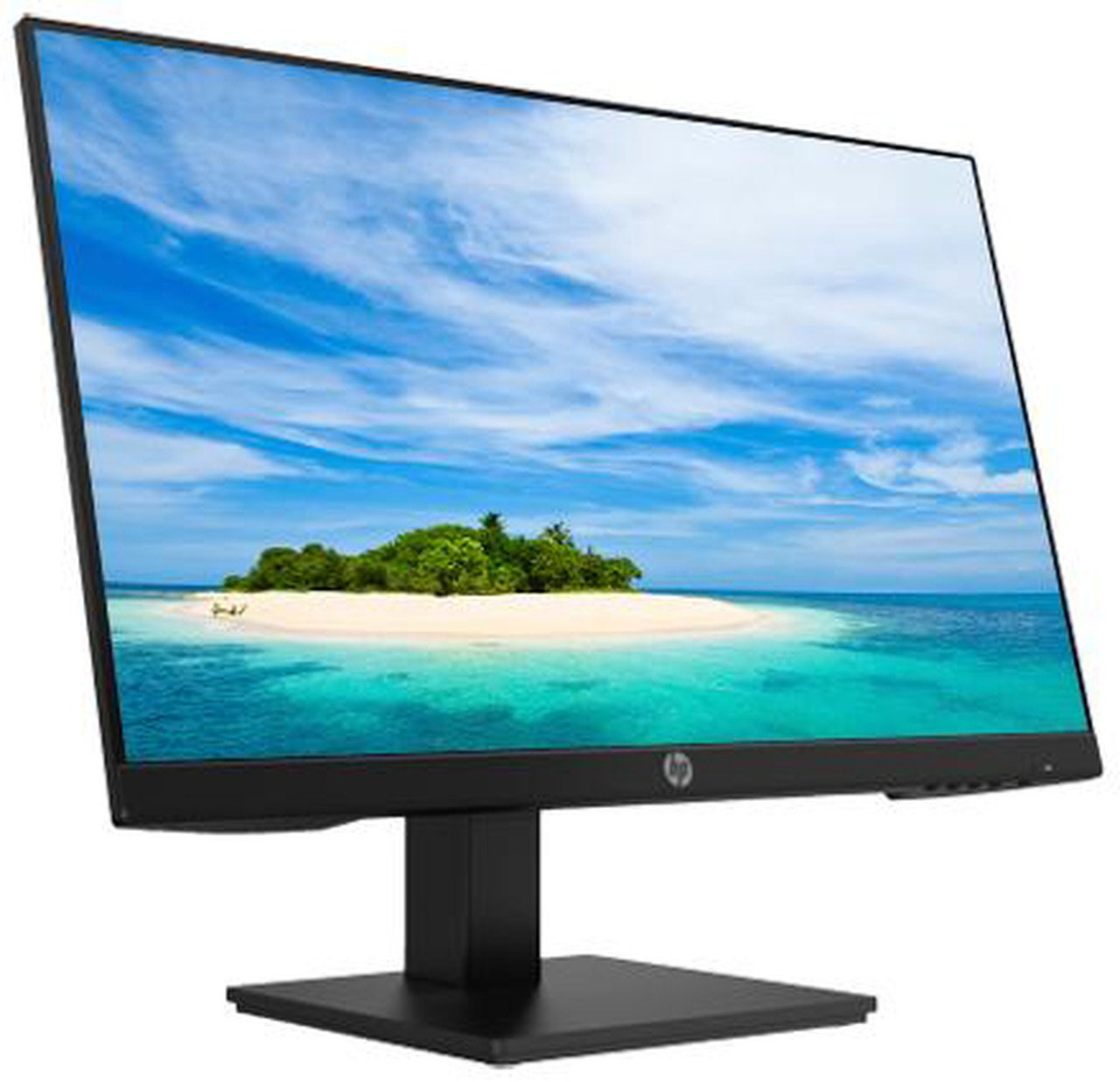


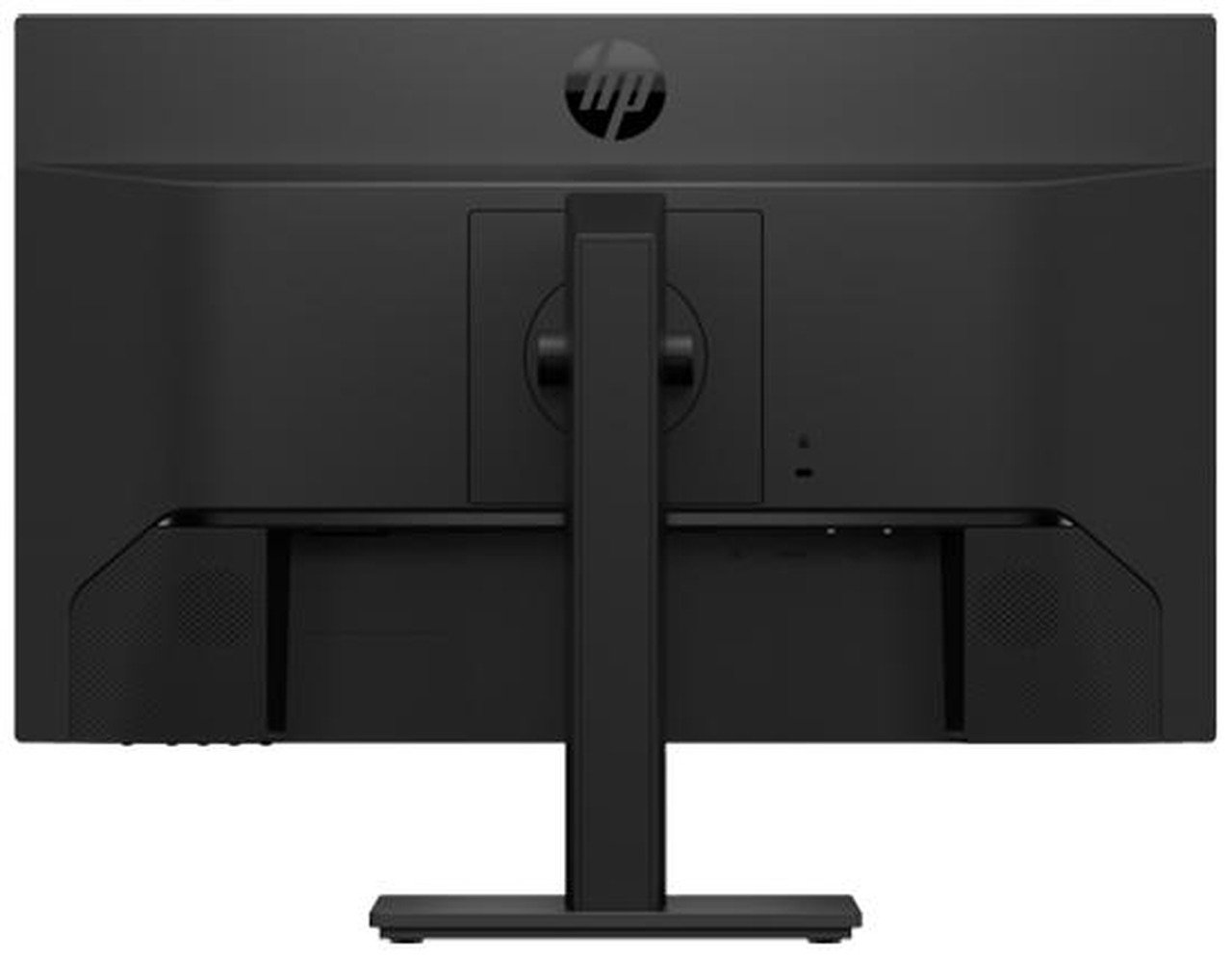
HP P24h G4 23.8-inch Full HD monitor
- Brand: HP (Hewlett-Packard)
- Model: P24h G4
- Product category: Business and productivity monitor
- Screen size: 23.8 inches
- Display technology: LED-backlit LCD
- Panel type: IPS
- Native resolution: 1920 × 1080 pixels (Full HD)
- Aspect ratio: 16:9 widescreen
- Refresh rate: 60Hz
- Response time: Approximately 5ms grey-to-grey
- Brightness: 250 cd/m²
- Static contrast ratio: 1000:1
- Dynamic contrast ratio: Up to 5,000,000:1, depending on operating mode
- Viewing angles: 178° horizontal and 178° vertical
- Colour support: Up to 16.7 million colours
- Pixel pitch: Approximately 0.2745mm
- Screen coating: Anti-glare
- HDMI input: 1
- DisplayPort input: 1
- VGA input: 1
- Built-in speakers: Integrated stereo speakers
KSh16,000.00
HP P24h G4 Monitor: Practical Comfort for the Everyday Workspace
Not every office task demands a premium display. For email, spreadsheets, documentation, and video calls, what matters most is clarity, comfort, and reliable connectivity. The HP P24h G4 monitor is built precisely for this reality, offering a 23.8-inch Full HD IPS panel with thoughtful ergonomic features and a surprisingly useful set of built-in speakers.
At Compvate, we see this model as a sensible choice for organizations that need dependable displays without overspending on capabilities their teams will never touch.
Visual Performance: IPS Clarity for Daily Tasks
The P24h G4 features a 23.8-inch IPS panel with Full HD resolution of 1920 x 1080. IPS technology ensures consistent colours and contrast across wide viewing angles, which matters when colleagues gather around a screen or when you shift position throughout the day.
With 250 nits of brightness and a 1000:1 static contrast ratio, the display handles typical office lighting conditions well. The anti-glare coating reduces reflections from overhead lights and windows, keeping text legible without the washed-out look that glossy panels can produce. The panel carries TÜV-certified low blue light and flicker-free technology, both aimed at reducing eye strain during extended use.
One point worth noting from user feedback: some buyers have reported slight colour variation between units, with a few describing a warmer or yellowish tint out of the box. The monitor includes colour control settings that allow adjustment, but for colour-critical work, a higher-tier panel would be more appropriate.
Connectivity and Built-In Audio
The P24h G4 covers the essentials without unnecessary complexity.
Port Configuration:
-
Video Inputs: 1x HDMI 1.4, 1x DisplayPort 1.2, and 1x VGA
-
Audio: 3.5mm audio input and two integrated 2W speakers
The inclusion of VGA may seem dated, but it remains valuable for organizations maintaining legacy systems or older projectors. The HDMI and DisplayPort inputs handle modern laptops and docking stations without issue.
The built-in 2W speakers are a practical addition for basic tasks. User reviews consistently describe them as adequate for office use—clear enough for video calls and casual listening, though not a substitute for dedicated speakers or headphones when audio quality matters. Having them integrated means one less peripheral to purchase and cable to manage.
Ergonomics and Build
The P24h G4 offers more adjustability than many monitors in its price range. The stand provides 100mm of height adjustment, tilt from -5° to +25°, and 90° pivot rotation for portrait orientation. Swivel is limited compared to some competitors, but the core adjustments needed for comfortable posture are present.
The stand itself has received positive attention in user reviews, with several describing it as sturdier and better designed than expected for a budget-friendly business monitor. The three-sided micro-edge bezel keeps the footprint compact and makes multi-monitor setups look cleaner.
For mounting flexibility, the monitor is VESA compatible with a 100 x 100mm pattern. HP has also built in asset control features and on-screen management controls, small details that matter for IT departments managing fleets of displays.
Who Is This Monitor For?
The HP P24h G4 is a strong fit for:
-
General Office Work: Document editing, email, web browsing, and spreadsheets look crisp and comfortable on the FHD IPS panel.
-
Video Conferencing: The built-in speakers and low blue light certification support all-day call schedules without additional peripherals.
-
Budget-Conscious Deployments: Organizations that need reliable displays across many desks will appreciate the balance of features and cost.
enterprise-class 23.8-inch Full HD commercial monitor meticulously engineered to drive daily business productivity, retail workflows, and corporate office efficiency. Built with a premium, 3-sided micro-edge IPS panel for seamless multi-screen configurations, it combines vibrant color consistency across wide angles with an advanced, fully flexible ergonomic architecture. Outfitted with built-in multimedia audio stereo speakers, versatile digital signal inputs, and dedicated eye safety protection systems, this professional display provides business clients with a space-saving workspace hub optimized for high-performance administrative environments.
- Panel Size: 23.8 inches (60.45 cm) diagonal viewable screen area.
- Aspect Ratio: 16:9 widescreen format.
- Panel Type: IPS (In-Plane Switching) with W-LED backlighting and 3-sided micro-edge bezel.
- Display Surface: Hard-coated matte anti-glare panel treatment.
- Native Resolution: Full HD 1920 x 1080 running at a standard 60Hz (supports up to 75Hz via digital inputs).
- Response Time: Fast 5ms gray-to-gray (GtG) with integrated Overdrive acceleration.
- Static Contrast Ratio: 1000:1 native static contrast ratio.
- Dynamic Contrast Ratio: 8,000,000:1 Advanced Dynamic Contrast Ratio (DCR).
- Brightness Rating: 250 cd/m² (typical nits) for comfortable all-day office viewing.
- Viewing Angles: 178° horizontal and 178° vertical with complete color stability.
- Color Depth Support: 16.7 million displayable colors (6-bit + Hi-FRC processing matrix).
- Color Gamut Coverage: 72% NTSC and 94% sRGB color standard tracking.
- Pixel Density Index: 93 Pixels Per Inch (PPI) at a 0.2745 mm x 0.2745 mm pixel pitch.
- Digital Video Inputs: 1 x DisplayPort version 1.2 input terminal (with HDCP support).
- Digital Video Inputs: 1 x HDMI version 1.4 port connection (with HDCP support).
- Analog Video Inputs: 1 x VGA (D-Sub) 15-pin legacy connection.
- Integrated Audio: Dual built-in 2-Watt high-quality stereo speakers.
- Eye Care Framework: Hardware-integrated Flicker-Free backlighting paired with a selectable HP Low Blue Light mode.
- Height Adjustment Range: Comfort rail system supports up to 100 mm of smooth vertical travel.
- Tilt Capabilities: Mechanical tilt range extending from 5° forward to 23° backward.
- Swivel Range: Extended horizontal swivel capacity reaching 360° total rotation.
- Pivot Function: Full 90° landscape-to-portrait clockwise rotation capability.
- Wall Mounting: Native VESA 100 mm x 100 mm mounting pattern interface.
- Security Integration: Outfitted with an integrated standard Kensington anti-theft security lock slot.
- Power Management: 22W average operational footprint, 26W maximum draw, and less than 0.5W in energy-saving sleep mode.
- Dimensions With Stand (W x H x D): 538.2 mm x 464.3 mm x 211.6 mm.
- Dimensions Without Stand (W x H x D): 538.2 mm x 325.6 mm x 45.9 mm.
- Weight Profile: 4.61 kg (10.16 lbs) total assembly with stand; 2.53 kg (5.58 lbs) panel-only for VESA arrays.
Based on 0 reviews
Be the first to review “HP P24h G4 23.8-inch Full HD monitor”
Related products
-
Dell Desktops, Desktops
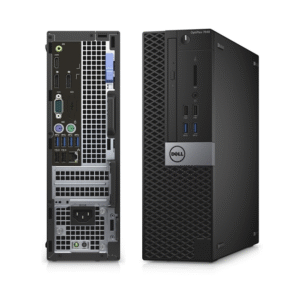
DELL Optiplex 7040 SSF Intel Core I5-6th Gen 8GB RAM 500GB HDD
- Processor: Intel Core i5-6th Gen ( i5-6500, 3.2GHz Quad-Core).
- RAM: 8GB DDR4 (2133 MHz).
- Storage: 500GB Hard Disk Drive (HDD).
- Graphics: Integrated Intel HD Graphics 530.
- Form Factor: Small Form Factor (SFF).
- Ports: USB 3.0, USB 2.0, DisplayPort, Ethernet, Audio.
- Operating System: Windows 11 .
SKU: n/a -
Dell Desktops, Desktops
Dell OptiPlex 3080 Desktop, Intel Core i5-10500, 4GB RAM, 1TB HDD
Feature Detail Processor Intel® Core™ i5-10500 (6 Cores, 12M Cache, 3.1 GHz up to 4.5 GHz) Memory (RAM) 4GB DDR4-2666 MHz RAM (expandable up to 64GB) Storage 1TB 7200 RPM SATA Hard Disk Drive (HDD) Graphics Integrated Intel® UHD Graphics 630 Operating System Varies by retailer; often Windows 10 Pro or Ubuntu Linux Form Factor Available in Mini Tower (MT) or Small Form Factor (SFF) options Ports (Front) 2x USB 2.0 Type-A, 2x USB 3.2 Gen 1 Type-A, 1x Universal Audio Jack Ports (Rear) 2x USB 2.0 Type-A, 2x USB 3.2 Gen 1 Type-A, 1x DisplayPort 1.4, 1x HDMI 1.4b, 1x RJ-45 Ethernet port, 1x Line-out audio port Expansion Slots Includes PCIe x16 and PCIe x1 slots, as well as M.2 slots for storage and wireless card SKU: n/a -
Dell Desktops, Desktops
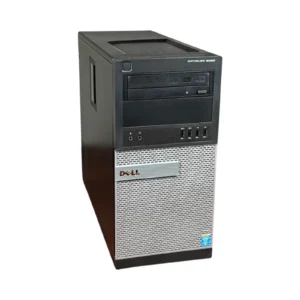
Dell Optiplex 9020 Mini-Tower Desktop, i5 3.4Ghz, 8GB DDR3 RAM, 500GB HDD
-
Model: Dell OptiPlex 9020 Mini-Tower
-
Processor: Intel Core i5, 3.4GHz Quad-Core
-
Memory: 8GB DDR3 RAM (Upgradeable)
-
Storage: 500GB Hard Disk Drive
-
Graphics: Intel Integrated Graphics
-
Networking: Gigabit Ethernet
-
Ports: USB 3.0, DisplayPort, VGA, Ethernet, Audio In/Out
-
Form Factor: Mini-Tower
-
Operating System: Windows-ready
SKU: n/a -
-
Dell Desktops, Desktops
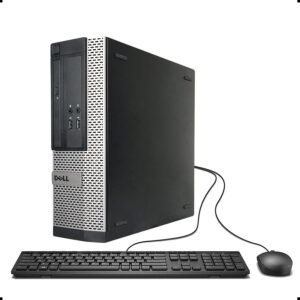
Dell OptiPlex 3020 SFF | Intel Core i5 4th Gen | 4GB RAM | 500GB HDD
Feature Detail Processor 4th Generation Intel Core i5 (e.g., i5-4570), Quad-Core, 3.2 GHz base frequency (up to 3.6 GHz with Turbo Boost). Form Factor Small Form Factor (SFF). Memory (RAM) 4GB DDR3 1600MHz SDRAM (expandable up to 16GB via two DIMM slots). Storage 500GB 7200 rpm SATA Hard Disk Drive (HDD). Graphics Integrated Intel HD Graphics 4600. Operating System Windows 11. Ports 2x USB 3.0 (rear), 6x USB 2.0 (2 front, 4 rear), 1x VGA, 1x DisplayPort 1.2, 1x RJ-45 Ethernet, audio jacks. Expansion Slots 1x Half-Height PCIe x16, 1x Half-Height PCIe x1. SKU: n/a












There are no reviews yet.