

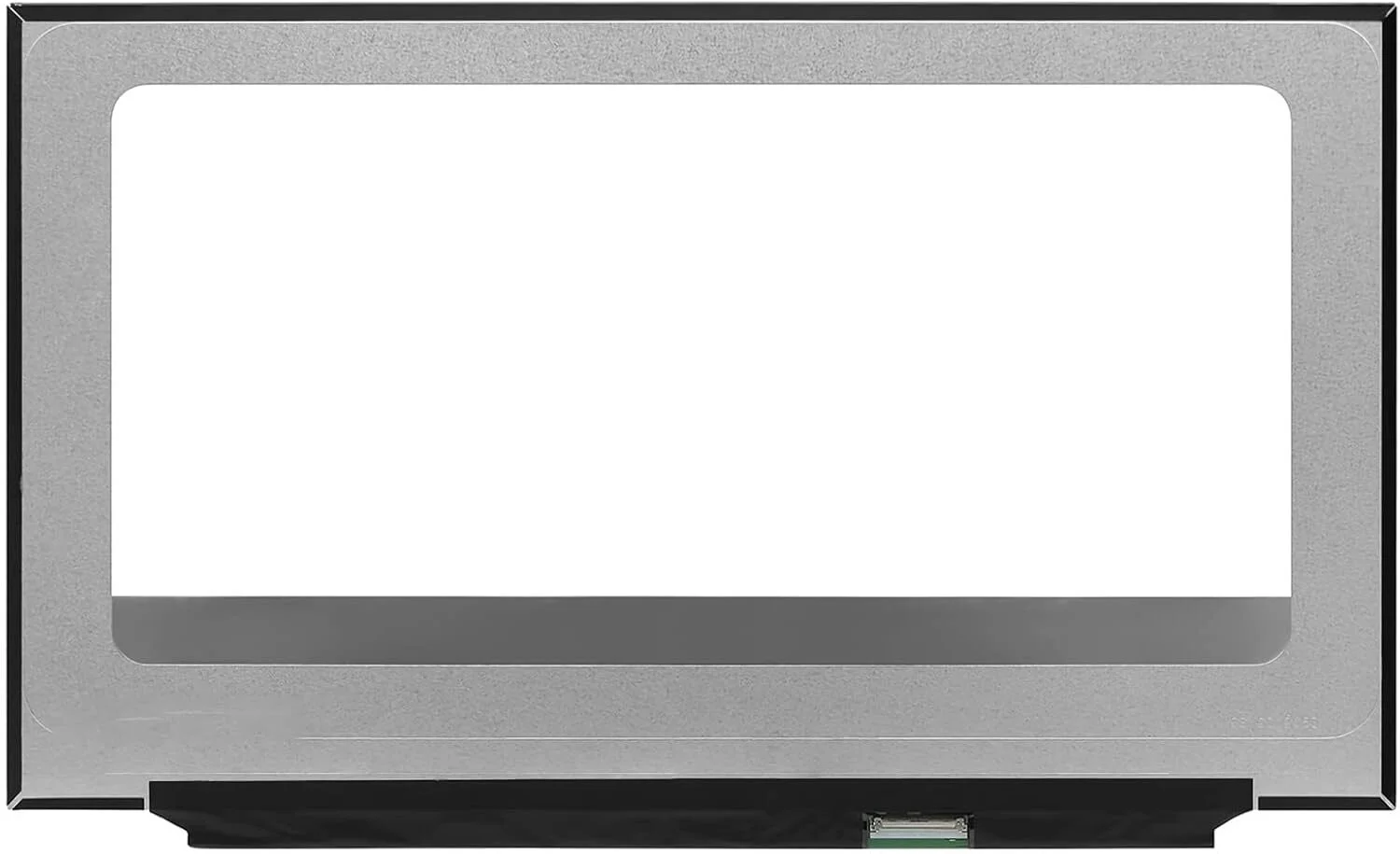
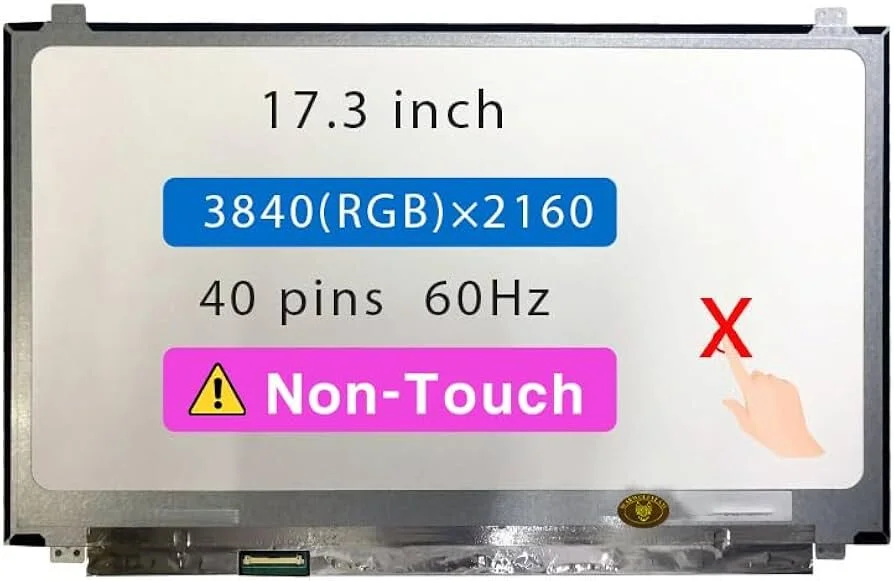
HP Omen 17 Screen Replacement – When Power Loses Its View, We Help You See Again
Because a Gaming Giant Deserves to Look as Powerful as It Feels
The HP Omen 17 is not an ordinary laptop. It is a statement of power, dominance, and performance. It carries late-night gaming victories, intense creative sessions, and moments where every frame matters. When its screen breaks—when cracks appear, colors fade, or the display goes dark—it feels like the heart of the machine has been wounded. The disappointment is real. The silence after pressing the power button hurts. That is why HP Omen 17 screen replacement is more than a technical service—it is an emotional restoration of something you deeply value.
We understand that bond. We understand the frustration. And we are here to bring your HP Omen 17 back to life.
The Soul of the HP Omen 17: A Screen Built for Intensity
The screen is where the HP Omen 17 truly shows its strength. Every detail, every shadow, every fast-moving frame depends on it.
Typical HP Omen 17 display features include:
-
17.3-inch large-format display
-
Full HD (1920 × 1080) or higher resolution
-
High refresh rates (120Hz / 144Hz / 165Hz depending on model)
-
IPS panel for wide viewing angles
-
Non-touch, performance-focused display
-
Anti-glare finish
-
Slim bezel design
-
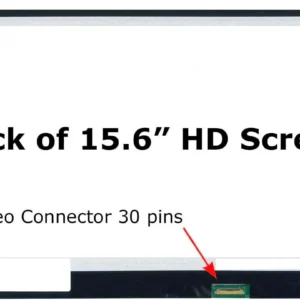
eDP connector
When this screen is damaged, the laptop still has power—but it loses its voice. A proper screen replacement gives that voice back.
When the Screen Fails, the Experience Breaks
A damaged HP Omen 17 screen affects more than visuals—it breaks immersion, confidence, and performance. You may experience:
-
Cracked or shattered display
-
Black screen with laptop powering on
-
Flickering during gaming or heavy graphics
-
Vertical or horizontal lines
-
Dead pixels or dark patches
-
Backlight bleeding
-
Washed-out colors
-
Reduced refresh rate performance
Each issue steals a piece of the experience you paid for. That loss is emotional—and completely valid.
Why a High-Quality HP Omen 17 Screen Replacement Truly Matters
The HP Omen 17 is built for extremes. It demands a screen that matches its power.
Immersion Restored
A quality replacement screen brings back deep blacks, vivid colors, and smooth motion. Games feel alive again. Work feels sharp and responsive.
Performance Unlocked
High refresh rate screens ensure your GPU and CPU are not wasted. Every frame is delivered the way it was meant to be seen.
Confidence Rebuilt
No flickering,resolution mismatch. No refresh rate limitations. Just smooth, stable performance you can trust.
Your HP Omen 17 deserves nothing less.
Our HP Omen 17 Screen Replacement Process
We treat your gaming machine with the respect it commands.
1. Detailed Screen Identification
We carefully identify the exact screen model required—resolution, refresh rate, panel type, and connector.
2. Precision Disassembly
The large Omen 17 display requires careful handling. Bezels, hinges, and cables are protected at every step.
3. Professional Screen Installation
The replacement screen is installed with perfect alignment and secure connections.
4. Performance Testing
We test brightness, color accuracy, refresh rate, response time, and stability.
5. Final Quality Inspection
Your HP Omen 17 is reassembled and tested to ensure it feels powerful again.
The Emotional Moment When the Screen Lights Up Again
There is a moment—when the new screen powers on—where everything changes:
-
Games feel immersive again
-
Fast action feels smooth and responsive
-
Colors explode with intensity
-
Your laptop feels premium again
-
Frustration turns into excitement
That moment is why screen replacement matters.
HP Omen 17 Screen Replacement Cost Considerations
The cost of HP Omen 17 screen replacement depends on:
-
Screen resolution
-
Refresh rate (standard vs high refresh)
-
Panel technology (IPS, anti-glare)
-
Availability of compatible panels
Honest pricing and clear options help you make a confident decision without compromise.
Why Replacing the Screen Is Better Than Replacing the Laptop
Replacing the screen instead of the entire laptop means:
-
Saving significant money
-
Keeping a high-performance gaming machine
-
Reducing electronic waste
-
Preserving a device you already trust
-
Getting back to gaming and productivity faster
Your HP Omen 17 still has battles to win.
How to Protect Your New HP Omen 17 Screen
After replacement, a few habits protect your investment:
-
Use a padded gaming laptop bag
-
Avoid pressure on the display lid
-
Clean with a microfiber cloth only
-
Close the lid gently
-
Keep liquids away from the screen
These simple actions preserve clarity and performance.
Why Trust Matters with a Gaming Laptop
High-performance laptops require experience, patience, and precision. Screen replacement done wrong can limit refresh rate, cause flickering, or reduce brightness. Done right, it restores the laptop’s soul.
Trusting skilled technicians ensures your HP Omen 17 remains the powerhouse it was designed to be.
HP Omen 17 Screen Replacement You Can Believe In
We provide HP Omen 17 screen replacement services focused on quality, performance, and emotional care. Every screen we install is chosen to restore speed, immersion, and confidence—because your gaming experience matters.
A broken screen does not end the journey. With the right replacement, it becomes the moment your HP Omen 17 rises again—stronger, clearer, and ready for the next level.

There are no reviews yet.