
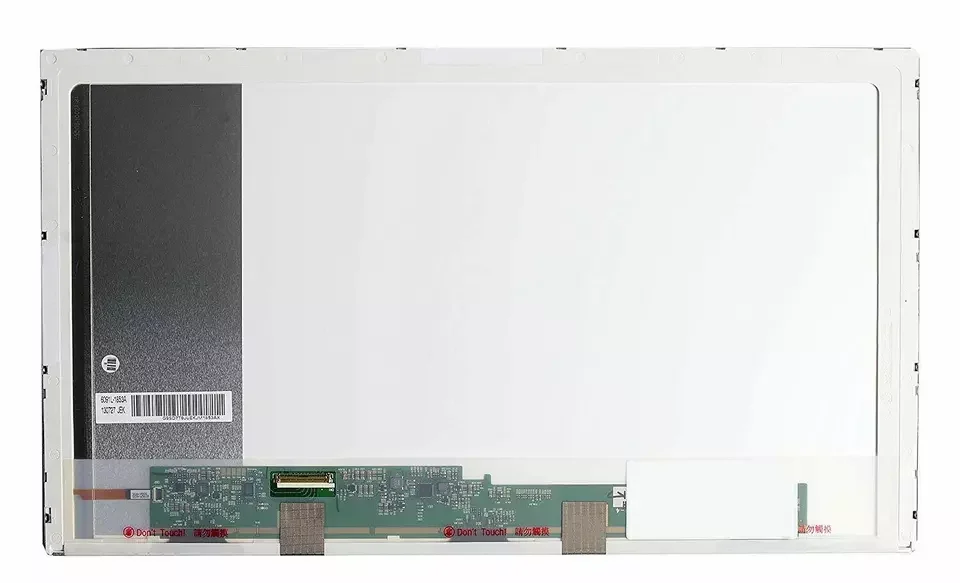
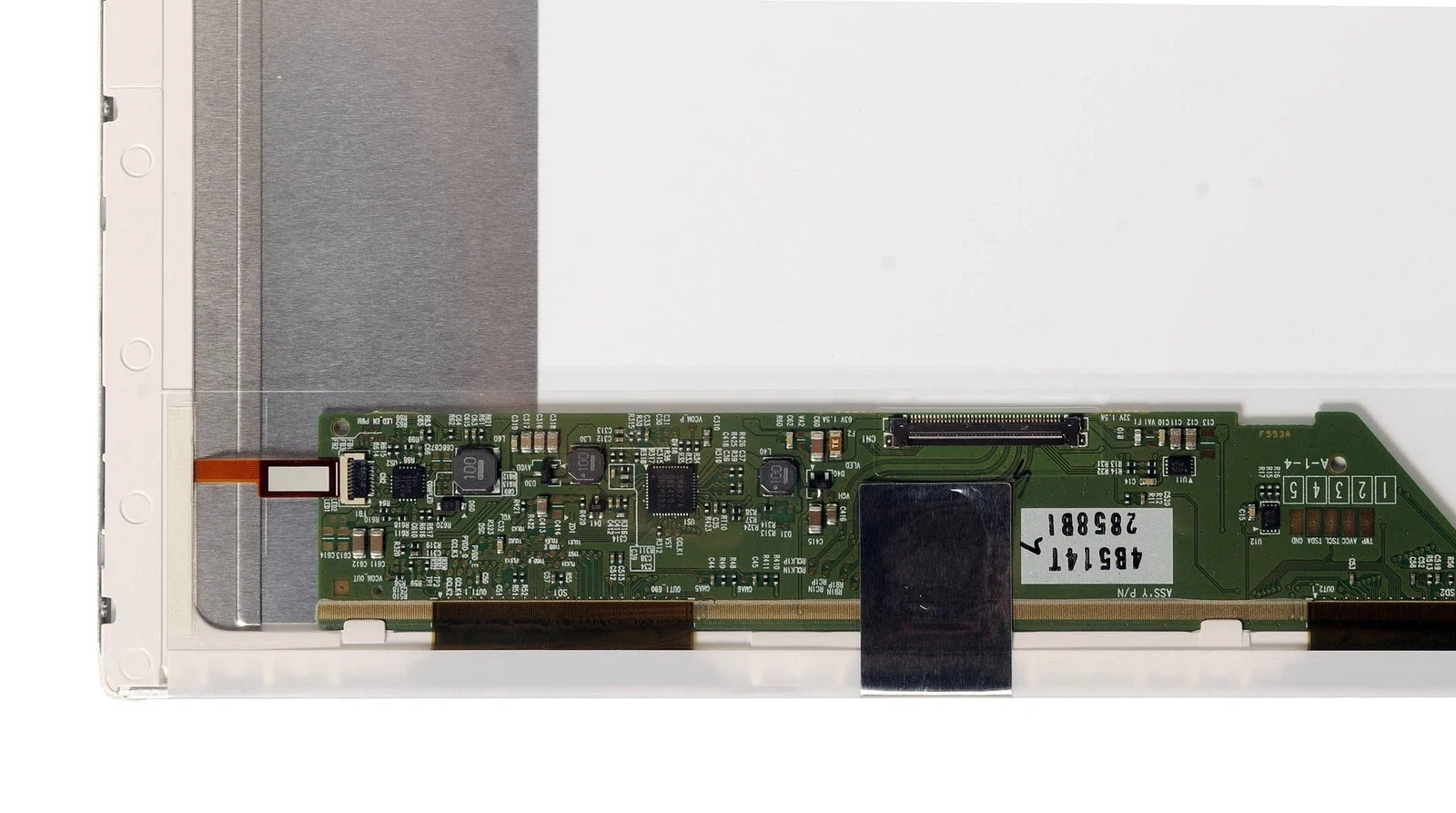
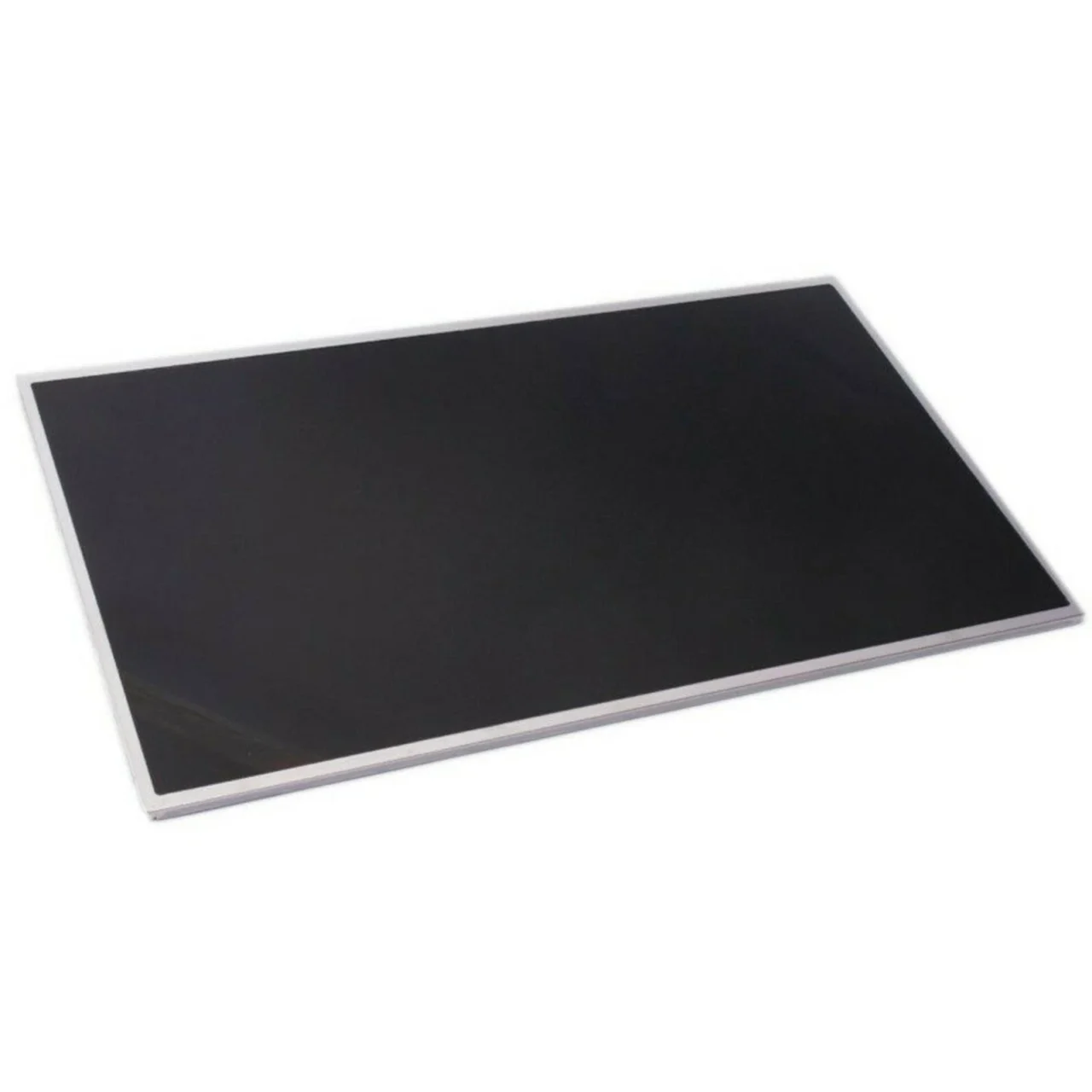
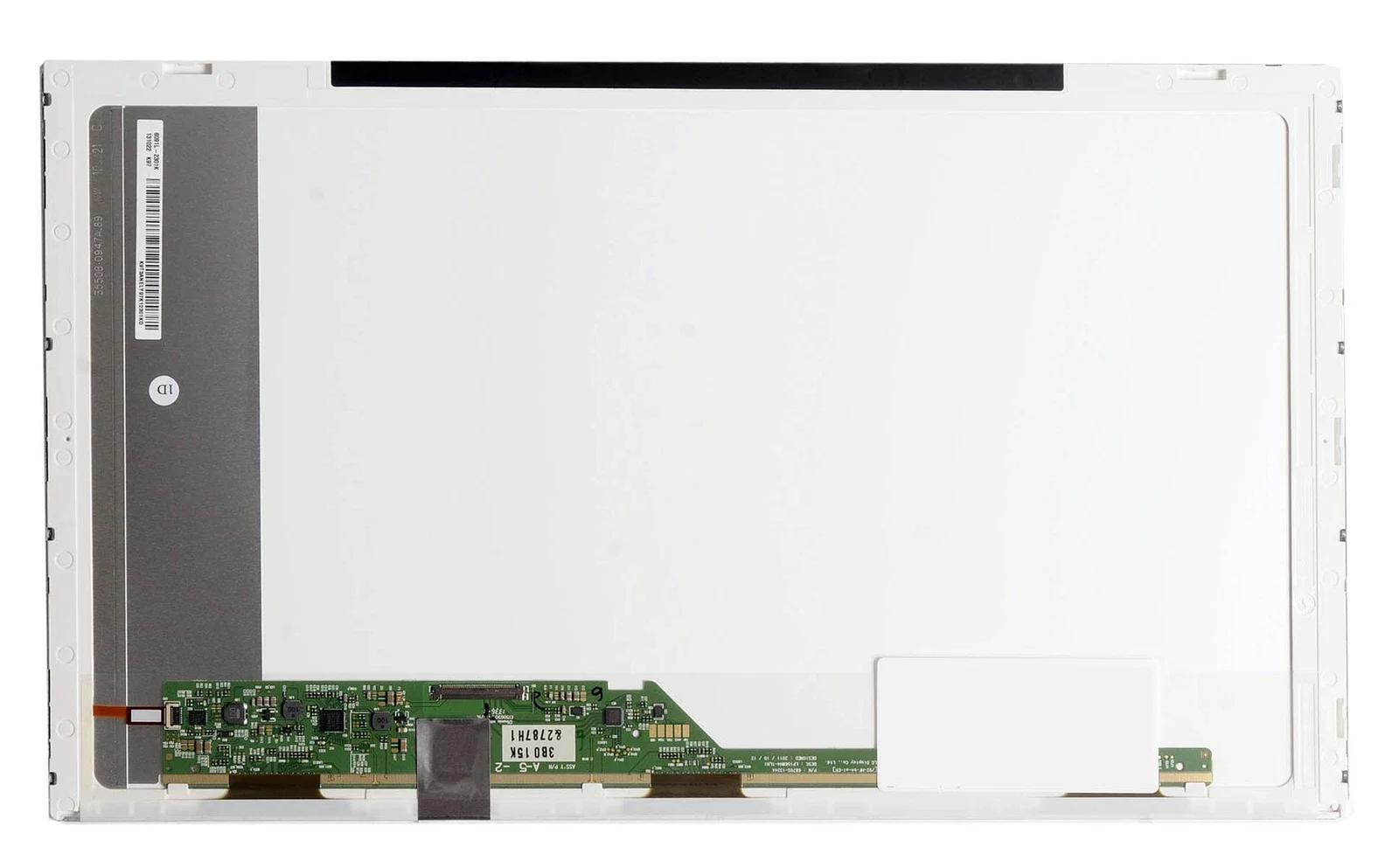
New HP G72 Laptop Screen Replacement – Giving Your Laptop a Second Chance
Because Your HP G72 Still Has So Much Life Left
There is a special kind of disappointment that comes when you open your HP G72 laptop and the screen no longer shows the world clearly. Cracks, black patches, fading light, or lines across the display can make a dependable laptop feel useless. Yet deep down, you know your HP G72 still works, still matters, and still deserves care. That is why we sell new HP G72 laptop screen replacements—to bring your trusted machine back to life and restore the confidence you once felt using it.
We believe a broken screen should never be the end of a good laptop. It should be the beginning of a fresh chapter.
The Heart of the HP G72 Experience: The Screen
The HP G72 is known for its large display and comfortable viewing, making it ideal for work, study, and everyday entertainment. When the screen is damaged, the entire experience feels incomplete.
Typical HP G72 screen features include:
-
17.3-inch LED-backlit LCD
-
HD resolution (1600 × 900 or 1366 × 768, model dependent)
-
Non-touch display
-
Glossy or anti-glare finish
-
Standard 40-pin connector
Replacing this screen with a new, high-quality panel restores the clarity, brightness, and visual comfort your laptop was designed to deliver.
When the Screen Breaks, It Feels Personal
A damaged screen is not just a technical issue. It interrupts your routine, slows your work, and creates daily frustration. You may notice:
-
Cracked or shattered display
-
Black screen while the laptop powers on
-
Flickering or dim backlight
-
Vertical or horizontal lines
-
White spots or dark shadows
-
Blurry text and washed-out colors
Each flaw reminds you that something you rely on is no longer whole. We understand that feeling—and we are here to fix it.
Why Choosing a New HP G72 Screen Truly Matters
Not all replacement screens are the same. Choosing a new HP G72 laptop screen replacement is a decision rooted in care and long-term value.
Clarity That Comforts Your Eyes
A new screen restores sharp text, bright images, and even backlighting, making long hours comfortable again.
Reliability You Can Trust
New panels last longer, perform better, and reduce the risk of early failure.
Perfect Fit and Compatibility
No flickering, no loose connections, no mismatched resolution—just smooth, dependable performance.
Respect for Your Laptop
Your HP G72 deserves parts that match its original quality and design.
We Sell New HP G72 Laptop Screen Replacements You Can Rely On
We carefully source new, high-quality HP G72 screens that meet strict standards for performance and durability. Each screen is checked for:
-
Correct size and resolution
-
Proper connector type
-
Stable backlighting
-
Clear color reproduction
-
Strong structural integrity
When you purchase from us, you are choosing confidence, not compromise.
Professional Installation for Peace of Mind
While some users search for DIY fixes, the emotional cost of damaging a laptop further is real. Our experienced technicians ensure:
-
Safe removal of the damaged screen
-
Protection of hinges and display cables
-
Accurate installation of the new panel
-
Thorough testing before final assembly
Your laptop is treated gently, with respect and attention to detail.
The Emotional Relief of Seeing Your Screen Shine Again
The moment a new screen lights up, everything changes:
-
Your work feels possible again
-
Your eyes relax instead of straining
-
Photos and videos feel alive
-
Your laptop feels valuable again
-
Frustration turns into relief
It is not just a screen—it is your daily companion restored.
How to Care for Your New HP G72 Screen
Protecting your new screen helps it last longer:
-
Use a padded laptop bag
-
Avoid placing heavy items on the lid
-
Clean with a microfiber cloth only
-
Close the lid gently
-
Keep liquids away from the display
Small habits make a big difference.
Why Customers Trust Us
People choose us because we offer:
-
New and high-quality replacement screens
-
Honest guidance and transparent pricing
-
Experienced technicians
-
Respect for your laptop and your time
We understand that your laptop matters—and we treat it that way.
New HP G72 Laptop Screen Replacement You Can Trust
We proudly sell new HP G72 laptop screen replacements that restore clarity, comfort, and confidence. Whether for work, study, or everyday life, your HP G72 deserves to be seen clearly again.
A broken screen does not mean the end. With the right replacement, it is a fresh beginning.

There are no reviews yet.