
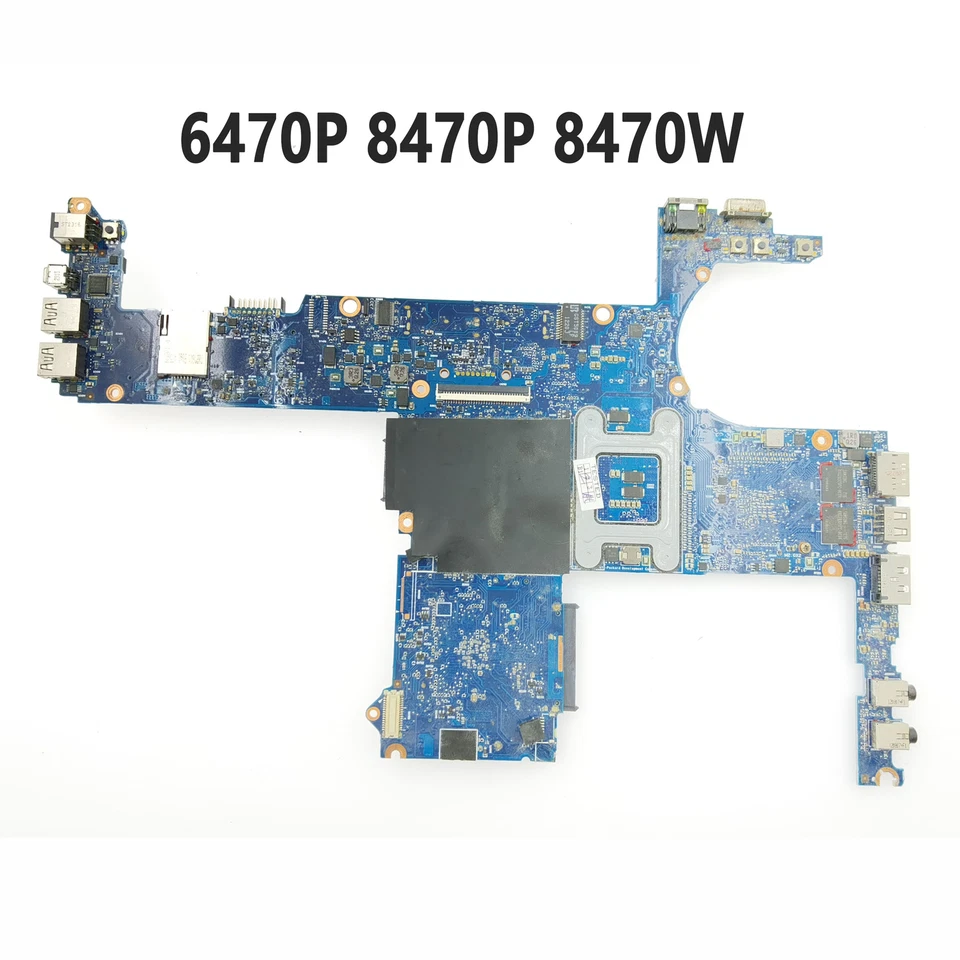
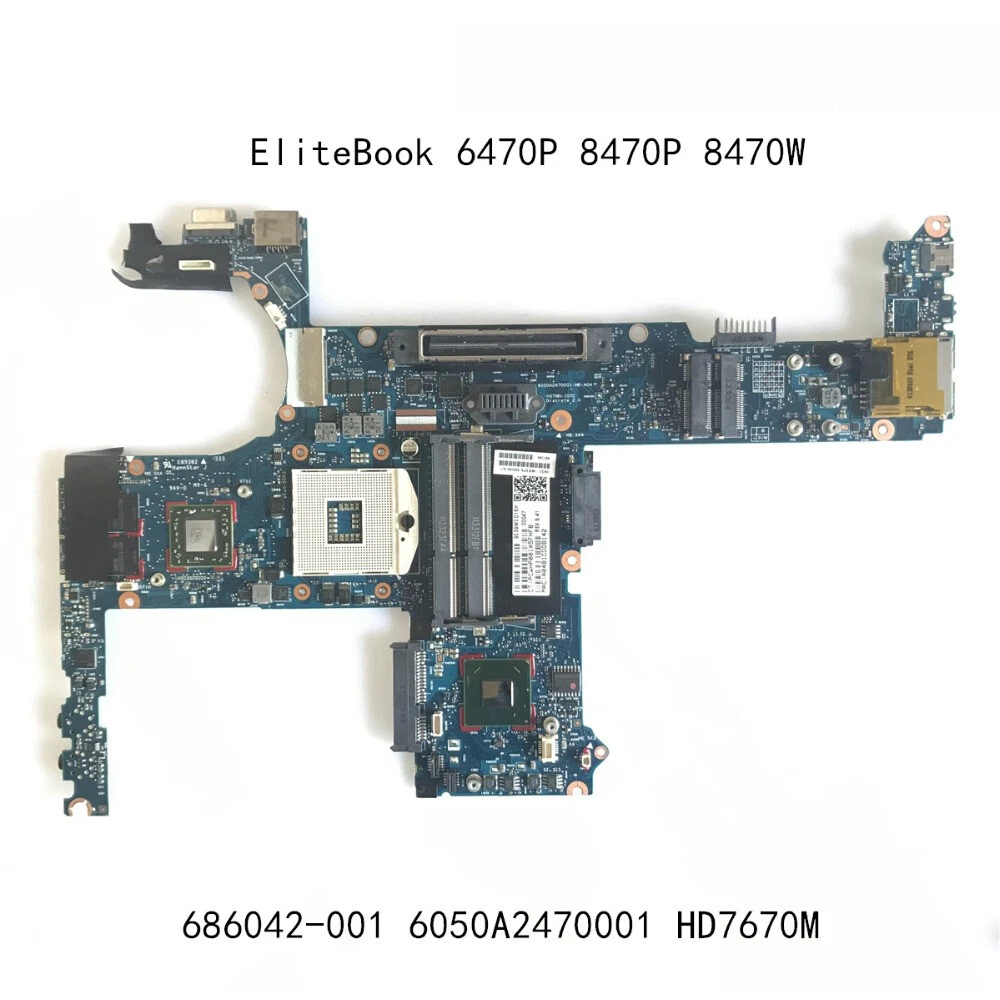
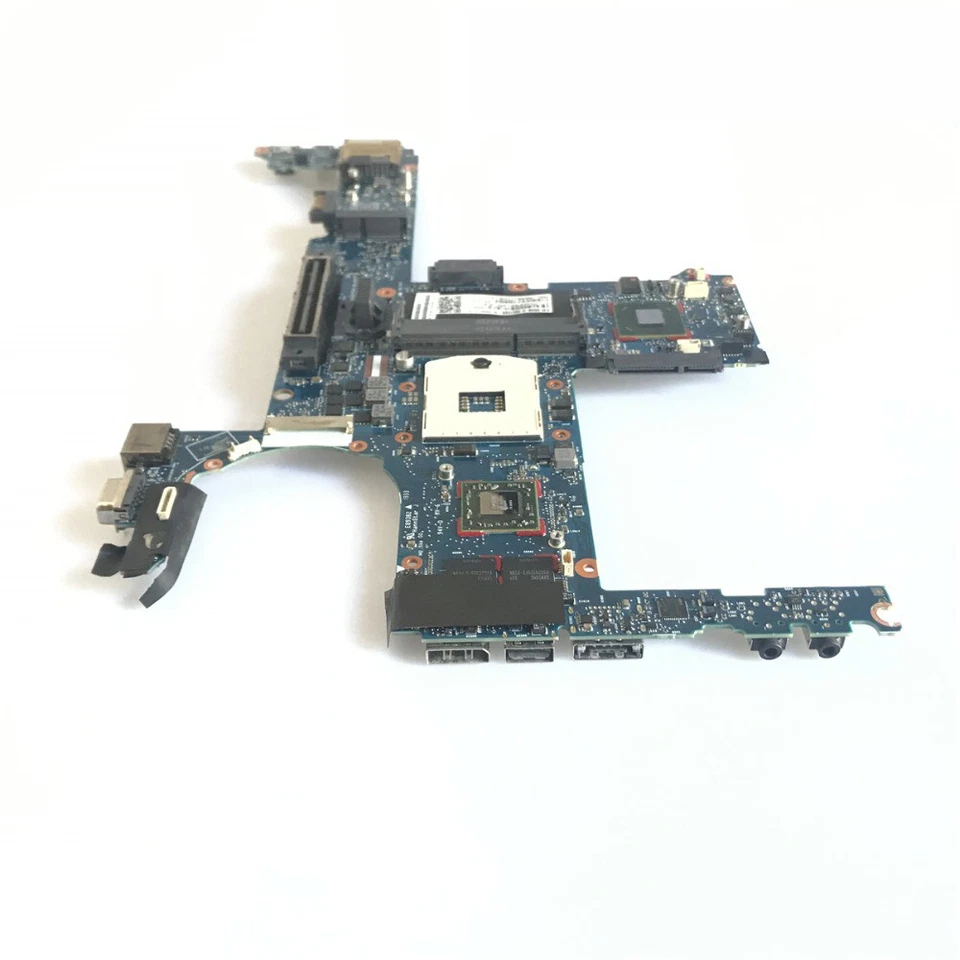
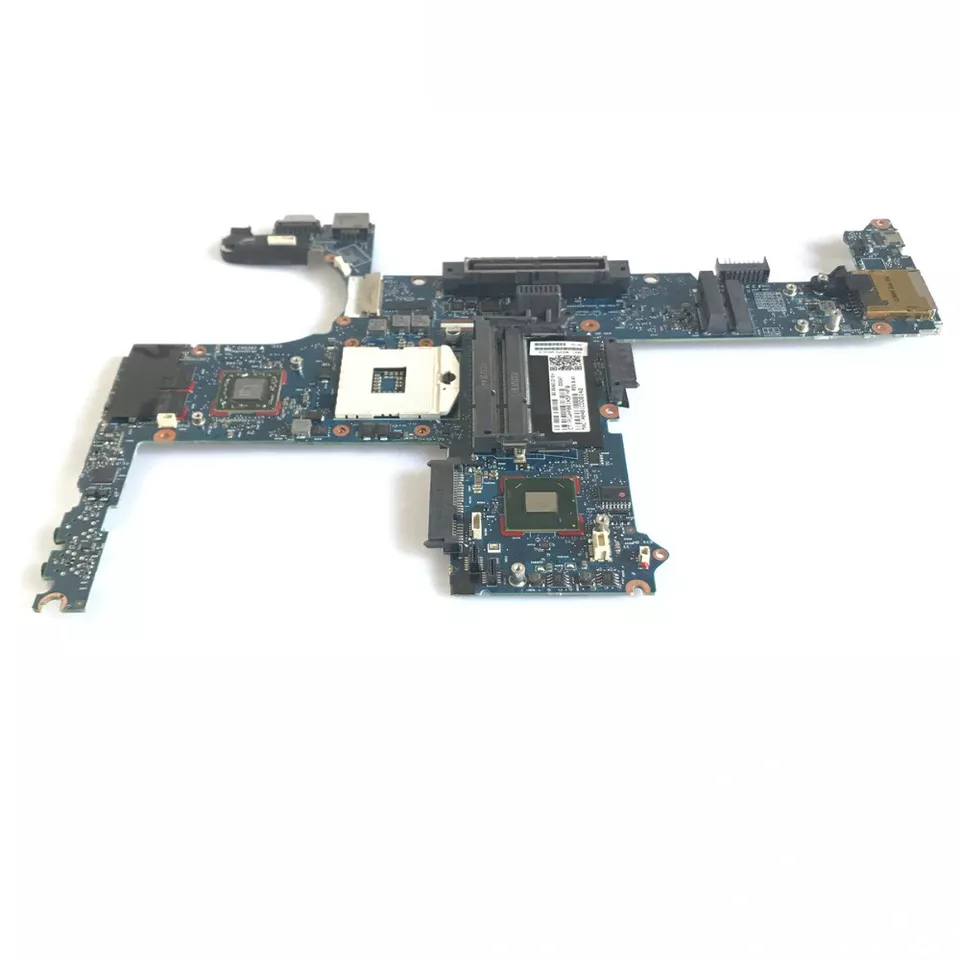
HP EliteBook 8470p i5 Motherboard Replacement – Expert Guide for Kenya
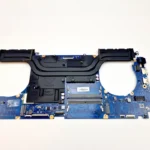
When it comes to HP EliteBook 8470p motherboard i5 replacement, you need precise, reliable, high-quality information that helps you make the best choice — whether you are a technician, a business owner, or a laptop user in Kenya. In this extensive guide, we’ll walk you through everything you must know about motherboard replacement for the HP EliteBook 8470p, the symptoms of failure, replacement options, and expert tips to ensure a smooth and successful repair.
As seasoned technicians at Compvate in Nairobi, we have years of professional experience repairing and replacing HP EliteBook motherboards. Our mission is to provide the most accurate, detailed, and SEO-optimized content that helps you find answers, fix problems, and make wise hardware decisions.
Understanding the HP EliteBook 8470p and Why Motherboard Replacement Matters
The HP EliteBook 8470p is a business-class laptop that became widely known for its durability, performance, and professional usability. Powered by Intel Core i5 processors, this model has been a reliable choice for years. However, like all laptops, over time, components — especially the motherboard — can fail due to wear and tear, electronics aging, power surges, liquid spills, or overheating.
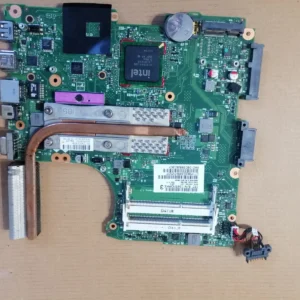
The motherboard — also known as the mainboard — is the most crucial component of any laptop. It connects and manages all other parts such as:
-
CPU (Intel Core i5)
-
RAM memory
-
Storage (HDD or SSD)
-
Graphics interfaces
-
Power circuitry
-
Peripheral interfaces (USB, audio, network)
When the motherboard fails, the laptop may exhibit problems such as no power, repeated restarts, faulty USB or HDMI ports, missing network connectivity, or an inability to POST (Power-On Self Test). At this point, replacement is often the only reliable solution.
Common Symptoms That Indicate a Motherboard Failure
Before proceeding with replacement, it’s critical to recognize if the issue truly stems from the motherboard. Common failure symptoms include:
1. No Power or No Display
The laptop turns on (lights or fans start) but nothing appears on the screen, indicating potential motherboard damage.
2. Frequent Random Shutdowns
Sudden, unexplained shutdowns during normal use can indicate errors in the motherboard power delivery circuits.
3. Peripheral Failures
Faulty or non-working USB ports, audio jacks, or network ports point to motherboard trace or component faults.
4. BIOS Errors
Repeated BIOS error beeps, failure to complete POST, or corrupted BIOS settings suggest motherboard firmware or chipset issues.
5. Overheating and Power Problems
Unusual overheating, battery charging issues, or erratic power behavior often track back to motherboard power circuitry or thermal defects.
HP EliteBook 8470p i5 Motherboard Replacement Options
When replacing a motherboard, you generally have two options:
1. New or Original HP Replacement Boards
These are genuine HP motherboards manufactured for the EliteBook 8470p line. They offer the highest compatibility and longevity because they are designed precisely for this model and Intel Core i5 chipsets.
2. Refurbished or Tested OEM Units
These boards are previously used but have been bench-tested and verified to work. They are often more affordable and still offer reliable performance with proper testing and warranty support.
What Makes a Quality Replacement Motherboard
To ensure you get a lasting repair solution, make sure your replacement motherboard has the following:
-
Intel Core i5 CPU socket and chipset compatibility
-
Stable power delivery circuits
-
Clean, undamaged ports and connectors
-
Tested BIOS firmware
-
Warranty or quality assurance
-
Verified compatibility with your existing RAM and storage
At Compvate Nairobi, all our replacement units are professionally graded, tested, and backed by warranty so you can have total confidence in your repair.
Step-by-Step Guide to Replacement
Replacing an HP EliteBook 8470p motherboard i5 is a delicate procedure that requires technical expertise. Below is a general outline of the process:
1. Backup Your Data
Before replacement, always back up your data if the laptop still powers on.
2. Full Disassembly
-
Power off and remove the battery
-
Disconnect all cables, drives, and components
-
Remove the keyboard, bottom cover, and cooling assembly
3. Remove the Faulty Motherboard
-
Carefully unscrew and detach all connectors
-
Remove heat sink and CPU, if necessary
-
Lift out the old motherboard
4. Install the New Board
-
Place the new motherboard in the exact position
-
Reconnect all flex cables, power leads, and connectors
-
Ensure no cables are pinched or misaligned
5. Rebuild the Laptop
-
Reinstall cooling assembly, battery, and external covers
-
Double-check all connectors
6. Power On & Test
-
Power the laptop on
-
Enter BIOS to verify settings
-
Boot into the OS and test stability, port functions, networking, and performance
Professional service ensures that the new board works correctly under stress, loads drivers, and configures thermal profiles properly.
Why Choose Compvate for Your Motherboard Replacement in Kenya
At Compvate, we are not just resellers — we are trained laptop technicians with deep expertise in HP systems. Our services include:
-
Genuine and tested HP EliteBook 8470p i5 motherboards
-
Professional installation and replacement
-
Post-repair diagnostic testing
-
Thermal and performance calibration
-
Warranty and after-service support
We understand the unique needs of the Kenyan market, and we deliver parts and service that help businesses and individuals keep their HP EliteBooks running at peak performance.

There are no reviews yet.