
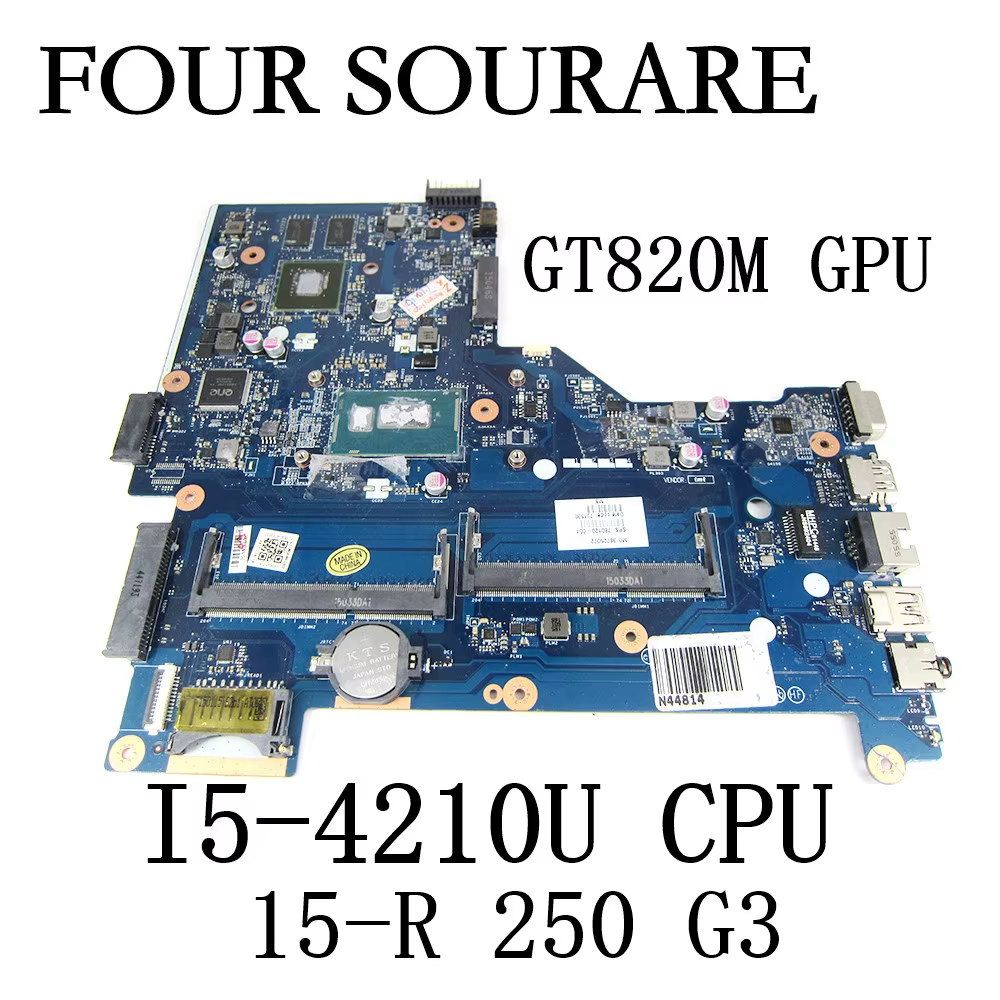
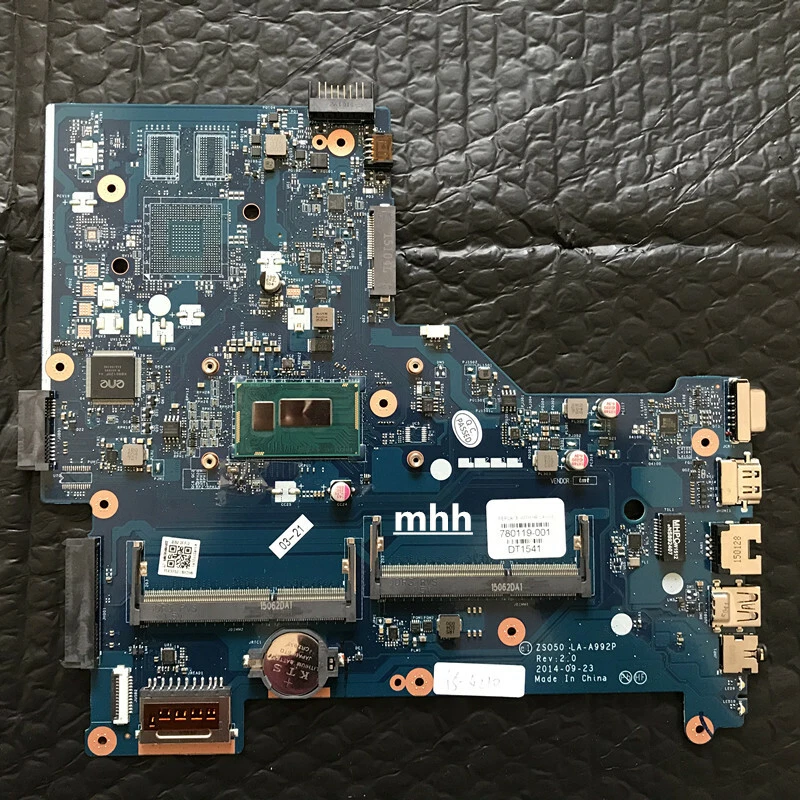
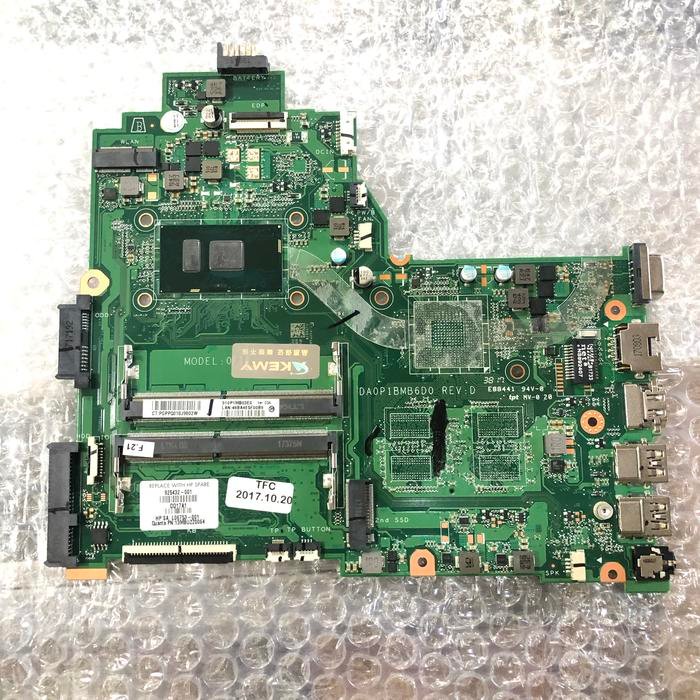
HP 250 G3 Motherboard Core i3 – Complete Replacement Guide
When you are searching for HP 250 G3 motherboard Core i3, this comprehensive guide provides detailed information about motherboard replacement, technical specifications, common failure symptoms, and best practices for care and maintenance. Whether you are a technician, laptop owner, or reseller in Nairobi, Kenya, this article is optimized to give you authoritative content designed to rank high on Google and give you the confidence to make informed decisions.
At Compvate – Nairobi’s trusted laptop parts and repair specialists, we offer genuine HP motherboards, professional installation services, testing, and support to ensure your HP 250 G3 laptop continues to perform reliably after replacement.
Understanding the HP 250 G3 Laptop
The HP 250 G3 is part of HP’s 250 series lineup — known for reliable performance, everyday usability, and business-friendly design. Many units in this model come equipped with Intel Core i3 processors, offering the right balance of performance, energy efficiency, and affordability for:
-
Office productivity
-
Internet browsing
-
Academic work
-
Media playback
-
Everyday computing
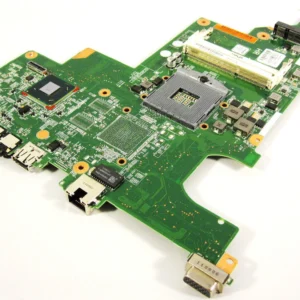
The motherboard (system board) is the central backbone of the laptop, connecting all internal components together.
What the Motherboard Does in Your HP 250 G3
The motherboard is the most essential part of your laptop. It:
-
Houses the Intel Core i3 processor
-
Connects RAM memory
-
Controls storage devices (HDD/SSD)
-
Routes USB, audio, display, and network ports
-
Manages power delivery and battery charging
-
Contains the BIOS firmware
When the motherboard is damaged or deteriorates, the laptop can exhibit a wide range of issues from minor errors to complete failure to power on.
Common Symptoms of Motherboard Failure
Identifying motherboard issues early helps you make the right repair choices. Common signs of a failing HP 250 G3 motherboard include:
1. No Power / No Display
-
Pressing the power button results in no lights, no fan activity, and no screen output.
2. Random Shutdowns or Reboots
-
The laptop restarts or shuts down unexpectedly without warning.
3. USB and Peripheral Failures
-
USB ports, audio jack, or network interfaces stop working although drivers are intact.
4. Failure to POST
-
The system fails the Power-On Self Test (POST) or shows BIOS error messages.
5. Overheating Issues
-
The laptop gets excessively hot even during light tasks due to power delivery issues.
If your HP 250 G3 shows one or more of these symptoms, the motherboard may be at fault and could require replacement.
HP 250 G3 Motherboard Core i3 – What You Need to Know
When sourcing a motherboard for your HP 250 G3 Core i3, consider the following:
✔ Compatibility
Ensure the board matches your specific model number and CPU type (Intel Core i3 variant). HP 250 G3 motherboards can support different generations of Core i3 processors, and matching part numbers is key for proper fit and function.
✔ Original vs Tested Replacement Boards
-
Genuine HP motherboards are original boards manufactured or approved by HP, offering highest compatibility and reliability.
-
Tested compatible or refurbished boards are often more affordable but verified for functionality.
At Compvate Nairobi, we stock both genuine HP motherboards and quality-tested alternatives, all bench-tested and verified before installation.
Professional Replacement Process Overview
Replacing a laptop motherboard is a technical repair that usually requires expert skills. Below is a step-by-step overview of what trained technicians do:
1. Power Down & Data Backup
-
Turn off the laptop completely.
-
Remove the charger and battery.
-
If possible, back up important data before servicing.
2. Disassemble the Laptop
-
Remove the bottom cover screws.
-
Detach the bottom casing carefully.
-
Remove the storage drive (HDD/SSD) and RAM modules.
3. Disconnect Cables and Internal Components
-
Unplug display cables, keyboard ribbon, and power connectors.
-
Disconnect USB, audio, and network interfaces.
4. Remove Old Motherboard
-
Unscrew motherboard mounting screws.
-
Detach the cooling assembly (heat sink and fan).
-
Lift out the faulty motherboard carefully.
5. Install the Replacement Board
-
Place the new or tested motherboard.
-
Reconnect all cables and connectors.
-
Reapply thermal paste if required.
6. Reassemble and Test
-
Reattach cooling assembly and bottom cover.
-
Insert the battery and power on the laptop.
-
Test BIOS access, display, USB, audio, network, and performance.
Professional installation ensures BIOS firmware alignment, thermal calibration, and full functional testing for long-term reliability.
How to Care for Your HP 250 G3 Motherboard
Taking proper care of your laptop helps extend the life of the motherboard and prevent many common issues:
✔ Keep It Cool
-
Clean dust from vents and fans every few months.
-
Use a cooling pad during heavy use.
Avoid Liquid Exposure
-
Liquids can short-circuit motherboard components and cause corrosion.
Protect from Power Surges
-
Use a surge protector or UPS to defend against unstable power.
✔ Update BIOS Carefully
-
Only update BIOS when recommended and follow official HP instructions.
✔ Proper Handling
-
When upgrading RAM or storage, handle components gently and avoid bending connectors.
Good care and maintenance reduce the risk of motherboard failure and improve system performance over time.
Why Choose Compvate for Replacement in Kenya
At Compvate – Nairobi’s laptop parts and repair experts, we offer:
-
Genuine HP 250 G3 motherboards
-
Quality-tested replacement boards
-
Professional installation services
-
Post-replacement testing
-
Warranty support and after-service care
Our technicians have extensive experience with HP laptops, ensuring replacements are done accurately, safely, and with full performance testing.
Conclusion
Replacing the HP 250 G3 motherboard Core i3 is a crucial repair when your laptop exhibits power, performance, or hardware interface issues. Choosing the right motherboard — genuine or quality-tested — and working with trained technicians like those at Compvate Nairobi ensures your laptop continues to function reliably and efficiently.

There are no reviews yet.