-
24 Inch, LCD Monitors, Monitors
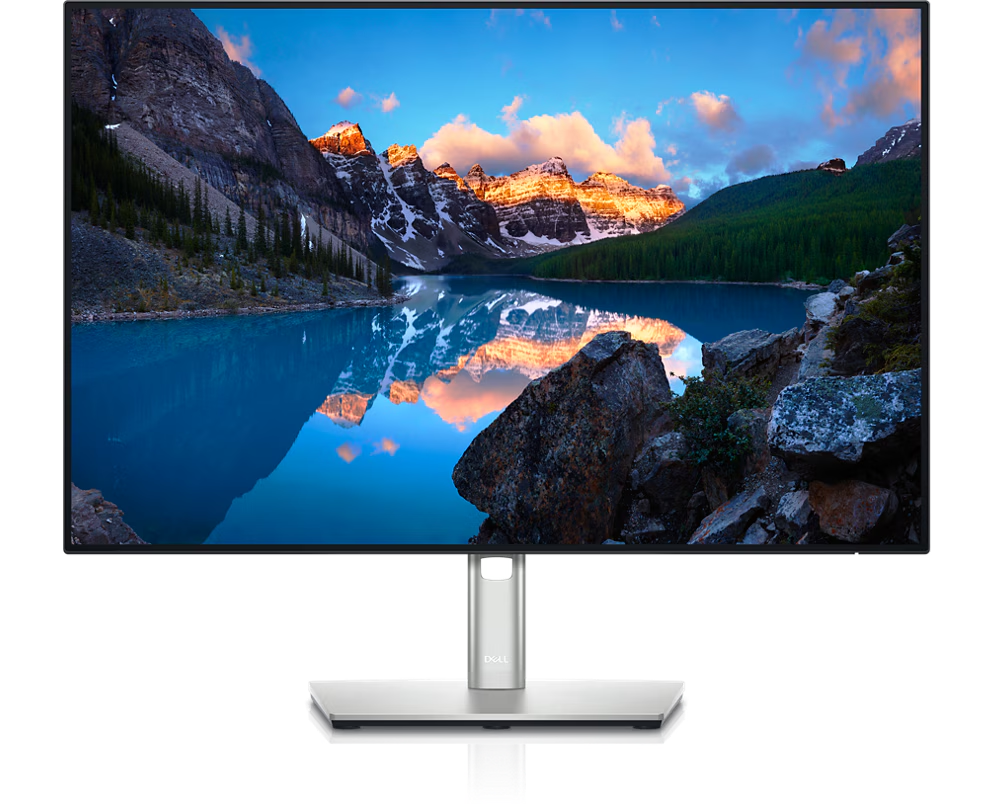
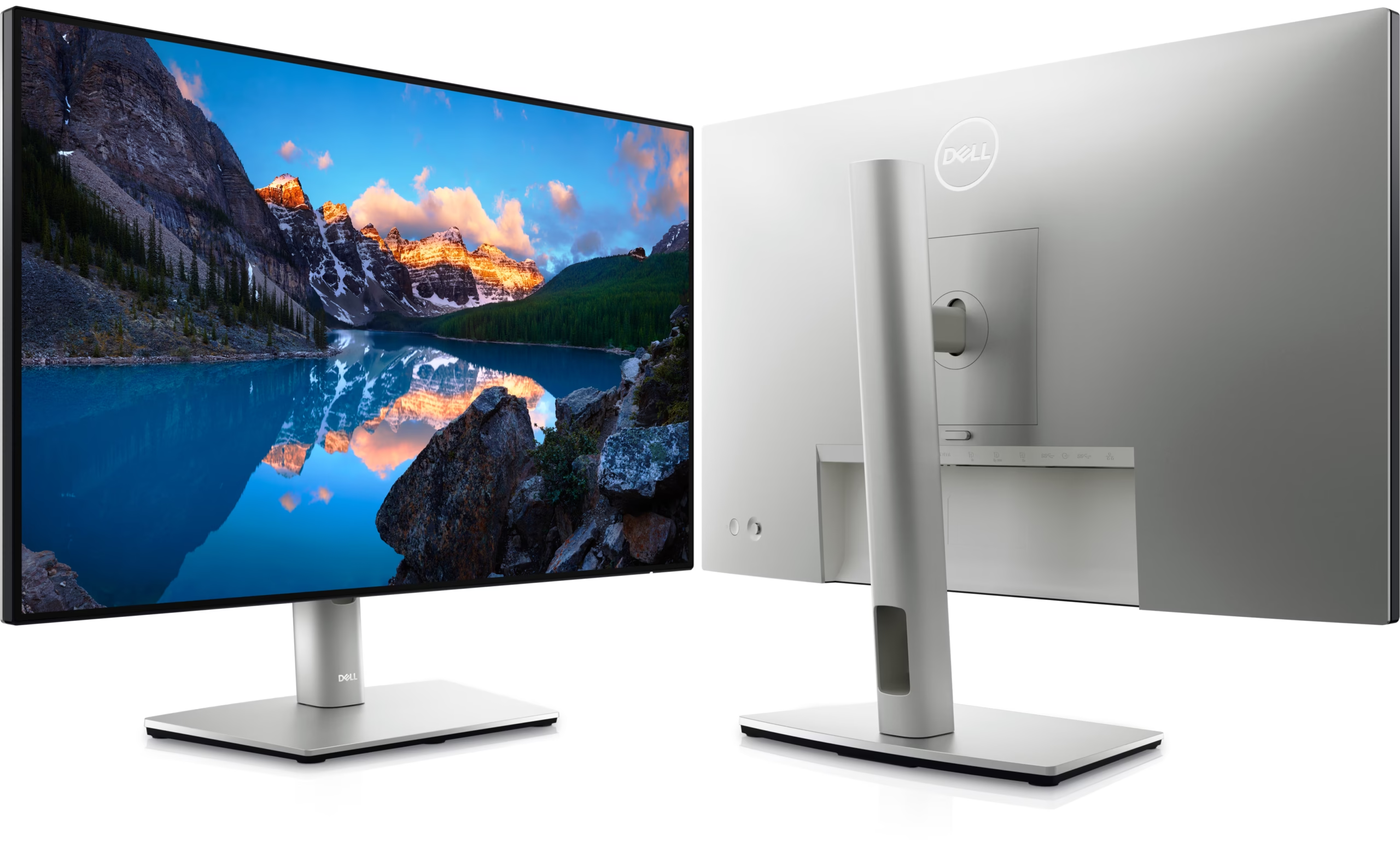
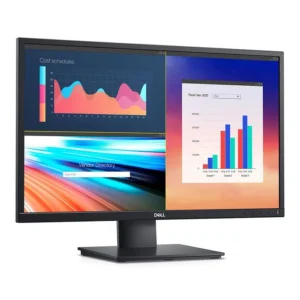
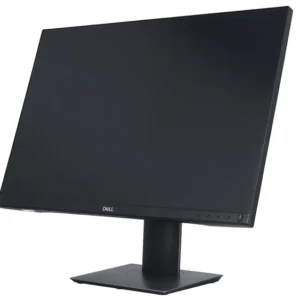
Dell U2421E UltraSharp USB-C 24 Inch monitor
- Screen Size & Type: 24.1-inch IPS Panel
- Resolution: WUXGA (1920 x 1200)
- Aspect Ratio: 16:10 (more vertical space than 16:9)
- Refresh Rate: 60Hz
- Brightness: 350 cd/m²
- Contrast Ratio: 1000:1
- Response Time: 8ms (normal), 5ms (fast)
- Color: 99% sRGB, 99% Rec.709, <2 Delta E calibration
Connectivity & Features:- USB-C Hub: 90W Power Delivery (PD) for laptops, plus USB-A ports.
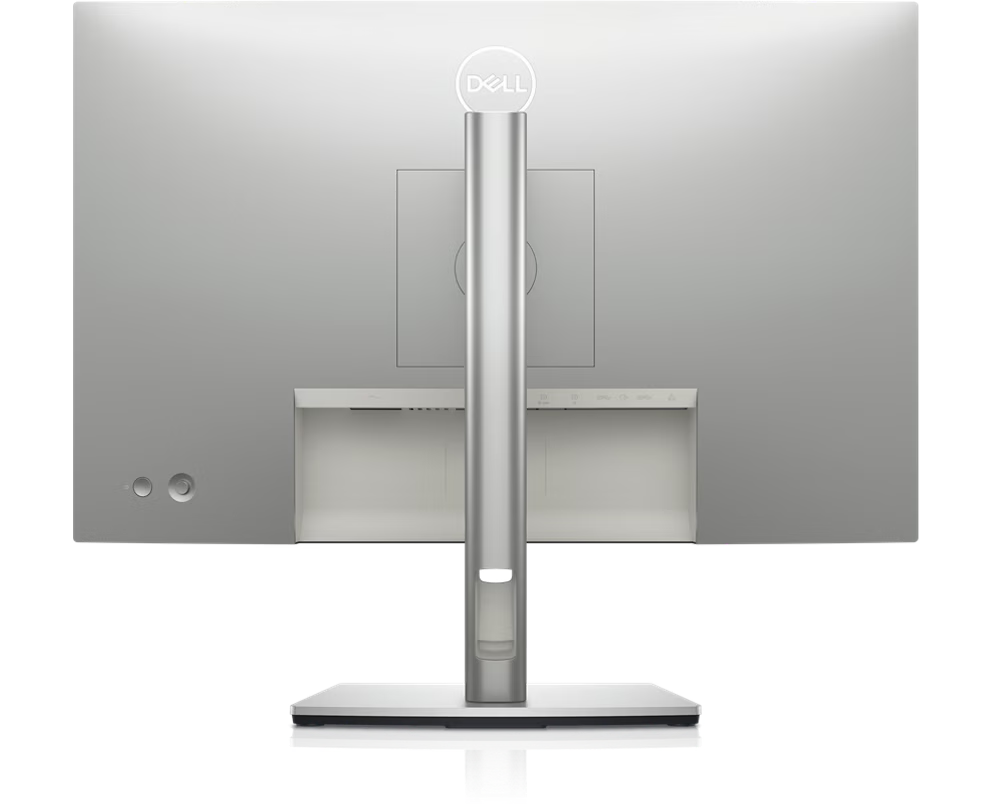
- Connectivity: HDMI, DisplayPort In/Out, USB-C, USB-A ports.
- Ethernet: Built-in RJ45 port (acts as a network dock).
- Daisy Chaining: Supports linking multiple monitors via DisplayPort.
- Ergonomics: Height, tilt, swivel, and pivot (portrait) adjustments with cable management.
- ComfortView Plus: Low blue light technology for eye comfort.
SKU: n/a
Dell U2421E UltraSharp USB-C 24 Inch monitor
- Screen Size & Type: 24.1-inch IPS Panel
- Resolution: WUXGA (1920 x 1200)
- Aspect Ratio: 16:10 (more vertical space than 16:9)
- Refresh Rate: 60Hz
- Brightness: 350 cd/m²
- Contrast Ratio: 1000:1
- Response Time: 8ms (normal), 5ms (fast)
- Color: 99% sRGB, 99% Rec.709, <2 Delta E calibration
- USB-C Hub: 90W Power Delivery (PD) for laptops, plus USB-A ports.
- Connectivity: HDMI, DisplayPort In/Out, USB-C, USB-A ports.
- Ethernet: Built-in RJ45 port (acts as a network dock).
- Daisy Chaining: Supports linking multiple monitors via DisplayPort.
- Ergonomics: Height, tilt, swivel, and pivot (portrait) adjustments with cable management.
- ComfortView Plus: Low blue light technology for eye comfort.
KSh38,000.00
Dell U2421E UltraSharp 24″ USB‑C Hub Monitor
Introducing the Dell U2421E, a premium 24.1‑inch UltraSharp monitor engineered for professionals, creators, and power users who demand performance, connectivity, and reliability. With built‑in USB‑C hub, modern ergonomics, and color-accurate display, this monitor is ideal for both office productivity and creative workflows.
Why the Dell U2421E Stands Out
1. USB‑C Docking & Power Delivery
With a USB‑C upstream port capable of 90W power delivery, this monitor can charge your laptop while transferring video and data — eliminating the need for a separate docking station.
2. Daisy Chain Capability
Thanks to DisplayPort out (MST), you can daisy chain multiple monitors from a single output, making multi‑monitor setups simpler and cleaner.
3. Productivity‑Focused Aspect Ratio
The 16:10 ratio gives you extra vertical space compared to 16:9 monitors, which is especially valuable when working with long documents, design toolbars, spreadsheets, or web pages.
4. Color Accuracy for Creative Work
With 99% sRGB / Rec. 709 and factory tuning, it’s well-suited for graphic design, web work, color grading, and other creative tasks that require reliable color reproduction.
5. Ergonomics & Comfort
The fully adjustable stand (height, tilt, swivel, pivot) and anti-glare panel enhance comfort during long hours of work. Dell’s ComfortView Plus further reduces harmful blue light without altering color fidelity.
Ideal Use Cases
-
Office / Productivity Workstations – gives more vertical space and clean connectivity.
-
Laptop Users / Mobile Professionals – one cable solution for display + power + peripherals.
-
Creative Professionals & Designers – accurate colors and aspect ratio suited to content workflows.
-
Developers / Coders – vertical space helps see more lines of code.
-
Multi‑monitor Setups – thanks to daisy chaining and thin bezels, it fits well in dual or triple configurations
Key Benefits & Use Cases
-
Single‑cable workstation solution: One USB‑C cable carries video, data, and up to 90W power delivery — making it an excellent companion for USB‑C / Thunderbolt laptops.
-
Optimal aspect ratio for productivity: Unlike typical 16:9 monitors, the U2421E uses a 16:10 aspect ratio (1920×1200 resolution), giving you more vertical workspace — ideal for documents, spreadsheets, code, and editing timelines.
-
Professional color fidelity: Covers 99% sRGB and 99% Rec. 709, making it suitable for design, video work, web content, and color-sensitive applications.

-
Display and Performance
- Display Size: 24 inches (23.8 inches viewable diagonal area).
- Panel Type: IPS (In-Plane Switching) with W-LED backlighting.
- Optimal Resolution: 1920 x 1200 at 60 Hz (WUXGA). The 16:10 aspect ratio offers more vertical screen space than standard Full HD monitors.
- Brightness: 300 cd/m² (nits) typical.
- Contrast Ratio: 1,000:1 (typical static).
- Response Time: 8 ms gray to gray (GtG) in normal mode; 5 ms in fast mode.
- Viewing Angles: 178° horizontal / 178° vertical.
- Colors Supported: 16.7 million colors.
- Color Gamut: 99% sRGB and 85% DCI-P3 coverage, factory calibrated.
- Screen Coating: Anti-glare with 3H hard coating.
- Eye Comfort: Features Dell ComfortView Plus, an always-on, hardware-based low blue light technology that does not compromise color accuracy.
Connectivity and Ergonomics
- Video Inputs:
- 1 x HDMI 1.4
- 1 x DisplayPort 1.4 (in)
- 1 x DisplayPort output (MST) for daisy-chaining multiple monitors
- 1 x USB Type-C port (Alt Mode DisplayPort 1.4) with up to 90W Power Delivery
- Networking: 1 x RJ-45 (Ethernet) port with PXE Boot support.
- Audio Ports: 1 x 3.5 mm audio line-out jack.
- USB Ports:
- 1 x USB 3.2 Gen 1 Type-B (upstream) port
- 3 x SuperSpeed USB 3.2 Gen 1 Type-A (downstream) ports
- 1 x SuperSpeed USB 3.2 Gen 1 Type-A (downstream) port with Battery Charging 1.2 capability
- Built-in Speakers: No.
- Stand Adjustments:
- Height adjustment (up to 150 mm or 5.9 inches)
- Tilt (-5° to +21°).
- Swivel (±45°).
- Pivot (±90° landscape/portrait rotation).
- VESA Mounting: 100 x 100 mm compatible.
Physical Specifications
- Dimensions (with stand, max height): Approximately 20.95″ W x 7.09″ D x 19.86″ H (531.5 mm x 180.0 mm x 504.3 mm).
- Weight (with stand): Approximately 14.59 lbs (6.62 kg).
- Design: Three-sided ultrathin bezels (InfinityEdge design).
- Power Consumption: 21 W (typical operational), 150 W (maximum), less than 0.3 W (standby/sleep).


There are no reviews yet.